
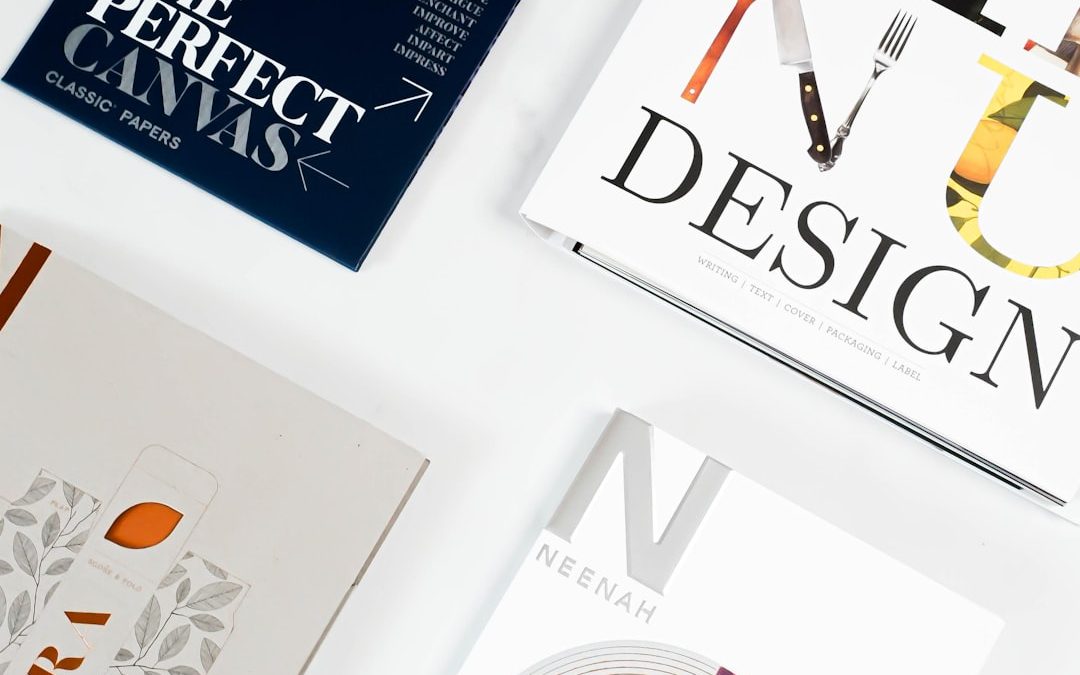

Creating a business card is more than just jotting down contact information on small paper stock. For branding-focused businesses, it’s an extension of their identity—a snapshot that conveys values, personality, and professionalism at first glance.
TL;DR: Choosing the right business card design tool is crucial for branding-oriented companies. From intuitive drag-and-drop platforms to professional-level software, there are many options for crafting memorable cards. The right tool depends on your design skills, budget, and whether you want physical printing or only digital files. Below are 18 versatile tools to help your brand leave a lasting impression.
1. Canva
Best for: Beginners, DIY branding.
Canva offers an incredibly user-friendly drag-and-drop interface with thousands of templates. A popular choice for small business owners and startups, it allows users to customize colors, fonts, logos, and layouts with ease.
2. Adobe Express
Best for: Fast professional templates with Adobe integration.
Formerly Adobe Spark, Adobe Express delivers high-quality design assets. It features easy-to-use templates that can be synced with other Adobe products.
3. Adobe InDesign
Best for: Advanced designers and branding professionals.
InDesign is a powerful, industry-standard tool for print materials. Businesses that heavily invest in their branding often choose this for its precision and full creative control.
4. Vistaprint
Best for: All-in-one design and print solution.
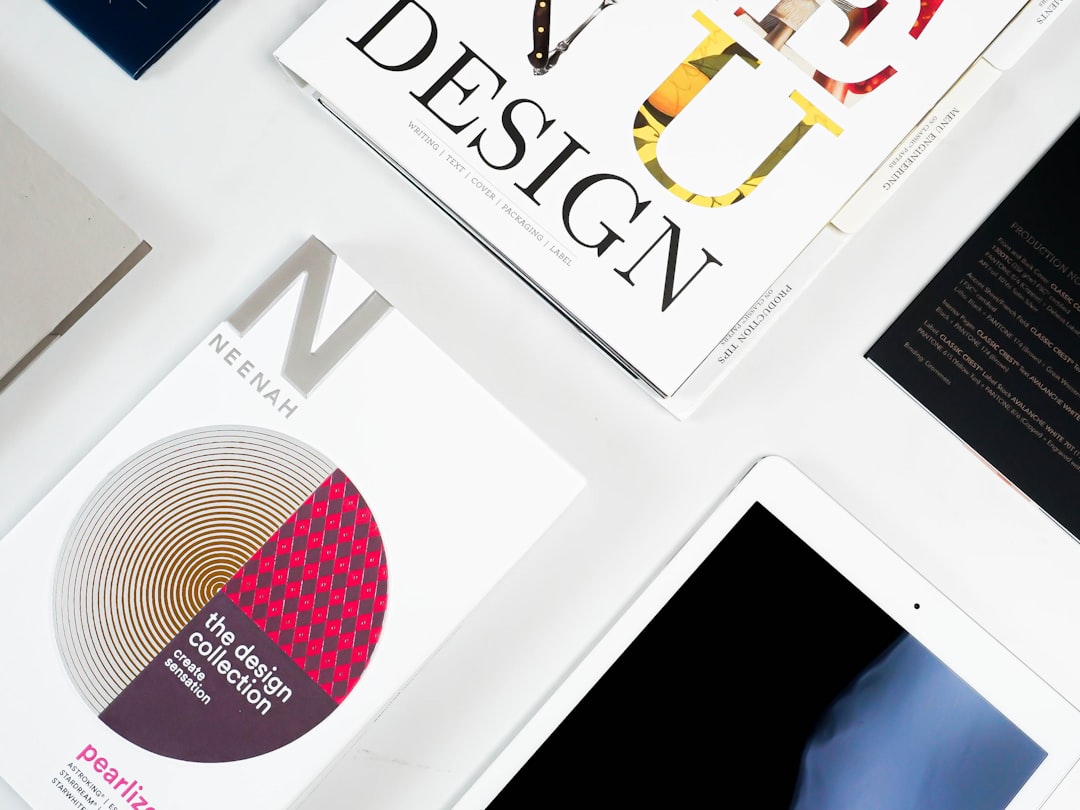
Known for printing services, Vistaprint also has an easy card designer on their platform. It combines affordable printing, shipping, and design services in one place.
5. Moo
Best for: Premium quality and innovative printing.
Moo stands out with its premium cardstock, special finishes like gold foil, and its Printfinity feature, allowing each card in a pack to have a different design.
6. Looka
Best for: New businesses building a brand from scratch.
Looka is more than a card tool—it offers logo design, branding kits, and business card layouts. It’s ideal for businesses starting from the ground up.
7. Designhill
Best for: Crowdsourced and AI-assisted designs.
Designhill uses both AI and crowd design contests to provide customized business cards, enabling businesses to gather many ideas fast.
8. Fotor
Best for: Quick custom designs with modern templates.
Fotor is a photo editing tool that also features a card creator. It’s sleek, intuitive, and ideal for people familiar with visual-heavy branding.
9. Jukebox Print
Best for: Artisanal materials and unique paper options.
For businesses wanting ultra-customized, tactile cards, Jukebox Print offers wood, cork, hemp, and recycled paper options, communicating eco-friendliness or luxury.
10. Crello (VistaCreate)
Best for: Engaging animations and template-driven cards.
Managed by VistaCreate (formerly Crello), this design tool allows for vibrant layouts and animated branding elements that give modern businesses a creative edge.
11. Zazzle
Best for: Marketplace of unique designer cards.
Zazzle combines ecommerce with design. Small businesses can pick from thousands of designer-made business card templates or even commission custom work.
12. Business Card Maker by Shopify
Best for: Shopify merchants and eCommerce startups.
This free tool helps eCommerce users quickly design solid, branded cards. It integrates well with Shopify for a consistent brand experience.
13. CorelDRAW
Best for: Technical design and precise layout control.
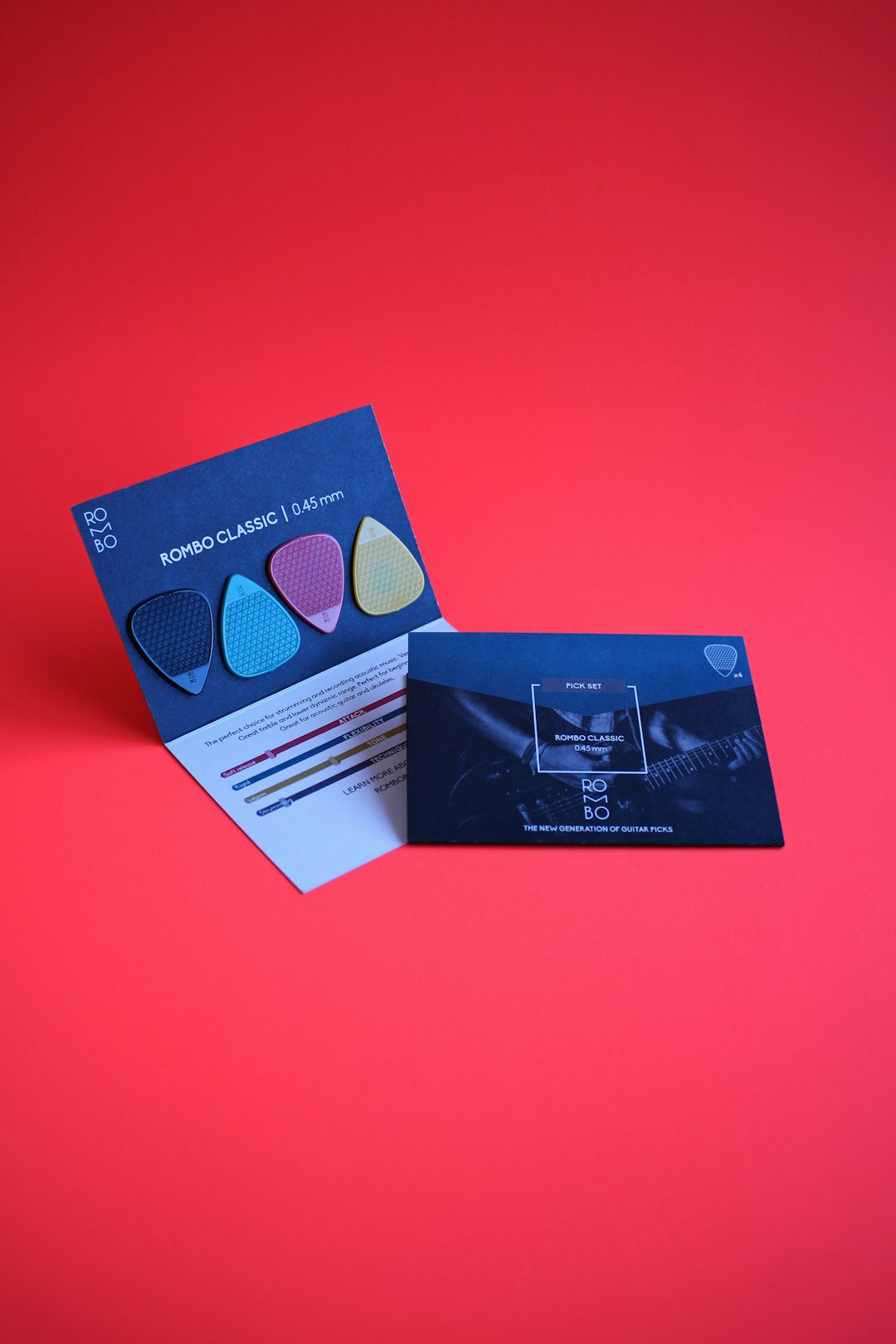
CorelDRAW appeals to professionals who want precision when creating business cards. It’s suitable for making intricate illustrations and custom layouts.
14. Placeit
Best for: Extensive branding suite with quality templates.
Placeit lets users create mockups, logos, and templates in real-time, including business cards. It’s particularly useful for producing branded content across platforms.
15. BrandCrowd
Best for: Quick logo-to-card generation.
Start with a logo and BrandCrowd auto-generates business cards to match. A solid choice for brand consistency and rapid deployment.
16. Lucidpress
Best for: Enterprise-grade brand asset management.
Ideal for companies with multiple users needing brand-locked templates. Lucidpress minimizes off-brand design through centralized control.
17. Pixlr
Best for: Lightweight graphic editing on the cloud.
Pixlr is a browser-based editor useful for modifying templates or creating cards from scratch. It’s a light alternative to more complex desktop software.
18. CardStudio by Zebra
Best for: Secure card issuing in corporate environments.
Though traditionally used for ID and access cards, Zebra’s CardStudio can be adapted by stakeholder-heavy brands needing functional, branded business identity cards.
How to Choose the Right Tool
When selecting a business card design tool, branding-focused businesses should factor in:
- Design expertise: Are you a DIY designer or need professional help?
- Printing quality: Do you want luxe finishes or standard cards?
- Budget: Look for free tools vs. premium options.
- Speed vs. Customization: Do you need something quick or truly unique?
Companies that invest in brand recognition should choose tools that offer cohesive visual identity options, like consistent color palettes, custom logos, and font selections that reflect tone and positioning.
Frequently Asked Questions (FAQ)
-
What’s the best free business card design tool?
Canva and Shopify’s Business Card Maker are popular free tools that allow quality designs without requiring payment. -
Which tools offer printing services too?
Tools like Vistaprint, Moo, Zazzle, and Jukebox Print offer integrated printing after design completion. -
I don’t have design skills. Can I still make a good card?
Absolutely. Tools like Canva, Looka, and BrandCrowd are designed specifically for non-designers to create professional-looking cards. -
Are there tools for animated or digital-only cards?
Yes, Crello (VistaCreate) allows animated cards, and you can design digital-only formats for email or social sharing using tools like Fotor or Pixlr. -
How can I ensure my card reflects my brand identity?
Use tools that support uploading your logo, allow custom color palettes, and offer brand consistency features—Lucidpress and Adobe InDesign are top picks here.


Software Alternatives Startups Consider Instead of VictoriaMetrics for Scalable Monitoring
Modern startups live and breathe data. From application uptime to user behavior, every metric counts when you’re building a product…