

For creatives like designers, photographers, and artists, a business card is more than just contact information—it’s a mini work of art and a powerful branding tool. Whether handed out at exhibitions, studios, or networking events, an eye-catching, well-designed business card can leave a lasting impression. With dozens of tools available, choosing the right business card maker can be overwhelming. That’s why we’ve put together a curated list of the best business card makers tailored for professionals in creative industries.
TL;DR
Creative professionals need business card makers that allow for customization, high-quality print options, and artistic freedom. Tools like Canva, Vistaprint, Moo, and Adobe Express are top picks based on design flexibility, print quality, and ease of use. Choose a platform that reflects your personal or brand aesthetic while offering practical features like templates, design freedom, and print finish upgrades. Whether you’re looking for sleek minimalism or bold visual storytelling, there’s a platform to fit your style and budget.
Why Creatives Need a Better Business Card Maker
Standard templates and cookie-cutter designs won’t cut it for artists and other creative professionals. A business card should embody your artistic identity, from textures to typography. The ideal business card maker combines:
- Creative Freedom: Custom fonts, layouts, and visual elements.
- High Print Quality: Premium paper, texture options, and specialty finishes like foil or embossing.
- User-Friendly Interface: Even non-designers should find the tool intuitive to use.
- Budget Flexibility: Options to suit both freelancers and full-time professionals.
Top Business Card Makers for Creatives
1. Canva
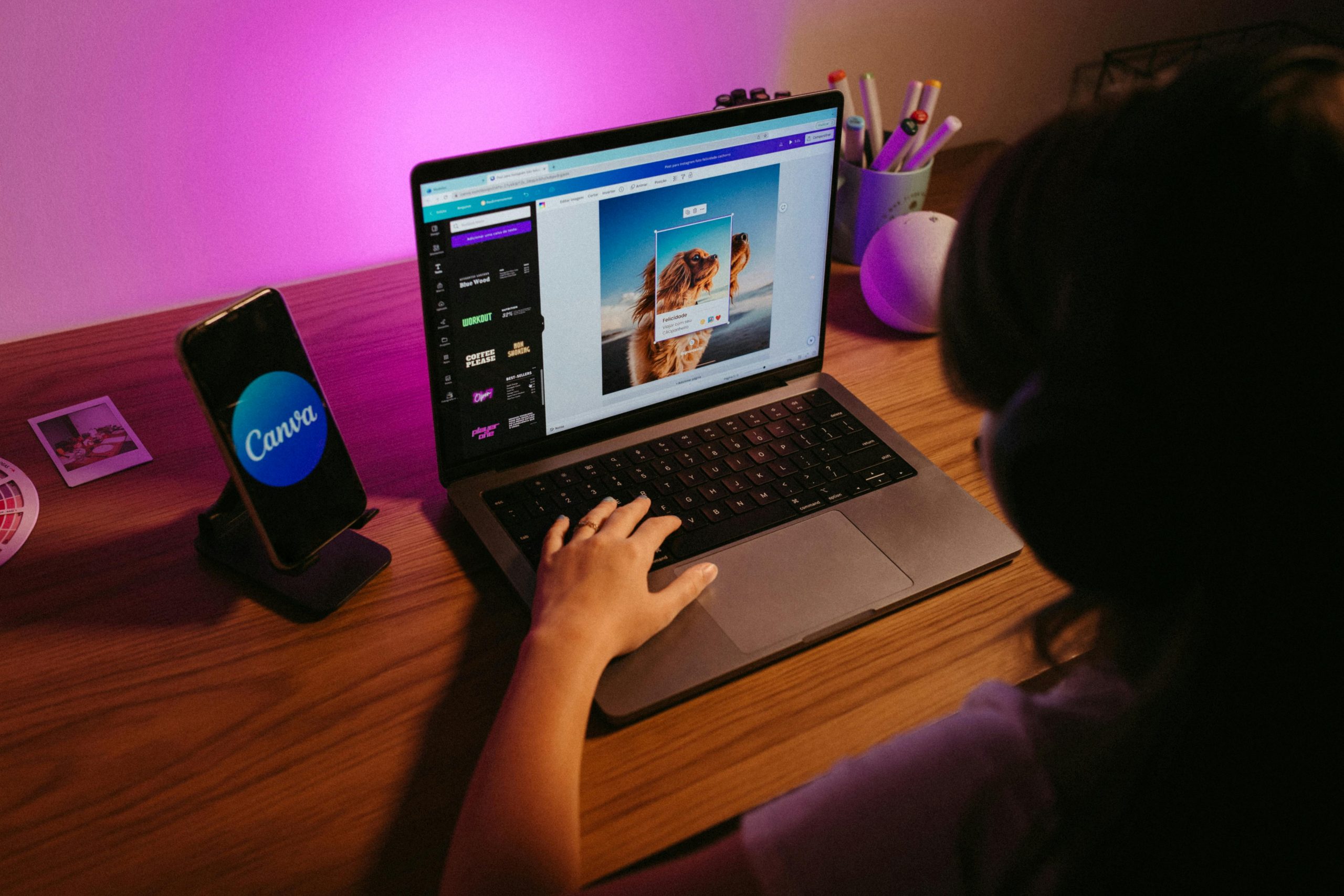
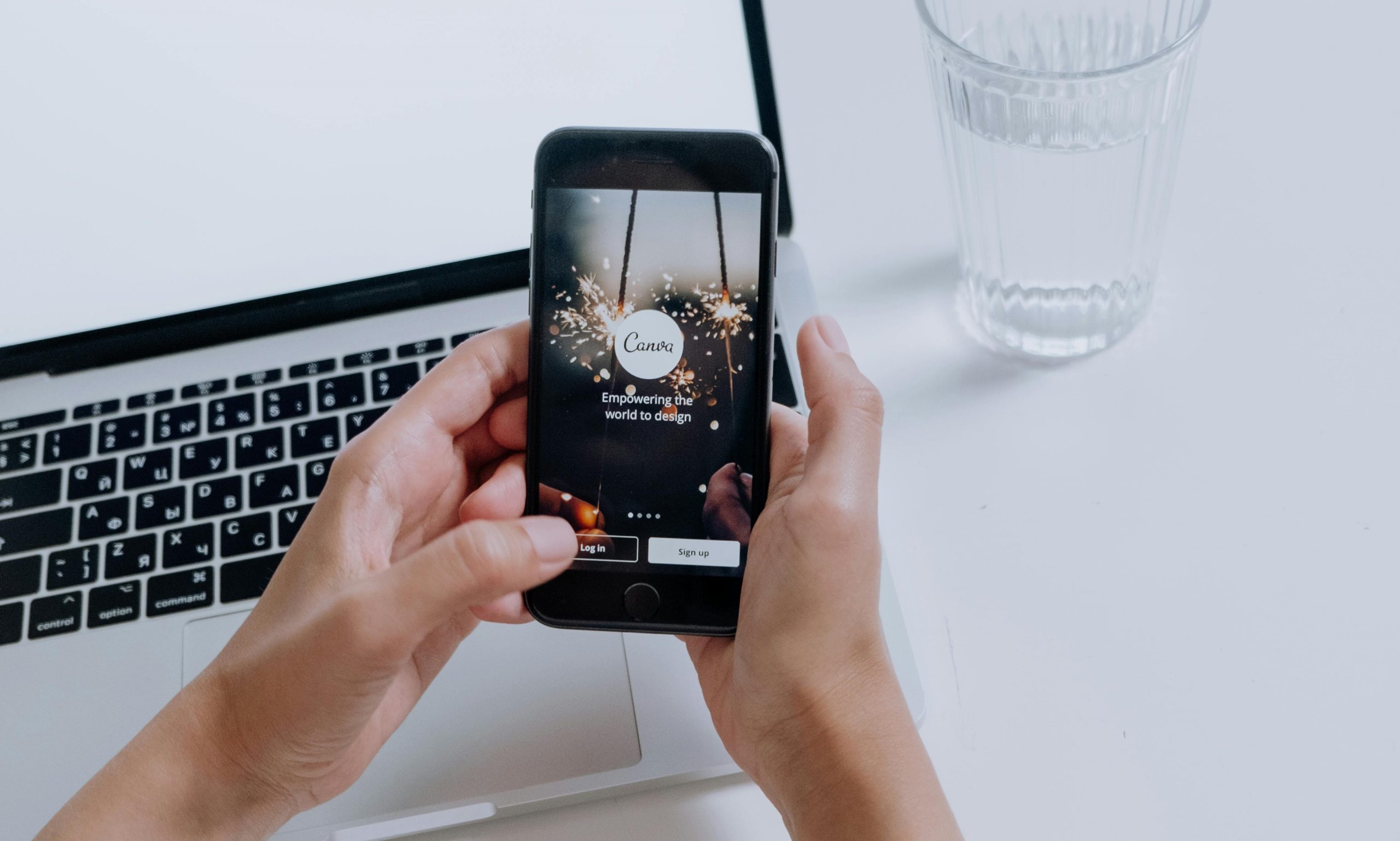
Canva stands out as one of the best tools for graphic designers and artists who want a straightforward yet powerful design tool. With a simple drag-and-drop interface, this platform offers hundreds of customizable business card templates and seamless printing options.
- Pros: Highly intuitive, vast template library, affordable print service.
- Cons: Limited paper and finish options compared to premium printers.
2. Moo
Moo is an excellent choice for creatives who demand quality and uniqueness in their business cards. Known for its premium cardstock, edge coloring, and rich texture options, Moo lets you upload your own designs or use its custom templates tailored to creatives.
- Pros: Superior print quality, unique card features (like Printfinity), eco-conscious materials.
- Cons: Higher pricing, especially for premium finishes.
3. Vistaprint
Vistaprint offers a fantastic balance between affordability and professional results. It allows full customization and a wide variety of paper stocks, including magnetic and textured options. Their design tool is easy to use while still offering advanced features for those who want more control.
- Pros: Competitive pricing, variety of styles, globally trusted service.
- Cons: Some templates may feel dated; premium features can get expensive.
4. Adobe Express (Formerly Spark)
For artists already in the Adobe ecosystem, Adobe Express is a solid choice for creating stunning business cards. Compatible with other Adobe tools like Illustrator and Photoshop, Adobe Express provides a fast way to design cards with visual flair while leveraging Adobe’s design aesthetics.
- Pros: Seamless integration with Adobe suite, professionally designed templates, high control over design elements.
- Cons: Best for those already familiar with Adobe tools; printing must be outsourced.
5. Zazzle
Zazzle caters especially well to artists and illustrators due to its community-based design element. You can choose to design your own cards or purchase unique templates crafted by other artists. This marketplace model supports creative collaboration and offers rare visual treatments.
- Pros: Artistic design selection, print-on-demand, options to become a seller too.
- Cons: Print quality can vary depending on selected options.
6. Jukebox Print
If you want your cards to feel like collectible art pieces, Jukebox Print is your go-to. It offers a wide range of luxury features including wood, cork, and recycled paper options, as well as unique shapes and custom die cuts—perfect for photographers and visual artists who want impact.
- Pros: Unique materials, unmatched customization capabilities, eco-friendly options.
- Cons: Not as beginner-friendly; longer turnaround time.
What Features Matter Most for Creatives?
Choosing the right business card maker depends on your specific artistic needs. Here are some features creatives often prioritize:
- Edge-to-Edge Printing: Vital for image-heavy layouts like photography portfolios.
- Typography Control: Essential for graphic designers and typographic artists.
- Paper Finish Options: Matte, gloss, textured, or recycled papers enhance the tactile feel.
- Support for Custom Dimensions: Non-standard sizes and shapes help your card stand out.
Physical vs. Digital Cards: Do You Need Both?
While print cards remain irreplaceable at exhibitions and in-person events, digital business cards are gaining popularity. Platforms like HiHello or QR code integrations allow instant sharing of contact info and portfolios. Nevertheless, most creatives agree that a physical card, with its tangible presence and artistic touch, wins out when making a first impression.
Tips for Designing Memorable Business Cards
Whether you’re using a template or designing your card from scratch, keep the following design tips in mind:
- Keep It Simple: Don’t overcrowd your card; guide the viewer’s attention.
- Highlight Your Creative Niche: Use graphics, textures, or samples that resonate with your field.
- Use High-Resolution Files: Especially important for photographic elements.
- Be Unique: Consider using alternative shapes, standout fonts, and tactile finishes to make your card unforgettable.
Conclusion
For creatives, a business card is not just a contact tool—it’s part of your artistic statement. Platforms like Canva and Adobe Express offer design control, while Moo and Jukebox elevate things with premium prints and materials. Choose based on your needs, from ease of use to budget to uniqueness. The right card can do more than provide information—it can start a conversation, spark inspiration, and win lifelong clients.
FAQs
- Q: What is the best business card maker for professional photographers?
A: Moo and Jukebox are excellent choices for photographers due to their support for high-resolution imagery and premium finishes that enhance visual impact. - Q: Can I design a business card for free?
A: Yes. Platforms like Canva and Adobe Express offer free versions with access to basic templates and customization tools. However, printing will generally cost extra. - Q: What format should I use when uploading a custom business card design?
A: High-resolution PDF or PNG files (minimum 300 DPI) are typically recommended to ensure the best print quality. - Q: Are square or uniquely shaped business cards a good idea?
A: Absolutely. Unusual shapes can make your business card stand out, especially for artists and designers. Just be mindful of practicality for wallets and holders. - Q: How many business cards should I order at once?
A: A small batch of 100–250 cards is a good starting point. This allows for design revisions before making a larger investment.

IT Security and Compliance: ISO 27001 vs NIST CSF for Enterprise Security Governance
Choose ISO 27001 when your enterprise needs certifiable proof of security governance; choose NIST CSF when you need a practical…