

With the continual shift to streaming and cloud-based storage, fewer people use optical drives. However, some still rely on CDs, DVDs, and Blu-rays to archive data or access older media. For creating these discs, ImgBurn remains a popular tool. Yet, with security concerns becoming more prominent in everyday tech use, many users ask: Is ImgBurn safe to use? This article explores that question and provides a clear and concise answer backed by facts.
TL;DR: ImgBurn itself is a powerful and historically reputable disc-burning utility. However, concerns exist around its installer, which has previously bundled potentially unwanted programs (PUPs) and adware. If you download ImgBurn from unofficial sources or don’t carefully manage the installation, you may risk installing unwanted software. If used cautiously and downloaded from the official site (or archived versions without adware), ImgBurn is generally safe.
What is ImgBurn?
ImgBurn is a lightweight optical disc authoring program that allows users to burn data to CDs, DVDs, HD DVDs, and Blu-ray discs. Created by an independent developer known as “LIGHTNING UK!”, ImgBurn was popular due to its fast performance, small footprint, and compatibility with a wide range of formats.
This application is often used to:
- Create and burn ISO images
- Write files and folders to disc
- Verify disc readability and integrity
- Build bootable media
It supports a large range of file systems and offers a specialized mode for each type of media creation, making it a versatile tool.
Is ImgBurn Safe to Use?
The software itself, as originally designed, does not contain malicious code. ImgBurn has been widely praised for its functionality and stability even in professional circles. However, security concerns revolve mainly around the installation process and distribution methods.
Key safety concerns include:
- Bundled adware in the installer
- Outdated software version – no updates since 2013
- Unofficial downloads containing malware
1. The Bundled Software Problem
Starting around 2013, installers on the official ImgBurn site, when using download mirrors, began to include bundled software that could be considered Potentially Unwanted Programs (PUPs) or adware. These include browser toolbars, search hijackers, and other utilities that are irrelevant to disc burning and intrusive to users.
Though technically you can opt out of installing this extra software via “custom installation” or by paying close attention during installation, many users often rush through the process and unknowingly install software they neither want nor need.

Security firms and user forums have documented instances where ImgBurn’s installer was flagged for including PUPs. It’s important to point out that this does not make the ImgBurn core software malicious, but the delivery mechanism compromised the trust many had in the tool.
2. Stagnation and Lack of Updates
Another concern is that ImgBurn has not seen any updates since 2013. While the software works well and continues to perform its duties, lack of updates means that:
- Security vulnerabilities are not patched
- No compatibility updates for modern operating systems
- No improvement in usability or additional formats
This stagnancy might make security analysts hesitant to recommend the tool, especially in professional environments with security policies against outdated software.
3. Malware Risks from Unofficial Downloads
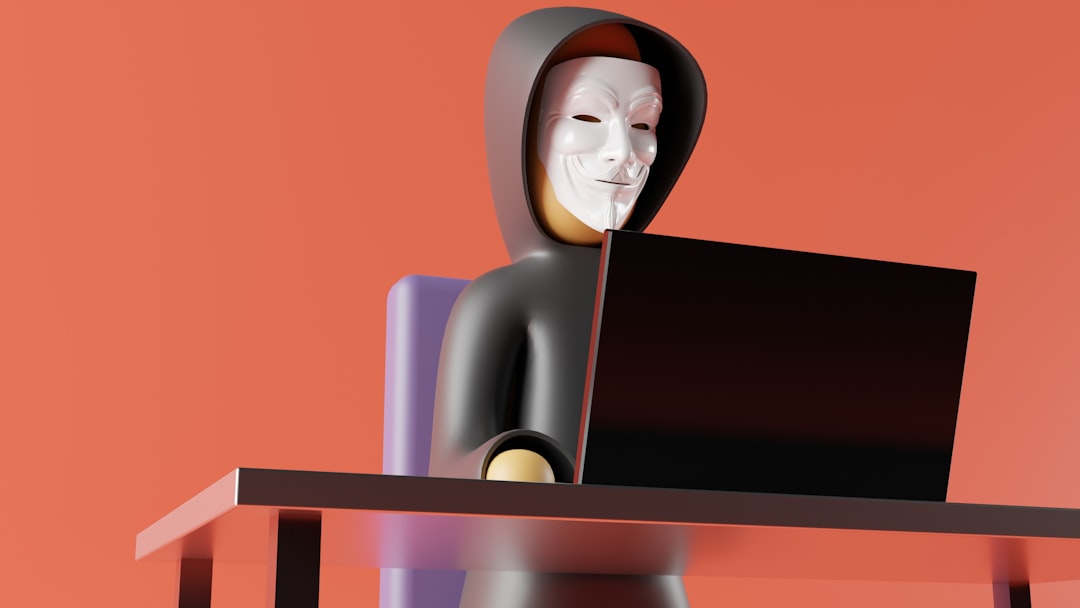
Because official support for ImgBurn appears to be suspended, many users seek alternative download sources. Unfortunately, these unofficial sources may package the installer with real malware — not just adware. These might contain keyloggers, ransomware or backdoors.
If you download ImgBurn from a community website, torrent site, or an unofficial mirror, there’s a legitimate risk that the file has been tampered with.
How to Use ImgBurn Safely
If you still want to use ImgBurn due to its simple interface and powerful features, follow these best practices to ensure safe use:
1. Download from Trusted Sources
Use only the official ImgBurn website (imgburn.com) or known software archives like Ninite or MajorGeeks when available. However, even the official site has sometimes supplied installers with adware, so proceed with caution and select custom installation options to avoid bloatware.
2. Use Older, Clean Versions
Tech forums and communities like Reddit or GitHub have posted links to archived “clean” versions of ImgBurn, particularly version 2.5.8.0. Be sure to validate checksums of these files to ensure integrity. Once a clean version is installed, disconnect the computer from the internet or use a virtual machine for added safety during operation.
3. Use Microsoft Defender or Antivirus
Before installation, scan the file with both Windows Defender and a secondary scanner such as Malwarebytes. This precaution helps catch any malware embedded in the installer, especially if it wasn’t sourced directly from the official repository.
4. Consider Portable Alternatives
Some users have extracted the ImgBurn executable and use it in a portable form, avoiding the installer altogether. This minimizes risk and allows for manual control of every file included in the tool.
Are There Safer Alternatives?
If you’re concerned about ImgBurn’s drawbacks but need similar functionality, several reputable alternatives may be worth considering:
- CDBurnerXP – Clean, regularly maintained, and supports disc burning for various formats
- AnyBurn – Lightweight and offers many of the same ISO/image functionalities as ImgBurn
- BurnAware Free – User-friendly and updated frequently, though some features are gated behind paid versions
Each of these alternatives comes with its pros and cons but generally have a better track record in terms of ongoing updates and avoiding bundled software.
Expert Recommendations
Security experts recommend always using up-to-date software that is actively maintained and receiving patches. While ImgBurn’s last version might still function well and be safe if used correctly, general advice for 2024 is to steer toward alternatives with active development.
That said, IT professionals and power users who understand the risks and take proper precautions (offline environments, portable versions, strict antivirus usage) can continue using ImgBurn effectively and safely.
Conclusion
So, is ImgBurn safe to use?
Yes – with significant caveats. ImgBurn itself is not malware, and its direct functions do not harm your system. However, the installer often comes with third-party software, and outdated development poses potential risks. Use it only if you download it from a reliable source, choose a clean version, and avoid the default installation process.
For non-technical users or those unfamiliar with avoiding installer traps, it’s safer to choose an actively maintained alternative. ImgBurn is a solid product, but the modern software landscape demands better practices in distribution and support.




Bananaz AI: Bananaz AI vs Midjourney for AI Image Generation
Pick Bananaz AI for speed and simple content work. Pick Midjourney for richer art, mood, and wow factor. That is…