
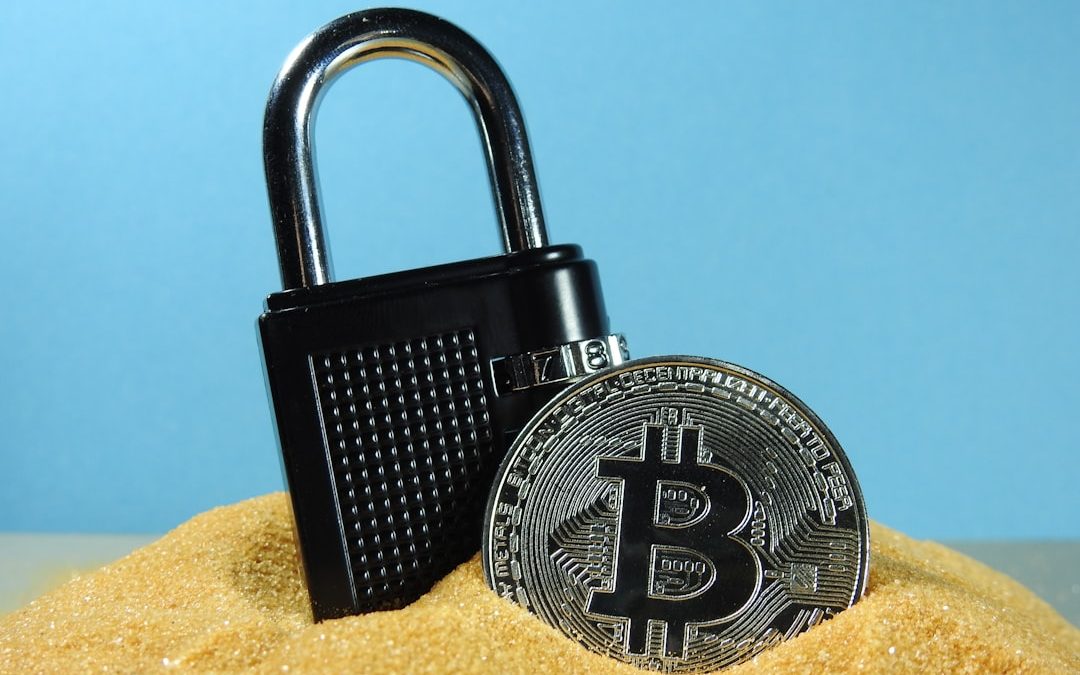

Storing your crypto safely is a big deal. Nobody wants to lose their Bitcoin or Ethereum to hackers. That’s why hard wallets exist. They keep your coins offline and away from danger.
TL;DR: Choosing the right hard wallet can feel like choosing your first Pokémon—exciting but also confusing. Look for one that supports your favorite coins, has strong security features, and is easy to use. The big names in the game are Ledger, Trezor, and SafePal. Price matters, but remember—losing your crypto would cost way more!
What’s a Hard Wallet, Anyway?
A hard wallet is a small device that stores your cryptocurrency offline. It’s also called a hardware wallet. Since it’s not connected to the internet, it’s super hard to hack.
Think of it like a digital treasure chest. Your private keys stay locked away inside. To make a crypto transaction, you connect the wallet to your computer or phone, verify the details, and boom—safe and secure sending!
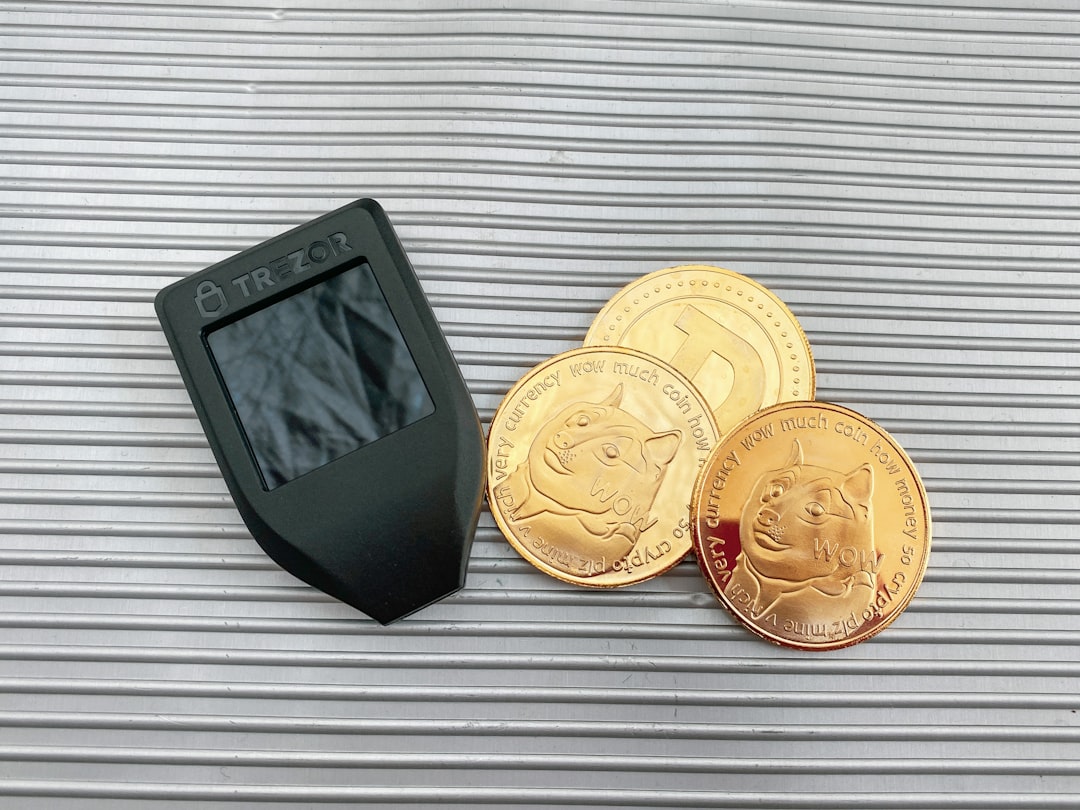
Why Not Keep My Crypto on an Exchange?
Because exchanges get hacked. All. The. Time. If your coins are sitting there, they’re a tasty target.
Also, you don’t actually own the crypto on exchanges. The company owns the keys—you just hope they don’t go bankrupt, disappear, or get hacked.
Remember: Not your keys, not your coins.
Top Things to Look For in a Hard Wallet
Let’s keep it simple. Here’s what you should look for:
- Security: Is it from a trusted brand? Does it use strong encryption?
- Coin support: Can it store the coins you actually use?
- User-friendliness: Is the app easy to use? Is setup simple?
- Backup options: Can you recover your wallets if the device is lost?
- Build quality: Does it feel like a toy or a piece of tech?
Let’s dive into things a bit deeper.
1. Security Above All
A hard wallet should be like a bank vault. Look for:
- PIN protection
- Offline key storage
- Secure Element chips (these keep private keys super secret)
- Open-source firmware (so tech nerds can verify it’s safe)
Pro tip: If it doesn’t come from an official site or trusted retailer, don’t buy it. It could be tampered with.
2. What Cryptos Do You Use?
Not all wallets support all coins. Some focus on Bitcoin, others are great for Ethereum and tokens. If you’re into altcoins or NFTs, make sure your wallet can handle them.
Here’s a quick cheat sheet:
- Ledger Nano X: Supports 1,000+ coins, including Bitcoin, Ethereum, Solana, Ripple, and more.
- Trezor Model T: Great for privacy coins like Monero.
- SafePal S1: Solid multi-coin support and even handles NFTs.
Don’t guess. Check the official wallet page to see the full list of supported coins.
3. Is It Easy to Use?
If it feels like flying a spaceship just to send $20 in crypto, it’s probably not the right wallet for you.
Look for a wallet that has:
- Clear screen layout
- Simple app interface
- Easy-to-follow setup guide
No shame in choosing something that’s beginner-friendly. Crypto doesn’t have to be complicated.
4. What If You Lose It?
Don’t panic! Every hard wallet gives you a recovery phrase (usually 12–24 words).
Write it down. Store it somewhere safe. Do not take a picture of it. Do not keep it in the cloud.
If your wallet is lost or damaged, you can use this phrase to restore your funds on a new device. Pretty sweet, right?

5. Price vs. Value
The most popular hard wallets cost between $50 and $200.
Some are cheaper but may have fewer features or weaker build quality. More expensive ones usually support more coins, have Bluetooth, and a bigger screen.
Popular choices:
- Ledger Nano S Plus: Around $79 – compact and reliable.
- Ledger Nano X: Around $149 – has Bluetooth and a lot more storage.
- Trezor Model One: Around $69 – basic but solid.
- Trezor Model T: Around $219 – premium device with touchscreen.
- SafePal S1: Around $50 – great value and air-gapped (offline) design.
Spending a bit more upfront can save you a fortune later.
6. Watch Out for Fakes
Scammers are sneaky. They sell fake or tampered wallets on shady websites or even on big marketplaces.
Only buy from official websites or trusted resellers.
And always, always initialize your device yourself. If it comes with a “pre-generated” recovery phrase, send it back—fast!
Bonus: Features That May Wow You
Some wallets come with extra perks that make life easier or more fun:
- Mobile apps: Connect your wallet to your phone and manage crypto on the go.
- DeFi support: Access decentralized apps (dApps) right through your wallet.
- NFT support: Store and see your NFTs directly on the device or app.
- Multi-wallet support: Manage different accounts or family use from one device.
You don’t have to use all the features. But it’s nice to know they’re there!
Quick Comparison Table
| Wallet | Coins Supported | Price Range | Notable Features |
|---|---|---|---|
| Ledger Nano S Plus | 1800+ | $79 | Affordable, very secure |
| Ledger Nano X | 1800+ | $149 | Bluetooth, more apps |
| Trezor Model One | 1000+ | $69 | Great beginner choice |
| Trezor Model T | 1800+ | $219 | Touchscreen, open-source |
| SafePal S1 | 30,000+ | $50 | Air-gapped, NFT support |
Wrapping It All Up
Choosing a hard wallet isn’t just about features or price. It’s about peace of mind. When your crypto is on a secure device that YOU control, you sleep better at night.
Here’s your action plan:
- List the cryptos you own.
- Decide on your budget.
- Pick a wallet that fits your needs.
- Buy it from a trusted source.
- Set it up carefully and write down your recovery phrase.
Congratulations—you’re now your own bank!
Cryptocurrency is freedom, and a hard wallet is your set of keys. Keep them safe!


BANT vs. MEDDIC: Salesforce vs. HubSpot for Improving B2B Lead Qualification
Use BANT in HubSpot when speed and volume matter; use MEDDIC in Salesforce when deal quality, complexity, and forecast accuracy…