

AI-powered screen recording tools have transformed the way professionals create tutorials, demos, and training content. While Kroto has gained attention for its automated editing and documentation features, it is not the only option available. Businesses, educators, and content creators often seek alternatives that offer better integrations, enhanced AI features, or more flexible pricing. Exploring the right solution can dramatically improve productivity and content quality.
TLDR: Several powerful alternatives to Kroto offer advanced AI-driven screen recording and editing tools. Loom, Descript, and Screen Studio stand out for their unique strengths in automation, collaboration, and video enhancement. Each platform caters to different user needs, from corporate teams to solo creators. Choosing the best fit depends on workflow requirements, budget, and desired AI capabilities.
In this article, three leading Kroto alternatives are examined in detail, highlighting their features, strengths, limitations, and ideal use cases. A comparison chart is also included to simplify decision-making.
1. Loom – AI-Powered Communication for Teams
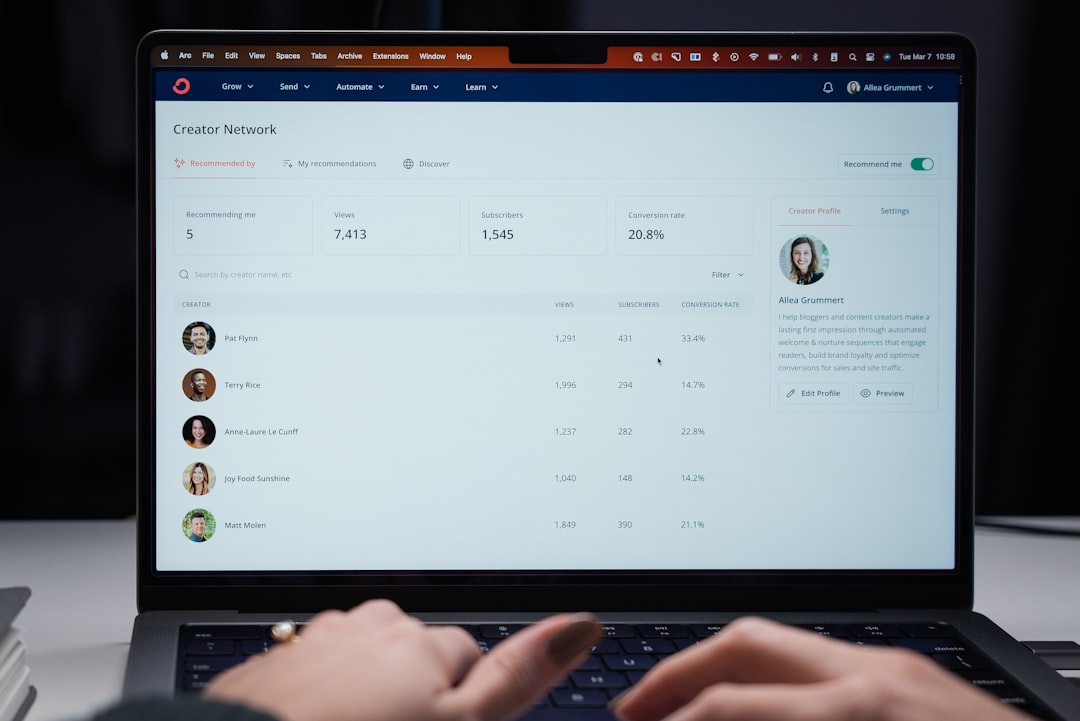
Loom has established itself as a leading screen recording tool, particularly popular among remote teams and corporate environments. Its AI features go beyond basic capture, offering automatic transcription, summaries, and even filler-word removal in higher-tier plans.
Key Features
- Instant Screen and Webcam Recording: Users can record screens, webcams, or both simultaneously.
- AI-Generated Summaries: Automatically creates concise overviews of video content.
- Auto Transcriptions: Provides searchable transcripts for accessibility and indexing.
- Filler Word Removal: AI detects and removes “um” and “uh” for cleaner presentations.
- Team Collaboration Tools: Comments, emoji reactions, and shared workspaces.
Strengths
Loom excels in simplicity and speed. It enables users to record and share a link in seconds, making it perfect for asynchronous communication. The AI summaries save time for viewers who want quick insights without watching the entire recording.
Limitations
While Loom’s AI features are helpful, it is less geared toward in-depth tutorial creation compared to tools that focus more heavily on automated documentation like Kroto. Advanced editing capabilities remain somewhat limited.
Best For
Remote teams, product demos, internal communication, and quick knowledge sharing.
2. Descript – Advanced AI Editing and Screen Recording
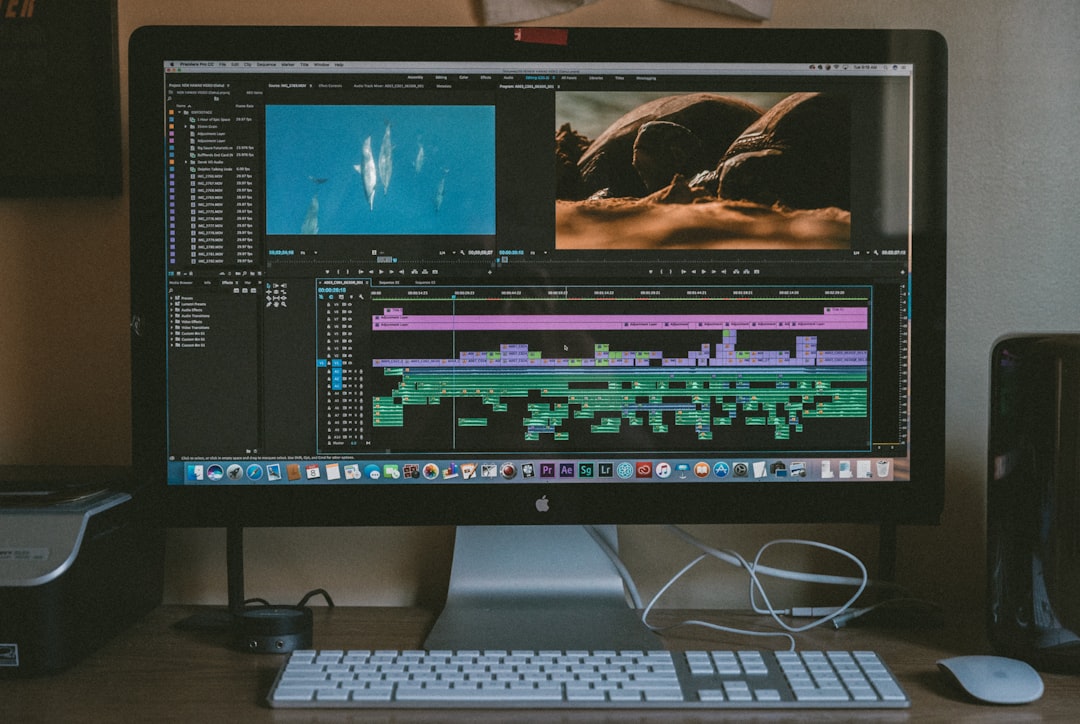
Descript stands out as a powerful multimedia editing suite that combines screen recording, audio editing, and video production in a single platform. Unlike many screen recorders, Descript uses AI as a core component of its editing workflow.
Key Features
- Screen and Camera Recording: Built-in recording functionality with high-quality output.
- Text-Based Editing: Edit video by modifying the transcript text.
- Overdub AI Voice: Generates voiceovers using AI-cloned voices (with permission).
- Automatic Transcription: Accurate speech-to-text powered by AI.
- Studio Sound: Enhances audio clarity and removes background noise automatically.
Strengths
Descript’s greatest strength lies in its text-based editing model. Users can delete a sentence in the transcript and instantly remove that segment from the video. This drastically reduces traditional editing complexity. The AI voice and sound enhancement features also elevate content quality beyond basic screen capture.
Limitations
Descript comes with a steeper learning curve compared to simpler platforms like Loom. Users seeking a lightweight recording tool may find its extensive editing suite more than they need.
Best For
Content creators, podcasters, educators, and marketers who require advanced editing and production features.
3. Screen Studio – Automated Visual Enhancements for Professionals
Screen Studio has rapidly gained popularity among designers, developers, and SaaS founders. It focuses heavily on automated visual enhancements, creating polished and cinematic recordings with minimal manual effort.
Key Features
- Automatic Zoom and Pan Effects: AI detects cursor movement and adds smooth animations.
- High-Resolution Recording: Captures crisp visuals optimized for product demos.
- Background Customization: Clean, aesthetic backgrounds and branding options.
- Minimal Editing Required: Intelligent automation reduces post-production time.
- Export Flexibility: Optimized output for social media and websites.
Strengths
Screen Studio emphasizes visual polish. Its AI-driven zooming effects and automatic movement tracking make demos look professionally edited—without complex timelines or editing software. This is especially attractive for SaaS founders who want high-quality explainer videos quickly.
Limitations
Currently available primarily for macOS, which may limit accessibility. It also lacks deeper collaboration tools compared to Loom.
Best For
Product demos, startup marketing, app walkthroughs, and visually driven presentations.
Feature Comparison Chart
| Feature | Loom | Descript | Screen Studio |
|---|---|---|---|
| AI Summaries | Yes | No (focus on editing) | No |
| Automatic Transcription | Yes | Yes (Advanced) | Limited |
| Text-Based Editing | No | Yes | No |
| Automated Visual Effects | Basic | Manual | Advanced AI Zoom and Pan |
| Collaboration Tools | Strong | Moderate | Limited |
| Ease of Use | Very Easy | Moderate Learning Curve | Easy |
| Best For | Team Communication | Professional Editing | Product Demos |
How to Choose the Right Kroto Alternative
Selecting the best AI-powered screen recording tool depends largely on user intent and workflow complexity. Several considerations can help narrow down the options:
- Purpose: Is the goal internal communication, polished marketing material, or in-depth tutorials?
- Editing Needs: Basic trimming may only require Loom, while detailed revisions favor Descript.
- Visual Quality: For cinematic demos, Screen Studio offers strong automated enhancements.
- Collaboration Requirements: Teams may benefit from Loom’s sharing and comment ecosystem.
- Operating System: Screen Studio’s macOS limitation may influence decisions.
Organizations replacing Kroto should also evaluate integration capabilities, pricing tiers, and scalability. Many platforms offer free trials, enabling hands-on assessment before committing.
The Future of AI in Screen Recording
AI-powered screen recording tools are evolving beyond simple automation. Emerging innovations include:
- Context-Aware Editing: AI understanding on-screen actions to generate step-by-step documentation automatically.
- Voice Cloning for Updates: Seamless modifications without re-recording entire segments.
- Interactive Video Outputs: Clickable tutorials and embedded quizzes.
- Real-Time Language Translation: Expanding global content accessibility.
As AI continues to mature, these tools are likely to blur the line between video production software and automated content generation systems. Businesses adopting early will gain efficiency and competitive advantage in training and marketing initiatives.
Frequently Asked Questions (FAQ)
1. What makes a good Kroto alternative?
A strong alternative should offer AI-driven automation such as transcription, summaries, or visual enhancements. Ease of use, collaboration features, and editing flexibility are also critical factors.
2. Is Loom better than Kroto for team communication?
Loom is particularly strong in asynchronous communication, offering easy sharing, commenting, and AI summaries, which makes it a popular choice for remote teams.
3. Which tool is best for professional video editing?
Descript stands out for professional editing due to its text-based editing system, AI voice tools, and advanced audio enhancements.
4. Does Screen Studio require advanced editing skills?
No. Screen Studio automates zoom, pan, and visual polish effects, requiring minimal technical expertise.
5. Are these tools suitable for beginners?
Yes. Loom and Screen Studio are especially beginner-friendly. Descript may require a short learning period due to its advanced capabilities.
6. Do these alternatives offer free plans?
Most platforms provide free tiers or trials with limited features, allowing users to test functionality before purchasing premium plans.
7. Which alternative is best for SaaS product demos?
Screen Studio is often preferred for SaaS demos because of its automated visual enhancements and cinematic presentation style.
Ultimately, choosing the right Kroto alternative comes down to matching AI capabilities with workflow demands. Whether prioritizing collaboration, editing precision, or visual polish, Loom, Descript, and Screen Studio each offer compelling advantages in the rapidly expanding world of AI-powered screen recording.



Data Enrichment Best Practices: Clay vs. Apollo.io for Improving CRM Accuracy
Clay is usually the better choice for CRM accuracy when a team needs flexible enrichment, custom workflows, and cleaner account…