
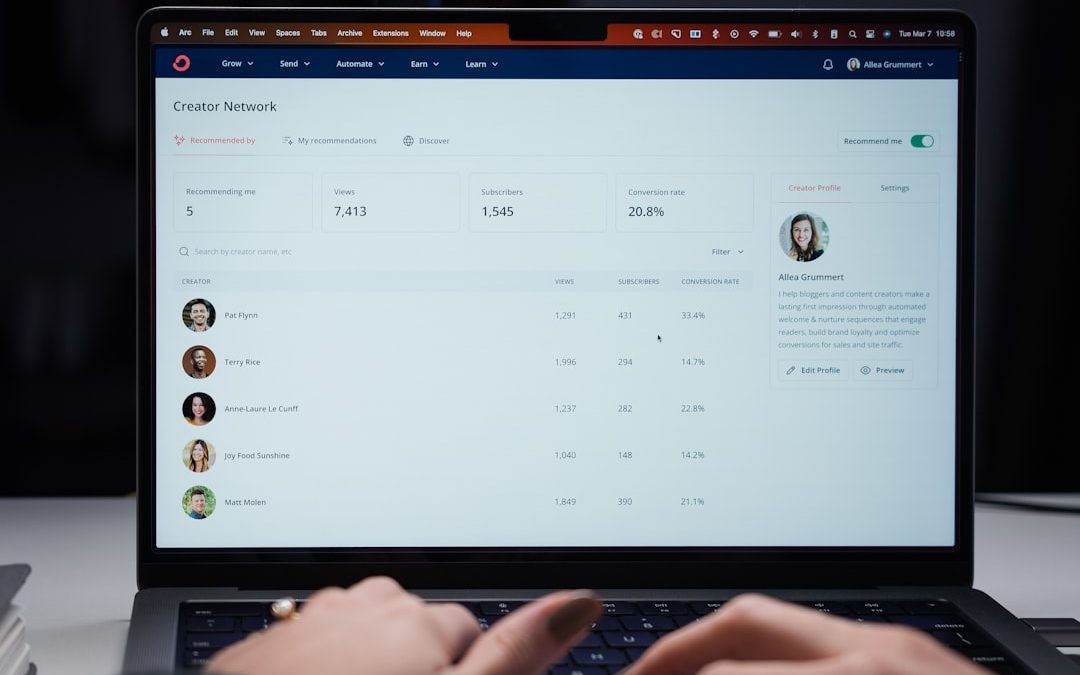

Digital devices have become inseparable from both our professional and personal lives. While technology increases productivity and connectivity, it can also lead to distraction, reduced focus, and unhealthy screen time habits. As awareness of digital wellbeing grows, individuals and organizations are turning to app usage tracking platforms to better understand and manage device behavior. These platforms provide insight into how time is spent across applications, helping users identify inefficiencies and adopt healthier digital routines.
TLDR: App usage tracking platforms help individuals and businesses monitor screen time, measure productivity, and build healthier digital habits. The best platforms combine detailed analytics, privacy protection, and customizable reporting. In this article, we review six reliable tools—RescueTime, Clockify, Toggl Track, Qustodio, ActivTrak, and Screen Time—and compare their strengths, features, and ideal use cases. A side-by-side comparison chart is included to simplify decision-making.
Below are six of the most trusted app usage tracking platforms currently available, each designed to address different needs—from personal productivity improvement to enterprise-level workforce monitoring.
1. RescueTime
RescueTime is one of the most established digital habit tracking platforms, known for its automated background monitoring and detailed productivity scoring. It runs quietly on desktops and mobile devices, categorizing applications and websites based on productivity levels.
Key Features:
- Automatic time tracking across applications and websites
- Daily and weekly productivity reports
- Focus sessions with distraction blocking
- Goal setting and alerts
- Cross-platform support (Windows, macOS, Android, iOS)
What makes RescueTime particularly compelling is its Productivity Pulse, a performance metric that quantifies how efficiently users spend their time. For professionals seeking structured improvement and measurable insights, this feature provides tangible accountability.

RescueTime is best suited for freelancers, remote workers, and knowledge professionals aiming to improve focus without excessive manual logging.
2. Clockify
Clockify is widely known as a time tracking platform for teams, yet it doubles as a powerful app usage monitoring tool. Unlike fully automated trackers, Clockify emphasizes manual time logging, though it also offers automatic tracking features.
Key Features:
- Manual and automatic time tracking
- Project-based categorization
- Team reports and dashboards
- Billable hours tracking
- Customizable reporting exports
Clockify is particularly valuable for businesses that need transparency in how work hours are allocated across projects. Its reporting structure supports compliance and financial accountability, making it a reliable choice for consultants, agencies, and distributed teams.
3. Toggl Track
Toggl Track focuses heavily on simplicity and user experience. While it does not offer deep background monitoring like RescueTime, it provides highly intuitive tracking, reporting, and analytics tools.
Key Features:
- One-click time tracking
- Automated reminders
- Visual data reports and summaries
- Team productivity analytics
- Browser extensions and mobile apps
Toggl’s strength lies in its clean interface and flexible reporting. Organizations that prioritize usability without sacrificing insights will appreciate its structured, visual approach to monitoring performance trends.
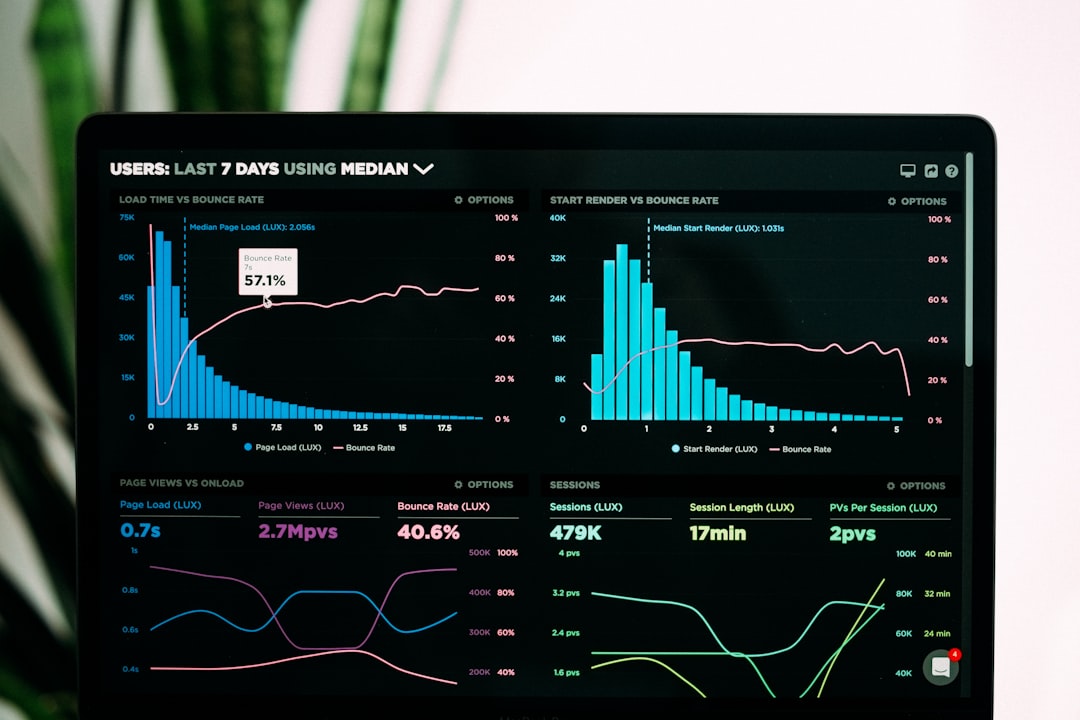
It is ideal for collaborative teams seeking clarity about time investment without intrusive tracking.
4. Qustodio
Qustodio takes a different angle by focusing on digital wellbeing and parental control. While frequently used by families, it also serves educational institutions aiming to monitor digital engagement responsibly.
Key Features:
- Detailed app and web usage tracking
- Screen time limits and scheduling
- App blocking capabilities
- Activity alerts and reporting
- Location tracking on mobile devices
For parents concerned about children’s digital habits, Qustodio provides structured oversight while maintaining transparent reporting. It emphasizes responsible usage rather than productivity metrics.
The platform’s reporting dashboards are clear and accessible, making it easy to understand behavior trends over time without technical expertise.
5. ActivTrak
ActivTrak operates in the enterprise monitoring space. It provides advanced workforce analytics for companies that require visibility into employee productivity, operational efficiency, and compliance risk.
Key Features:
- Real-time app and web monitoring
- Productivity scoring systems
- Behavioral analytics dashboards
- Risk detection and alerts
- Team benchmarking tools
Unlike lighter tools, ActivTrak includes advanced insights such as workload balance tracking and burnout risk indicators. These features allow leadership to make informed management decisions based on aggregated behavioral data.
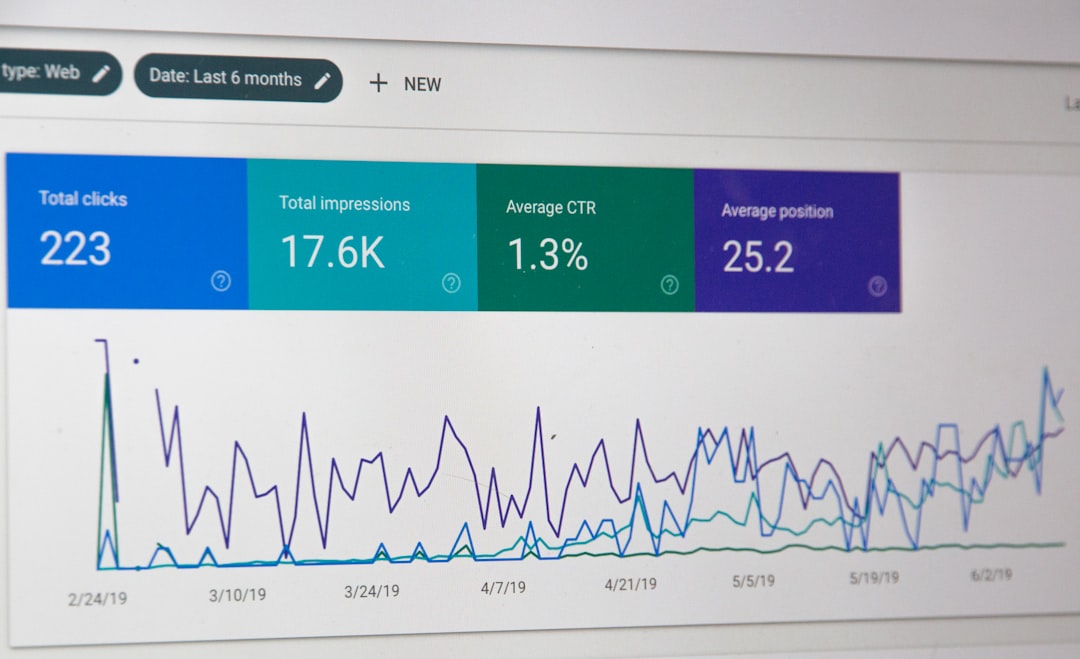
Given its sophisticated monitoring capabilities, ActivTrak is best suited for mid-size to large organizations requiring structured digital governance.
6. Screen Time (Apple) and Digital Wellbeing (Android)
Native device solutions should not be overlooked. Apple’s Screen Time and Android’s Digital Wellbeing tools provide built-in usage analytics without requiring third-party software.
Key Features:
- Daily app usage breakdowns
- Downtime scheduling
- App time limits
- Notification monitoring
- Family sharing options (Apple)
These default platforms lack the deep reporting or cross-device analytics found in dedicated solutions, but they offer secure and privacy-focused tracking for everyday users. For individuals who want basic screen awareness rather than comprehensive analytics, native tools may be entirely sufficient.
Comparison Chart
| Platform | Best For | Automation Level | Team Features | Parental Controls | Enterprise Analytics |
|---|---|---|---|---|---|
| RescueTime | Individual productivity | High | Limited | No | Moderate |
| Clockify | Project-based teams | Moderate | Strong | No | Basic |
| Toggl Track | Collaborative teams | Moderate | Strong | No | Basic |
| Qustodio | Families and schools | High | Limited | Yes | No |
| ActivTrak | Mid to large enterprises | High | Comprehensive | No | Advanced |
| Screen Time / Digital Wellbeing | Everyday users | High | Family sharing (Apple) | Yes | No |
Key Considerations When Choosing a Platform
Selecting the right app usage tracking tool requires careful evaluation. Consider the following criteria:
- Purpose: Is the goal personal productivity, parental supervision, or enterprise compliance?
- Privacy: Does the platform anonymize or encrypt user data?
- Automation: Is manual logging acceptable, or is passive tracking preferred?
- Reporting Depth: Are high-level summaries sufficient, or are granular analytics required?
- Integration: Does the tool integrate with project management or payroll systems?
For individuals, simplicity and clarity often outweigh complex analytics. For organizations, scalability, compliance features, and structured reporting become critical.
Building Healthier Digital Habits
Tracking app usage is not about surveillance—it is about awareness. Research consistently demonstrates that visibility into behavioral patterns increases the likelihood of behavioral change. By reviewing weekly reports, setting realistic limits, and identifying time drains, users can shift from reactive device use to intentional engagement.
Healthy digital habits are defined by balance, not restriction. The objective is to align screen usage with priorities, whether professional, educational, or personal.
Organizations, too, benefit from thoughtful monitoring. When implemented transparently and ethically, workforce analytics help optimize processes, identify bottlenecks, and support employee wellbeing rather than simply measuring output.
Final Thoughts
App usage tracking platforms provide measurable insight into how time is spent in an increasingly digital world. From lightweight native tools like Screen Time to enterprise-grade solutions such as ActivTrak, the range of options allows both individuals and organizations to select a platform tailored to their needs.
The most effective solution ultimately depends on context: personal productivity, family oversight, or workforce analytics. By selecting a trustworthy platform and reviewing insights consistently, users can cultivate more focused, balanced, and purposeful digital habits.
In a landscape where screen time continues to rise, informed monitoring remains one of the most practical tools for maintaining control over digital behavior rather than surrendering to it.


Clear Wi-Fi Cache: DNS Cache Flush vs Router Restart for Troubleshooting Wireless Connections
Flush the DNS cache first when websites act strange, but restart the router when the whole wireless connection is slow,…