
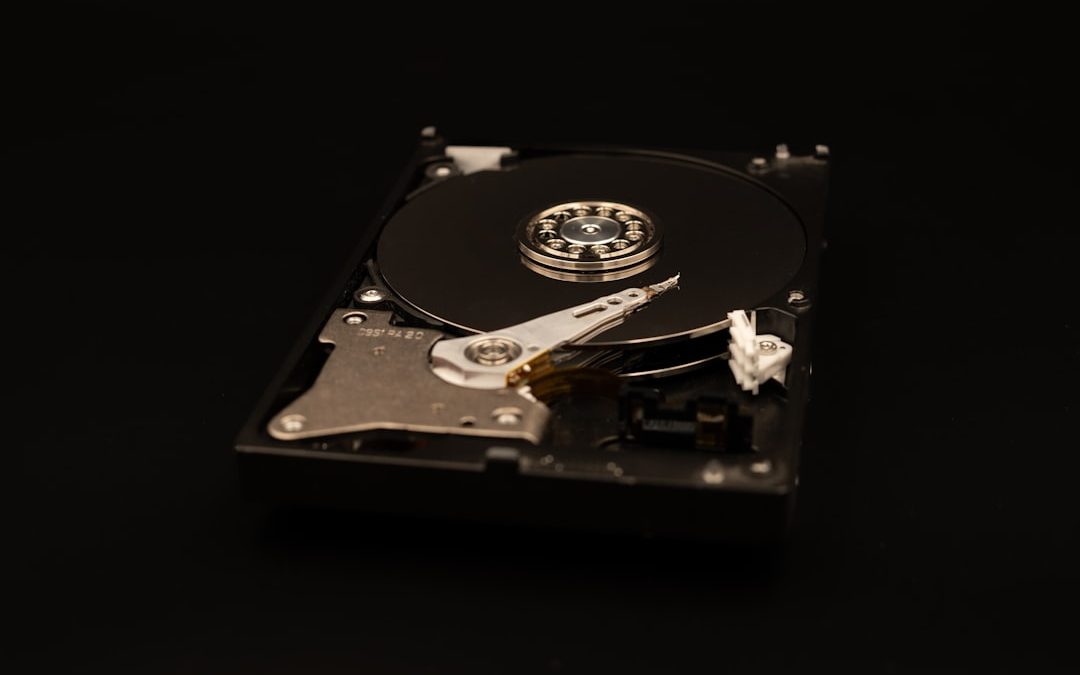

Disposing of computer disks is not as simple as placing an old hard drive, SSD, or DVD into the trash. Disks often contain passwords, financial records, business documents, personal photos, emails, and system files that can be recovered even after ordinary deletion or formatting. A secure disposal process protects privacy, reduces the risk of identity theft, and helps organizations meet legal and professional responsibilities.
TLDR: Before disposing of any computer disk, identify what type of media it is and whether it contains sensitive data. Use secure wiping for reusable drives, cryptographic erasure for encrypted drives, and physical destruction for media that cannot be trusted or reused. For business or regulated data, use a reputable destruction provider and request a certificate of destruction. Never assume that deleting files or emptying the recycle bin is enough.
Why Ordinary Deletion Is Not Secure
When you delete a file, the operating system usually removes only the reference to that file, not the actual data. Until the space is overwritten, recovery software may be able to reconstruct the information. Even formatting a disk may leave recoverable data behind, especially if a quick format is used.
This matters because discarded disks are a common source of data exposure. A person who buys a used computer, finds a drive in electronic waste, or obtains discarded storage from an office may be able to recover private files with inexpensive tools. Secure disposal means making the data unrecoverable before the disk leaves your control.
Step 1: Identify the Type of Disk
The correct disposal method depends on the type of media. Different disks store and erase data in different ways.
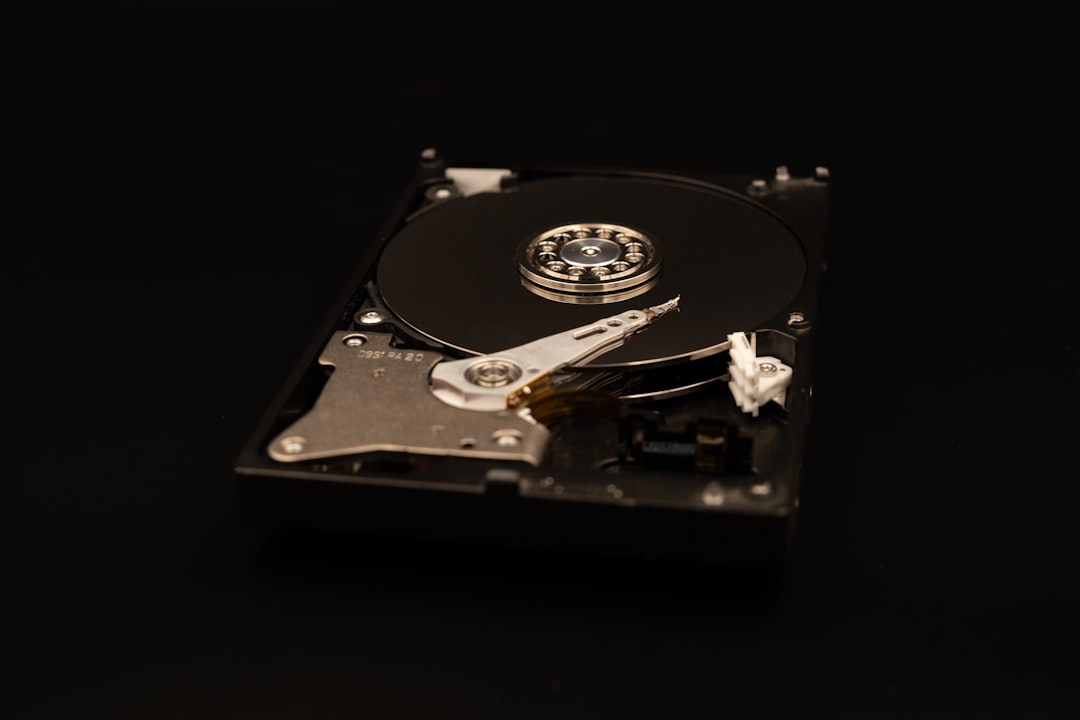
- Hard disk drives: Traditional magnetic drives can often be securely overwritten, but physical destruction is safer for highly sensitive data.
- Solid state drives: SSDs use flash memory and wear leveling, which can make simple overwriting unreliable. Secure erase commands or destruction are preferred.
- USB flash drives and memory cards: These are small, easy to lose, and difficult to wipe with complete confidence. Destruction is often the safest option.
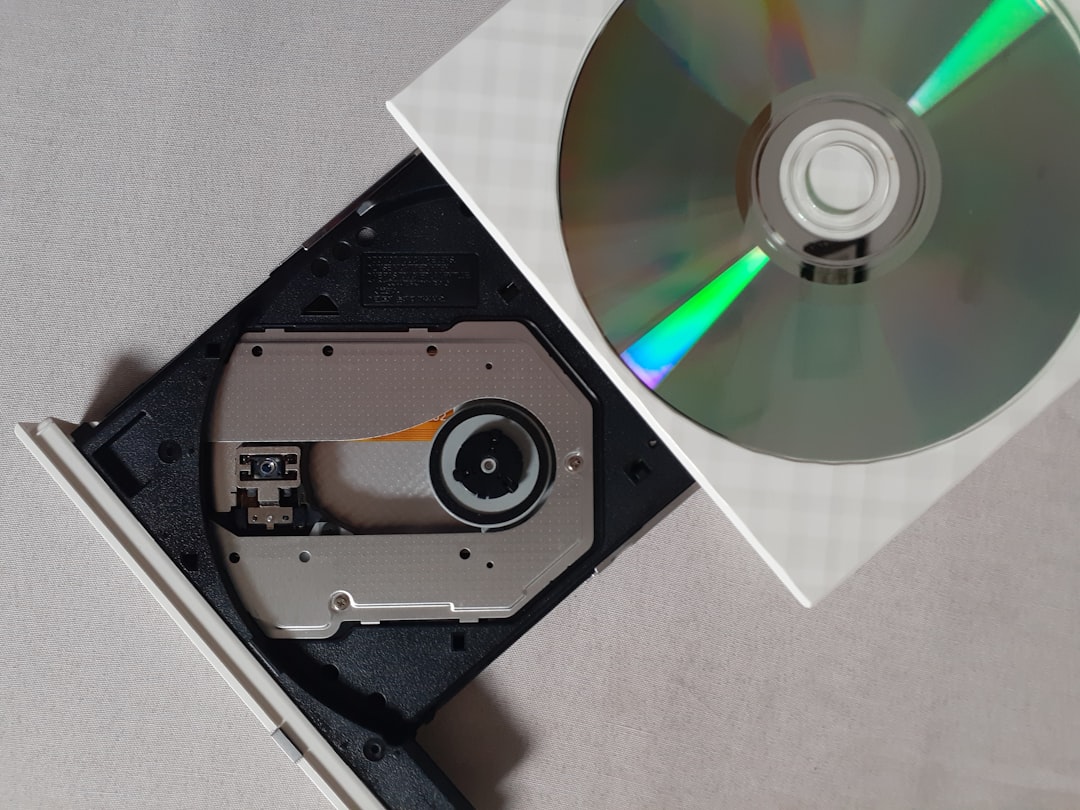
- CDs, DVDs, and Blu ray discs: Recordable optical media should be shredded, cut, or otherwise destroyed if they contain sensitive information.
- Backup tapes: These require specialized handling, especially in business environments with retention rules.
Step 2: Decide Whether the Disk Will Be Reused
If the disk is still functional and you plan to sell, donate, or reuse it, secure wiping may be appropriate. If the disk is damaged, obsolete, or contains highly confidential information, physical destruction is usually better. The more sensitive the data, the less you should rely on convenience.
For personal devices, consider the nature of the files: tax records, scans of identification documents, medical information, saved passwords, and financial files all deserve careful handling. For organizations, the decision should be guided by internal policy, legal requirements, and the potential harm of disclosure.
Secure Wiping for Hard Disk Drives
For traditional hard disk drives, a secure overwrite process can be effective. This process writes new data over the entire drive, replacing the original content. Many modern tools offer single pass wiping, which is generally sufficient for most contemporary drives, though some policies may require multiple passes.
Use reputable disk wiping software and ensure the tool is configured to wipe the entire physical drive, not just a partition. After the process completes, verify that it finished successfully. If the drive shows errors, fails verification, or cannot be fully accessed, do not assume it has been sanitized. In that case, choose physical destruction.
Secure Erasure for SSDs
Solid state drives require special attention. Because SSDs use wear leveling and reserved storage areas, overwriting files or partitions may not reach every location where data has been stored. The recommended approach is to use the manufacturer’s secure erase utility, a trusted system tool that supports SSD secure erase, or cryptographic erasure if full disk encryption was enabled.
Cryptographic erasure works by destroying the encryption key that makes the data readable. If the drive was properly encrypted before disposal, deleting or resetting the encryption key can make the remaining data effectively unusable. However, this method depends on encryption having been correctly enabled and managed before disposal. If you are unsure, combine it with physical destruction.
Physical Destruction Methods
Physical destruction is the strongest option when data must not be recoverable. The goal is to damage the storage medium so thoroughly that practical recovery is impossible. For hard drives, this may involve shredding, crushing, drilling through platters, or degaussing with appropriate equipment. For SSDs and flash media, shredding or crushing the memory chips is important, because the data is stored on those chips rather than on spinning platters.
Do not rely on light damage, such as removing the outer case or scratching the surface. A determined recovery specialist may still retrieve data from partially damaged components. If you choose to destroy disks yourself, wear safety protection and understand that broken metal, glass, and electronic fragments can be hazardous.
Use Professional Data Destruction Services
For businesses, medical offices, law firms, financial professionals, schools, and anyone handling large quantities of sensitive data, professional destruction is often the most responsible choice. A qualified provider can collect, track, destroy, and recycle media according to established procedures.
Look for providers that offer:
- Documented chain of custody from pickup to destruction.
- Onsite or witnessed destruction when required.
- Certificates of destruction listing the media destroyed and the date.
- Environmentally responsible recycling after data destruction.
- Compliance awareness for relevant privacy and data protection rules.
A certificate does not replace due diligence, but it creates an important record that disposal was handled responsibly. For organizations, these records should be retained according to policy.
Do Not Forget Hidden Storage
Before disposing of a computer, remember that data may exist in more places than the main drive. Laptops and desktops can contain secondary drives, removable memory cards, optical discs, and recovery media. Printers, scanners, network devices, and external backup systems may also contain storage.
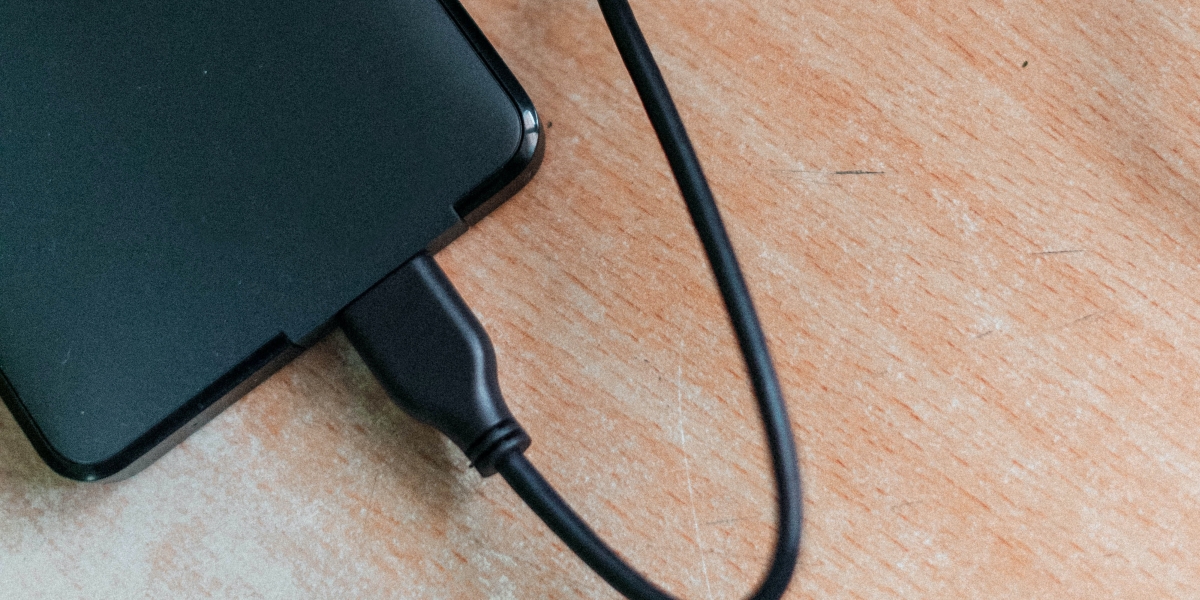
Check for external hard drives in drawers, old USB drives attached to keychains, forgotten backup DVDs, and memory cards from cameras or phones. Secure disposal should include all media, not only the disk inside the computer.
Recycle Responsibly After Sanitization
Once data has been securely erased or the storage media has been destroyed, dispose of the remaining electronic waste responsibly. Computer disks may contain metals, plastics, and other materials that should not be sent to ordinary landfill when recycling options are available. Many municipalities, electronics retailers, and certified recyclers accept old drives and computers.
However, recycling should come after data protection, not before. Do not hand an intact drive to a recycler unless you have already sanitized it or the recycler provides certified data destruction.
Create a Simple Disposal Policy
Even for a small household or business, a clear process reduces mistakes. Label drives awaiting disposal, store them in a secure place, and keep them separate from ordinary electronics. Decide who is responsible for wiping, destruction, or delivery to a professional service.
A practical policy should answer four questions:
- What media must be protected?
- Which method is approved for each media type?
- Who verifies that disposal was completed?
- What records must be kept?
For organizations, the policy should also include employee training. Many data breaches happen not because technology fails, but because old equipment is discarded casually.
Final Checklist
- Inventory all disks and storage devices before disposal.
- Back up anything that must be retained.
- Use secure wiping only when appropriate for the media type.
- Use SSD secure erase or cryptographic erasure when available and verified.
- Physically destroy damaged, untrusted, or highly sensitive media.
- Use certified destruction services for regulated or business data.
- Recycle the remaining electronic waste responsibly.
Secure disposal of computer disks is a serious privacy and security task. By treating every storage device as potentially sensitive, choosing the correct destruction method, and keeping proper records when needed, you can greatly reduce the risk of data recovery and unauthorized disclosure.


Threada: What Threada Means, Where the Term Is Used, and How to Understand It in Social Media Contexts
Threada usually means a thread, a thread-like post series, or a stylized version of the word thread in social media…