
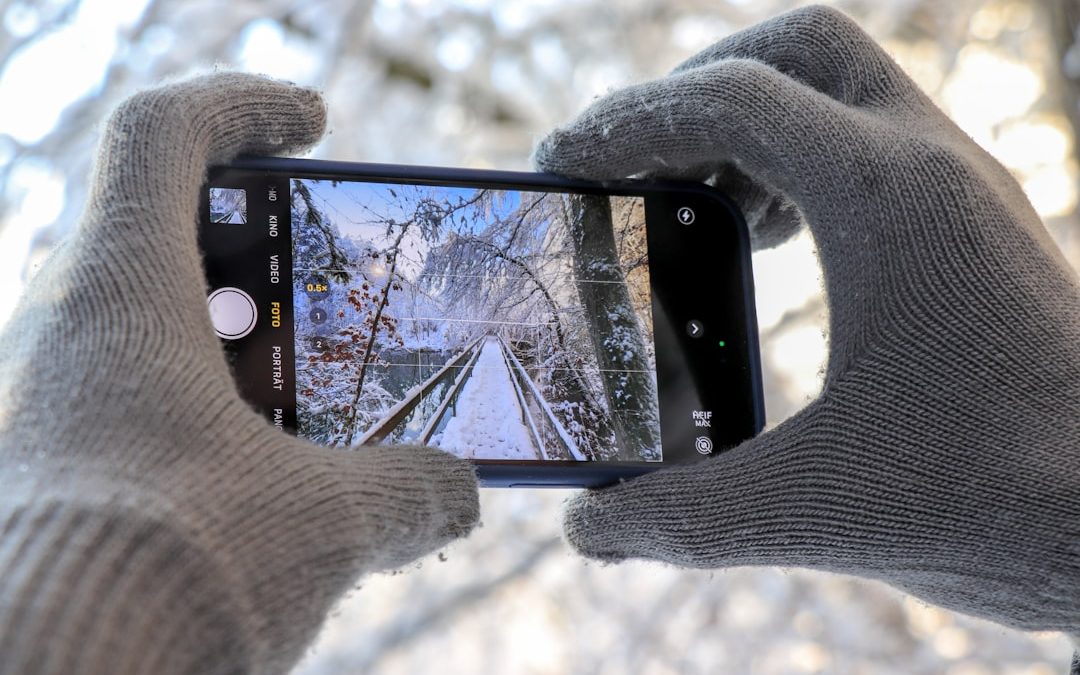

Got stuff lying around your house? Want to turn it into cash? OfferUp is a great way to get started! In this guide, you’ll learn exactly how to sell on OfferUp in a super simple way. Let’s dive in!
TL;DR: Selling on OfferUp is as easy as taking a picture and writing a short description. Just snap a few good photos of your item, set a fair price, and post your listing. Be honest, responsive, and polite for the best results. Meet in safe places and get paid—it’s that simple!
Step 1: Download the App and Create an Account
OfferUp is available on both Android and iOS. You can also use it on the web, but the app is more convenient.
Here’s what to do:
- Go to your phone’s App Store.
- Search for “OfferUp.”
- Download and install the app.
- Open it and sign up using your email, phone number, or Facebook.
Tip: Use your real name and a profile photo—people are more likely to trust and buy from real accounts!
Step 2: Take Great Photos of Your Item
Pictures sell. Seriously. A good photo can make your old blender look like a top-of-the-line spaceship kitchen gadget.
Keep these things in mind:
- Use natural light if possible.
- Take pictures from different angles—front, back, side, and close-up.
- Show any flaws or scratches.
- Use a clean background to focus on the item.

Bonus Tip: Clean the item before taking photos. It makes a big difference!
Step 3: Write a Catchy Title and Honest Description
This is where you grab attention. Keep the title short, clear, and include brand and item type if possible.
Example title: “Sony Bluetooth Speaker – Great Condition!”
Now for the description:
- Mention the brand and model.
- Add dimensions or size if needed.
- Be honest about wear and tear.
- Say why you’re selling it (if you want to).
Pro Tip: Use keywords someone might search for, like “leather couch” or “iPhone charger.”
Step 4: Set the Right Price
Price too high and no one will message you. Price too low and you might lose money.
Here’s how to nail it:
- Check what similar items are selling for on OfferUp.
- Think about the item’s condition and age.
- Use round numbers—$40 sounds better than $42.37.
- You can always mark it “OBO” (or best offer) to invite negotiation.
Be prepared to haggle! People love a good deal.
Step 5: Post Your Listing
You’ve got your photos, title, description, and price. Time to post!
On the app:
- Tap the green “Post” button.
- Upload your photos.
- Fill out title, category, condition, and description.
- Set your price.
- Choose if it’s for pickup, shipping, or both.
- Tap “Post” and you’re live!
Step 6: Communicate with Buyers
Respond quickly. People love fast replies. They might even buy from someone else if you take too long.
Some tips:
- Be polite and friendly.
- Answer questions honestly.
- Don’t be afraid to say “no” to lowball offers.
- Leave pricing room if you want to negotiate.

Important: Never share personal info like your address or banking details.
Step 7: Meet Up Safely
You’ve got a buyer—awesome! Now it’s time to meet.
Safety First:
- Don’t invite strangers to your home if you can avoid it.
- Meet at safe places—many police stations have designated meetup spots.
- Bring a friend if it makes you feel better.
- Only accept cash or use OfferUp’s in-app payment method.
Pro Safety Tip: Tell someone where you’re going and when you’ll be back.
Step 8: Finalize the Sale
If the buyer’s happy, it’s deal time!
- Double-check the money before handing over the item.
- If using digital payment, make sure it says “completed.”
- Thank the buyer!
Don’t forget: After you sell something, mark it as “Sold” in the app.
Optional: Offer Shipping
Want to reach more buyers across the country? Try shipping!
Here’s how it works:
- You offer shipping when you list the product.
- If someone buys it, you’ll get a prepaid shipping label.
- Package the item safely and send it out within 3 days.
- You get paid once the item is received and confirmed.
Good for: Small items like books, gadgets, clothing, and collectibles.
Tips for Selling More (and Faster!)
- Post your items around 5–9 PM when people are using the app.
- Refresh your listing if it doesn’t sell after a few days.
- Add more details to improve search visibility.
- Use multiple photos—it builds trust.
- Bundle related items to sell faster.
What Can You Sell on OfferUp?
Pretty much anything! But here’s a quick idea list:
- Electronics
- Furniture
- Household items
- Kids’ clothes and toys
- Tools and garden equipment
- Games and consoles
- Office supplies
But! You CANNOT sell weapons, alcohol, pets, or anything illegal. Always follow OfferUp’s guidelines.
Benefits of Selling on OfferUp
- Free to use—no listing fees.
- Simple and fast—you can make a post in minutes.
- Local focus—meet people near you, no shipping headaches (unless you want to).
- Built-in messaging—no need to give out your phone number.
One last reminder: Always trust your instincts. If something feels off, walk away. Better safe than sorry!
Wrapping It Up
Selling on OfferUp can be fun, easy, and very rewarding. Whether you’re decluttering or running a side hustle, this app can help turn your old stuff into quick cash.
Just remember:
- Take great photos
- Write a clear, honest description
- Price it right
- Respond quickly
- Meet safely
Now go rummage through your closet or garage—you’ve probably got a few hidden gems just waiting to make you money!


Firebase Cheaper Alternatives for Startups and Developers
Firebase has become one of the most popular Backend-as-a-Service (BaaS) platforms for startups and independent developers. Its real-time database, authentication,…