
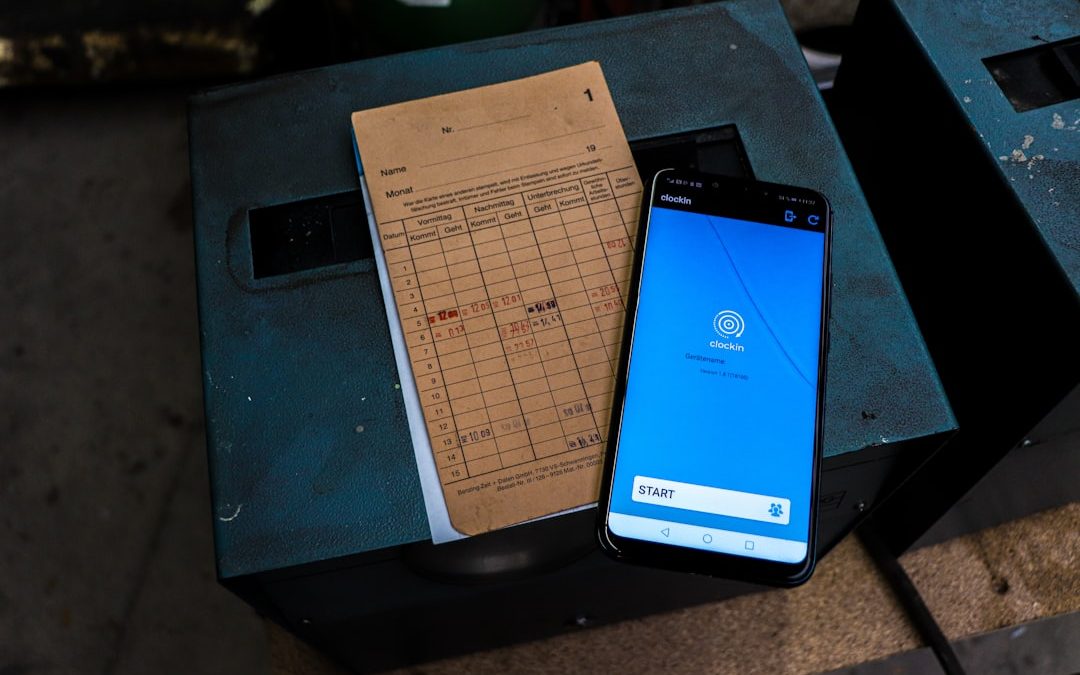

Optical Character Recognition (OCR) technology has transformed the way people interact with printed and handwritten documents. Instead of manually typing text from paper, photos, or scanned files, users can now rely on powerful OCR apps to convert images into editable, searchable, and shareable text in seconds. While Microsoft Lens is one of the most popular tools in this space, it is far from the only solution available. A growing range of OCR apps offer advanced features designed for students, professionals, and businesses alike.
TLDR: OCR apps like Microsoft Lens allow users to convert images, PDFs, and scanned documents into editable text. Several alternatives offer competitive features, including improved handwriting recognition, cloud storage integration, and batch processing. The best choice depends on individual needs such as speed, accuracy, platform support, or advanced export options. Comparing features side-by-side helps users select the most suitable OCR tool.
Modern OCR applications leverage artificial intelligence and machine learning to accurately interpret fonts, layouts, and even varying lighting conditions in photos. Whether someone is scanning receipts, digitizing textbooks, saving whiteboard notes, or converting printed contracts into editable Word files, OCR tools make document management faster and more efficient.
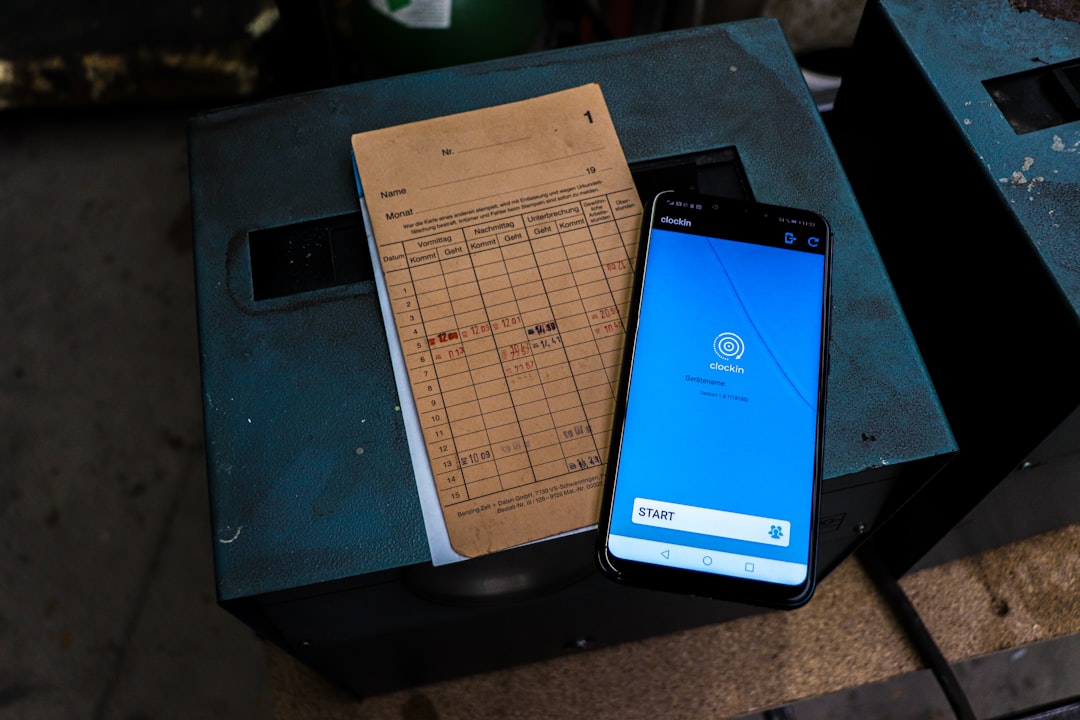
What Makes a Great OCR App?
Before exploring alternatives to Microsoft Lens, it is important to understand what separates an average OCR tool from an exceptional one. The most effective apps combine accuracy, speed, and usability with additional features that enhance productivity.
- High text recognition accuracy, even in low lighting or angled images
- Handwriting recognition capabilities
- Multi-language support
- Export options such as Word, PDF, TXT, or cloud storage
- Cross-platform availability for seamless device switching
- Batch scanning for multi-page documents
While Microsoft Lens performs impressively in many of these categories, several competitors offer comparable — or even superior — functionality depending on the user’s priorities.
Top OCR Apps Like Microsoft Lens
1. Adobe Scan
Adobe Scan is widely recognized for its clean interface and seamless integration with the Adobe ecosystem. It automatically detects document edges, enhances clarity, and converts scanned content into searchable PDFs.
Key strengths:
- Automatic edge detection and perspective correction
- Cloud sync with Adobe Document Cloud
- Strong PDF editing tools (with Acrobat integration)
- Reliable multi-page scanning
Adobe Scan is particularly suitable for users who frequently work with PDFs and require professional-level editing.
2. Google Keep (with Google Drive OCR)
Google Keep allows users to extract text from images directly within notes. When paired with Google Drive’s OCR capabilities, it becomes a powerful document digitization tool.
Key strengths:
- Fast cloud-based text extraction
- Easy sharing via Google Workspace
- Accessible on nearly all platforms
This solution works best for users already embedded in the Google ecosystem.
3. ABBYY FineReader PDF
ABBYY FineReader is known for enterprise-grade OCR performance. It delivers extremely accurate recognition results, especially when working with complex layouts or multilingual documents.
Key strengths:
- Advanced layout retention
- Excellent multi-language recognition
- Professional PDF editing tools
- Batch processing capabilities
Although it is often used in business environments, its precision makes it a top-tier alternative.

4. CamScanner
CamScanner gained popularity as one of the earliest mobile scanning solutions. It provides strong OCR functionality combined with collaborative tools.
Key strengths:
- Collaborative annotations
- Cloud storage integration
- Sharp image enhancement filters
- ID card and passport scanning modes
CamScanner suits users who frequently share or annotate scanned documents.
5. Text Fairy (Android)
Text Fairy is known for delivering straightforward OCR functionality on Android devices. It focuses primarily on extracting text rather than offering extensive document management features.
Key strengths:
- Free to use
- Quick text export
- Accurate recognition for printed text
It is ideal for students or casual users who need quick conversions.
6. Scanner Pro
Scanner Pro by Readdle is a polished scanning and OCR app designed for Apple users. It combines smart automation with powerful export controls.
Key strengths:
- iCloud integration
- Automatic upload to Dropbox, Google Drive, and OneDrive
- Smart workflows
It is particularly effective for professionals already working within Apple environments.
Comparison Chart of OCR Apps
| App | Platforms | Handwriting Support | Cloud Integration | Best For |
|---|---|---|---|---|
| Microsoft Lens | iOS, Android | Basic | OneDrive | Office users |
| Adobe Scan | iOS, Android | Limited | Adobe Cloud | PDF workflows |
| Google Keep + Drive | Web, iOS, Android | Limited | Google Drive | Google Workspace users |
| ABBYY FineReader | Windows, Mac, iOS | Advanced | Multiple options | Enterprise & professionals |
| CamScanner | iOS, Android, Web | Moderate | Various cloud options | Collaboration |
| Scanner Pro | iOS | Moderate | iCloud, Dropbox | Apple users |
How OCR Technology Works
OCR software analyzes image patterns and identifies shapes that correspond to letters, numbers, and symbols. Advanced AI-powered OCR models can detect context, improving accuracy in noisy backgrounds or stylized fonts.
The process typically involves:
- Image preprocessing (contrast enhancement, noise reduction)
- Text detection (identifying character regions)
- Character recognition using trained AI models
- Post-processing to correct errors based on language patterns
Modern systems can even preserve formatting, tables, and layouts, making the output closely resemble the original document.
Use Cases for OCR Apps
OCR apps are versatile and serve many practical purposes:
- Students digitize textbook pages or lecture notes.
- Business professionals convert contracts into editable files.
- Accountants scan receipts and invoices.
- Researchers archive printed materials.
- Travelers translate foreign signage instantly.
In many workplaces, OCR has become a cornerstone of digital transformation. By reducing manual data entry, it saves time and minimizes typing errors.
Choosing the Right Alternative to Microsoft Lens
Selecting the best OCR app depends on individual needs. Those who prioritize integration with Microsoft Office may find Lens unbeatable. However, users who require advanced PDF editing, superior language recognition, or deeper cloud flexibility might benefit from alternatives such as ABBYY FineReader or Adobe Scan.
Budget also plays a role. Some apps provide basic OCR for free, while advanced features may require subscriptions. Evaluating how often the tool will be used can help determine whether a paid solution offers worthwhile value.
Future Trends in OCR Technology
OCR is evolving rapidly with the development of generative AI and neural networks. Emerging features include:
- Real-time translation overlays
- Enhanced handwriting interpretation
- Semantic analysis for automatic summarization
- Voice-to-text and image-to-text hybrid solutions
As machine learning models continue to improve, OCR accuracy will likely approach near-perfect levels for most standard documents.
Frequently Asked Questions (FAQ)
- What is the best free OCR app?
Google Keep and Microsoft Lens both offer free OCR features with solid accuracy, making them popular free options. - Which OCR app is most accurate?
ABBYY FineReader is often considered one of the most accurate, especially for complex documents and multiple languages. - Can OCR recognize handwriting?
Some apps support handwriting recognition, but accuracy varies depending on handwriting clarity and the app’s AI capabilities. - Are OCR apps secure?
Most major apps use encryption and secure cloud storage. However, users should review privacy policies before uploading sensitive documents. - Can OCR convert images to Word documents?
Yes, many OCR apps allow direct export to editable Word (.docx) files. - Do OCR apps work offline?
Some apps offer offline recognition, while others rely on cloud-based processing for improved accuracy.
OCR apps like Microsoft Lens have fundamentally changed document management by making printed information instantly editable. Whether used for education, administration, or business operations, these tools eliminate friction between physical documents and digital workflows. By comparing features carefully, users can find an OCR solution tailored perfectly to their needs.
OCR Apps Like Microsoft Lens That Turn Images Into Editable Text

OCR Apps Like Microsoft Lens That Turn Images Into Editable Text
Optical Character Recognition (OCR) technology has transformed the way people interact with printed and handwritten documents. Instead of manually typing…