


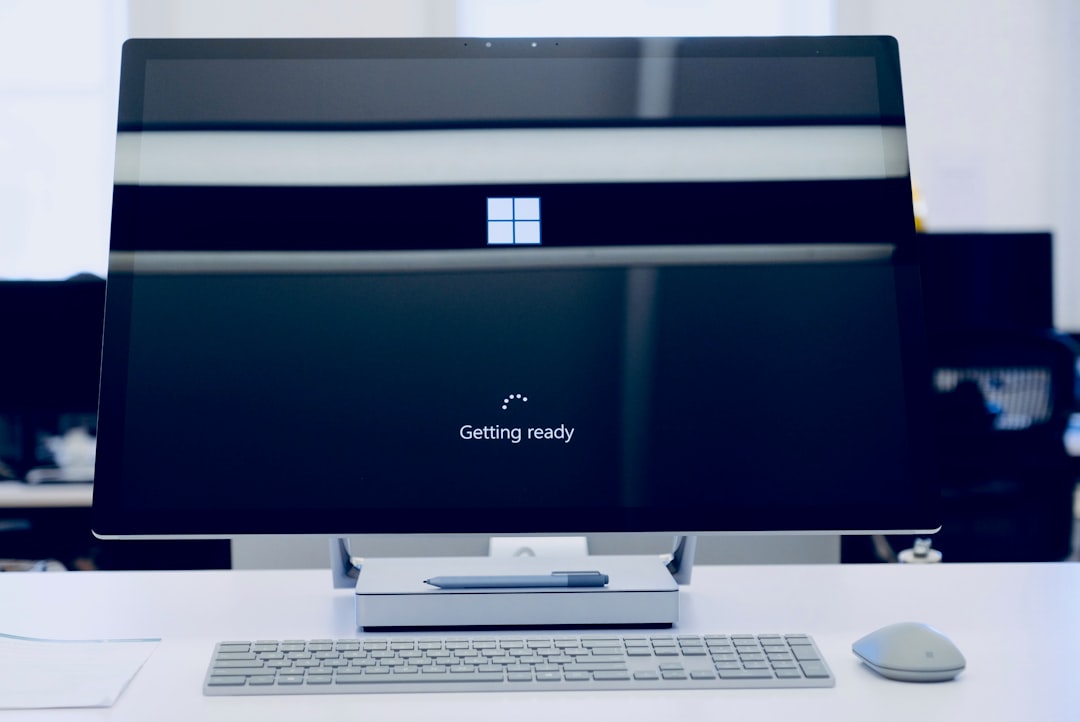
Your computer works hard every day. It stores photos, apps, downloads, and secret piles of “I might need this later” files. Over time, all that clutter slows things down. Apps take longer to open. Storage fills up. The spinning wheel becomes your worst enemy. That’s where disk cleanup tools come in. They sweep away junk and help your system breathe again.
TL;DR: Disk cleanup tools remove junk files, free up storage, and keep your computer running fast. CleanMyMac is popular, but it’s not your only option. There are several simple, powerful tools that clean, optimize, and protect your system. Below are six great alternatives that can help your computer feel brand new again.
Let’s dive into six disk cleanup tools like CleanMyMac that keep your system running smoothly. We’ll keep it simple. And maybe even a little fun.
Why You Need a Disk Cleanup Tool
Every time you browse the web, install an app, or open a file, your system creates temporary data. Over time, this builds up. Most people never notice it happening.
Here’s what clutters your computer:
- Cache files from browsers and apps
- Temporary system files
- Duplicate files
- Old backups
- Unused apps
One or two files won’t hurt. Thousands will.
A good disk cleanup tool does three main things:
- Finds junk
- Deletes junk safely
- Optimizes system performance
Now let’s look at your options.
1. CCleaner
Best for: Simple, lightweight cleaning
CCleaner has been around for years. It’s one of the most well-known cleanup tools. And for good reason.
It removes temporary files, clears browser history, and cleans up system junk fast. The interface is clean. You click. It scans. You clean.
That’s it.
Key Features:
- Junk file removal
- Browser cleaning
- Startup manager
- Registry cleaner (for Windows)
It’s great for beginners. It doesn’t overwhelm you with complicated settings.
Downside? Advanced features require the paid version.
2. DaisyDisk (Mac)
Best for: Visual storage management
DaisyDisk makes cleanup fun. Yes, fun.
It shows your storage as colorful visual maps. You can literally see what’s taking up space. Big files appear as big slices. Small ones as tiny pieces.

You drag unwanted files into a collector and delete them.
Key Features:
- Interactive storage map
- Fast scanning
- Manual file review
- External drive support
If you like control, this is for you. Nothing gets deleted without your approval.
Downside? It focuses mainly on storage visualization, not full system optimization.
3. BleachBit
Best for: Free and open source cleaning
BleachBit is powerful. And completely free.
It clears cache, deletes temporary files, and wipes unnecessary data. It works on Windows and Linux.
It’s simple. No flashy design. Just results.
Key Features:
- Deep cleaning options
- Shredding files for privacy
- Lightweight install
- Open source transparency
It’s especially good if you care about privacy. It can permanently delete sensitive files.
Downside? The interface feels basic compared to polished commercial tools.
4. OnyX (Mac)
Best for: Advanced Mac users
OnyX is like a toolbox for macOS.
It does cleaning. But it also runs maintenance scripts, verifies system files, and tweaks hidden settings.
This isn’t just cleanup. It’s system care.
Key Features:
- Cache and log file cleaning
- System maintenance tasks
- Hidden macOS customization
- Disk verification
It’s free. That’s impressive for something this powerful.
Downside? Beginners may feel overwhelmed by the number of options.
5. AVG TuneUp
Best for: Automatic background optimization
AVG TuneUp goes beyond cleaning. It actively improves performance.
It identifies bloatware. It puts unused apps to sleep. It cleans junk automatically.
You don’t have to think about it.
Key Features:
- Automatic maintenance
- Startup optimization
- Junk cleaner
- Software updater
It’s perfect for busy people. Set it. Forget it.
Downside? It’s subscription-based.
6. Disk Drill
Best for: Cleanup plus file recovery
Disk Drill is known for data recovery. But it also includes cleanup tools.
It can find large files. It detects duplicates. It helps you remove unnecessary data safely.
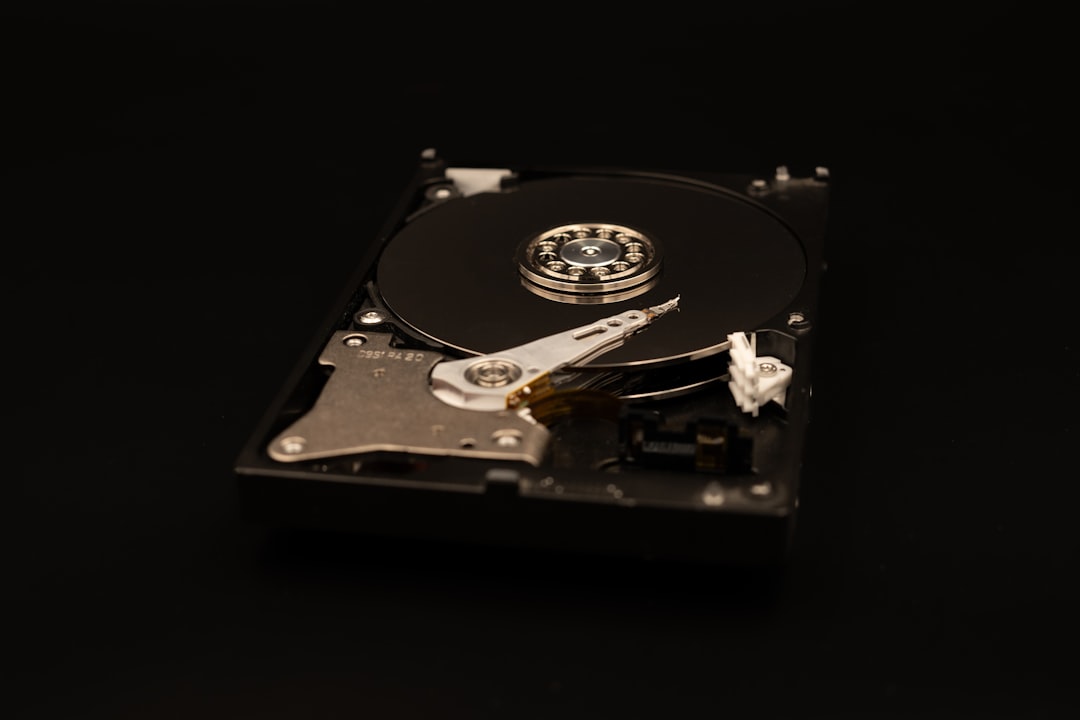
Its big superpower? Recovering files you deleted by mistake.
Key Features:
- Duplicate finder
- Disk cleanup tools
- File recovery
- External drive support
Downside? Advanced recovery features require payment.
Quick Comparison Chart
| Tool | Best For | Free Version | Automatic Cleaning | Extra Features |
|---|---|---|---|---|
| CCleaner | Simple cleaning | Yes | Limited | Startup manager |
| DaisyDisk | Visual storage management | No | No | Interactive storage map |
| BleachBit | Free deep cleaning | Yes | No | File shredding |
| OnyX | Mac system maintenance | Yes | No | System customization |
| AVG TuneUp | Auto optimization | Trial | Yes | Software updater |
| Disk Drill | Cleanup plus recovery | Limited | No | File recovery |
How to Choose the Right Tool
Not every user needs the same thing.
Ask yourself:
- Do I want full automation?
- Do I prefer manual control?
- Am I on Mac, Windows, or Linux?
- Do I need file recovery?
- Is free software important to me?
If you love seeing exactly what you delete, choose DaisyDisk.
If you want something free and powerful, try BleachBit or OnyX.
If you want everything handled automatically, go with AVG TuneUp.
The best tool is the one you’ll actually use.
Tips to Keep Your System Running Smoothly
A cleanup tool helps. But habits matter too.
Here are a few simple tips:
- Uninstall apps you don’t use
- Empty your trash regularly
- Store large media files on external drives
- Restart your computer occasionally
- Run a cleanup scan once a month
Think of it like brushing your teeth. A little maintenance prevents big problems later.
Final Thoughts
Computers slow down for one simple reason. Clutter.
The good news? It’s fixable.
Whether you choose CCleaner, DaisyDisk, BleachBit, OnyX, AVG TuneUp, or Disk Drill, the goal is the same. Remove junk. Free space. Boost speed.
You don’t need to be a tech expert. Most of these tools work with just a few clicks.
Your computer deserves a clean workspace. And honestly, so do you.
Try one of these tools today. Your future, faster self will thank you.
6 Disk Cleanup Tools Like CleanMyMac That Keep Your System Running Smoothly


6 Disk Cleanup Tools Like CleanMyMac That Keep Your System Running Smoothly
Your computer works hard every day. It stores photos, apps, downloads, and secret piles of “I might need this later”…