
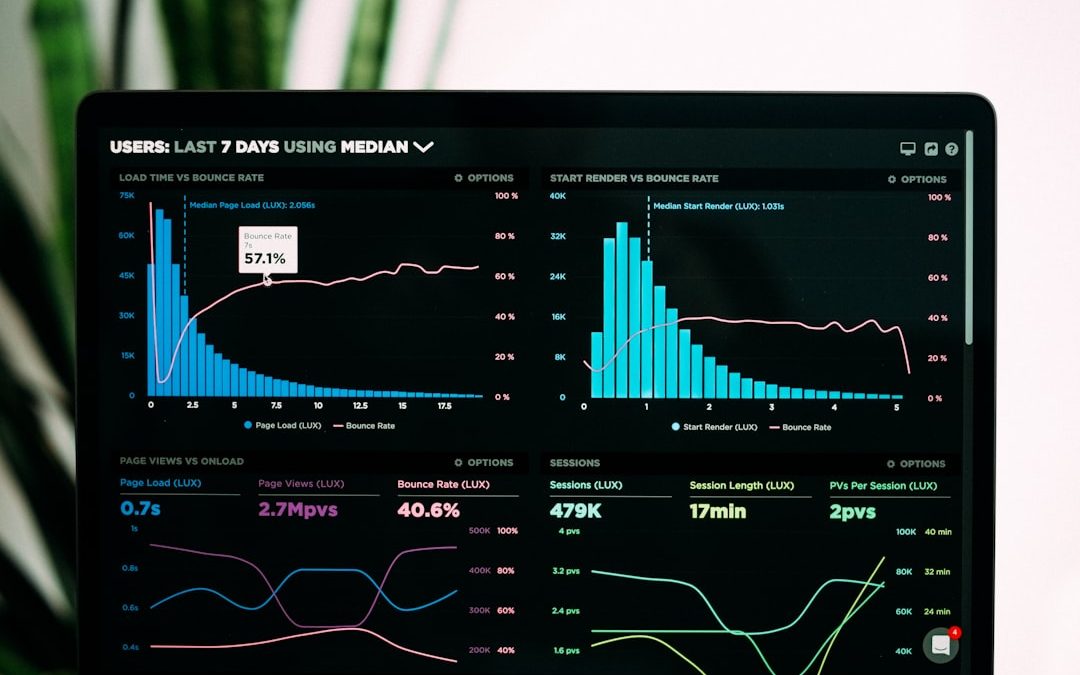

YouTube has evolved into one of the most competitive digital platforms in the world. With millions of videos uploaded every day, creators can no longer rely on good content alone. Data-driven decisions, compelling thumbnails, and effective keyword research now determine whether a video thrives or disappears into obscurity. To succeed consistently, creators need professional-grade tools that provide insight, clarity, and strategic direction.
TLDR: Success on YouTube depends heavily on analytics, strong thumbnails, and accurate keyword research. Tools like TubeBuddy, VidIQ, Canva, and Social Blade help creators optimize performance through data insights, design capabilities, and competitive analysis. Each platform offers different strengths, from SEO guidance to thumbnail creation and performance tracking. Choosing the right combination of tools can significantly increase visibility, click-through rates, and long-term channel growth.
This article examines four trusted YouTube apps that help creators grow strategically: TubeBuddy, VidIQ, Canva, and Social Blade. Each serves a distinct purpose, yet together they form a powerful ecosystem for serious YouTube growth.
1. TubeBuddy – Comprehensive YouTube Optimization
TubeBuddy is one of the most established YouTube-certified browser extensions available today. It integrates directly into YouTube’s interface, offering real-time insights and optimization tools without requiring creators to leave their dashboard.
Key Strengths:
- Advanced keyword research with search scores
- Tag suggestions and competitor tag analysis
- A/B thumbnail testing
- Bulk processing and metadata updates
- Click-through rate tracking
What sets TubeBuddy apart is its SEO scoring system. When uploading a video, creators receive a real-time optimization checklist that evaluates title, tags, description, and engagement signals. This structured guidance ensures that no critical ranking element is overlooked.

The platform’s Keyword Explorer offers both weighted and unweighted scoring systems. Weighted scores are tailored to your channel’s size and authority, making them especially useful for small and mid-sized creators who must compete strategically rather than broadly.
Additionally, TubeBuddy’s A/B thumbnail testing allows creators to compare two thumbnail designs objectively. Instead of relying on guesswork, data determines which version generates higher click-through rates.
Best for: Creators who want integrated optimization tools directly within YouTube.
2. VidIQ – Advanced Analytics and Competitive Intelligence
VidIQ is another industry-leading YouTube analytics and SEO tool. While similar to TubeBuddy in many ways, VidIQ places a stronger emphasis on competitive tracking and trend discovery.
Core Features:
- Keyword difficulty scoring
- Trending topic alerts
- Competitor performance tracking
- Historical video performance data
- Daily idea recommendations
VidIQ’s keyword research tool evaluates search volume against competition levels, helping creators identify topics with optimal opportunity gaps. This allows for strategic targeting where demand exists but saturation remains manageable.
One of VidIQ’s most respected features is its competitive benchmarking. Users can monitor competitor uploads, engagement spikes, and tag usage patterns. This provides actionable intelligence rather than abstract statistics.
VidIQ also delivers automated content suggestions tailored to your niche. For creators struggling with ideation, this feature alone can justify the subscription cost.
Best for: Creators who prioritize trend research and competitor monitoring.
3. Canva – Professional Thumbnail Creation Made Accessible
While analytics and SEO determine discoverability, thumbnails determine clicks. A poorly designed thumbnail can negate even the best keyword strategy. Canva provides an accessible yet robust design solution for YouTube creators, regardless of graphic design experience.
Advantages of Using Canva:
- Pre-sized YouTube thumbnail templates
- Drag-and-drop interface
- Extensive font and graphic libraries
- Background removal tools (Pro version)
- Brand kit consistency features
Canva simplifies the thumbnail design process without sacrificing quality. Templates built specifically for YouTube ensure proper resolution and aspect ratio (1280×720 pixels), eliminating formatting errors.
Thumbnails should communicate emotion, clarity, and contrast within a fraction of a second. Canva’s visual hierarchy tools—such as layering, shadow effects, and font emphasis—help creators achieve that clarity efficiently.

For professionals managing multiple channels, the Brand Kit feature ensures color palettes, fonts, and logos remain consistent across each upload. Brand uniformity increases recognition and improves long-term click behavior.
Best for: Creators who want high-quality thumbnails without hiring a designer.
4. Social Blade – Channel Performance and Public Metrics
While TubeBuddy and VidIQ focus on optimization and SEO, Social Blade specializes in long-term channel performance analytics. It aggregates publicly available data into digestible growth projections and comparative statistics.
Primary Capabilities:
- Subscriber and view growth tracking
- Estimated earnings projections
- Historical performance graphs
- Channel grading system
- Cross-platform analytics (YouTube, Twitch, Instagram, TikTok)
Social Blade’s historical tracking is particularly valuable. It allows creators to analyze growth trends over months or years, identifying seasonal spikes, viral surges, or stagnation periods.
Although it does not provide SEO optimization tools, Social Blade excels in benchmarking. Creators can compare their channels against competitors of similar size to measure relative performance objectively.
Best for: Long-term growth analysis and benchmarking against industry peers.
Comparison Chart
| Feature | TubeBuddy | VidIQ | Canva | Social Blade |
|---|---|---|---|---|
| Keyword Research | Advanced search scoring | Difficulty and volume analysis | Not available | Not available |
| Thumbnail Tools | A B testing | Basic preview tools | Full design suite | Not available |
| Competitor Tracking | Tag insights | Comprehensive tracking | Not available | Basic comparison metrics |
| Historical Analytics | Limited | Moderate | Not available | Extensive |
| Ease of Use | Integrated with YouTube | Integrated with YouTube | Very beginner friendly | Website based dashboard |
Choosing the Right Combination
No single tool covers every aspect of YouTube growth perfectly. Instead, experienced creators often combine two or more:
- TubeBuddy or VidIQ for SEO and performance optimization
- Canva for consistent, high-converting thumbnail design
- Social Blade for benchmarking and long-term tracking
The selection ultimately depends on your channel’s stage.
New creators benefit most from keyword research tools that identify low-competition opportunities.
Growing channels require thumbnail experimentation and competitor analysis.
Established creators often focus on A/B testing and strategic scaling supported by deep analytics.
Final Thoughts
YouTube content creation has matured into a highly analytical discipline. The difference between stagnation and sustained growth often lies in how effectively creators interpret and apply data.
TubeBuddy and VidIQ empower strategic keyword targeting and optimization. Canva transforms creative ideas into visually compelling thumbnails that drive clicks. Social Blade offers the macro-level insight needed to evaluate long-term growth and competitive standing.
Together, these applications provide a balanced framework for serious creators—one that combines creativity with measurable performance indicators. In an ecosystem where algorithms evolve constantly and competition intensifies daily, relying on intuition alone is insufficient.
Professional YouTube growth requires informed decisions, consistent branding, and continuous refinement. These four tools, when used responsibly and analytically, can provide the structure and insight necessary to build a channel that not only grows—but endures.


TikTok Size: The Complete Guide to TikTok Video Sizes, Dimensions, Resolution, and Aspect Ratios for Creators and Businesses
Use 1080 x 1920 pixels, a 9:16 aspect ratio, and vertical video for TikTok. That is the cleanest setup for…