
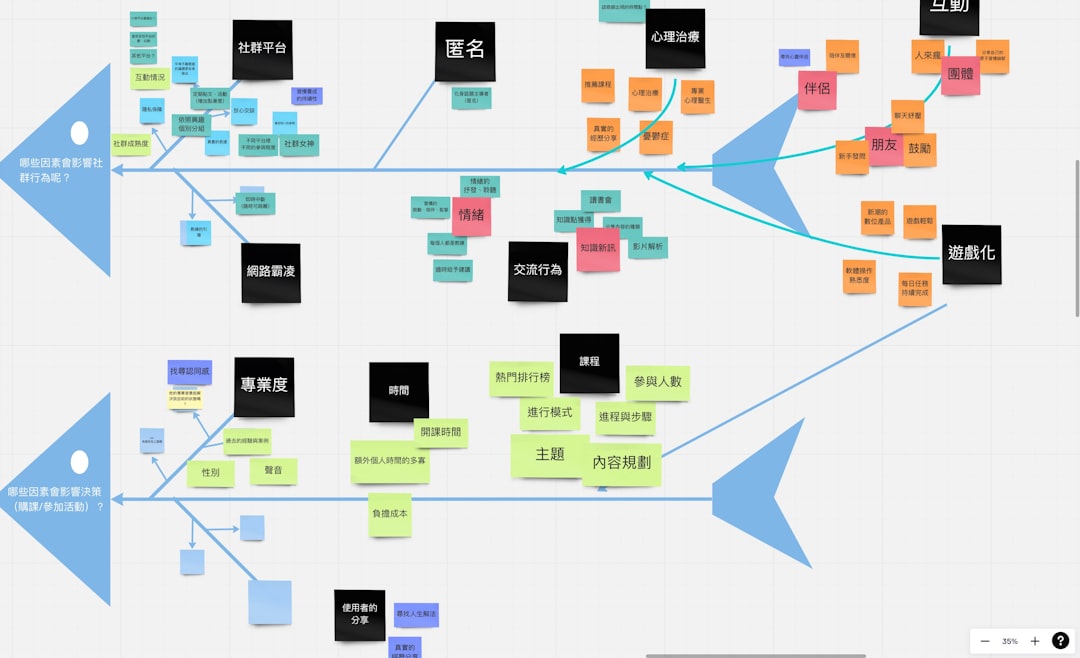

Mind mapping has become one of the most powerful ways to untangle complex ideas, plan projects, and spark creativity. While XMind is one of the most popular mind mapping tools available, it’s far from the only option. Whether you’re a student brainstorming an essay, a business professional planning strategy, or a creative mapping out your next big project, there are several dynamic alternatives that can help you think more clearly and organize ideas visually.
TLDR: If you love visual brainstorming but want alternatives to XMind, there are several powerful tools worth exploring. MindMeister, Coggle, Miro, Lucidchart, and Ayoa each offer unique features for collaboration, customization, and productivity. Some focus heavily on team-based whiteboarding, while others shine in simplicity or task integration. Choosing the right tool depends on your workflow, collaboration needs, and preferred visual style.
Below, we explore five exceptional mind mapping tools, compare their features, and help you decide which one fits your needs best.
Why Look Beyond XMind?
XMind is well-known for its flexibility and polished design, but different workflows demand different strengths. Some users prioritize real-time collaboration, others want deeper integrations with project management systems, and some just prefer a more minimalist interface. Exploring alternatives can unlock features that better support:
- Remote teamwork and brainstorming sessions
- Task tracking alongside idea mapping
- Presentation-ready visuals
- Cross-functional diagramming
- Cloud-based access and sharing
Let’s take a closer look at the top five mind mapping tools that provide strong alternatives.
1. MindMeister
Best for: Real-time collaboration and cloud-based brainstorming.
MindMeister is one of the most popular cloud-based mind mapping platforms available today. Designed with collaboration in mind, it allows teams to brainstorm simultaneously, view live changes, and comment on specific branches or ideas.
Key features:
- Real-time team collaboration
- Cloud storage and auto-save
- Task management integration with MeisterTask
- Custom themes and styling
- Presentation mode for sharing ideas
Its interface feels intuitive and polished, making it easy for beginners while still offering enough depth for experienced users. If you frequently brainstorm with remote teammates, MindMeister offers a seamless experience that rivals — and sometimes exceeds — XMind’s collaborative capabilities.
2. Coggle
Best for: Simplicity and ease of use.
Coggle focuses on clarity and minimalism. Unlike more feature-heavy platforms, Coggle keeps the user interface clean and distraction-free. This makes it ideal for users who want to quickly map ideas without navigating complex menus.
Key features:
- Simple drag-and-drop interface
- Unlimited image uploads
- Automatic branch coloring
- Real-time collaboration
- Version history tracking
Coggle excels at creating organic, flowing mind maps that look visually appealing straight out of the box. If you’re overwhelmed by too many features in other tools, its streamlined design is refreshing.
Ideal for: Students, writers, and individuals who want fast, visually clean idea organization.
3. Miro
Best for: Large-scale visual collaboration and whiteboarding.
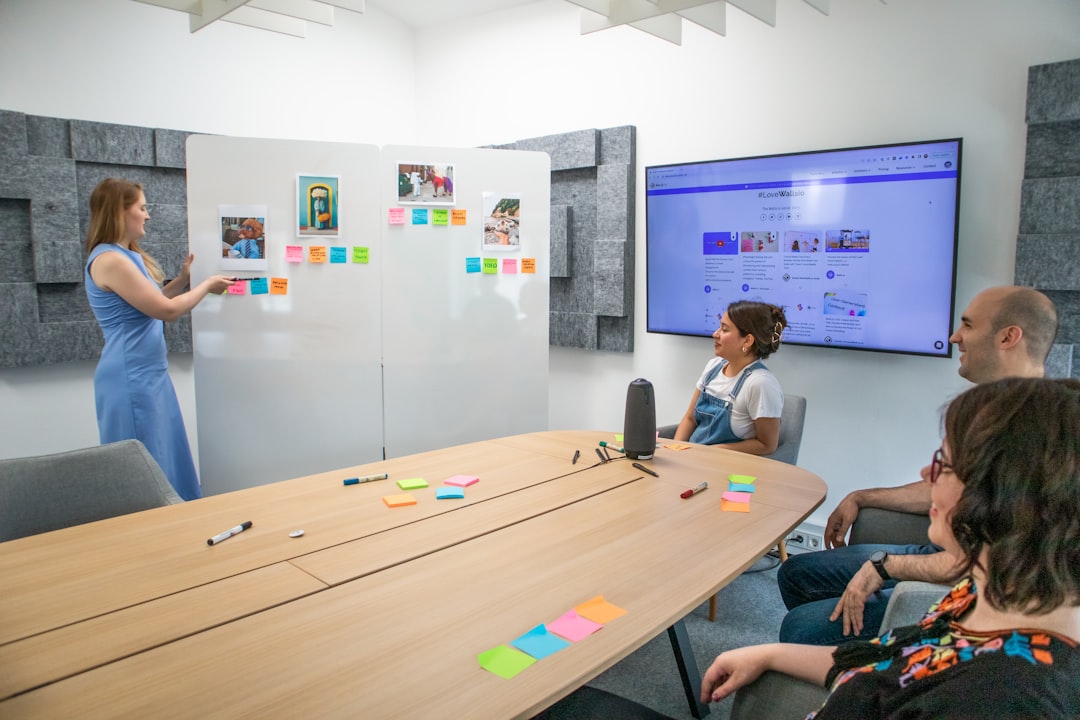
Miro isn’t just a mind mapping tool — it’s a full digital whiteboard platform. While it may offer more than you strictly need for basic mind mapping, its flexibility makes it incredibly powerful for workshops, product development, and strategic planning.
Key features:
- Infinite canvas for expansive mapping
- Dozens of templates including mind maps
- Sticky notes, drawing tools, and diagrams
- Video chat integration
- Robust third-party integrations
Miro shines when teams need to move beyond simple mind maps into broader visual planning. You can start with a central idea and expand into flowcharts, wireframes, or Kanban boards — all on the same canvas.
If your brainstorming sessions tend to evolve beyond basic diagrams, Miro offers unmatched flexibility.
4. Lucidchart
Best for: Structured diagramming and professional visuals.
Lucidchart is known primarily as a diagramming tool, but its mind mapping capabilities are robust and well-suited for business environments. If your visual thinking often overlaps with flowcharts, org charts, or technical diagrams, this may be an ideal fit.
Key features:
- Professional templates
- Data linking and automation
- Advanced diagramming tools
- Strong integration ecosystem
- Enterprise-ready collaboration
Lucidchart brings structure to creativity. It may not feel as free-flowing as some other tools, but it excels when clarity, precision, and polished presentation matter most.
Excellent for: Business analysts, project managers, IT teams, and consultants.
5. Ayoa
Best for: Combining mind mapping with task management.
Ayoa blends visual idea mapping with productivity features, helping users move from concept to execution seamlessly. It was developed with input from creativity experts and incorporates multiple brainstorming styles.
Key features:
- Radial and organic mind maps
- Built-in task boards
- Focus mode for distraction-free mapping
- Team collaboration tools
- Neuro-inclusive design elements
Ayoa stands out because it bridges the gap between planning and doing. Instead of exporting ideas into another tool, you can convert branches directly into actionable tasks.
If productivity and follow-through are just as important as brainstorming, Ayoa is worth exploring.
Comparison Chart
To make the decision easier, here’s a side-by-side comparison of the five tools:
| Tool | Collaboration | Ease of Use | Advanced Features | Best For |
|---|---|---|---|---|
| MindMeister | Excellent real-time collaboration | Very intuitive | Task integration, presentation mode | Remote teams |
| Coggle | Real-time collaboration | Extremely simple | Version history, image uploads | Students, writers |
| Miro | Enterprise-level | Moderate learning curve | Infinite canvas, integrations | Workshops, strategy sessions |
| Lucidchart | Strong business collaboration | Moderate | Advanced diagramming | Professional diagrams |
| Ayoa | Strong team features | User-friendly | Task boards, focus mode | Idea-to-action workflows |
How to Choose the Right Mind Mapping Tool
Choosing the right platform depends on how you plan to use it. Ask yourself:
- Do I need real-time collaboration?
- Will I convert ideas into actionable tasks?
- Am I working alone or with a large team?
- Do I need structured diagrams beyond mind maps?
- Is simplicity more important than advanced features?
If you primarily brainstorm solo, tools like Coggle or Ayoa may feel effortless and productive. For collaborative, remote-heavy organizations, MindMeister or Miro might offer more flexibility. Meanwhile, Lucidchart is an excellent hybrid for structured industries.
Final Thoughts
Mind mapping remains one of the most effective techniques for organizing thoughts, improving clarity, and encouraging creative breakthroughs. While XMind is a strong contender in this space, it’s not the only solution — and depending on your needs, it may not even be the best one.
The five tools explored here each bring something unique to the table:
- MindMeister: Collaboration-first functionality
- Coggle: Simple and visually clean mapping
- Miro: Expansive whiteboard power
- Lucidchart: Professional diagram integration
- Ayoa: Creativity combined with productivity
Ultimately, the best mind mapping tool is the one that aligns with how you think. Explore, experiment, and find the visual environment where your ideas flow most naturally. When the right tool meets your creativity, even the most complex challenges can transform into clear, structured solutions.


How to Take a Website Down: Maintenance Mode vs HTTP 503 for Temporarily Disabling a Website
Use HTTP 503 when a website is truly unavailable, and use maintenance mode only as the friendly face on top….