


Choose Yoast SEO for clear content guidance, and choose All in One SEO for broader site features. That is the shortest honest answer. WordPress powers about 43% of all websites, so SEO plugins matter a lot for messy, busy sites [source: W3Techs].
TLDR: Yoast SEO is best if you write lots of posts and want simple red, orange, and green checks. All in One SEO is better if you run a business site, shop, or local service page and want more settings in one place. Example: a 40 page plumber site could use All in One SEO for local SEO, schema, and sitemaps, then see a 12% to 25% lift in organic clicks after fixing titles and descriptions. A food blog with 180 recipes may prefer Yoast because the writing tips are quicker and less scary.
So, which one helps rankings more?
Neither plugin ranks your site by magic. Sad, but true. There is no “install plugin, become number one” button. I checked. It is rude.
Both Yoast SEO and All in One SEO help you do the basics right. They help with:
- Title tags
- Meta descriptions
- XML sitemaps
- Schema markup
- Social previews
- Canonical URLs
- Robots settings
These things tell search engines what your pages are about. They also make your search results look cleaner. That can improve clicks. More clicks can mean better growth over time.
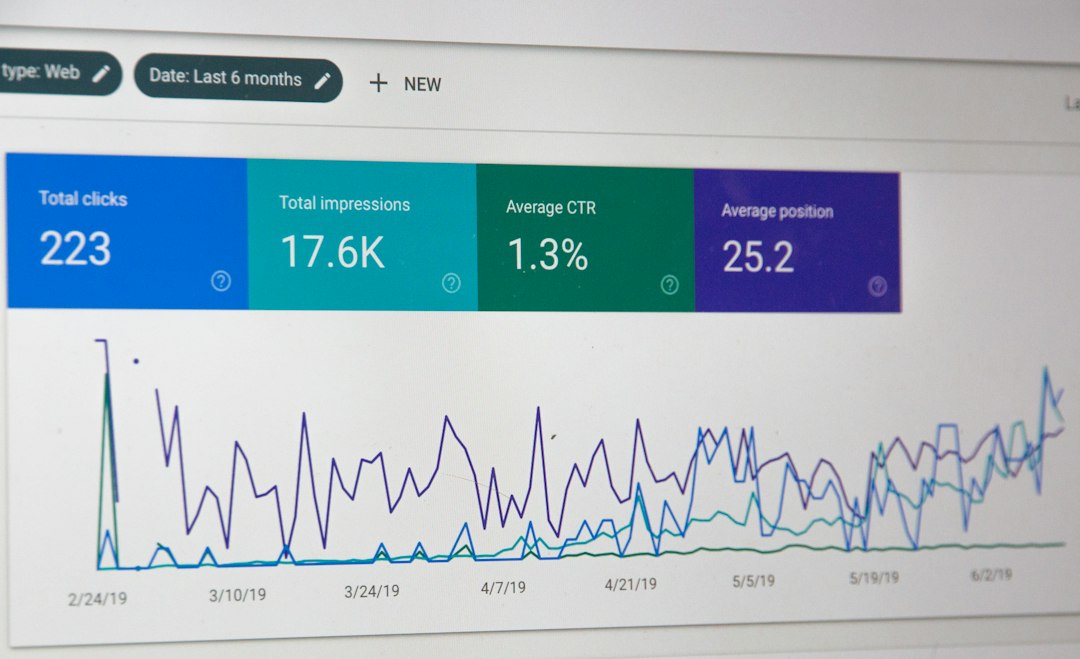
Yoast SEO: the friendly writing coach
Yoast SEO is famous for its traffic light system. Green feels good. Orange feels fine. Red feels like your teacher just sighed at you.
Yoast checks your page for simple things. Did you use your keyphrase? Is your title too long? Is your meta description missing? Are your paragraphs huge walls of text?
This is great for bloggers, writers, coaches, and content teams. It keeps you focused. It also helps beginners avoid common mistakes.
Best Yoast feature: the content analysis. It is simple. It is visual. It pushes you to write better pages.
Most annoying Yoast feature: the nags can feel bossy. Sometimes Yoast wants the exact keyphrase in places where it sounds weird. It drives me crazy when a sentence reads fine, but the plugin still waves a tiny red flag at it.
All in One SEO: the control panel with more knobs
All in One SEO, often called AIOSEO, feels more like a full SEO control room. It has many tools packed into one plugin.
You get strong features for technical SEO. You also get nice extras for local businesses, WooCommerce stores, and schema settings.
AIOSEO is handy if your site has more going on than blog posts. Think shops, service pages, locations, product categories, and landing pages.
Best AIOSEO feature: the site audit checklist. It gives you a clear list of issues. Fix title. Fix sitemap. Fix missing alt text. Done. Next.
Most annoying AIOSEO feature: some settings are tucked away. Expect to waste time on a few clicks when you first set it up. Not hours. But enough to mutter at your screen.
On-page SEO: who wins?
Winner: Yoast SEO.
Yoast is easier for writing and editing. Its SEO score and readability score are simple to understand. That matters when you are tired and trying to publish before lunch.
Yoast helps with:
- Focus keyphrases
- Meta titles
- Meta descriptions
- Internal link hints in premium plans
- Readability checks
- Content structure
If your main SEO job is making better articles, Yoast feels smoother. It acts like a friendly editor with a whistle.

Technical SEO: who wins?
Winner: All in One SEO.
AIOSEO gives you more control in one place. It handles advanced settings well. This is useful when a site has many page types.
AIOSEO is strong for:
- XML sitemaps
- Video sitemaps in paid plans
- News sitemaps in paid plans
- Robots.txt editing
- Local SEO tools
- WooCommerce SEO
- Schema options
Google says clear crawling and indexing signals help search engines understand your site [source: Google Search Central]. That is exactly where technical SEO plugins help.
WooCommerce SEO: online shops should care
Winner: All in One SEO, by a bit.
If you sell products, AIOSEO feels built for that job. It gives product SEO settings, schema support, and category control. That helps Google understand your products better.
Yoast also works with WooCommerce. But the best shop features often need the extra WooCommerce SEO add-on. That can raise the cost.
For a small store with 25 products, either plugin is fine. For a store with 500 products, AIOSEO may feel less cramped.
Local SEO: plumbers, salons, dentists, listen up
Winner: All in One SEO.
Local SEO needs extra details. Your business name. Address. Phone number. Opening hours. Service areas. Location pages.
AIOSEO has strong local SEO tools in its paid versions. This makes it a good pick for real-world businesses. If you want to show up for “near me” searches, these settings are useful.
Yoast has local SEO support too. But it often means another add-on. Again, the bill can grow.
Pricing: which one gives better value?
Both plugins have free versions. Both are useful. Both also keep shiny features behind paid plans. Shocking, I know.
Yoast free is great for basic blog SEO. You can edit titles, descriptions, and sitemaps. You also get the famous content checks.
AIOSEO free is also strong. It gives you basic SEO settings, sitemaps, and page checks. Its setup wizard is beginner friendly.
Paid plans depend on your site type. Yoast can get pricey if you add WooCommerce, local SEO, video SEO, or news SEO. AIOSEO bundles more features into tiered plans, which may suit business sites better.
Which plugin is easier for beginners?
Yoast SEO is easier on day one.
The interface is clean. The feedback is clear. You know what to fix because the plugin tells you. Sometimes too often. But that is better than silence.
AIOSEO has a good setup wizard. Still, it has more menus. More menus mean more chances to click around like a confused raccoon.
If you hate settings, pick Yoast. If you like control, pick AIOSEO.
Simple use cases
- Personal blog: Use Yoast SEO.
- Recipe site: Use Yoast SEO, plus proper recipe schema if needed.
- Local service business: Use All in One SEO.
- WooCommerce store: Use All in One SEO.
- News site: Use the plugin with the best sitemap plan for your budget.
- Agency site with many clients: Use AIOSEO if you need more control.
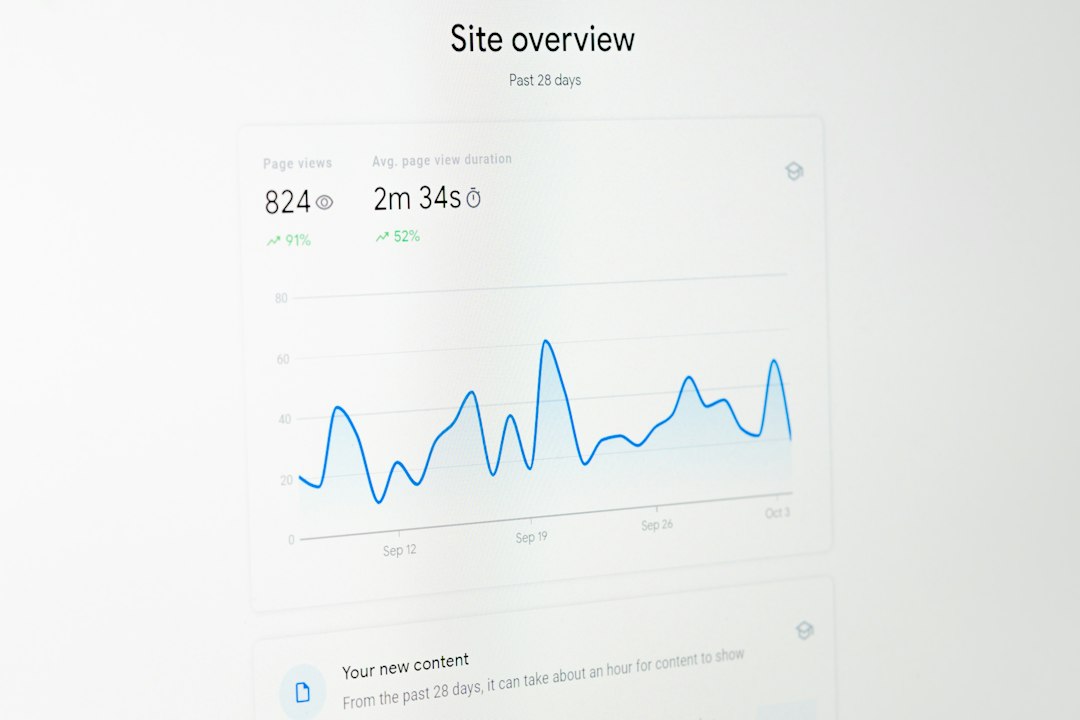
What actually improves search rankings?
The plugin is only the toolbox. You still need good work.
Focus on these first:
- Write titles people want to click.
- Answer the search question fast.
- Add internal links between related pages.
- Fix slow pages.
- Use clear headings.
- Write helpful meta descriptions.
- Keep old content fresh.
A plugin can remind you. It can fill gaps. It can stop silly errors. But it cannot make thin content useful.
Final pick
Pick Yoast SEO if your site runs on articles, guides, reviews, or blog posts. It is simple. It is fast to learn. It improves your writing habits.
Pick All in One SEO if your site is a business machine. Shops, local pages, service pages, and complex sites fit it well. You get more controls and more room to grow.
The best choice is the one you will actually use every week. Set your titles. Write better descriptions. Fix your sitemaps. Add schema. Then publish useful pages. That is where rankings start to move.



Navionics vs. Other Marine Navigation Apps: Maps, Features, and Pricing
Navionics is still the safest first pick for many boaters who want strong charts, sonar detail, and simple route planning…