
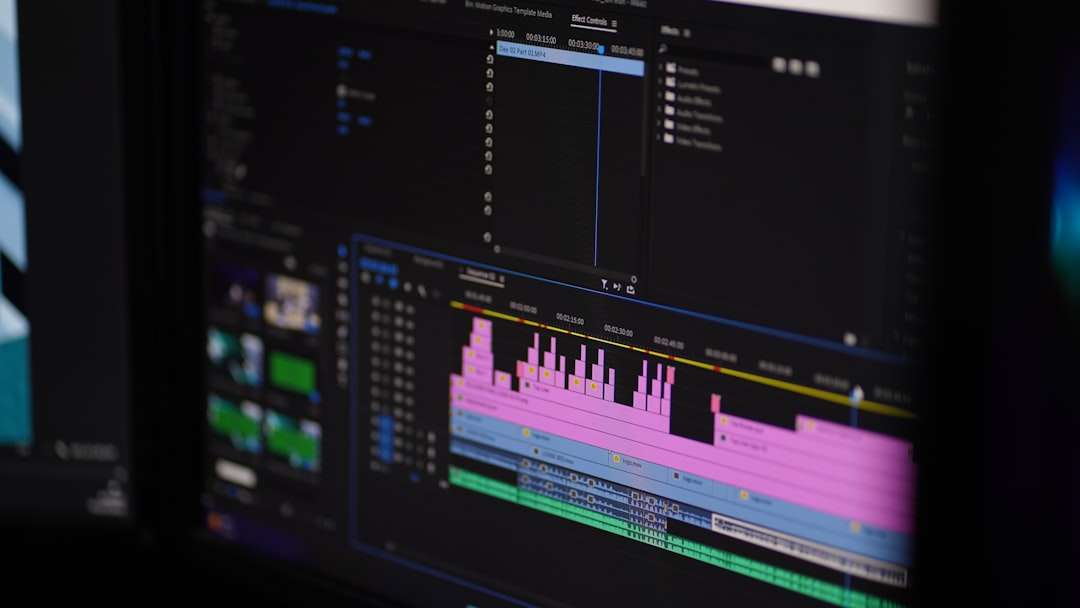

Creating accurate and visually appealing subtitles is a crucial part of modern video production. From YouTube creators and filmmakers to online educators and streaming platforms, high-quality captions improve accessibility, audience engagement, and comprehension. Manual subtitle editing, however, can be time-consuming and technically demanding. That is where subtitle editing tools like Aegisub come into play, offering precise synchronization, advanced formatting, and user-friendly workflows for both beginners and professionals.
TLDR: Subtitle editing tools like Aegisub help users synchronize captions with audio and video accurately while offering advanced styling and formatting options. These tools provide waveform visualization, timeline control, and script-based customization to improve efficiency and consistency. Whether for professional film subtitling or online content creation, subtitle editors streamline the entire captioning process. Choosing the right tool depends on features, compatibility, learning curve, and project requirements.
Why Subtitle Editing Tools Matter
Subtitles are no longer optional. They are essential for accessibility, search engine visibility, and viewer retention. Studies show that many viewers watch videos without sound, especially on mobile devices. Clear, synchronized subtitles ensure the message is delivered effectively regardless of audio settings.
Subtitle editing tools serve several core purposes:
- Precise synchronization of text with speech
- Formatting customization for readability and branding
- Error reduction through timing and visual aids
- Compatibility with multiple subtitle formats
- Improved workflow efficiency for large projects
Among these tools, Aegisub has gained popularity for its flexibility and powerful feature set.
Overview of Aegisub
Aegisub is a free, open-source subtitle editor designed for creating and modifying subtitles with high precision. Originally popular among anime fansub communities, it has grown into a widely respected tool used by professional subtitle editors.
What sets Aegisub apart is its combination of advanced timing controls, powerful styling tools, and automation features through scripting support.
Key Features of Aegisub
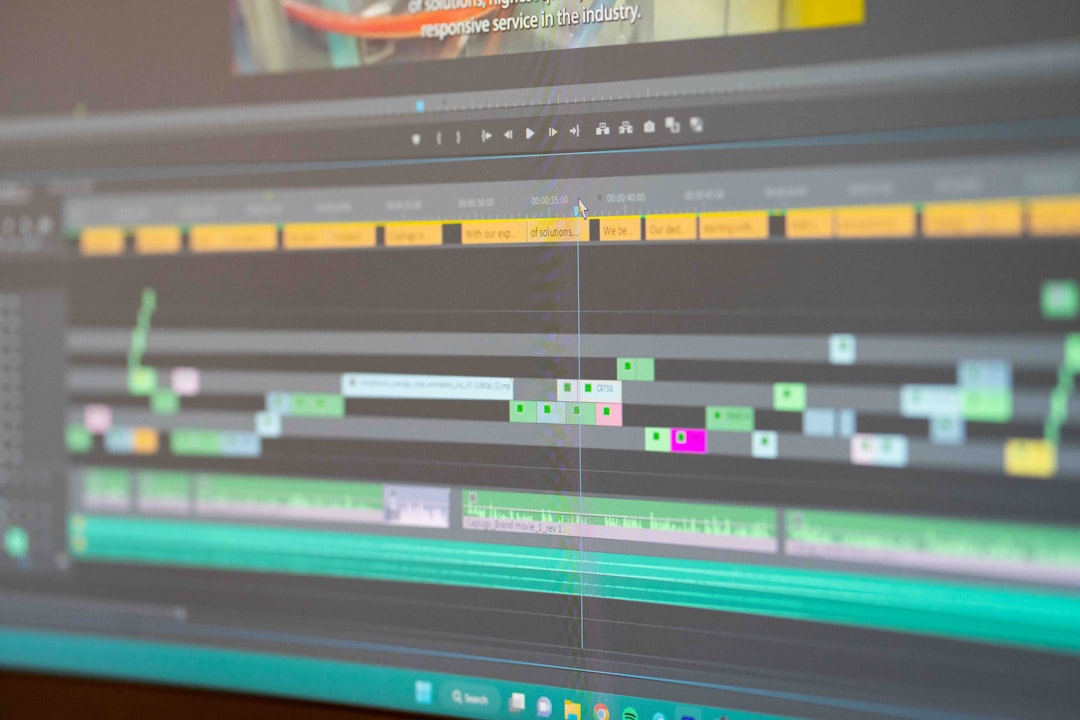
- Audio waveform visualization: Allows users to see speech patterns for frame-accurate syncing.
- Real-time video preview: Ensures subtitles match visuals and dialogue.
- Advanced Styling Format (ASS) support: Enables precise control of fonts, colors, positioning, and effects.
- Automation scripting: Supports Lua scripting for batch processing and effects.
- Karaoke timing tools: Ideal for music subtitles and lyric synchronization.
These features make Aegisub particularly powerful for projects requiring detailed control over presentation.
Core Functions of Subtitle Editing Software
Although Aegisub is a standout, many subtitle editing programs share similar core functions. Understanding these features helps in selecting the right tool.
1. Synchronization Tools
Timing is everything in subtitling. Professional tools provide:
- Frame-by-frame navigation
- Waveform and spectrogram displays
- Quick shortcut keys for start and end timing
- Auto-timing alignment options
This helps editors align captions precisely with spoken words, avoiding early or delayed text display.
2. Formatting and Styling Options
Subtitles should be readable and aesthetically consistent. Most tools offer:
- Font selection and sizing
- Text color and outline customization
- Shadow and border effects
- On-screen positioning
- Layered styling for multiple speakers
Advanced formats such as ASS enable complex effects that go beyond simple white text on a black outline.
3. Multi-Format Export
Subtitle editors typically support formats such as:
- SRT – Simple and widely compatible
- ASS – Advanced styling support
- SSA – Similar to ASS
- VTT – Common for web video
This flexibility ensures compatibility with platforms such as YouTube, Vimeo, streaming services, and editing software.
Popular Subtitle Editing Tools Compared
While Aegisub is powerful, it is not the only option. Other subtitle tools offer different strengths depending on the user’s needs.
| Tool | Best For | Key Features | Skill Level | Platform |
|---|---|---|---|---|
| Aegisub | Advanced styling and timing | Waveform sync, ASS styling, scripting | Intermediate to Advanced | Windows, macOS, Linux |
| Subtitle Edit | General use and conversion | Auto translate, format conversion | Beginner to Intermediate | Windows |
| Jubler | Cross-platform editing | Basic styling, spell check | Beginner | Windows, macOS, Linux |
| Final Cut Pro Caption Tools | Professional video production | Timeline integration, broadcast standards | Advanced | macOS |
This comparison demonstrates that while Aegisub excels in customization and precision, other tools may offer easier learning curves or tighter integration with editing suites.
Benefits of Using Dedicated Subtitle Tools
Enhanced Accuracy
Visual waveform displays reduce guesswork when syncing dialogue. Editors can visually match syllables to text timing.
Improved Productivity
Keyboard shortcuts, automation scripts, and bulk editing features speed up workflow dramatically compared to manual editing in basic text editors.
Better Viewer Experience
Clean, properly timed subtitles reduce cognitive strain and improve comprehension, especially for non-native speakers.
Creative Flexibility
Advanced styling enables artistic subtitle effects, making them part of the visual storytelling rather than just an accessibility feature.
Best Practices for Subtitle Synchronization and Formatting
Even with powerful tools, proper technique is essential.
Keep Lines Readable
- Limit subtitles to two lines
- Avoid cluttered fonts
- Maintain high contrast with background
Follow Timing Guidelines
- Minimum display time: 1 second
- Maximum display time: 6–7 seconds
- Avoid overlapping subtitle entries unless stylistically required
Maintain Consistency
Using consistent font styles, sizes, and positioning ensures professional results. Tools like Aegisub allow style templates that maintain uniformity throughout large projects.
Who Should Use Tools Like Aegisub?
Content creators benefit from improved engagement metrics. Film editors gain frame-accurate control. Educators ensure accessibility compliance. Localization professionals handle multilingual adaptations efficiently.
Because Aegisub is open-source and feature-rich, it is especially appealing to those who need advanced options without costly software licenses.
Choosing the Right Subtitle Tool
When selecting a subtitle editor, users should consider:
- Operating system compatibility
- How advanced styling needs are
- Integration with existing video editing software
- Level of automation required
- Learning curve tolerance
Beginners may prefer simpler tools, while professionals often require the fine control that Aegisub provides.
Future Trends in Subtitle Editing
Subtitle editing continues to evolve. Artificial intelligence assists with automatic speech recognition and initial timing alignment. Cloud-based collaboration tools allow teams to work simultaneously. Despite automation improvements, manual refinement using advanced editors like Aegisub remains essential to achieve professional accuracy and polished formatting.
As streaming continues to expand globally, demand for high-quality subtitles will only increase. Tools that balance automation with manual precision will remain critical in professional and creative workflows.
Frequently Asked Questions (FAQ)
1. Is Aegisub free to use?
Yes, Aegisub is free and open-source software available for Windows, macOS, and Linux systems.
2. What subtitle format should users choose?
SRT is the most widely supported format for simple captions. ASS is better for advanced styling and visual customization.
3. Can beginners use Aegisub?
Yes, but it may have a learning curve. Beginners can start with basic timing functions before exploring advanced styling features.
4. Does Aegisub support automatic subtitle generation?
No, Aegisub focuses on editing and formatting. Automatic transcription typically requires separate speech recognition software.
5. Why is synchronization important in subtitles?
Proper synchronization ensures subtitles appear exactly when dialogue is spoken, improving comprehension and viewer experience.
6. Are styled subtitles supported on all platforms?
No, not all platforms fully support advanced styling formats like ASS. It is important to verify compatibility with the intended distribution platform.
Subtitle editing tools like Aegisub play a vital role in modern media production. By combining precise synchronization, advanced formatting, and efficient workflows, these tools transform the captioning process from a technical necessity into a refined craft.

All the Google Easter Eggs: How to Discover Search Games, Hidden Features, and Interactive Experiments
The fastest way to find Google Easter eggs is simple: type a weird command, game name, or pop culture phrase…