
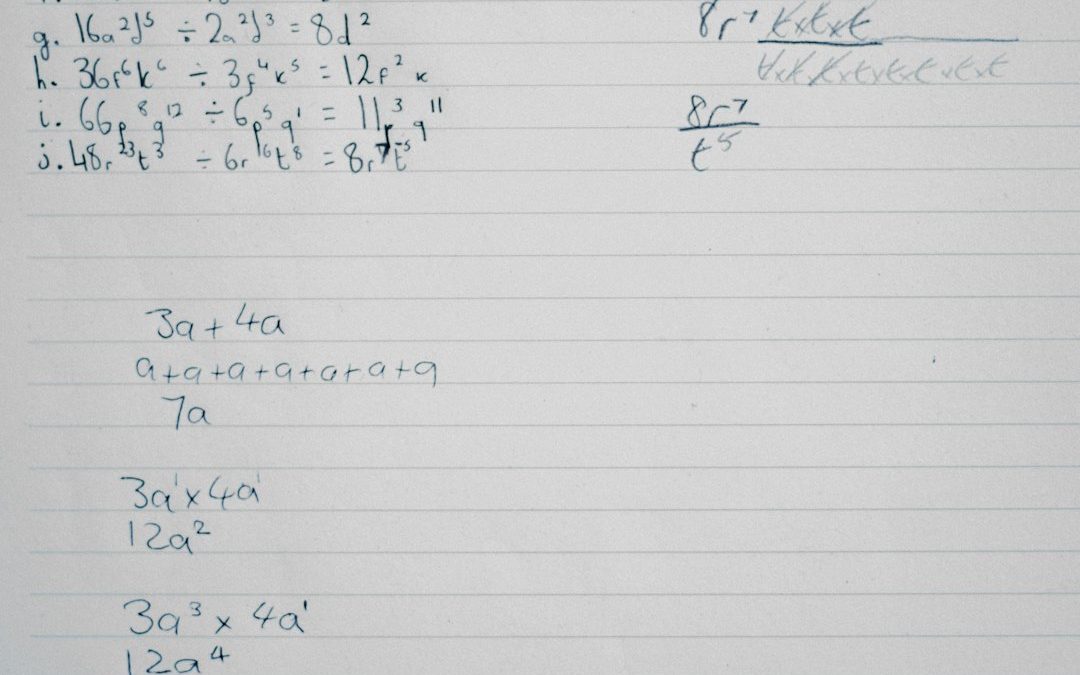

Imagine turning a messy notebook page into clean, searchable text in seconds. That is the magic of handwriting OCR tools. These tools read handwritten words and convert them into digital text. It sounds like science fiction. But it is very real. And it is transforming the way we work, study, and stay organized.
TLDR: Handwriting OCR tools turn handwritten notes into digital text using smart software and AI. They help students, businesses, doctors, and researchers save time and reduce errors. These tools work by analyzing patterns in letters and matching them to characters. They are not perfect, but they keep getting better and more accurate every year.
What Is Handwriting OCR?
OCR stands for Optical Character Recognition. It is a technology that reads text from images. Regular OCR reads printed text. Think books. Receipts. Typed documents.
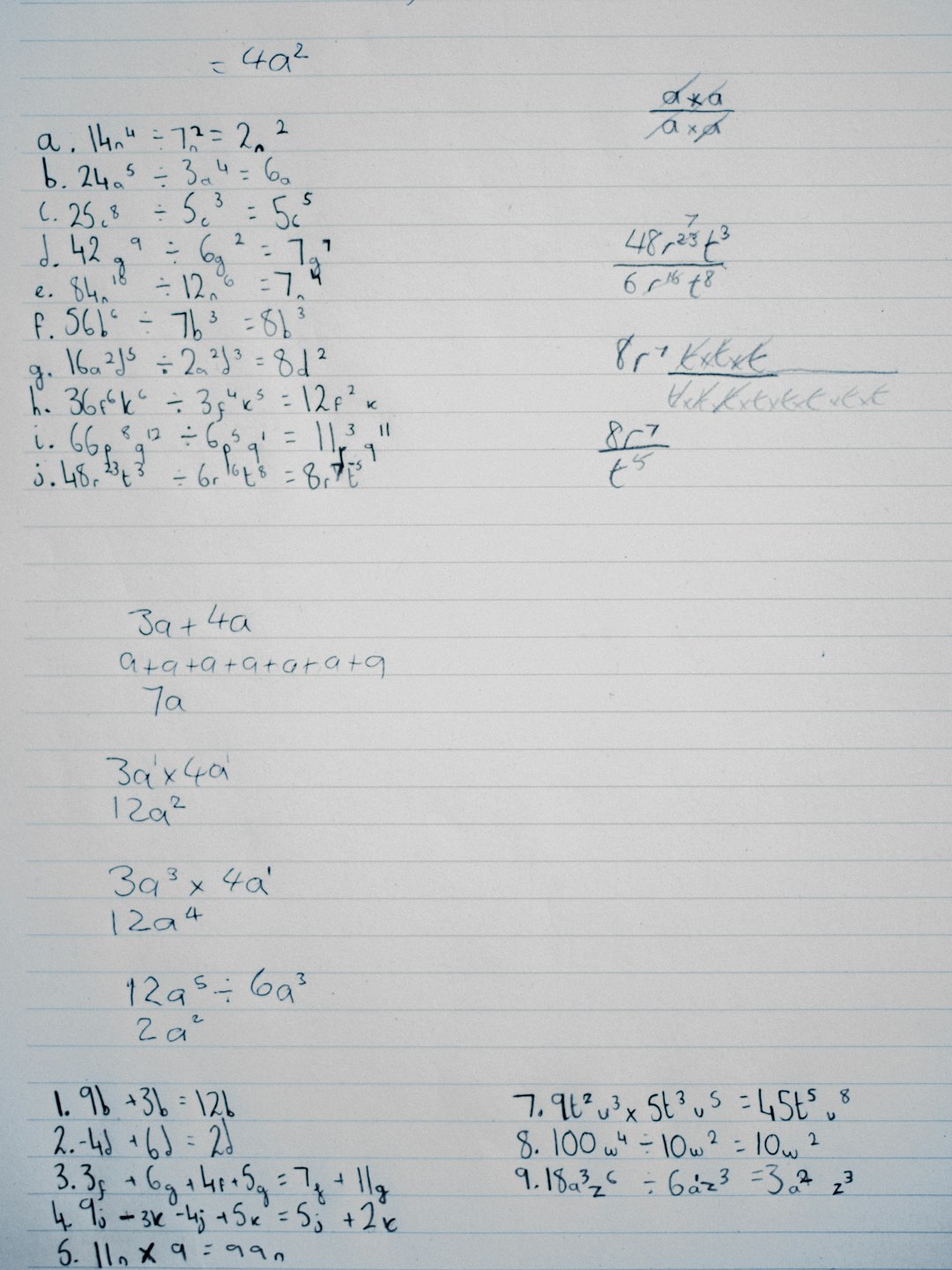
Handwriting OCR is more advanced. It reads handwritten text. That means cursive notes. Scribbled reminders. Whiteboard sketches. Even forms filled out by hand.
This is harder than it sounds. Why?
- Everyone writes differently.
- Some people write in cursive.
- Some mix print and cursive.
- Some have… let’s say… creative handwriting.
Yet modern tools can still figure it out. Thanks to artificial intelligence and machine learning.
How Does Handwriting OCR Work?
Let’s break it down into simple steps.
- Image Capture – You scan a document or take a photo.
- Preprocessing – The software cleans up the image. It adjusts brightness. It removes noise.
- Character Detection – The system identifies shapes that look like letters or numbers.
- Pattern Matching – AI compares those shapes to learned handwriting patterns.
- Text Conversion – The handwritten words become digital text you can edit and search.
The magic happens in step four. Modern tools use machine learning models. These models have been trained on thousands, sometimes millions, of handwriting samples. Over time, they get better at recognizing patterns.
Think of it like teaching a child to read messy handwriting. The more examples they see, the better they get.
Why Is Handwriting OCR Important?
Because paper piles up. Fast.
Many industries still rely on handwritten documents. Notes. Forms. Sign-in sheets. Medical charts. Field reports. Without OCR, someone would need to type all that information manually.
That takes:
- Time
- Money
- Patience
And humans make mistakes. OCR tools reduce those errors. They also make text searchable. That is a game changer.
Real-World Applications
Let’s explore where handwriting OCR tools shine in the real world.
1. Education
Students love writing notes by hand. Studies show that writing helps memory. But handwritten notes are harder to organize.
With OCR tools, students can:
- Scan class notes.
- Convert them into editable text.
- Search for keywords before exams.
- Share digital versions with classmates.
Teachers benefit too. They can digitize handwritten assignments. Feedback becomes easier to track.

2. Healthcare
Hospitals still use handwritten notes. Doctors write prescriptions. Nurses record observations. Medical staff fill out forms quickly.
Handwriting OCR helps by:
- Digitizing patient records.
- Reducing manual data entry.
- Minimizing reading errors.
- Improving record searchability.
This saves time. It can also improve patient safety. Clear, accessible data matters in healthcare.
3. Banking and Finance
Banks deal with handwritten checks and forms all the time.
OCR systems can:
- Read handwritten amounts on checks.
- Extract names and account numbers.
- Process loan application forms.
This speeds up transactions. It also reduces human workload.
4. Legal Industry
Law firms handle massive amounts of paperwork. Some of it is handwritten. Old contracts. Signed statements. Court notes.
Handwriting OCR helps legal teams:
- Digitize archives.
- Search through decades of records.
- Share documents quickly.
Instead of flipping through boxes, they can search a keyword in seconds.
5. Historical Research
Museums and libraries store handwritten letters and manuscripts. Some are hundreds of years old.
Researchers use OCR tools to:
- Convert fragile documents into digital text.
- Translate old scripts.
- Preserve history.
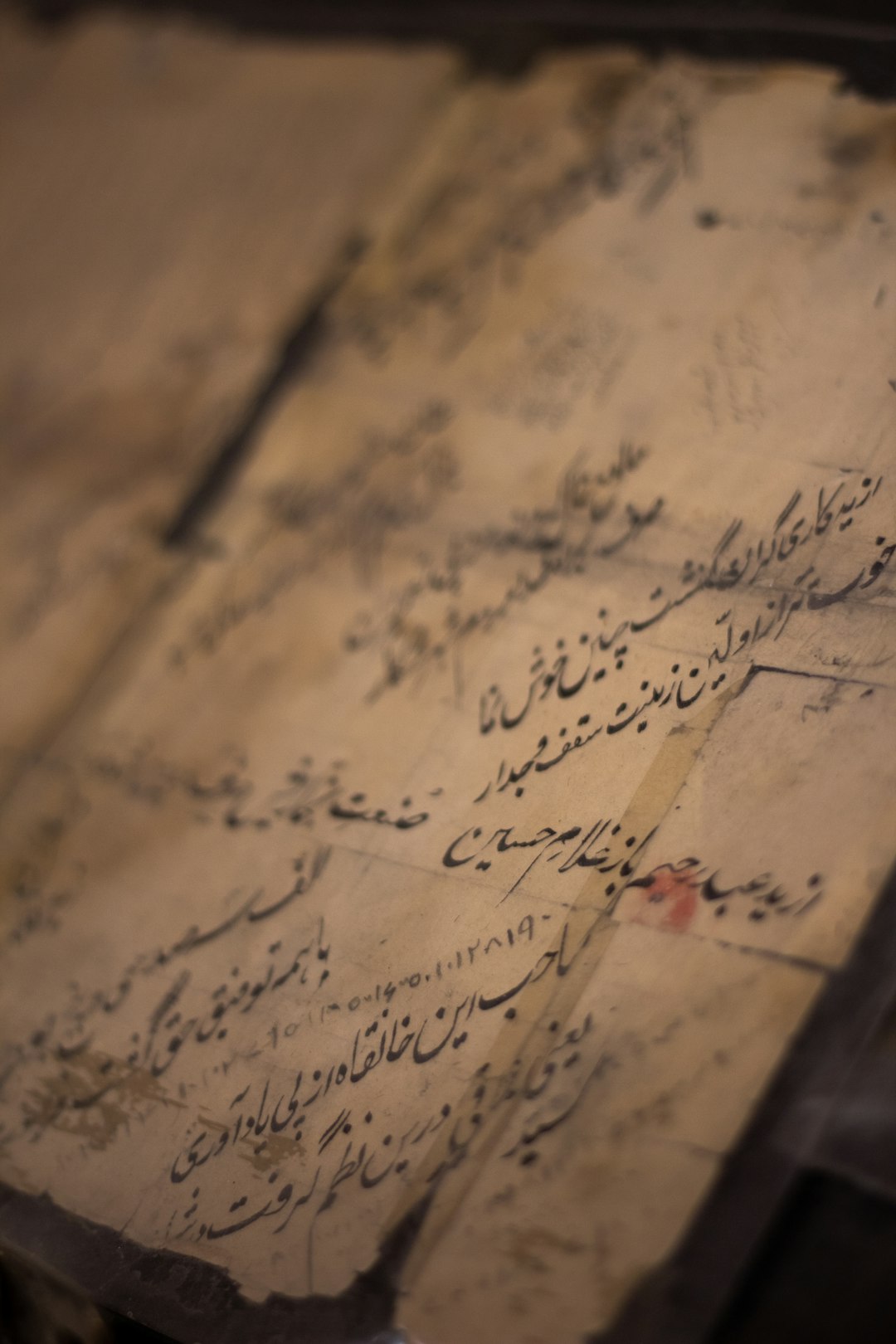
This makes rare documents accessible to people around the world.
6. Business and Field Work
Many workers operate outside offices. Think construction managers. Delivery drivers. Inspectors.
They often fill out forms by hand. Later, someone enters that data into a system.
With handwriting OCR:
- They snap a photo.
- The system extracts the data.
- The information updates automatically.
It is faster. It reduces duplication. It keeps data flowing in real time.
What Makes Modern OCR So Smart?
Older OCR systems struggled. They needed very neat writing. Clear separation between letters. High-quality scans.
Today’s tools use:
- Artificial Intelligence
- Deep Learning
- Neural Networks
These systems do not just match shapes. They understand context.
For example:
If a word looks like “c@t,” the system may guess it is “cat.” Why? Because that word makes sense in context. Modern OCR analyzes surrounding words to improve accuracy.
It is similar to autocorrect on your phone. But more advanced.
Common Challenges
Handwriting OCR is powerful. But it is not perfect.
Here are some challenges:
- Messy handwriting – Some writing is extremely hard to read.
- Different languages – Systems must be trained for each script.
- Low-quality images – Blurry or dark photos cause errors.
- Unusual layouts – Notes written at angles or overlapping text can confuse the software.
Still, tools improve every year. The more data they process, the smarter they become.
How Accurate Are These Tools?
Accuracy depends on several factors:
- Clarity of handwriting
- Image quality
- Language
- The specific OCR engine used
In structured forms with clear writing, accuracy can be very high. Sometimes over 90%.
In messy notebooks? It may drop. That is why many systems allow editing after conversion.
Think of OCR as a fast assistant. Not a flawless one.
Benefits of Using Handwriting OCR
The advantages are easy to see.
- Time Savings – No manual typing of long notes.
- Better Organization – Digital text is searchable.
- Improved Accessibility – Text can be enlarged or read aloud.
- Secure Storage – Digital backups prevent loss.
- Easy Sharing – Send documents instantly.
It bridges the gap between paper and digital life.
Tips for Best Results
Want to improve OCR accuracy? Try these simple steps:
- Write clearly and avoid overlapping lines.
- Use dark ink on light paper.
- Take well-lit, steady photos.
- Flatten pages before scanning.
- Avoid shadows.
Small improvements make a big difference.
The Future of Handwriting OCR
The future looks exciting.
We are seeing:
- Real-time handwriting recognition on tablets.
- Better multi-language support.
- Improved recognition of cursive writing.
- Integration with cloud systems.
Soon, the line between handwritten and digital input may disappear. You will write naturally. The system will handle the rest.
Imagine attending a meeting. You scribble notes. By the time the meeting ends, your notes are already organized, searchable, and stored in the cloud.
That future is not far away.
Final Thoughts
Handwriting OCR tools are more than a cool tech feature. They solve real problems. They reduce manual work. They make information easier to access.
From classrooms to hospitals. From banks to museums. These tools help move handwritten knowledge into the digital world.
And they do it quickly.
So the next time you jot down ideas on paper, remember this: those scribbles can become powerful digital text in seconds.
Paper is no longer a dead end. With handwriting OCR, it is just the beginning.


Clear Wi-Fi Cache: DNS Cache Flush vs Router Restart for Troubleshooting Wireless Connections
Flush the DNS cache first when websites act strange, but restart the router when the whole wireless connection is slow,…