


Invoice coding software has become a critical part of modern accounts payable operations. As organizations process more supplier bills, purchase orders, expense records, and payment approvals, manual coding can quickly become slow, inconsistent, and error-prone. The right platform helps finance teams assign invoices to the correct general ledger accounts, cost centers, departments, projects, tax codes, and approval workflows with greater speed and accuracy.
TLDR: A business should look for invoice coding software that improves accuracy, automates repetitive tasks, integrates with accounting systems, and supports clear approval workflows. The best tools offer strong data capture, customizable coding rules, audit trails, reporting, and security controls. The ideal choice depends on the organization’s invoice volume, accounting complexity, budget, and growth plans.
Why Invoice Coding Software Matters
Invoice coding is the process of assigning accounting details to an invoice before it is approved and paid. These details may include the general ledger account, supplier category, department, project, location, tax treatment, and payment terms. When coding is handled manually, finance teams often rely on spreadsheets, email threads, or repeated data entry. This can cause delays, duplicate payments, incorrect expense allocation, and compliance risks.
Effective invoice coding software reduces those risks by applying consistent rules, learning from historical patterns, and routing invoices to the right people. It also gives managers better visibility into spending and helps the accounting team close the books faster. For growing businesses, this type of software can be the difference between a reactive accounts payable function and a controlled, scalable financial process.
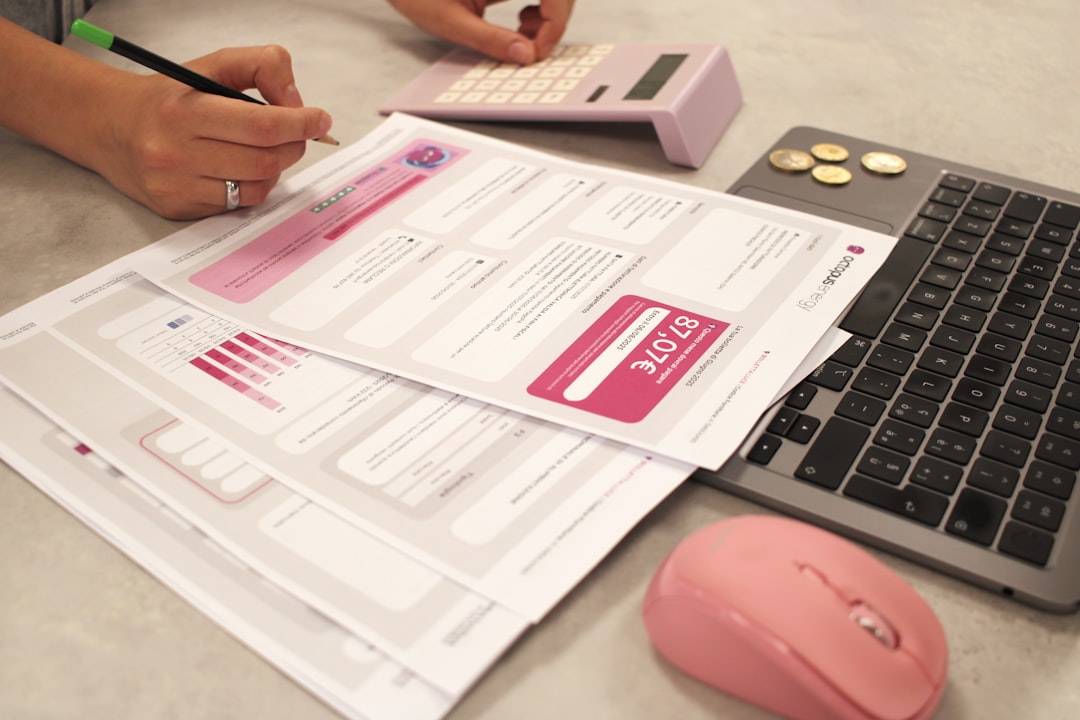
Accurate Data Capture and OCR Capabilities
One of the first features a company should evaluate is the software’s ability to capture invoice data accurately. Many platforms use optical character recognition, commonly known as OCR, to read invoice details from PDFs, scans, and images. More advanced systems use artificial intelligence and machine learning to improve recognition over time.
A strong invoice coding tool should be able to identify and extract key fields such as:
- Supplier name and address
- Invoice number and invoice date
- Purchase order number
- Line item descriptions
- Subtotal, tax, discounts, and total amount
- Payment terms and due dates
- Currency and tax registration details
The company should not only check whether the software can capture this information, but also how often it gets it right. High accuracy reduces the need for manual correction and gives the accounting team more confidence in automated coding suggestions.
Smart and Customizable Coding Rules
Invoice coding software should do more than read invoice data. It should be able to apply coding logic based on the organization’s accounting structure. For example, recurring rent invoices may always be coded to a facilities expense account, while software subscriptions may be coded to an IT expense account and routed to the technology department for approval.
The best platforms allow finance teams to create rules based on supplier, invoice amount, location, department, line item, project, currency, or tax type. These rules should be easy to adjust as the business changes. A company should look for software that can support both simple rules and more complex scenarios, such as split coding across multiple departments or projects.
Flexibility is especially important for organizations with multiple entities, locations, or cost centers. A rigid system may work for a small business today but become a bottleneck as invoice volume and accounting complexity increase.
Integration With Accounting and ERP Systems
Invoice coding software should fit smoothly into the company’s existing financial technology stack. If the platform does not integrate with the accounting system or enterprise resource planning system, the team may still need to export and import files manually. That weakens the value of automation.
Strong integration allows coded invoices to flow directly into systems such as accounting ledgers, payment platforms, procurement tools, and reporting dashboards. It also helps ensure that vendor records, chart of accounts, purchase orders, and payment statuses remain synchronized.
When evaluating integration, a business should consider:
- Native integrations: Built-in connections to popular accounting or ERP platforms.
- API availability: The ability to connect custom systems or specialized workflows.
- Data synchronization: How often information updates between platforms.
- Error handling: How the software identifies and resolves failed transfers.
- Implementation effort: The time and technical resources required to connect systems.
Approval Workflow Automation
Invoice coding and invoice approval are closely connected. Once an invoice is coded, it usually needs to be reviewed by the appropriate manager, budget owner, or finance approver. Good software should automate this routing rather than relying on manual email forwarding.
A company should look for workflow features that allow approvals based on invoice amount, supplier, department, project, or location. For instance, invoices under a certain amount may only require one approval, while larger invoices may require multiple levels of review. The system should also send automatic reminders, show pending tasks, and allow approvers to review invoices from desktop or mobile devices.
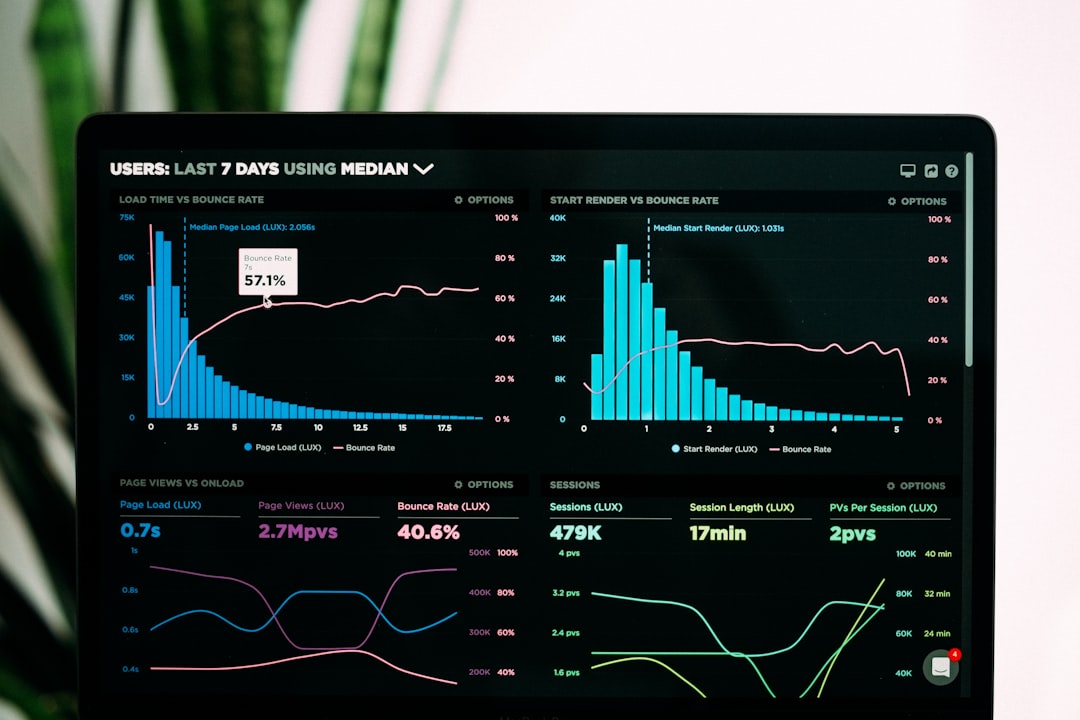
Clear workflow automation reduces bottlenecks and improves accountability. It also helps prevent unauthorized spending by ensuring that invoices are reviewed by the right person before payment is made.
Purchase Order Matching
For businesses that use purchase orders, invoice coding software should support two-way or three-way matching. Two-way matching compares the invoice with the purchase order. Three-way matching compares the invoice, purchase order, and goods receipt or delivery confirmation.
This feature helps identify discrepancies before payment. For example, the software may flag an invoice if the billed amount is higher than the purchase order, if quantities do not match, or if the supplier charges for items that were not received. Automated matching can save significant time and reduce overpayments.
Even if a business does not use purchase orders for every transaction, matching capabilities can still be useful for high-value purchases, inventory-related invoices, or service contracts.
Audit Trails and Compliance Controls
Every finance team needs a reliable record of who coded, reviewed, approved, changed, or rejected an invoice. Invoice coding software should provide a detailed audit trail for each transaction. This is essential for internal controls, external audits, tax reviews, and regulatory compliance.
The audit trail should show timestamps, user actions, coding changes, approval decisions, and supporting documents. It should also preserve the original invoice image or file so reviewers can verify details later.
Compliance features may include role-based permissions, segregation of duties, duplicate invoice detection, tax validation, and approval limits. These controls are particularly important for larger companies, regulated industries, and organizations with multiple finance users.
User-Friendly Interface
Even powerful software can fail if employees find it difficult to use. A business should evaluate how easy the platform is for accounts payable staff, managers, and executives. The interface should make it simple to view invoice details, confirm coding suggestions, add notes, approve or reject invoices, and search for past records.
A clean dashboard can help users understand what needs attention. For example, it may show invoices awaiting coding, approvals overdue, exceptions requiring review, and payments approaching their due date. The software should reduce confusion, not add another complicated layer to the finance process.
Training requirements should also be considered. If the system is intuitive, adoption will be faster and the organization will see value sooner.
Reporting and Spend Visibility
Invoice coding software should provide useful reporting tools. Once invoices are coded consistently, finance leaders can analyze spending by supplier, department, category, project, and time period. This information can support budgeting, forecasting, vendor negotiations, and cost control.
Useful reports may include:
- Outstanding invoices by approval status
- Spend by general ledger account
- Top suppliers by invoice value
- Late payment risk and early payment opportunities
- Exceptions, coding corrections, and duplicate invoice warnings
- Department or project-level expense summaries
Better visibility helps organizations make smarter financial decisions. Instead of waiting until month-end, managers can monitor spending patterns throughout the accounting period.
Scalability and Multi-Entity Support
The right invoice coding platform should support the company’s current needs while also allowing room for growth. A system that works for a few hundred invoices per month may not be suitable for thousands of invoices across multiple entities, currencies, and tax jurisdictions.
Scalability matters in several areas. The software should handle higher invoice volumes without performance issues. It should also support additional users, departments, approval chains, and accounting structures. For organizations operating internationally, multi-currency and multi-language features may be necessary.

Before selecting a platform, decision-makers should consider where the business is likely to be in three to five years. Choosing software that can grow with the organization may prevent a costly migration later.
Security and Data Protection
Invoices often contain sensitive financial information, supplier details, bank data, tax identifiers, and internal approval records. For that reason, security should be a top priority. A business should review how the software protects data at rest and in transit, how users are authenticated, and how permissions are managed.
Important security features include:
- Role-based access control
- Multi-factor authentication
- Data encryption
- Secure cloud hosting
- Regular backups
- Activity logs and monitoring
- Compliance with relevant standards or regulations
The company should also understand where data is stored, how long records are retained, and what happens if the organization decides to leave the platform. Strong security protects not only the finance team, but also suppliers and customers.
Exception Handling and Duplicate Detection
No invoice process is perfect. Suppliers may send incorrect amounts, duplicate invoices, missing purchase order numbers, or mismatched tax details. Good invoice coding software should identify exceptions and route them for review.
Duplicate detection is especially valuable. The system should flag invoices with the same supplier, invoice number, amount, or date. It may also detect near-duplicates, such as invoices with small formatting differences. Preventing duplicate payments can deliver a direct financial return.
Exception handling should be transparent. Users should be able to see why an invoice was flagged, what action is needed, and who is responsible for resolving it.
Total Cost and Return on Investment
Price is always important, but a business should look beyond the subscription fee. The total cost may include implementation, integration, training, data migration, support, additional users, storage, and future upgrades. Some vendors charge by invoice volume, while others charge by user count or feature tier.
To estimate return on investment, the organization should consider how much time the accounts payable team spends on manual coding, how many errors occur, and how often invoices are paid late. Savings may come from reduced labor, fewer duplicate payments, improved early payment discounts, faster approvals, and better financial reporting.
The best choice is not always the cheapest option. It is the platform that delivers the strongest value for the company’s process, risk level, and growth plan.
Vendor Support and Implementation
Successful software adoption depends heavily on vendor support. A company should ask how implementation is managed, how long setup usually takes, and what resources are required from the internal team. It should also evaluate documentation, training materials, live support, and ongoing customer success services.
A reliable vendor should understand accounting workflows and provide guidance on best practices. During the evaluation stage, the business should pay attention to how responsive and helpful the vendor is. That experience often indicates the quality of support after purchase.
Final Thoughts
Invoice coding software can significantly improve the efficiency, accuracy, and control of accounts payable operations. However, the right platform should match the organization’s real accounting needs rather than simply offering a long list of features. Decision-makers should focus on data capture accuracy, coding automation, integrations, approval workflows, compliance controls, reporting, scalability, security, and support.
When selected carefully, invoice coding software becomes more than an administrative tool. It becomes a foundation for better financial visibility, stronger internal controls, and faster decision-making across the business.
FAQ
What is invoice coding software?
Invoice coding software helps assign accounting information to supplier invoices, such as general ledger accounts, departments, cost centers, projects, and tax codes. It often automates data capture, coding suggestions, approvals, and integration with accounting systems.
Who should use invoice coding software?
Any organization that processes a regular volume of supplier invoices can benefit from it. It is especially useful for businesses with multiple departments, complex approval workflows, many suppliers, or a high risk of manual data entry errors.
Does invoice coding software replace accounts payable staff?
No. It usually supports accounts payable staff by reducing repetitive manual work. Finance teams still review exceptions, manage supplier relationships, maintain controls, and oversee payment decisions.
What is the most important feature to look for?
The most important feature depends on the business, but accurate data capture and customizable coding rules are usually essential. Without reliable invoice recognition and coding logic, automation benefits may be limited.
Can invoice coding software integrate with accounting systems?
Many platforms integrate with accounting and ERP systems. A business should confirm whether the software connects with its specific system, how synchronization works, and whether any custom setup is required.
How does invoice coding software improve compliance?
It improves compliance by maintaining audit trails, enforcing approval rules, limiting user permissions, detecting duplicates, and preserving invoice records. These controls help organizations demonstrate that invoices were reviewed and approved properly.
Is cloud-based invoice coding software secure?
Cloud-based software can be secure when it uses strong encryption, access controls, multi-factor authentication, backups, and reputable hosting infrastructure. The organization should always review the vendor’s security practices before making a decision.



Instagram Automation: A Complete Guide to Automating Instagram Content, Scheduling, Engagement, and Repetitive Marketing Tasks
Automate Instagram to save hours, not to fake being human. The best setup handles planning, scheduling, reporting, inbox routing, content…