
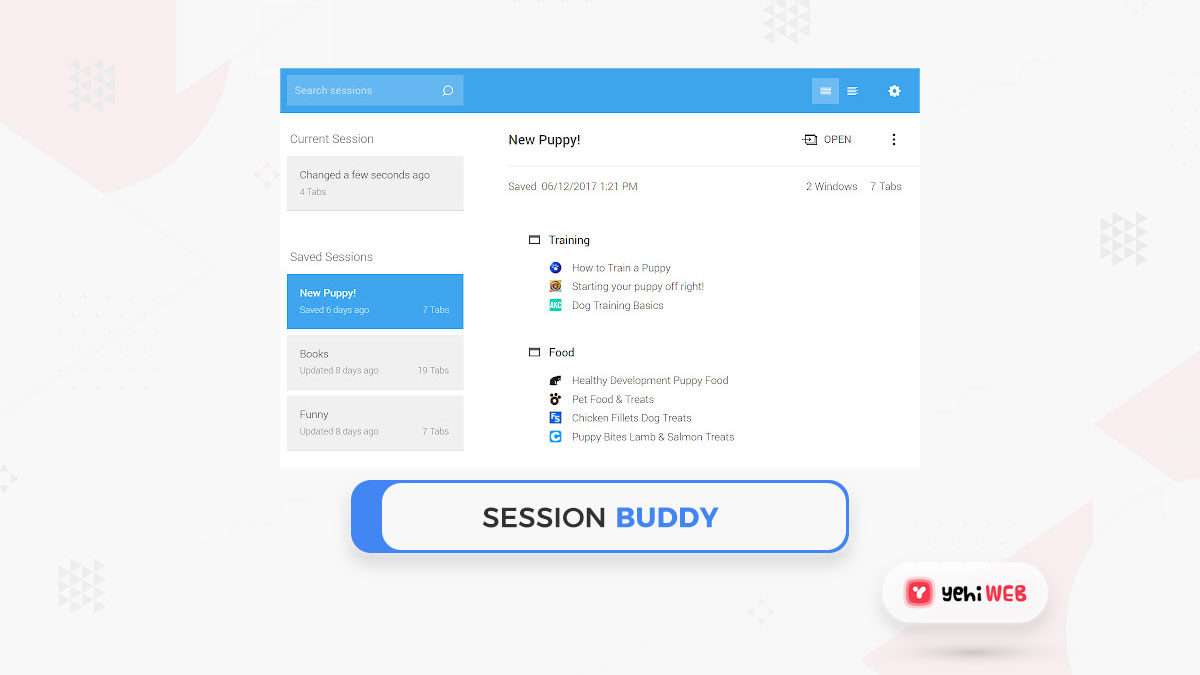

A session in computing is a temporary interaction between a user, device, application, or service and a computer system. It usually starts when access begins, continues while activity is tracked, and ends after logout, timeout, or disconnection. A common web analytics rule treats a session as a group of interactions within a set time period, often with a default timeout of 30 minutes [source: Google].
TLDR: A session is a short-lived period of activity in a system, such as a person logging into a banking app, browsing pages, and then signing out. For example, if an online store gets 10,000 visits in a day and 6,800 of them include product views, carts, or checkouts, those visits may be counted as sessions for analytics. Sessions help systems remember state, apply permissions, measure behavior, and protect accounts. They matter because computers are forgetful unless a session links actions together.
What a Session Means
In computing, a session is a managed period of communication. It can happen between a person and a website, an app and a server, a terminal and an operating system, or one service and another service.
The key idea is continuity. Without a session, each request may look unrelated. A shopping site would not know which cart belongs to which visitor. A banking app would ask for credentials on every screen. A support dashboard would forget filters, permissions, and activity history.
A session gives a system a way to say, “these actions belong together.” That small idea powers logins, carts, dashboards, cloud tools, streaming apps, multiplayer games, and remote servers.
How a Session Starts and Ends
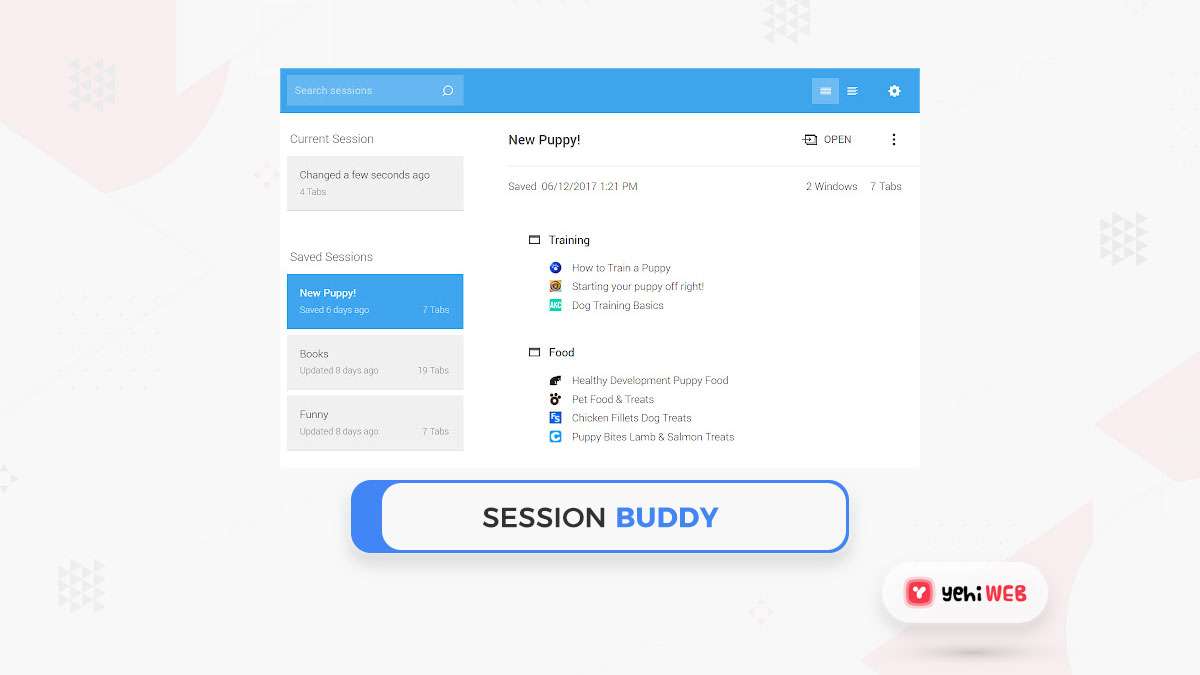
A session usually begins when a user signs in, opens an app, connects to a server, or sends the first request that the system chooses to track. The system may create a session ID, which is a unique value used to recognize that session later.
The session can end in several ways:
- Logout: the user signs out on purpose.
- Timeout: the system ends the session after inactivity.
- Browser or app closure: some systems end the session when the client closes.
- Server reset: the backend removes active session records.
- Security event: password changes, suspicious activity, or permission changes force an end.
Honestly, session timeouts can feel annoying when a form takes 12 minutes to complete and the system logs the user out at minute 10. Still, timeouts exist for a reason. They reduce the risk of someone using an unattended device.
Session State and Why It Matters
Session state means the data stored about a session. It may include a user ID, login status, cart contents, language choice, role, temporary preferences, or the last page visited.
This state can be stored in different places:
- On the server: often safer for sensitive data.
- In a browser cookie: common for web sessions.
- In local storage: useful, but risky for sensitive tokens.
- In memory: fast, but lost when the app or server restarts.
- In a database or cache: common for larger systems.
Web systems often use cookies to carry a session identifier. The cookie does not need to contain all user data. It can simply hold a reference, while the server stores the real session information.
Common Types of Sessions
The word “session” appears in many parts of computing. The meaning changes slightly, but the core idea stays the same.
- Web session: a visit or login period on a website or web app.
- Login session: the time between authentication and logout.
- Terminal session: a command-line connection to a local or remote system.
- Database session: a connection between an application and a database engine.
- Remote desktop session: an interactive graphical connection to another computer.
- Gaming session: a period of play, matchmaking, or server participation.
- API session: a tracked connection or token-based interaction between services.
Sessions vs Cookies vs Tokens
A session is not the same as a cookie. A session is the activity period. A cookie is one possible tool used to identify it. A token is another tool, often used in APIs and modern apps.
For example, a user logs into a project management app. The server creates a session and sends a cookie to the browser. On each new page request, the browser sends that cookie back. The server checks it and knows the user is still signed in.
In token-based systems, the app may receive an access token after login. That token proves permission for later requests. Some systems avoid traditional server-stored sessions and rely on signed tokens instead. That can scale well, but token revocation can be harder if the design is sloppy.
Security Risks in Sessions
Sessions are useful, but they can be abused. Attackers often target sessions because taking over an active session can bypass a password prompt.
Common risks include:
- Session hijacking: stealing a valid session ID or token.
- Session fixation: forcing a known session ID onto a victim.
- Weak cookies: missing secure flags or poor expiration rules.
- Long-lived sessions: keeping access open for too long.
- Predictable IDs: using values that attackers can guess.
Secure systems use random session IDs, HTTPS, short expiration windows, rotation after login, and cookie protections such as HttpOnly, Secure, and SameSite. The OWASP project lists session management as a major web security topic [source: OWASP].
Sessions in Analytics
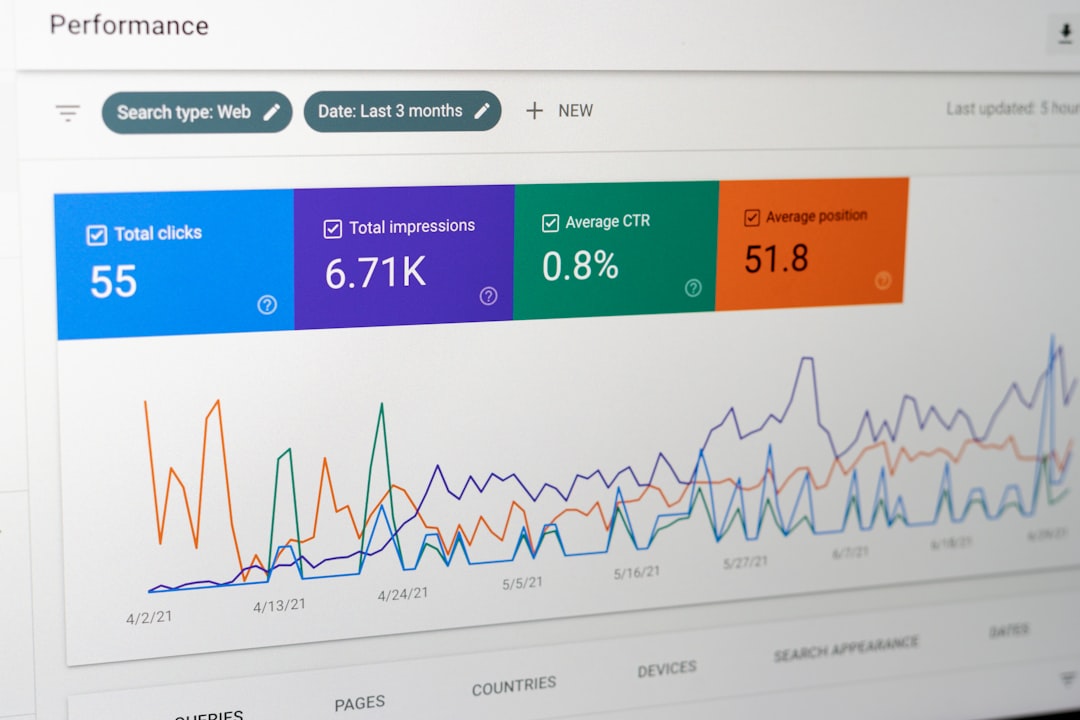
In analytics, a session helps measure visits. One person may create several sessions in one day. Another person may create one long session with many page views.
This is why sessions differ from users and page views. A user is the person or device being measured. A page view is a single loaded page. A session groups multiple actions into one visit-like block.
For example, an ecommerce site might report:
- 25,000 users in one week
- 41,000 sessions in the same week
- 130,000 page views
- 2.7 pages per session on average
Those numbers tell different stories. High sessions with low conversion may point to weak product pages. High page views per session may show interest, or confusion. It drives analysts a little mad when session rules change between tools, because a weekly report can shift by 8% with no real change in customer behavior.
Why Sessions Are Needed
Sessions solve a basic problem: many communication protocols treat each request as separate. The web is a clear example. HTTP was built as a stateless protocol, which means each request stands on its own. Sessions add memory on top of that model.
Because of sessions, systems can:
- Keep users signed in
- Preserve shopping carts
- Track progress through forms
- Limit access by role
- Measure visits and behavior
- Support remote work and server administration

Best Practices for Session Handling
Good session design is quiet when it works. Bad design causes lost work, security holes, and strange login loops.
- Use secure transport: sessions should run over HTTPS.
- Set sensible timeouts: banking sessions should be shorter than news site sessions.
- Rotate IDs after login: this reduces fixation attacks.
- Store sensitive data server-side: browsers should not hold secrets.
- Expire sessions after password changes: old access should not remain open.
- Give warning before timeout: users should not lose long forms without notice.
A session is simple in name, but central to modern computing. It tells systems which actions belong together. It supports security, convenience, analytics, and continuity across apps and networks.
FAQ
What does session mean in simple terms?
A session is a temporary period of activity between a user or program and a computer system. It starts when interaction begins and ends after logout, timeout, or disconnection.
Is a session the same as a login?
No. A login can start a session, but a session is the whole active period after access begins. Some sessions also exist without a formal login.
What is a session ID?
A session ID is a unique value used to identify one active session. It helps the server connect later requests to the same user or process.
Why do sessions expire?
Sessions expire to reduce security risk and free system resources. If an account stays open forever, stolen devices and shared computers become more dangerous.
What is the difference between a session and a cookie?
A session is the interaction period. A cookie is a small browser-stored item that may help identify that session.
Can a user have multiple sessions?
Yes. A person may be signed in on a phone, laptop, and tablet at the same time. Each device may have its own session.
What Does Session Mean in Computing?

What Does Session Mean in Computing?
A session in computing is a temporary interaction between a user, device, application, or service and a computer system. It…