


The big lesson from nThrive-style healthcare automation is simple: automate the boring handoffs before you automate the hard decisions. In healthcare revenue cycle work, tiny delays become big money leaks. A missed payer portal check can slow a claim. A copied number in the wrong box can trigger a denial. Tools like UiPath, Blue Prism, and Automation Anywhere can help, but only when the process is clean enough for a bot to follow.
TLDR: Healthcare automation works best when it starts with rules-based tasks, not messy judgment calls. In a revenue cycle team, a bot might check eligibility for 1,200 patients overnight and flag 8% for human review before staff even log in. nThrive-style automation shows that the win is not “robots replace people.” The win is “people stop doing soul-crushing copy and paste.”
What this case study is really about
nThrive, now commonly known as FinThrive, has long worked in healthcare revenue cycle management. That means billing, claims, denials, insurance checks, payments, and all the tiny admin jobs that sit between care and cash.
And wow, healthcare admin has a lot of tiny jobs.
Think of a team member opening one system, checking a payer portal, copying a member ID, pasting it into another tool, reading a status, saving a PDF, and updating a work queue. Then doing it again. And again. Maybe 300 times in a day.
Honestly, it feels like punishment with a login screen.
This is where robotic process automation, or RPA, enters. UiPath, Blue Prism, and Automation Anywhere all promise to move data, click screens, read forms, and follow rules. The healthcare case is not about flashy robots. It is about quiet bots handling dull tasks with fewer typos.

Lesson 1: Start with the most boring process
The best first automation is not the most complex one. It is the one everyone hates.
Good starter tasks include:
- Eligibility checks
- Claim status lookups
- Prior authorization follow-ups
- Payment posting support
- Denial code sorting
- Document download and filing
These jobs are repetitive. They follow clear rules. They drain human focus. That makes them perfect bot food.
In an nThrive-style revenue cycle operation, a bot can log into payer portals after hours. It can check claim status. It can update the work queue. The human worker then starts the day with answers, not chores.
Lesson 2: Pick the tool after you know the pain
UiPath, Blue Prism, and Automation Anywhere are all strong RPA platforms. But they feel different in real work.
- UiPath is often liked for quick builds, strong screen automation, and a friendly developer experience.
- Blue Prism is known for control, governance, and structured automation programs.
- Automation Anywhere is often used for cloud-friendly bot work and document-heavy tasks.
The mistake is buying software first and asking questions later. That is how teams end up with a shiny tool and no savings.
Ask simple questions first:
- How many times is this task done each week?
- How long does each task take?
- How often does it break?
- How many systems are touched?
- What happens when data is wrong?
If a task takes 4 minutes and happens 10,000 times a month, that is over 660 staff hours. Now automation has a clear target.
Lesson 3: Bad data makes bots act weird
Bots are fast. They are not magical.
If patient names are misspelled, payer rules are unclear, or fields are used in strange ways, the bot will get stuck. Or worse, it will do the wrong thing very quickly.
This drives teams nuts. A human can guess that “Blue Cross” and “BCBS” may mean the same payer. A bot needs rules. If the rules are missing, it stalls like a grocery self-checkout with an “unexpected item” alert.
Before automation, clean the inputs. Standardize naming. Fix queue labels. Remove duplicate steps. A bot should not be placed on top of chaos. That just makes faster chaos.
Lesson 4: Keep humans in the loop
Healthcare is too sensitive for blind automation. A bot can collect facts. A person should handle exceptions.
A smart setup looks like this:
- The bot checks 1,000 claims.
- It clears 720 simple items.
- It flags 180 for missing data.
- It sends 100 tricky cases to staff.
That is a good day. The bot did the grunt work. The team handled the judgment calls.
For nThrive-style teams, this split matters. Revenue cycle specialists know payer habits. They know when a denial looks odd. They can spot a bad rule before it becomes a bigger mess.
Lesson 5: Measure boring numbers
Do not only measure “hours saved.” That number is helpful, but it is not enough.
Track these too:
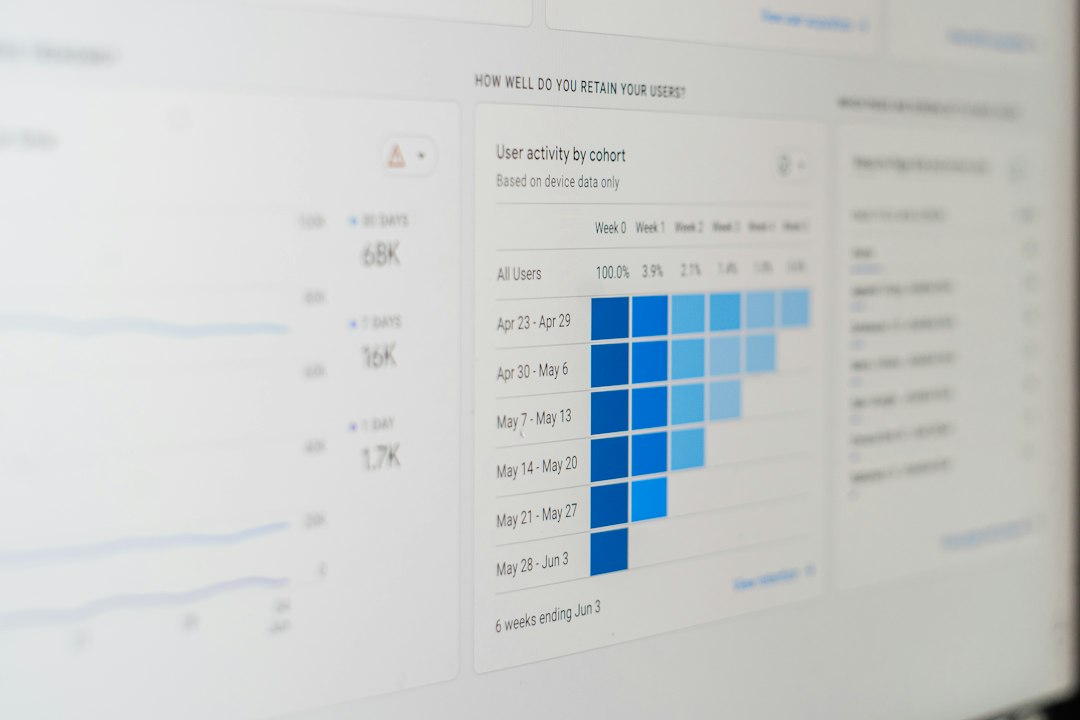
- First pass resolution: How many claims move without rework?
- Denial rate: Did preventable denials drop?
- Days in accounts receivable: Is cash coming in faster?
- Bot exception rate: How often does the bot need help?
- Cost per transaction: Did the work get cheaper?
Here is a simple example. A team automates claim status checks. Before RPA, staff handled 2,500 checks a week. Each took 3 minutes. After automation, bots handle 70% of them. That can free about 87 hours per week. Better yet, staff can spend those hours fixing claims that actually need human skill.
Lesson 6: Do not automate a broken process
This one sounds obvious. Teams still mess it up.
If a process has 19 steps and 6 are useless, do not train a bot to follow all 19. Cut the junk first.
It drives me crazy when software turns a bad workflow into a permanent bad workflow. One hospital billing team may have added extra screenshots years ago because a manager asked for them. Nobody needs them now. Yet people still save them because “that is how we do it.” A bot will obey that nonsense forever unless someone stops it.
Before building, map the task. Remove dead steps. Combine screens if possible. Then automate.
Lesson 7: Governance is not boring when money is involved
Governance sounds dull. In healthcare automation, it saves you from expensive mistakes.
You need clear answers:
- Who owns the bot?
- Who approves rule changes?
- Who checks audit logs?
- What happens when a payer website changes?
- How are passwords and access rights managed?
Blue Prism often shines in this area because of its structured control model. UiPath and Automation Anywhere also support strong governance, but teams must set it up with care. A bot with too much access is a risk. A bot with no owner is a future headache.
What UiPath, Blue Prism, and Automation Anywhere teach us together
The real lesson is not that one platform wins every time. The lesson is that healthcare automation needs fit.
Use UiPath when speed, screen work, and builder experience matter most. Use Blue Prism when process control and audit discipline are top priorities. Use Automation Anywhere when cloud options, document tasks, and bot scaling are central.
But the tool is only half the story. The team matters more. Revenue cycle staff must help design the bot. Compliance must review the flow. IT must support access. Leaders must pick work that has real volume.
If they do that, automation becomes less scary. It becomes a helper. A tireless helper with no coffee breaks and no interest in office gossip.
Final takeaway
The nThrive UiPath Blue Prism Automation Anywhere case study points to one practical truth: healthcare automation works when it is simple, measured, and human-centered.
Start with high-volume admin work. Clean the data. Keep experts in control. Track results. Then grow.
That is how bots stop being a buzzword. They become the quiet night shift that checks claims, updates queues, and lets humans solve the problems that need a brain.


Install LAMP on Ubuntu: Apache vs Nginx for Building an Ubuntu Web Server
Pick Apache if you want the easiest classic LAMP setup on Ubuntu; pick Nginx if you care about speed under…