
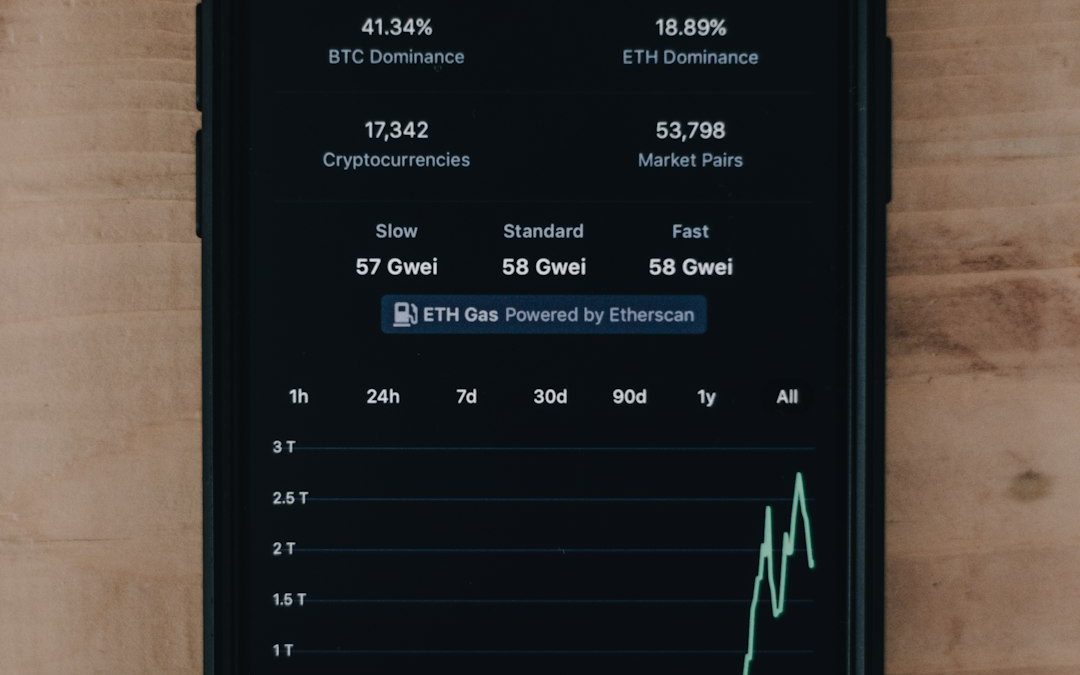

Twitch Analytics should be the main source for Twitch tag decisions, while StreamElements works best as a supporting tool for stream context, chat behavior, and campaign tracking. Tags can help a stream appear in filtered searches, but the best results come from testing tags against real viewer behavior, not guessing based on trends.
TL;DR: Twitch Analytics is better for judging whether tags help bring in viewers because it connects results to discovery, average viewers, returning viewers, and stream performance. StreamElements is useful when a creator wants to compare tags with chat spikes, alerts, tip activity, or giveaway results. For example, a mid-size streamer testing Cozy, First Playthrough, and English over four streams might see a 14% rise in unique viewers in Twitch Analytics, while StreamElements shows chat messages per minute rising from 7 to 11 during the same sessions.
Why Twitch Tags Matter
Twitch tags are small labels, but they can shape who finds a stream. They tell viewers what to expect before clicking. A tag can signal language, play style, identity, skill level, mood, or content type.
The best tags are not always the most popular ones. A broad tag may attract more search traffic, but a precise tag can attract better-fit viewers. That matters because Twitch does not reward empty clicks. A viewer who stays, chats, follows, or returns is worth far more than a viewer who leaves after twenty seconds.
Honestly, it feels like Twitch should make tag performance easier to read. Many creators expect a clean “this tag brought 37 viewers” report. That is not usually how it works. Tag analysis often means comparing streams, categories, clips, chat rate, retention, and discovery data across several broadcasts.
StreamElements vs Twitch Analytics: What Each Tool Does Best
Twitch Analytics is the stronger option for direct channel performance. It gives the creator the official numbers. That includes average viewers, live views, unique viewers, follows, revenue, watch time, and discovery data where available. Since the data comes from Twitch itself, it should be treated as the source of truth.
StreamElements is better at showing what happened during the stream. It can track chat activity, alerts, overlays, tips, loyalty points, commands, and engagement patterns. It helps explain the mood of a broadcast. It does not replace Twitch Analytics for tag testing, but it can add useful context.
| Feature | Twitch Analytics | StreamElements |
|---|---|---|
| Official Twitch data | Yes | No |
| Best for tag testing | Strong | Moderate |
| Chat and alert context | Limited | Strong |
| Viewer discovery insight | Better | Limited |
| Ease of comparing stream moments | Basic | Useful |
Which Tool Is Better for Twitch Tag Analytics?
Twitch Analytics wins for tag analytics. It gives the clearest view of whether a stream gained more viewers, retained them longer, or converted them into followers. If a streamer changes only the tags while keeping the category, title style, and schedule similar, Twitch Analytics can show whether the change had an effect.
StreamElements still has a role. A creator might notice that a tag set produced only a small viewer gain, but StreamElements may show much higher chat volume. That matters. A stream with 62 average viewers and 900 chat messages can be healthier than a stream with 70 average viewers and a silent chat.
The catch is that neither tool gives a perfect tag-by-tag report. Expect to waste time on manual tracking. A creator often needs a simple spreadsheet with columns for date, game, category, title, tags, average viewers, unique viewers, follows, chat messages, and watch time.
Best Tags for Twitch by Stream Type
The best Twitch tags depend on the stream’s content and audience. A creator should not stuff tags just because they sound popular. Misleading tags can bring poor-fit viewers, and poor-fit viewers leave fast.
- Variety streamers: Variety, Just Chatting, Community, English, Chill
- Story game streamers: First Playthrough, No Spoilers, Single Player, Story Focused
- Competitive players: Ranked, Competitive, High Skill, Climbing, Scrims
- Speedrunners: Speedrun, PB Attempts, Any Percent, Practice
- Cozy creators: Cozy, Relaxing, Chatty, Wholesome
- Creative streamers: Art, Digital Art, Music, Writing, Live Creation
- Community-focused channels: Playing With Viewers, Community Games, AMA, Viewer Games
Language tags are often underrated. A clear language tag helps viewers avoid streams they cannot follow. Identity and community tags can also help, as long as they are accurate and used with care.

How a Streamer Should Test Tags
A good tag test should run for more than one stream. One broadcast can be affected by a raid, a game update, a streamer’s mood, or even a bad start time. Three to five streams gives cleaner results.
- Pick one goal. The goal can be more unique viewers, higher average viewers, more follows, or better chat rate.
- Keep the category steady. Changing both the game and the tags makes the data messy.
- Test one tag group at a time. For example, compare Cozy and Chill against Competitive and Ranked.
- Use Twitch Analytics after each stream. Record average viewers, unique viewers, follows, and watch time.
- Use StreamElements for behavior clues. Record chat messages, peak chat moments, alerts, and active users.
- Review after several streams. One lucky stream should not decide the whole tag plan.
A practical example: a creator streaming farming games tests two tag sets. Set A uses Cozy, Relaxing, and First Playthrough. Set B uses Variety, Funny, and Casual. After six similar streams, Set A averages 48 viewers, 320 unique viewers, and 26 follows. Set B averages 43 viewers, 290 unique viewers, and 18 follows. In that case, Set A is the better fit.
Common Mistakes With Twitch Tags
The most common mistake is copying large streamers. A top creator may not rely on tags much at all. Their audience arrives through follows, Discord, YouTube, TikTok, or routine. Smaller creators need more accurate labels because new viewers have less context.
Another mistake is using vague tags. Tags like Fun or Casual may be true, but they do not always say enough. Tags such as First Playthrough, No Spoilers, Playing With Viewers, or Ranked set clearer expectations.
It drives some creators crazy that a tag change can seem useful one week and useless the next. That happens because tags do not work alone. Titles, thumbnails, category size, stream timing, raids, and game interest all affect the result.
Best Workflow: Use Both Tools Together
The smartest setup is simple. Twitch Analytics should answer, “Did the stream grow?” StreamElements should answer, “What happened while people were there?”
A streamer can use Twitch Analytics to compare traffic and retention. Then StreamElements can reveal whether viewers chatted more, used commands, joined giveaways, triggered alerts, or stayed active during certain segments.
For tag research, the best reports are usually built by hand. A simple spreadsheet can beat a fancy dashboard because it forces clean comparisons. The creator can mark which tags appeared, what title was used, what game was played, and whether anything unusual happened.
Final Recommendation
Twitch Analytics is the better choice for measuring the best tags for Twitch. It provides the official view of viewer growth and stream performance. StreamElements is still useful, but more as a context tool than a primary tag analytics platform.
The best tag strategy is not to chase popular labels. It is to match the stream honestly, test in batches, and compare data over time. A smaller channel should focus on tags that describe the exact experience. Clear tags bring better-fit viewers, and better-fit viewers are more likely to stay.
FAQ
Are Twitch tags still useful for growth?
Yes. They can help viewers filter streams and understand the content faster. They work best when paired with a strong title, clear category choice, and steady schedule.
Is StreamElements better than Twitch Analytics for tag tracking?
No. Twitch Analytics is better for measuring growth tied to streams. StreamElements is better for chat, alerts, and engagement context.
Can a streamer see exactly which tag brought each viewer?
Usually not in a clean way. Twitch does not provide a perfect tag attribution report for every viewer. Streamers often need manual testing.
How many tags should a Twitch stream use?
A streamer should use enough tags to describe the stream clearly, without adding irrelevant ones. Quality matters more than filling every possible slot.
What are the best Twitch tags for new streamers?
New streamers often benefit from specific tags such as First Playthrough, No Spoilers, Playing With Viewers, Cozy, Ranked, or a clear language tag.
How long should a tag test run?
Three to five similar streams is a good starting point. More streams give better data, especially when viewer numbers are small.


How to Convert GIF to MP4: Ezgif vs. CloudConvert
Use Ezgif for quick, simple GIF to MP4 conversion, and use CloudConvert when you need more file controls, batch work,…