
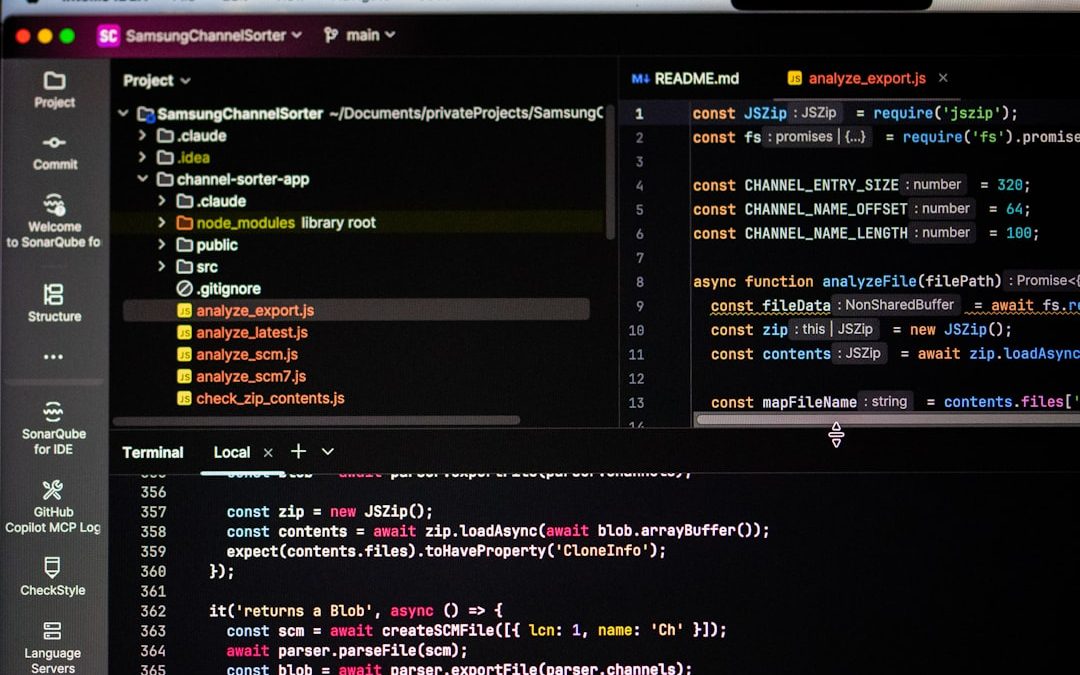

Moving a static website into WordPress can be simple when there are only a few pages, but it becomes much more demanding when hundreds or thousands of HTML files must be turned into editable posts, pages, or custom post types. A good bulk HTML import plugin helps preserve content, metadata, links, images, and structure while reducing repetitive manual work. The best choice usually depends on whether the project involves clean HTML files, complex legacy layouts, mixed media folders, or a need for advanced field mapping.
TLDR: For most professional bulk HTML import projects, WP All Import is often the strongest all-around option because it offers flexible mapping, custom fields, and repeatable imports. HTML Import 2 can be useful for older static-site migrations, although compatibility should be tested carefully. For full website moves, media-heavy imports, or agency workflows, tools such as FG plugins, CMS2CMS, and migration plugins may help when combined with cleanup and formatting tools.
Why Bulk HTML Imports Need the Right Plugin
Bulk importing HTML into WordPress is not the same as copying and pasting content into the editor. Legacy HTML often includes outdated tables, inline styles, hard-coded navigation menus, relative image paths, and scripts that do not belong inside WordPress content areas. A reliable plugin should help extract the useful content while leaving behind code that would interfere with the new theme.
Teams evaluating import plugins should consider file structure, content consistency, image handling, SEO metadata, and post type requirements. If the old site uses a predictable layout, bulk importing can be efficient. If every page is structured differently, the migration may require preprocessing, custom scripts, or manual review after import.
1. WP All Import
WP All Import is one of the most flexible import tools for WordPress. While it is not limited to HTML files alone, it becomes extremely powerful when HTML content has been converted into XML, CSV, or another structured format. Many migration teams use scripts or scraping tools to extract old HTML page data into a spreadsheet, then use WP All Import to map that data into WordPress fields.
Its biggest advantage is control. It can map titles, body content, slugs, dates, categories, tags, featured images, custom fields, and custom post types. For larger migrations, that level of control is often more valuable than a simple one-click HTML importer.
- Best for: structured imports, custom post types, WooCommerce data, repeatable migrations, and advanced field mapping.
- Strengths: powerful drag-and-drop mapping, support for custom fields, image imports, scheduled imports, and large data sets.
- Limitations: raw HTML folders usually need to be converted into a structured file before import.
WP All Import is especially suitable when an agency needs predictable results and plans to review imports in batches. It may require preparation, but that preparation often leads to cleaner WordPress content.
2. HTML Import 2
HTML Import 2 was created specifically for moving static HTML pages into WordPress. It can import files from a directory, identify content by tags or CSS selectors, and create WordPress pages from those files. For many older static websites, this is exactly the kind of workflow that is needed.
The plugin can be helpful when the source site has consistent templates, such as the same header, footer, sidebar, and content wrapper across all pages. Instead of importing the entire HTML document, the plugin can be configured to pull only the main content area.
- Best for: old static HTML websites with consistent page templates.
- Strengths: purpose-built for HTML files, supports importing from folders, can detect content sections, and can create pages automatically.
- Limitations: it may require compatibility testing on modern WordPress installations and may not suit complex modern HTML.
Because some HTML import tools were developed during earlier eras of WordPress, a staging site is essential. A site owner should test a sample folder before importing the full archive.
3. FG Migration Plugins
The FG family of migration plugins is known for moving content from other platforms into WordPress. While some versions focus on specific systems rather than plain HTML folders, they can be useful when a so-called “HTML migration” is actually coming from an older CMS, flat-file platform, or exported database.
These plugins are valuable because many legacy sites are not purely static, even if their exported pages look like static HTML. They may have categories, users, comments, images, and metadata hidden behind the exported files. A platform-aware migration plugin can preserve more structure than a basic HTML importer.
- Best for: migrations from older CMS platforms where content relationships matter.
- Strengths: can preserve categories, media, users, and other structured data depending on the source.
- Limitations: not always the right choice for a folder of standalone HTML files.
When a business is moving from a legacy publishing system, FG plugins may reduce the amount of manual cleanup required after the import.

4. CMS2CMS Automated Migration
CMS2CMS is a migration service rather than a traditional import plugin, but it is often considered during large-scale content transfers. It can be useful for organizations that prefer a guided or automated migration path from one platform to another. In some cases, it can handle content, images, categories, and internal links with less manual configuration.
This type of tool is best when the source content exists in a supported CMS or when the migration scope is large enough to justify a service-based approach. For pure HTML folders, it may not be the first option, but for broader legacy-site migrations, it can save time.
- Best for: businesses that want a managed or semi-automated migration process.
- Strengths: reduces technical workload, supports many CMS-to-WordPress migrations, and may handle media and internal links.
- Limitations: less ideal for custom local HTML archives and may involve additional cost.
5. WordPress Importer
The official WordPress Importer is not an HTML importer by itself, but it deserves mention because it is useful after HTML content has been converted into WordPress-compatible XML. Many developers generate a WordPress export file from parsed HTML, then use the importer to create pages or posts.
This approach is not the easiest for non-technical teams, but it is highly reliable when handled correctly. It also fits well with custom migration scripts, especially when the source HTML needs to be cleaned, reorganized, and transformed before entering WordPress.
- Best for: developer-led migrations and custom conversion workflows.
- Strengths: official, lightweight, and suitable for WordPress-native XML imports.
- Limitations: requires the HTML to be converted first.
6. Import and Cleanup Plugins Used Together
Bulk HTML imports rarely end with the initial import. Content may need formatting, broken link fixes, image path corrections, shortcode replacement, and internal URL updates. For that reason, many professionals combine an import plugin with cleanup tools.
Plugins that search and replace text across the database can help update old URLs, fix image directories, and remove unwanted code snippets. Broken link checkers can identify internal links that still point to old file names such as about.html or services/team.html. Media management plugins can help attach imported images to the right pages and organize the media library.
- Search and replace tools: useful for updating old domains, paths, and file extensions.
- Broken link tools: helpful for checking navigation after import.
- Media tools: useful for importing, attaching, and organizing images.
- SEO plugins: important for adding titles, meta descriptions, and redirects.
Key Features to Look For
The strongest bulk HTML import solution should support more than simple content copying. It should help create a clean WordPress structure that will remain manageable after launch.
- Selector-based extraction: The plugin should identify the main content area and ignore repeated headers, menus, and footers.
- Image importing: It should copy remote or local images into the WordPress media library where possible.
- Slug control: It should preserve meaningful URLs or allow planned URL improvements.
- Custom post type support: It should import content into pages, posts, products, documentation, or other custom structures.
- Metadata handling: It should support titles, descriptions, dates, authors, and taxonomy mapping.
- Batch processing: It should handle large imports without timing out.
- Rollback or testing options: It should allow safe testing on a staging site before production use.

Recommended Workflow for Bulk HTML Imports
A smooth migration usually begins with an audit. The migration team should list all HTML files, identify reusable templates, record current URLs, and note image folders. This audit helps determine whether a direct HTML importer is realistic or whether content should first be converted into CSV or XML.
- Create a staging site. No bulk import should begin on a live production website.
- Back up everything. The source files and the WordPress database should both be protected.
- Test a small batch. A sample of 10 to 20 pages often reveals formatting and media issues.
- Adjust import rules. Selectors, field mappings, and URL rules should be refined before the full import.
- Import in batches. Large sites are easier to troubleshoot when imported section by section.
- Review and clean up. The team should check layouts, links, images, metadata, and redirects.
Which Plugin Is Best Overall?
There is no single best plugin for every bulk HTML import, but WP All Import is the strongest general recommendation when content can be structured before import. It offers the flexibility needed for modern WordPress builds and complex content models. For a traditional folder of older HTML files, HTML Import 2 may be a better first test because it was designed for that exact purpose.
For enterprise or CMS-based moves, service-oriented or platform-specific migration tools may be more practical. The most successful projects often use a combination of tools rather than expecting one plugin to solve every issue. Importing is only one part of the process; cleanup, redirects, SEO preservation, and quality assurance are just as important.
FAQ
Can WordPress import HTML files directly?
WordPress does not provide a built-in tool for bulk importing standalone HTML files as editable pages. A plugin, custom script, or conversion process is usually required.
What is the best plugin for importing many HTML pages?
WP All Import is often best for structured data imports, while HTML Import 2 can be useful for importing folders of older static HTML pages.
Will imported HTML pages be editable in WordPress?
They can be editable if the import extracts the main content into the WordPress editor. If the entire HTML document is pasted into a page, editing may be awkward and the layout may conflict with the theme.
Can images be imported with the HTML content?
Some plugins can import images, but results depend on file paths, permissions, and source structure. Image handling should always be tested before a full import.
How can old HTML URLs be preserved?
Old URLs can be preserved with careful slug mapping, or they can be redirected to new WordPress URLs using a redirect plugin or server-level redirects.
Should a bulk HTML import be done on a live site?
No. A staging site is strongly recommended because bulk imports can create duplicate pages, broken layouts, missing images, or database clutter if configured incorrectly.


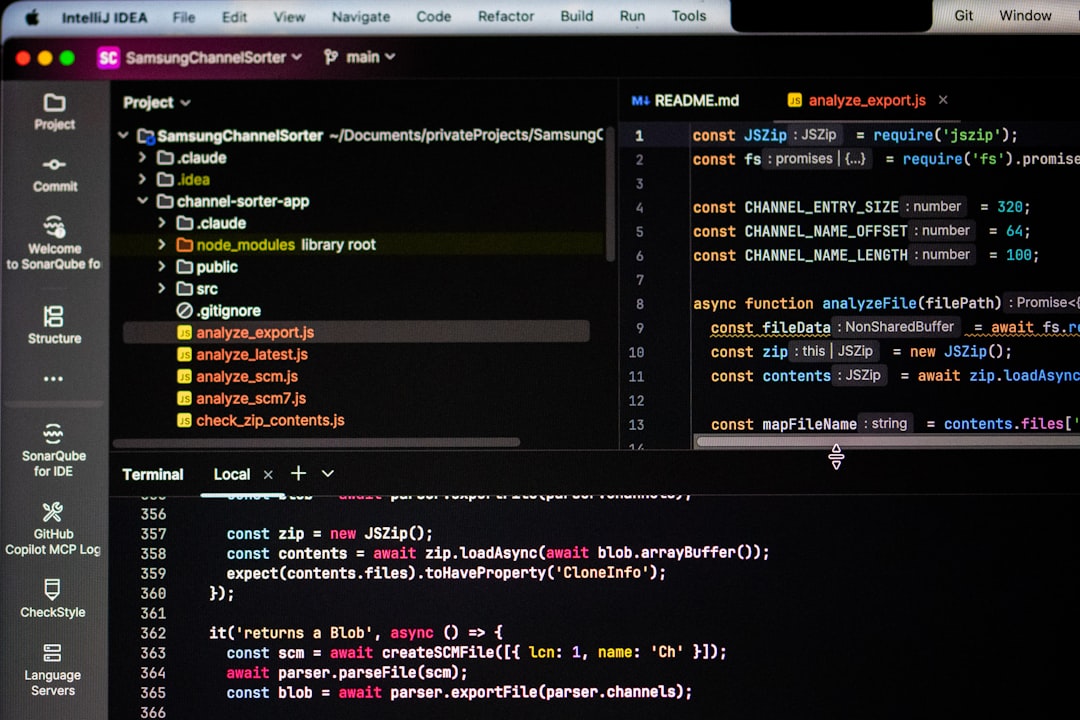
WP-Config.php: WordPress wp-config.php vs .htaccess for Managing Site Configuration
Use wp-config.php for WordPress settings, secrets, and core behavior; use .htaccess for Apache server rules like redirects, pretty links, and…