
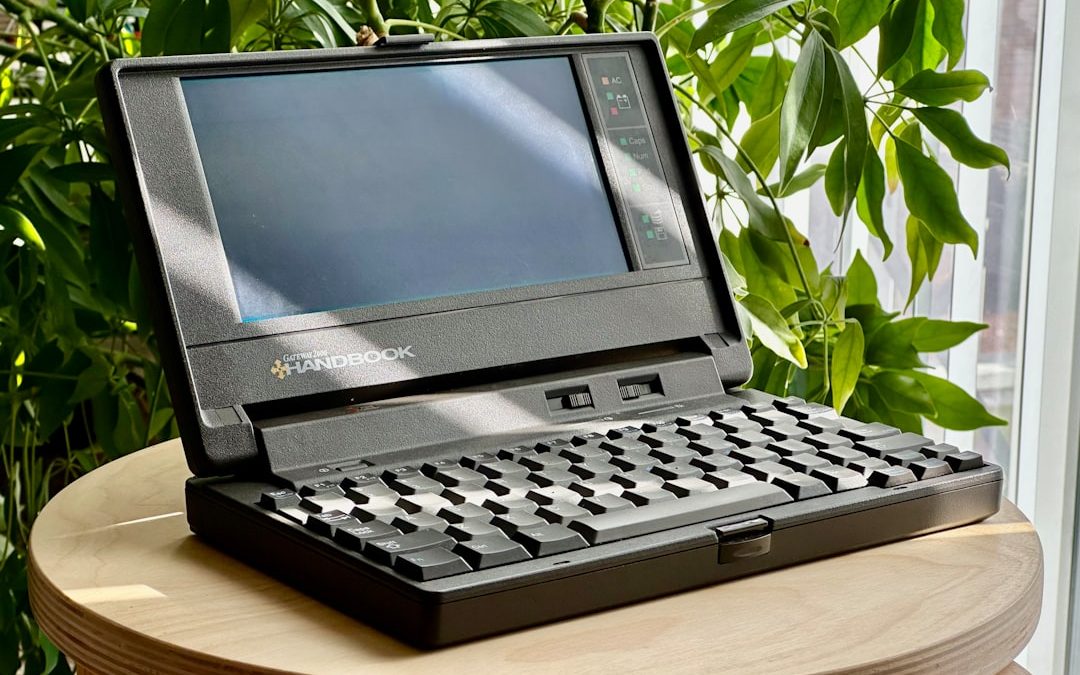

Managing IT assets might sound complicated, but it doesn’t have to be. Picture this: laptops, servers, software, and even the cables under your desk are part of your company’s IT treasure chest. If you don’t keep track of them, you could lose valuable tools—or worse, open the door to hackers!
TLDR
IT Asset Management (ITAM) is all about keeping your tech stuff organized. From buying to disposal, every phase matters. It saves money, boosts security, and helps everyone in your team. Don’t let your gear go rogue—track it smartly and stay in control.
What Is IT Asset Management (ITAM)?
ITAM is the process of tracking all your tech gear. It includes hardware, software, cloud services, and even digital licenses. If it helps your team work and plugs into your IT infrastructure, it’s an asset.
Think of it like managing your personal gadgets—except there are hundreds or thousands of them!
Why Is ITAM So Important?
Here are a few reasons:
- Save money: Avoid buying stuff you already have.
- Stay secure: Know what’s running on your network.
- Make decisions: Plan upgrades and budgets smarter.
- Stay compliant: Don’t break software license rules (that can be expensive!).
Without ITAM, you fly blind. With it, you’re in control.
Essential ITAM Practices You Need
Now let’s dive into the good stuff—the essential practices that make your ITAM bulletproof.
1. Keep an Inventory (Always!)
Start with a simple inventory. List every tech asset you own. Include:
- Item type (laptop, printer, etc.)
- Brand and model
- Serial number
- Purchase date
- Assigned to (Which employee?)
You can use a spreadsheet, or better yet, an ITAM tool like Freshservice, ManageEngine, or Lansweeper.
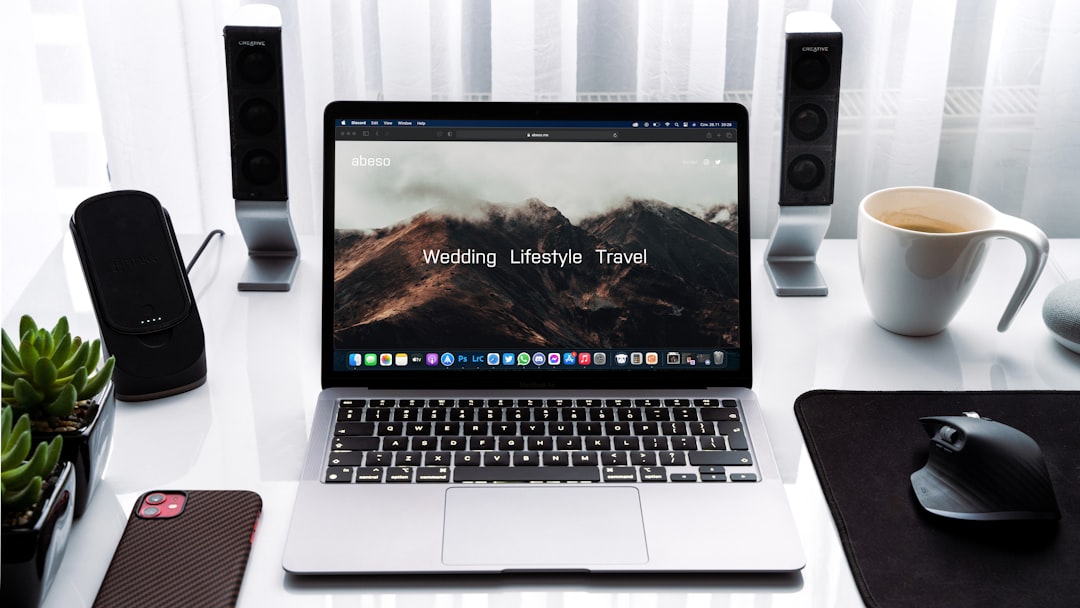
2. Use Tagging and Labeling
Stick labels on everything—yes, even the dusty routers! Use barcodes or QR codes so you can scan and track easily.
This makes audits quick and painless. Plus, no more mix-ups between Jane’s laptop and John’s!
3. Divide Assets by Lifecycle Stage
Every asset goes through a journey:
- Planning: You decide what to buy.
- Procurement: You place the order.
- Deployment: Asset goes live and supports your team.
- Maintenance: IT fixes bugs and keeps it healthy.
- Retirement: You recycle or destroy it securely.
Track the stage of each asset to know when it’s time for upgrades or disposal.
4. Keep Software Under Control
We all love downloading software—but untracked software can cause chaos.
Use software asset management tools to:
- Track licenses and renewals
- See who’s using what
- Remove unused programs that waste money and pose risks
This is a must for staying legally compliant too. Some vendors love to fine companies for using more licenses than paid for. Yikes!

5. Automate Where You Can
Don’t waste time updating info manually. Automate asset discovery and tracking through tools that scan your network.
These tools instantly pick up:
- New devices connected
- Software installations
- Configuration changes
It’s like having robot assistants for your IT team!
6. Assign Ownership
Every device and software should have a person responsible for it. Give your team ownership—it builds accountability and prevents the “not my problem” blues when things go wrong.
Ownership also makes it easier to update assets when users leave the company or switch roles.
7. Set Clear Policies (And Stick to Them)
Make rules for how assets are purchased, used, and retired. Keep them simple and easy to follow.
For example:
- Who can order new devices?
- How long should devices be used before replacement?
- What happens to old or damaged hardware?
Having a policy avoids confusion and ensures consistency across teams.
8. Monitor and Report
Use ITAM tools to generate reports. These show trends, like:
- Which assets are nearing end-of-life
- Who’s using outdated software
- How much total value your assets have
These reports help you plan and reduce surprises. No more sudden “the server is dying” moments.
9. Train Your Team
ITAM isn’t just for IT people. Everyone in your company should understand the basics.
Teach them things like:
- How to request new hardware
- Why they shouldn’t install random software
- How to report a lost or stolen device
A little training goes a long way in keeping your asset records accurate.
10. Don’t Forget Cloud Assets
Cloud services are assets too! Tools like Microsoft 365, Google Workspace, and various SaaS products should be included in your ITAM system.
Track:
- Subscriptions and renewal dates
- Number of users
- Permissions and access levels
Cloud sprawl is real, and expensive. Keeping it tidy matters.
Final Thoughts: Keep It Simple, Keep It Smart
ITAM doesn’t have to be scary. Think of it like keeping your digital house in order. A bit of cleaning now saves big headaches later.
Let’s recap the fun essentials:
- Have a complete inventory
- Tag everything
- Track the asset lifecycle
- Stay on top of software and cloud
- Set policies and train your people
You don’t need to become a tech wizard overnight—just start where you are, and build from there.
Remember: Organized assets = happy IT = smooth business operations.
And that, friends, is the power of essential IT asset management.


Products Businesses Explore Instead of Webhook.site for API and Webhook Testing
Modern software teams rely heavily on APIs and webhooks to connect services, automate workflows, and synchronize data across platforms. During…