
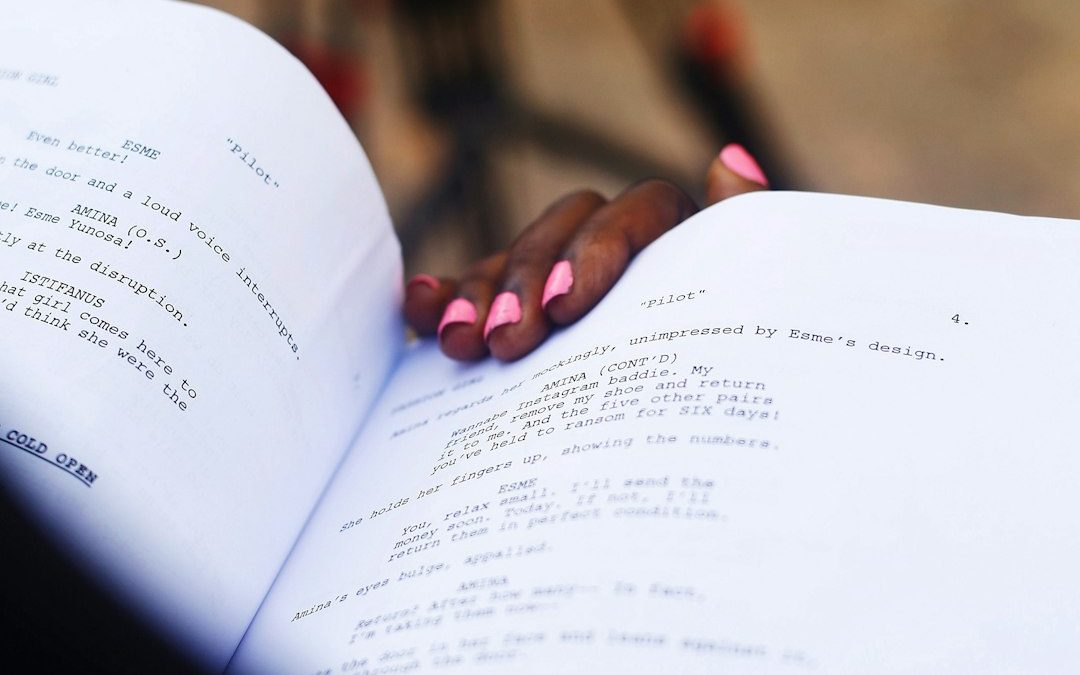

If Final Draft feels too pricey or too stiff, try WriterDuet, Fade In, Arc Studio, Celtx, Highland 2, Scrivener, or StudioBinder. Final Draft is famous, but the full version is listed at $249.99, which is not tiny money for a new writer [source: Final Draft].
TLDR: Pick WriterDuet if you write with a partner. Pick Fade In if you want a clean Final Draft style tool for less money. Pick StudioBinder if your script is part of a bigger film plan, with shot lists and schedules. For example, a 3 person short film team writing a 12 page script can use WriterDuet for live notes, then move production tasks into StudioBinder without turning the whole thing into spreadsheet soup.
Why Use a Final Draft Alternative?
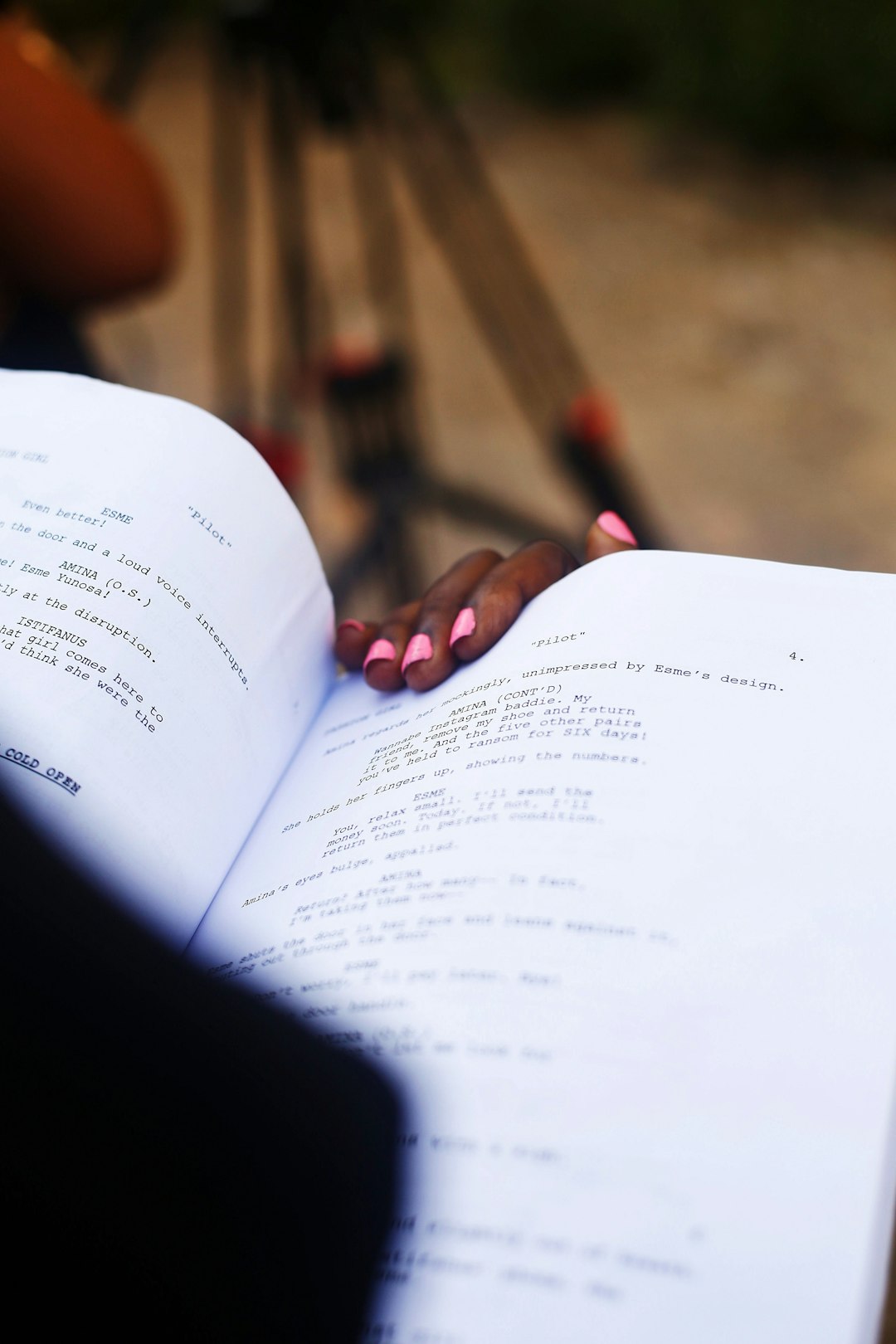
Final Draft is strong. No argument there. It formats scripts well. It is used by many pros. But it is not the only smart choice.
Some writers need live collaboration. Some need a cheaper app. Some want production tools. Some just want software that does not make them hunt through 14 menus to change a scene heading. Honestly, it feels like some screenwriting apps were designed by people who love buttons more than writers.
Here are seven solid picks.
1. WriterDuet
Best for: writing with other people.
WriterDuet is like Google Docs for screenplays, but built for scripts. Multiple people can write, comment, and edit at the same time. This is great for writing teams, sketch groups, and remote rooms.
- Pros: real time collaboration, cloud saves, easy sharing.
- Cons: the interface can feel busy at first.
- Good fit: co writers, web series teams, comedy rooms.
It drives me crazy when a tiny formatting fix takes longer than the joke itself. WriterDuet helps avoid that. Most common script parts are quick to add.
2. Fade In
Best for: writers who want a clean, serious tool.
Fade In is one of the strongest Final Draft alternatives. It handles standard screenplay format, revisions, reports, and exports. It also works on Windows, Mac, Linux, iOS, and Android.
The app feels light. It does not scream for attention. That is a good thing. Your script should be the star, not the toolbar.
- Pros: simple design, pro features, fair price.
- Cons: collaboration is not as smooth as WriterDuet.
- Good fit: solo writers, feature writers, TV writers.
3. Arc Studio
Best for: writers who like structure.
Arc Studio is polished and modern. It has script formatting, outlining, character notes, and a clean writing space. The plotting tools are the fun part. You can build story beats and see how the whole script moves.
This helps when Act Two starts acting like a wet sock. You can spot holes faster. You can move scenes around without breaking everything.
- Pros: great outlining, stylish design, solid collaboration.
- Cons: some features need a paid plan.
- Good fit: writers building complex plots.
4. Celtx
Best for: writing plus early production planning.
Celtx has been around for a long time. It is more than a script app. It can help with breakdowns, budgets, schedules, and pre production work.
If you are making an indie film, that can be handy. You can write the scene, then think about props, cast, and locations. No need to keep every detail in your poor brain.
- Pros: useful production tools, cloud based, team friendly.
- Cons: pricing can feel confusing.
- Good fit: indie crews, student films, short films.
5. Highland 2
Best for: Mac users who want a neat writing flow.
Highland 2 is simple in a lovely way. You type, and it understands screenplay format. It uses plain text style writing, so you do not feel trapped inside a heavy app.
It is especially nice for first drafts. You can write fast. You can stay loose. You can stop yelling at formatting boxes.
- Pros: clean interface, fast drafting, great for Mac.
- Cons: not for Windows users.
- Good fit: Mac writers, novelists trying scripts, fast drafters.
6. Scrivener
Best for: big projects with lots of notes.
Scrivener is not only for screenplays. It is also used for novels, research, essays, and long scripts. That makes it great for writers who collect piles of notes.
You can store character bios, research, scene cards, images, and drafts in one project. Then you can write the script inside that same space.
- Pros: amazing for research, flexible, strong organization.
- Cons: screenplay formatting is not as smooth as dedicated script apps.
- Good fit: writers with huge story worlds.
7. StudioBinder
Best for: managing the film project after the script starts working.
StudioBinder is built for production teams. It helps with call sheets, shot lists, schedules, contacts, and breakdowns. It also has screenwriting tools, but its real power is project control.
Use it when your script is moving toward a real shoot. A 5 page scene with 2 actors sounds easy. Then you add a car, night lighting, rain, extras, and a dog. Suddenly, you need a plan.
- Pros: strong production tools, team features, visual planning.
- Cons: overkill if you only want to write alone.
- Good fit: directors, producers, film school teams.
Quick Pick Guide
- Best all around Final Draft alternative: Fade In.
- Best for co writing: WriterDuet.
- Best for outlining: Arc Studio.
- Best for indie production: Celtx.
- Best for Mac minimalists: Highland 2.
- Best for research heavy stories: Scrivener.
- Best for film project management: StudioBinder.
Final Tip
Do not pick software because it sounds fancy. Pick the one that removes friction. If you write alone, you may need Fade In or Highland 2. If your team is scattered across three cities, WriterDuet makes more sense. If the shoot is coming, StudioBinder can save your sanity.
The best tool is the one that gets you back to the page. The script still has to work. Sadly, no app can fix a weak ending. Rude, but true.
Final Draft Alternatives: 7 Screenwriting Software Options for Formatting Scripts, Collaborating, and Managing Film Projects

Final Draft Alternatives: 7 Screenwriting Software Options for Formatting Scripts, Collaborating, and Managing Film Projects
If Final Draft feels too pricey or too stiff, try WriterDuet, Fade In, Arc Studio, Celtx, Highland 2, Scrivener, or…