
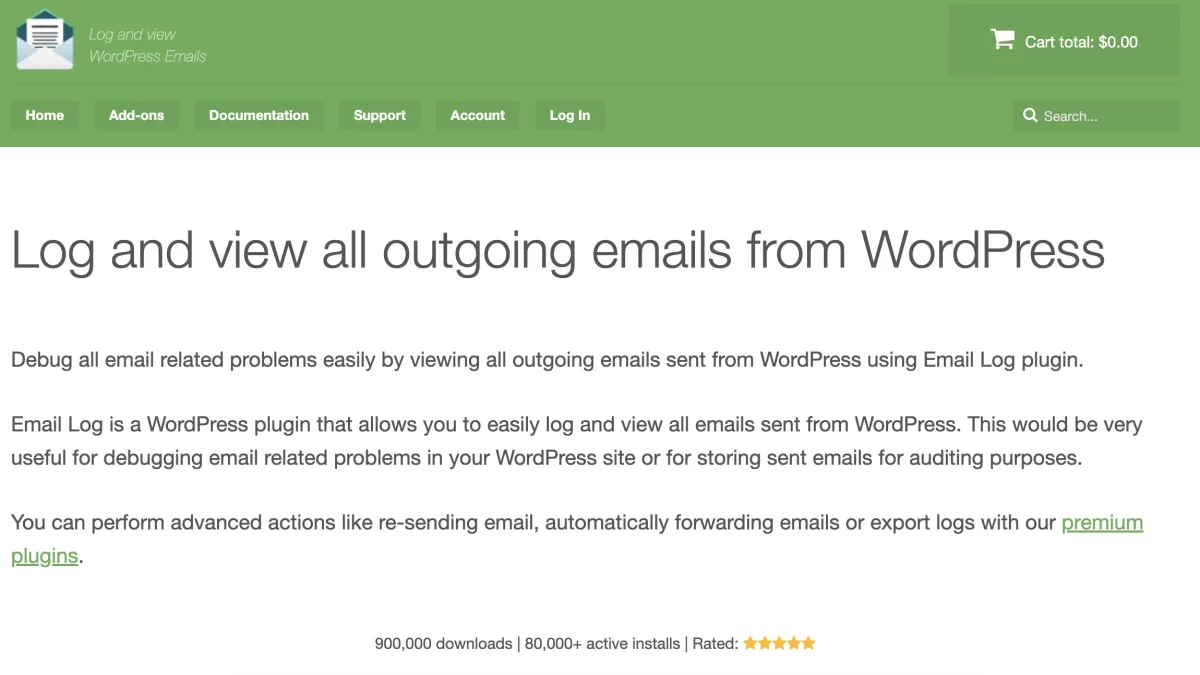

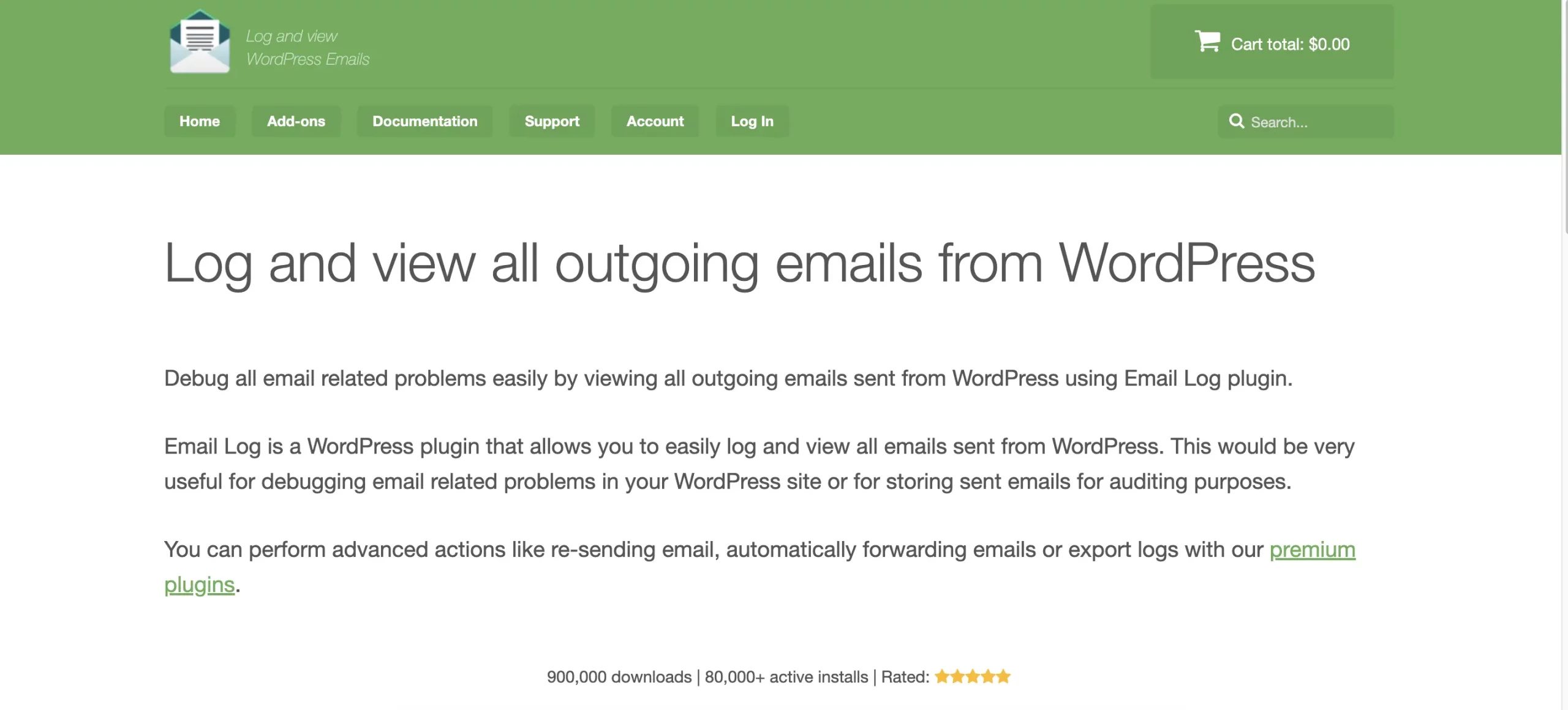
In modern DevOps, “Observability” is a core tenet. You cannot manage a system you cannot see. If a server spikes in CPU, you have Grafana. If an application throws an error, you have Sentry. But if a WordPress site fails to send an email, you usually have… nothing. WordPress treats email as a “Fire and Forget” event. For a System Administrator, this is a nightmare. You are responsible for the site’s uptime and reliability, yet one of its most critical output channels (email) is a complete black box. You don’t know if the wp_mail function fired, if the SMTP relay accepted the payload, or if the headers were malformed. WP Email Log provides this missing telemetry. It acts as the persistent “Flight Recorder” for your WordPress installation, capturing the input, output, and metadata of every communication event. In this review, we will explore why this plugin is a mandatory requirement for maintaining a robust, observable infrastructure.
Root Cause Analysis (The Post-Mortem)
When an incident occurs—say, a user claims they didn’t receive a password reset—the SysAdmin is expected to perform a Root Cause Analysis (RCA). Without a log, the RCA is speculation. “Maybe the SMTP server timed out?” With WP Email Log, the RCA is factual.
-
Timestamp Analysis: You can correlate the log timestamp with your server’s error logs. Did the email fail at the exact same second the SQL database locked up?
-
Header Inspection: You can view the raw headers. Did a plugin accidentally strip the
Reply-Tofield? Did theContent-Typeswitch unexpectedly fromtext/htmltotext/plain? This forensic data allows you to fix the actual bug (e.g., a conflicting plugin) rather than just treating the symptom.
Verifying SMTP Handoff
A common point of failure is the handoff between WordPress and the SMTP Relay (e.g., SendGrid, Mailgun). SMTP plugins sometimes fail silently. They might return true to WordPress even if the API call was rejected due to a bad API key or quota limit. WP Email Log captures the state before the handoff.
-
The Diagnostic: If the email exists in the WP Email Log but does not exist in your SendGrid dashboard, you know the failure point is the connection/authentication layer.
-
The Logic: If the email is missing from the WP Email Log, you know the failure point is upstream (the WordPress code never triggered the email). This distinction saves hours of debugging time by isolating the failure domain immediately.
Infrastructure Monitoring (The Heartbeat)
Infrastructure monitoring usually focuses on “Uptime” (HTTP 200 OK). But a site can be “Up” while its email system is “Down.” If your hosting provider blocks port 587 (SMTP) due to a firewall update, your HTTP check will pass, but your business logic will fail. The 24/7 Email Monitoring (SaaS) feature acts as a Synthetic Transaction Monitor.
-
The Test: It externally probes your email infrastructure daily.
-
The Alert: It provides a specific “Email Down” alert, distinct from “Site Down.” This allows Ops teams to react to deliverability incidents before they impact customers, maintaining the site’s Service Level Agreement (SLA).
Data Governance and Retention
For enterprise environments, Data Governance is key. You need to know where PII (Personally Identifiable Information) is flowing. Emails contain PII (Reset links, addresses, names). WP Email Log allows you to audit this data flow.
-
The Audit: You can periodically review logs to ensure that no sensitive data (like clear-text passwords or credit card tokens) is accidentally being emailed by a rogue plugin.
-
The Compliance: By controlling access to the log (via WordPress Roles), you ensure that only authorized Admins can view this sensitive communication history.
Redundancy via External Archiving
A cardinal rule of backups is “3-2-1″—keep copies off-site. Storing logs only in the WordPress MySQL database is a single point of failure. If the database corrupts, you lose the logs. The Auto-Forward feature serves as a low-latency, off-site archive.
-
Implementation: Forward all system emails to a dedicated, immutable retention mailbox (e.g., AWS S3 via email ingestion or an archival Gmail).
-
Benefit: This creates a tamper-proof record of system activity that survives even a total site catastrophe or malicious database wipe.
Pricing vs. Engineering Time
-
Agency License: $119/year. The cost of an Engineer’s time to manually debug a
wp_mailfailure is often $100+ per hour. If this tool saves just one hour of debugging per year across an entire fleet of sites, it yields a positive ROI. For a DevOps team, it is a tool that pays for itself on the first incident.
Final Verdict
In a professional infrastructure stack, “I don’t know” is not an acceptable answer. WP Email Log eliminates ambiguity. It provides the visibility, diagnostics, and monitoring required to treat WordPress email as a managed service rather than a magical mystery. For System Administrators and DevOps professionals, it is the standard for operational maturity.


6 Platforms Similar to Retool for Internal Tool Builders
Building internal tools has become a critical priority for modern organizations aiming to streamline operations, reduce manual work, and empower…