
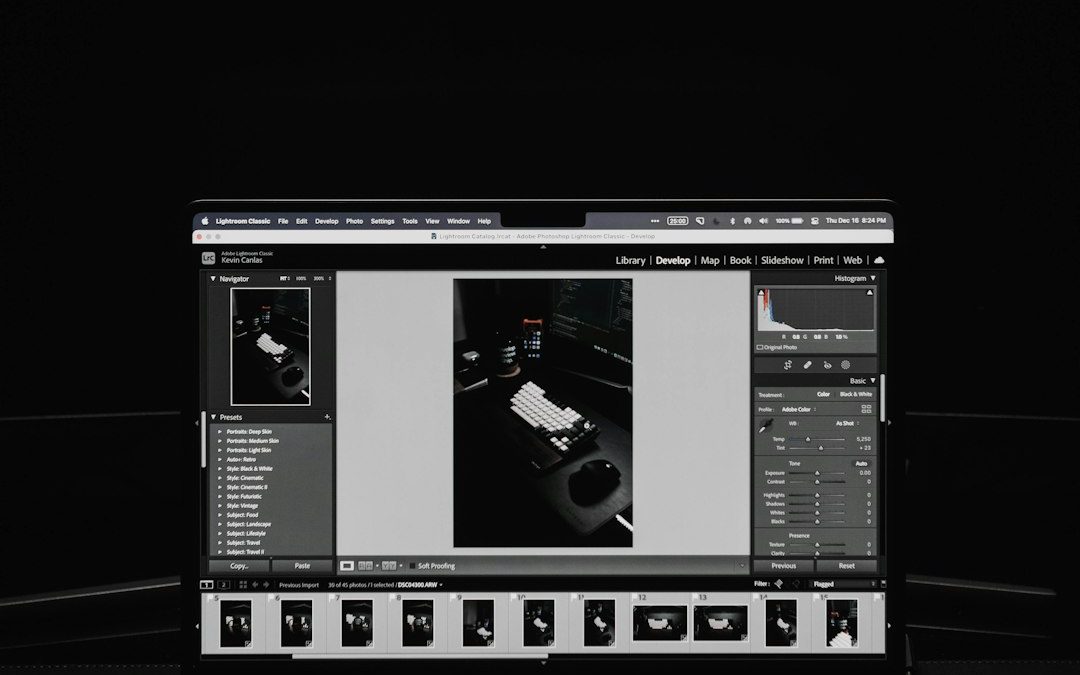

Travel and landscape photography is majestic, but editing hundreds of images? Not so much. Luckily, there are photo editors with amazing preset and filter libraries to save time and keep your photos looking epic. Whether you’re chasing sunrises in Iceland or city lights in Tokyo, these editors bring the magic of one-click transformations.
TLDR
If you’re a travel or landscape photographer looking to speed up your editing workflow, presets and filters are lifesavers. We’ve listed six top photo editors packed with fantastic looks and time-saving features. From open-source options like Darktable to AI-powered editors like Luminar, there’s something for every style and budget. Dive in, pick your favorite, and let your images shine with less hassle.
1. Darktable – The Open-Source Powerhouse
Platform: Windows, macOS, Linux
Price: Free
Darktable is a free, open-source photo editor for raw images. It’s often called the “open-source Lightroom” — and with good reason.
- It comes with a large collection of filters and styles built in.
- You can create, import, or share your own presets.
- The community is huge, and there’s loads of free download packs online.
It’s great for photographers who love control but also want speed. And because it’s open source, it costs nothing — perfect for travel photographers on a budget!
2. Luminar Neo – AI-Fueled Filters Galore
Platform: Windows, macOS
Price: Paid, with a limited-time trial
Luminar Neo is built to wow. It uses AI to enhance photos in seconds, and the preset library (called “Looks”) is top-tier. Drag, drop, wow.
- Over 100 built-in presets and creative templates.
- AI tools fix lighting, remove haze, or replace skies — automatically.
- Creative marketplace to buy or download new Looks.
If you’re trying to make your epic mountain photos pop or turn gray skies into sunset masterpieces, Luminar is your secret weapon.
Image not found in postmeta3. Affinity Photo – Feature-Rich with Preset Punch
Platform: Windows, macOS, iPad
Price: One-time payment
Affinity Photo is Photoshop’s sleeker, cheaper cousin. But don’t be fooled — it’s fully loaded.
- Has “Adjustment Layers” and macro presets for batch edits.
- Works with LUTs (color presets) — tons of free ones online.
- Speedy performance, even with huge RAW files.
If you’re comfortable tinkering a bit, Affinity lets you load any LUT or macro suite you like. Perfect for someone wanting style and precision.
4. Lightroom Classic – The Industry Standard
Platform: Windows, macOS
Price: Subscription
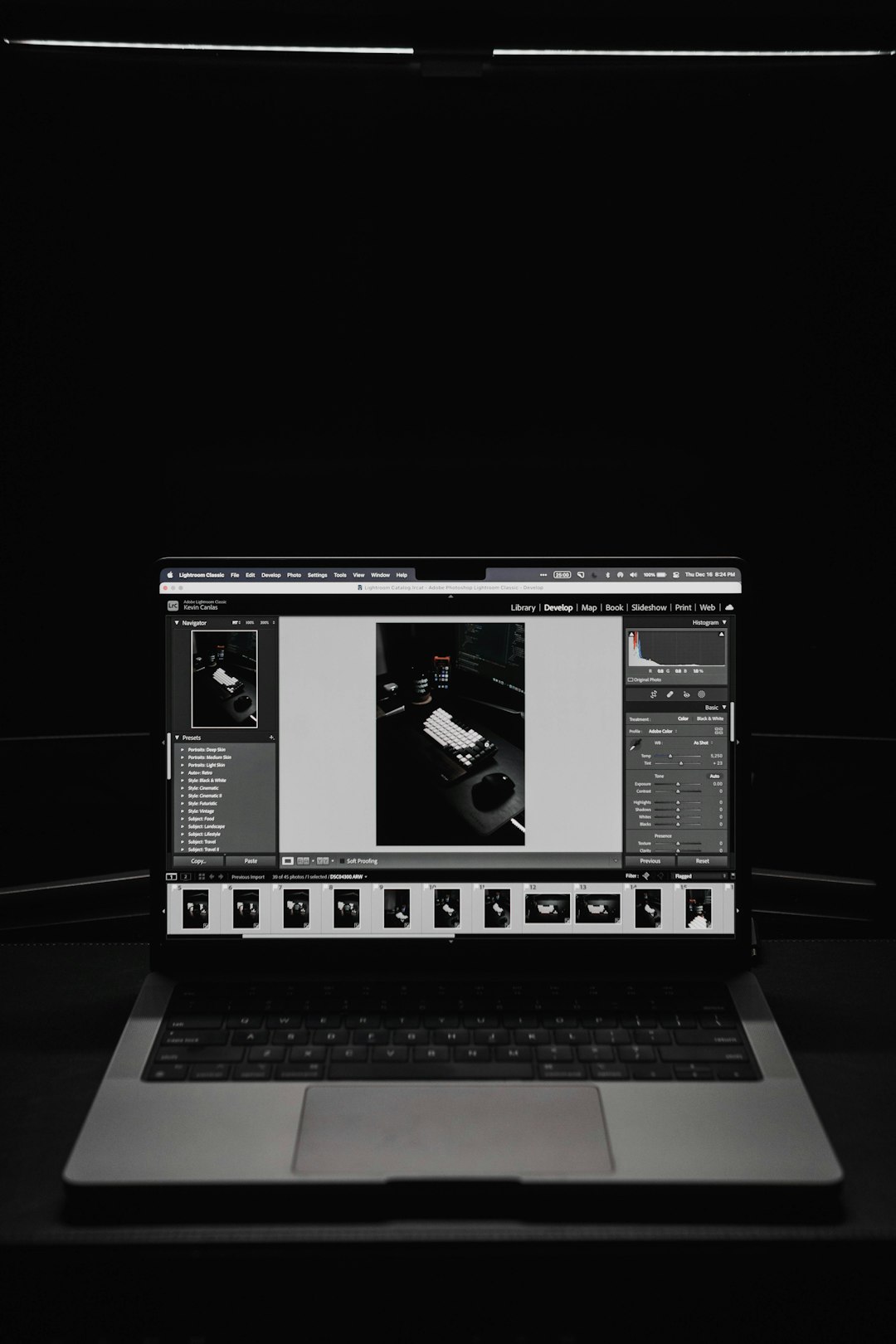
The original “king of presets.” Lightroom’s strength has always been its presets and efficient workflow.
- Massive marketplace of free and paid presets.
- Syncs edits across hundreds of images fast.
- Includes beautiful landscape and travel-focused presets.
If you spend a lot of time behind the camera and not in front of your computer, Lightroom Classic speeds up the back end. Many travel photographers swear by it.
5. ON1 Photo RAW – Sleek, Powerful & Preset-Heavy
Platform: Windows, macOS
Price: Paid with trial
ON1 Photo RAW is underrated but awesome. It combines the best of Lightroom and Photoshop in one.
- Hundreds of included presets, all stackable and customizable.
- AI masking and auto adjustments for skies, tones, and more.
- Batch editing and non-destructive workflow built in.
Bonus? It’s not subscription-based. Ideal if you want powerful editing tools without monthly payments.
6. Capture One – Professional Power with Style
Platform: Windows, macOS
Price: Subscription or perpetual license
Capture One is a favorite among studio shooters, but landscape lovers adore it too. Why? The color grading and tone control are out of this world.
- Allows for custom styles and preset packs.
- Offers superb highlight and shadow recovery.
- Presets focus more on tonal quality than flashy effects.
It may take longer to learn, but the results are worth it. You’ll get rich color and sharp detail that rival any HDR wizardry.
Bonus: Where to Find More Presets
Once you’ve picked your editor, take things up a notch. There are tons of free and paid preset libraries for all of the platforms above.
- GitHub: For Darktable and open-source editors.
- Creative Market: Premium filters for Lightroom and Luminar.
- Photography Blogs: Many photographers give away presets with tutorials.
Don’t hesitate to combine presets or tweak them to develop your own style. Your workflow will be faster, and your visual identity stronger.
Final Thoughts
Photo editing doesn’t have to be a drag. Whether you’re scaling cliffs or strolling cobblestone alleys, finding the right tools makes all the difference.
Here’s a quick recap to help you choose:
- Darktable: Free and customizable for tinkerers.
- Luminar Neo: AI-assisted magic for wow-factor edits.
- Affinity Photo: High-power presets with one-time cost.
- Lightroom Classic: The gold standard for speed and simplicity.
- ON1 Photo RAW: Great balance of power, presets, and value.
- Capture One: Top-tier output for detail perfectionists.
No matter which you choose, presets help make your travel and landscape images speak louder, quicker. So edit smarter, not harder — and get back to exploring the world!


IT Security and Compliance: ISO 27001 vs NIST CSF for Enterprise Security Governance
Choose ISO 27001 when your enterprise needs certifiable proof of security governance; choose NIST CSF when you need a practical…