
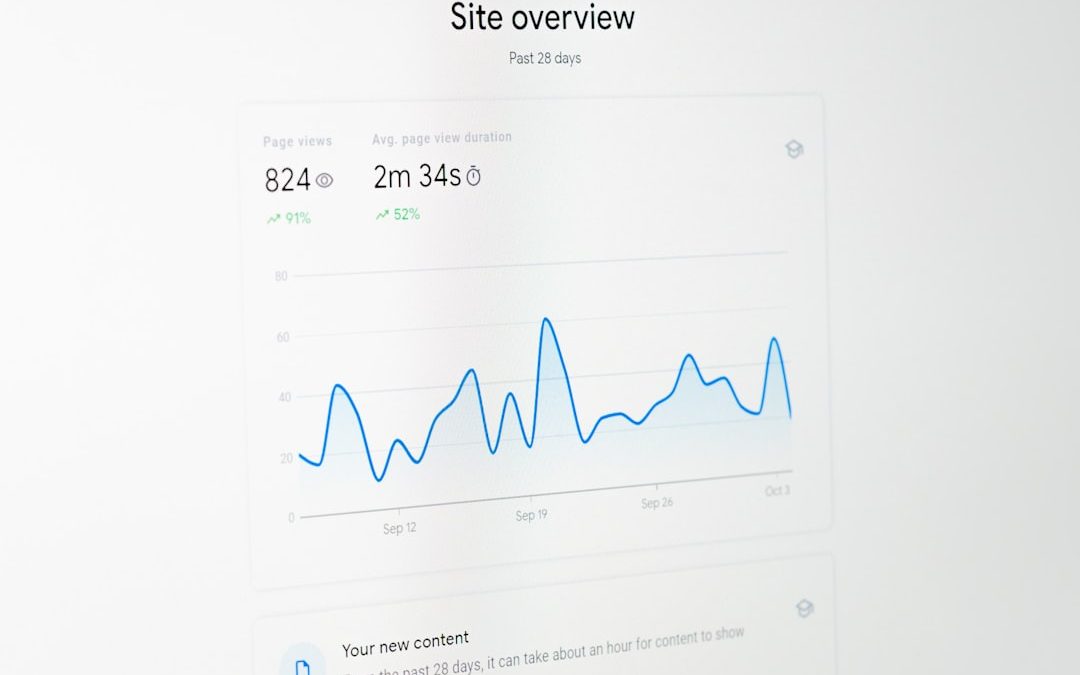

Understanding how visitors behave on a website is one of the most critical factors in improving online performance. Businesses invest heavily in driving traffic, but without clear insights into user behavior, even high traffic levels can fail to convert. Website heatmap software—like Crazy Egg—provides visual data that shows exactly where users click, scroll, move their mouse, or hesitate. This behavioral intelligence allows companies to refine their layout, calls to action, and user flows to dramatically boost conversion rates.
TLDR: Website heatmap software such as Crazy Egg helps businesses visualize user behavior to improve conversions. By tracking clicks, scrolls, and engagement zones, companies can quickly identify what works and what doesn’t. When combined with A/B testing and session recordings, heatmaps offer clear, actionable insights. The result is smarter design decisions and measurable improvements in sales, leads, and engagement.
What Is Website Heatmap Software?
Heatmap software visually represents user activity on a website using color-coded overlays. Warmer colors (red, orange, yellow) indicate high levels of interaction, while cooler colors (blue, green) show areas with little engagement. Instead of relying on guesswork, website owners gain a real-time picture of how visitors navigate their pages.
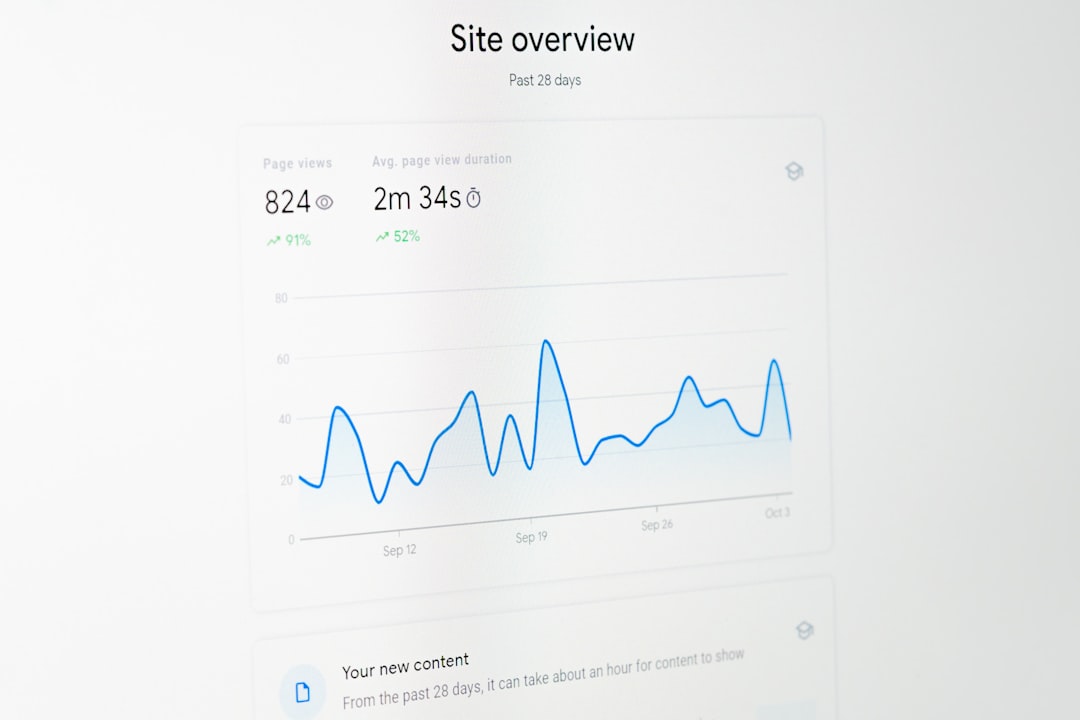
Most tools like Crazy Egg offer several types of heatmaps:
- Click Heatmaps – Show where users click most frequently.
- Scroll Heatmaps – Reveal how far visitors scroll down a page.
- Move Heatmaps – Track mouse movement activity.
- Attention Heatmaps – Display areas that receive the most engagement.
By visualizing these patterns, businesses can instantly identify overlooked buttons, ignored content sections, or distracting design elements.
Why Heatmaps Matter for Conversion Rate Optimization
Conversion Rate Optimization (CRO) focuses on increasing the percentage of visitors who complete a desired action—such as making a purchase, signing up for a newsletter, or booking a demo. Heatmap tools play a vital role in CRO because they eliminate assumptions.
For example:
- If users are not clicking a Call-to-Action (CTA) button, a click heatmap can reveal whether the placement is ineffective.
- If a scroll heatmap shows visitors rarely reach the bottom of a page, critical content may need to be moved higher.
- If users repeatedly click on non-clickable elements, it indicates confusion in the interface.
These insights allow teams to make data-backed adjustments rather than subjective design decisions.
Key Features of Tools Like Crazy Egg
Modern heatmap platforms provide much more than just click tracking. Leading tools combine multiple behavior-tracking technologies into one dashboard.
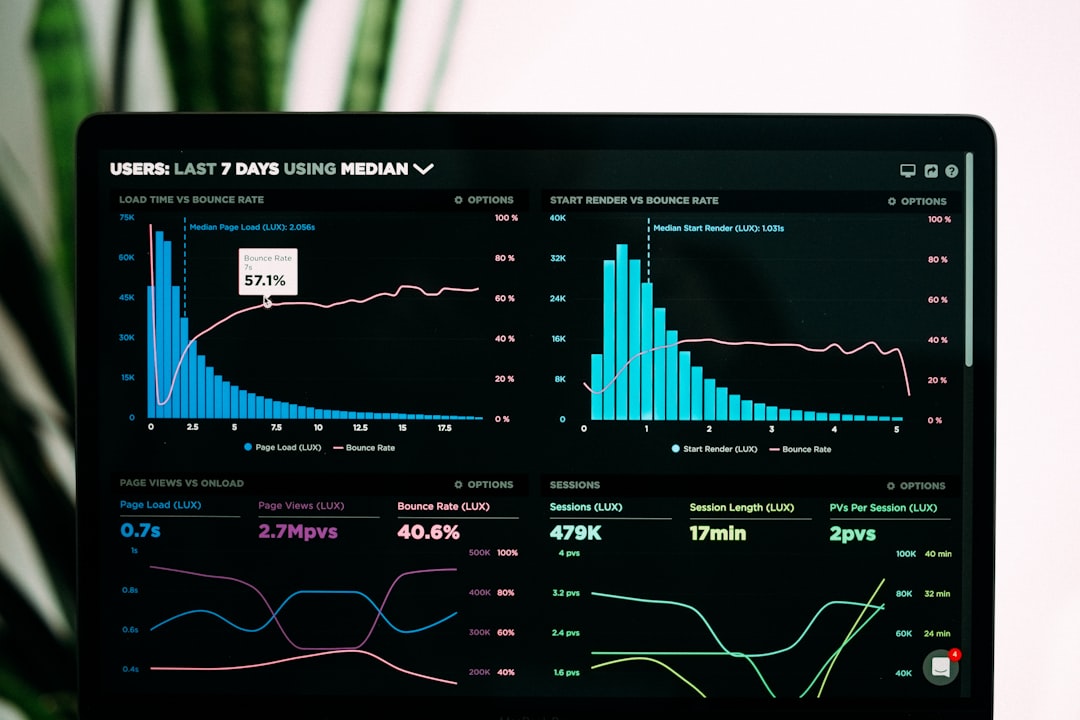
- Session Recordings: Watch real user sessions to see navigation patterns.
- A/B Testing: Test different page variations to measure performance impact.
- Confetti Reports: Break down clicks by traffic source or demographic segment.
- Form Analysis: Identify where users abandon forms.
- Integration with Analytics Tools: Seamlessly connect with platforms such as Google Analytics.
These features transform raw data into actionable strategies that directly improve conversion rates.
Top Website Heatmap Software Like Crazy Egg
While Crazy Egg remains a popular choice, several powerful alternatives offer similar or enhanced capabilities. Below are five leading solutions used by marketers and UX professionals.
1. Crazy Egg
Known for its simplicity and powerful visual reports, Crazy Egg provides click maps, scroll maps, session recordings, and A/B testing. It is ideal for small to mid-sized businesses focused on practical CRO improvements.
2. Hotjar
Hotjar combines heatmaps, session recordings, feedback polls, and surveys. Its user feedback features make it particularly valuable for qualitative insights.
3. Mouseflow
Mouseflow offers detailed session replay tools and funnel tracking. It excels at identifying drop-off points in conversion funnels.
4. Lucky Orange
Lucky Orange provides real-time visitor tracking, chat features, and dynamic heatmaps. It’s often favored by eCommerce businesses.
5. Smartlook
Smartlook focuses on in-depth session recording and event tracking, including mobile app analytics.
Comparison Chart of Popular Heatmap Tools
| Tool | Heatmaps | Session Recordings | A/B Testing | Best For |
|---|---|---|---|---|
| Crazy Egg | Yes | Yes | Yes | Small to mid-sized businesses |
| Hotjar | Yes | Yes | Limited | User feedback and surveys |
| Mouseflow | Yes | Advanced | No | Funnel optimization |
| Lucky Orange | Dynamic | Yes | No | eCommerce stores |
| Smartlook | Yes | Advanced | No | Mobile app tracking |
How Heatmaps Directly Improve Conversion Rates
Heatmap tools contribute to higher conversions in several measurable ways:
1. Optimizing CTA Placement
If a CTA is rarely clicked, relocation or redesign may be necessary. Scroll and click heatmaps clarify the best placement zones.
2. Reducing Friction
Session recordings reveal confusion, hesitation, or repeated behaviors that indicate friction points.
3. Improving Content Hierarchy
Scroll tracking shows how users consume long-form content. Important messages can be repositioned based on engagement depth.
4. Fixing UX Errors
When users click non-clickable elements, it highlights misleading design patterns that require correction.

Best Practices for Using Heatmap Software
To maximize effectiveness, businesses should follow a strategic approach:
- Define Clear Goals: Identify whether the objective is more sign-ups, purchases, or downloads.
- Analyze High-Traffic Pages First: Homepage, product pages, and landing pages often offer the biggest impact opportunities.
- Combine Quantitative and Qualitative Data: Pair heatmaps with surveys for deeper insights.
- Run Controlled Experiments: Use A/B testing to validate design changes.
- Monitor Continuously: User behavior evolves over time.
Heatmaps should not be a one-time diagnostic tool but part of an ongoing optimization strategy.
Limitations to Consider
Despite their value, heatmaps have certain limitations:
- They do not explain why users behave in a certain way.
- Low-traffic websites may lack sufficient data for accurate analysis.
- Over-analyzing minor patterns can lead to unnecessary changes.
To mitigate these drawbacks, heatmap insights should be combined with analytics metrics, user testing, and feedback collection.
The Future of Heatmap Technology
Advancements in artificial intelligence and machine learning are pushing heatmap software beyond simple visualization. Predictive analytics can now anticipate user behavior patterns. Automated recommendations suggest layout changes based on observed engagement trends. As personalization grows in importance, heatmap tools will likely integrate deeper segmentation and behavior-based customization features.
In an increasingly competitive online environment, businesses that embrace behavioral analytics tools will maintain a measurable advantage.
Conclusion
Website heatmap software like Crazy Egg plays an essential role in modern conversion rate optimization. By visualizing user engagement, businesses can eliminate guesswork and implement precise improvements that directly impact revenue. Whether through better CTA placement, streamlined forms, or enhanced content layout, heatmap-driven decisions create a smoother user experience. When used strategically and consistently, these tools transform website performance from average to exceptional.
Frequently Asked Questions (FAQ)
1. What is the main purpose of heatmap software?
The primary purpose is to visualize how users interact with a website so businesses can identify areas for improvement and increase conversion rates.
2. Is heatmap software suitable for small businesses?
Yes. Many platforms, including Crazy Egg, offer affordable plans tailored to small and mid-sized businesses.
3. Do heatmaps affect website performance?
Most reputable tools are lightweight and optimized to minimize impact on site speed.
4. How long should data be collected before making changes?
It depends on traffic volume. High-traffic sites may gather actionable insights within days, while lower-traffic sites may require several weeks.
5. Can heatmaps improve eCommerce sales?
Absolutely. By identifying drop-off points, optimizing product page layouts, and improving checkout flows, heatmaps directly contribute to higher sales conversion rates.
6. Are heatmaps compliant with privacy regulations?
Most tools offer anonymization features and compliance settings to align with GDPR and other data protection regulations, but website owners should ensure proper configuration.


WP-Config.php: WordPress wp-config.php vs .htaccess for Managing Site Configuration
Use wp-config.php for WordPress settings, secrets, and core behavior; use .htaccess for Apache server rules like redirects, pretty links, and…