
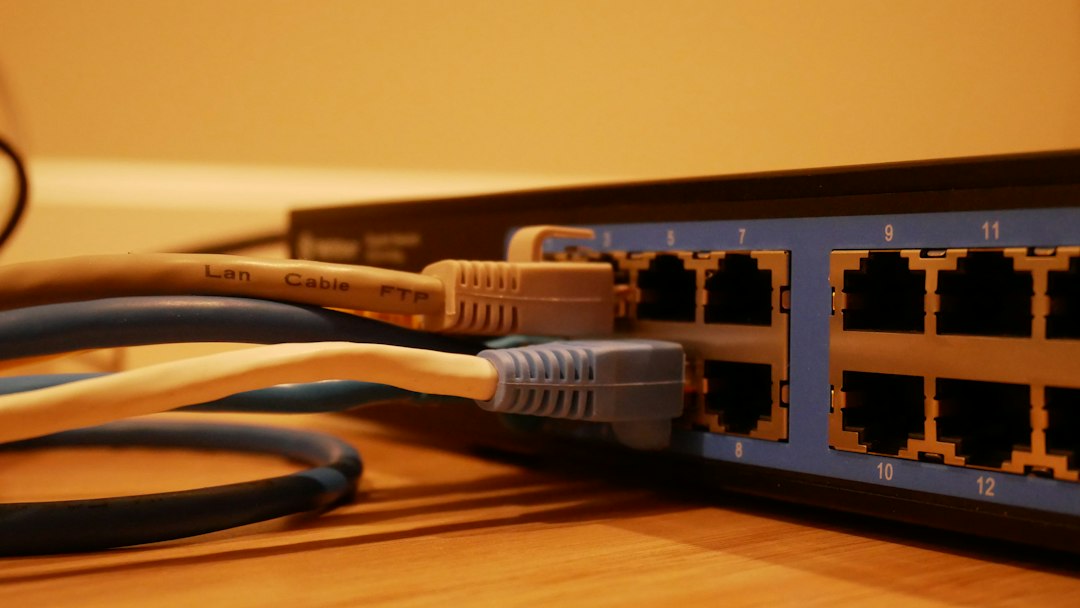

If someone has your IP address, they usually cannot hack you by that fact alone. An IP address can reveal rough location, internet provider, and the type of network you are using, but it is not a password or a direct key to your device. The real risk depends on whether the address is public or private, what services are exposed, and how careless your network setup is.
TLDR: A public IP can show your general city or region and may be used for tracking, blocking, scams, or targeted scans. A private IP, such as 192.168.1.25, usually matters only inside your home, office, or school network. For example, if a gamer shares their public IP during a match, an attacker could try a short DDoS attack that knocks the connection offline for 5 to 15 minutes. Most people face low risk, but weak router settings and exposed cameras raise that risk fast.
What an IP Address Actually Reveals
An IP address identifies a device or network on the internet or on a local network. It helps data reach the right place, much like a return address on a package. That does not mean it names you personally.
With your public IP address, someone may be able to see:
- Your approximate location, often at city or regional level.
- Your internet service provider.
- Whether the IP belongs to a home, business, mobile carrier, VPN, or data center.
- Open ports, if your router or device exposes them.
- Past abuse reports linked to that IP, such as spam or bot traffic.
That sounds uncomfortable, and it is. But it is also limited. Most IP geolocation tools are not precise. They may show the wrong city, or even a neighboring region. They do not normally reveal your name, street address, email, files, photos, or bank details.
Public IP vs Private IP
Your public IP is the address your internet provider assigns to your router or connection. Websites, apps, game servers, and video platforms can see it when you connect. If you visit a website, that site must know where to send the response, so your public IP is part of the transaction.
Your private IP is used inside a local network. Common examples include:
- 192.168.0.10
- 192.168.1.50
- 10.0.0.8
- 172.16.5.20
Private IP addresses are not usually reachable from the open internet. If someone outside your home knows that your laptop uses 192.168.1.34, that knowledge is almost useless by itself. Millions of devices use similar private addresses. The address only has meaning inside your local network.
The catch is that people mix these terms up constantly. It leads to bad advice, panic, and time wasted checking the wrong settings. If a support page tells you to “hide your IP,” ask which one. Public IP privacy is a real issue. Private IP exposure is usually a local network issue.
What Someone Can Do With Your Public IP Address
1. Estimate your location
An IP lookup may show your country, city, or nearby area. Accuracy varies. Some databases claim city-level accuracy, but real-world results can be off by 20 to 100 miles or more. Mobile carrier IPs and satellite internet can be even less accurate.
2. Identify your internet provider
Your IP can show whether you use Comcast, Verizon, BT, Orange, Vodafone, or another provider. This can help scammers craft fake support messages. For example, “We are from your internet provider, and we detected a problem with your connection.” That trick works because it feels specific.
3. Scan for exposed services
Attackers can scan your public IP for open ports. These are network entry points used by services such as remote desktop, file sharing, security cameras, or game servers. A closed port gives them little. An open port running outdated software can be a problem.
4. Launch a DDoS attack
A Distributed Denial of Service attack floods your connection with traffic. This does not steal your data, but it can knock you offline. It is common in gaming disputes, livestream harassment, and petty online fights. Honestly, it feels ridiculous that a single angry player can ruin a match this way, but it still happens.
5. Block or track your activity
Websites can use your IP for fraud checks, rate limits, regional content rules, and account security. Advertisers may combine IP data with cookies, browser fingerprints, and account logins. The IP alone is not the full profile, but it can be one signal among many.

What They Usually Cannot Do With Only Your IP
A person who only has your IP address normally cannot:
- See your browsing history.
- Read your messages.
- Open your files.
- Access your webcam.
- Find your exact home address.
- Break into your bank account.
- Install malware without another weakness.
Those attacks need more than an IP. They often need phishing, stolen passwords, infected downloads, exposed services, weak router credentials, or old software. The IP may be the starting point, not the weapon.
When an IP Address Becomes More Dangerous
The risk rises when your public IP points to services that should not be public. This includes remote desktop tools, admin panels, NAS devices, baby monitors, smart cameras, home automation dashboards, and old routers.
For example, a home camera system with a public login page and default password is a serious risk. In that case, the danger is not the IP alone. The danger is the exposed service plus weak access control.
Business networks face higher stakes. If a company exposes VPN portals, mail servers, or admin tools, attackers may test passwords, check software versions, and search for known bugs. A small misconfiguration can turn a simple IP address into a useful target.
How to Protect Yourself
Start with the basics. They work.
- Restart your router if your provider gives changing addresses. This may assign a new public IP.
- Use a VPN when you want websites or game servers to see the VPN’s IP instead of yours.
- Turn off port forwarding unless you truly need it.
- Disable UPnP on your router if you do not use apps that require it.
- Update router firmware and replace routers that no longer receive security patches.
- Change default router passwords and use strong Wi Fi encryption such as WPA2 or WPA3.
- Do not expose cameras or storage devices directly to the internet.
- Use two factor authentication on important accounts.
A VPN is not magic. It hides your public IP from the sites and services you use, but the VPN provider can see connection metadata. Pick a reputable provider, not a random free app. Free VPNs often pay the bills through ads, tracking, or limits that make them painful to use.
How to Check Your Own Exposure
You can check your public IP by searching “what is my IP” in a browser. Then check your router settings for port forwarding, remote administration, and UPnP. If you run a home server, confirm that only the needed ports are open.
Expect to waste a few minutes in router menus. Many router dashboards bury security settings behind vague labels. Look for terms such as WAN access, remote management, virtual server, port forwarding, and UPnP.
If you are not sure what an open port does, close it and test whether anything breaks. For most households, no inbound ports need to be open at all.
Should You Be Worried?
For most people, an exposed public IP is a privacy concern, not an emergency. It can reveal rough location and provider details. It can also support tracking and harassment in some cases. But it rarely allows direct access to a device on its own.
Private IP addresses are far less concerning unless the person is already on your local network. If someone inside your Wi Fi knows your private IP, they may try local attacks, especially on shared folders, printers, or smart devices. That is why guest Wi Fi is useful. Keep visitors and unknown devices away from your main network.
The practical answer is simple: protect your router, close exposed services, use strong passwords, and use a VPN when your public IP should not be visible. Your IP address is not your identity, but it is still a data point worth treating with care.


Best Tools for Building Bento Grid Layouts: CSS Grid vs Tailwind CSS vs Framer
For most bento grid layouts, start with CSS Grid. It gives you the cleanest control over rows, columns, gaps, and…