
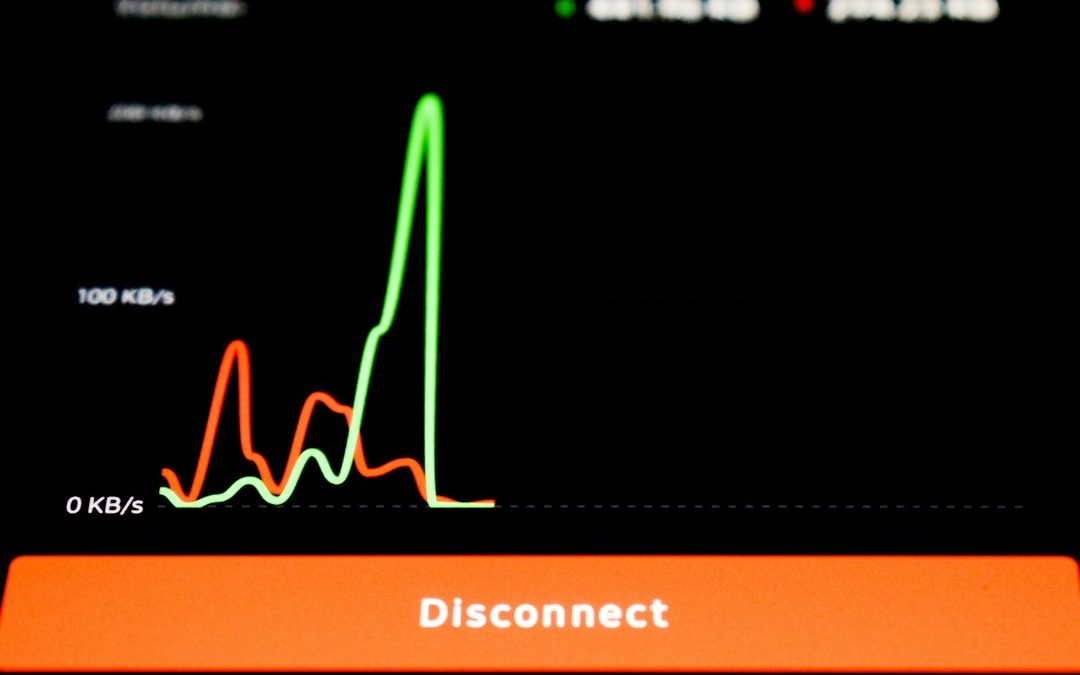

For most small businesses, Ubiquiti is the cleaner choice when the firewall must be simple, visible, and easy to manage; pfSense is the stronger choice when control, deep routing, and advanced security rules matter more. The real decision is not only about firewall power. It is about who will maintain it at 4:45 p.m. on a Friday when remote access fails and staff cannot reach the file server.
TLDR: A 20-person office with basic VLANs, guest Wi Fi, site VPN, and camera traffic will usually deploy faster with Ubiquiti, often in under two hours if the network is already UniFi-based. A 60-user firm with multiple WAN links, strict firewall rules, OpenVPN or WireGuard needs, and detailed logs may get more value from pfSense. For example, a small accounting firm could cut admin time by 30% with a UniFi gateway, while a managed service provider may prefer pfSense because it exposes far more knobs and reports.
Small Business Firewall Needs Come First
A small business firewall has to do more than block bad traffic. It must support VLANs, VPN access, WAN failover, content filtering, threat detection, and clean reporting. It also has to be understandable by the person responsible for it.
That person may be a part-time IT contractor. It may be an office manager who knows enough to restart the modem. This is where the gap between Ubiquiti and pfSense becomes clear.
Ubiquiti focuses on a polished hardware and software stack. UniFi gateways such as the UniFi Dream Machine Pro, Dream Machine SE, and newer Cloud Gateway models fit smoothly with UniFi switches and access points. The interface is visual, tidy, and friendly.
pfSense, often deployed on Netgate hardware or compatible appliances, is more technical. It behaves like a serious firewall platform. It offers granular rules, packages, detailed routing, VPN options, traffic shaping, and strong logging. It rewards skill. It also punishes guesswork.
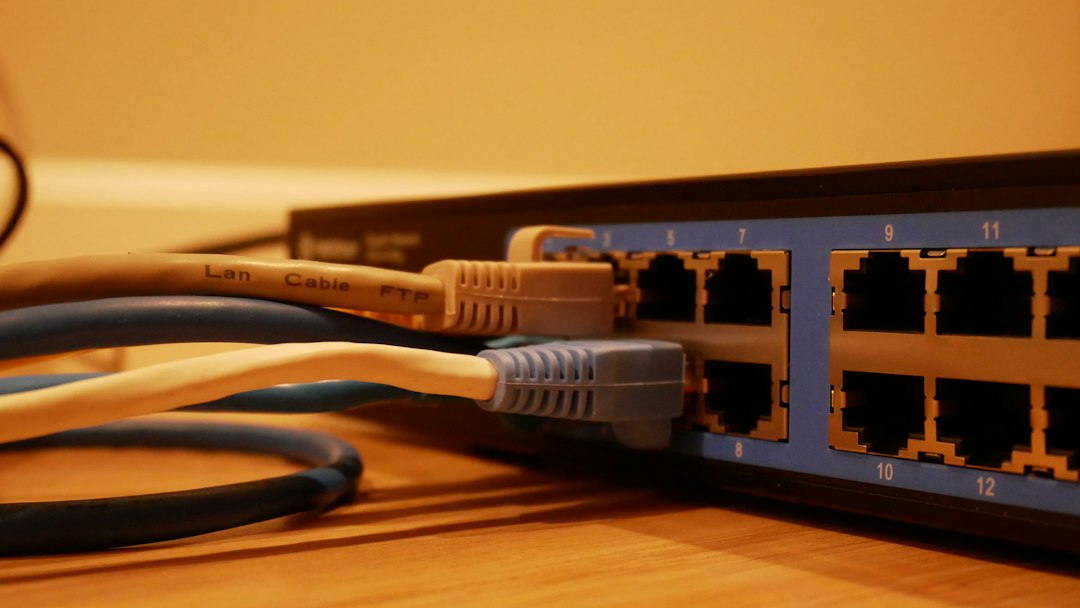
Ubiquiti: Best for Simplicity and Unified Management
Ubiquiti works well when a business wants one console for gateways, switches, access points, clients, cameras, and network health. The UniFi Network application makes it easy to see connected devices, blocked threats, bandwidth use, and Wi Fi coverage.
This matters in smaller offices. A retail shop, dental clinic, law office, or design studio may not need complex firewall logic. It needs clear status screens and quick fixes. If a workstation is using too much bandwidth, UniFi makes it easy to spot. If a guest network needs isolation, setup is direct.
Strengths of Ubiquiti include:
- Easy deployment for UniFi-based networks.
- Good visual dashboards for clients, traffic, and alerts.
- Simple VLAN and Wi Fi integration across UniFi gear.
- Attractive hardware pricing for many office builds.
- Remote management through the UniFi cloud portal.
The catch is that Ubiquiti can feel boxed in. Advanced firewall features exist, but they are not as deep as pfSense. Logs may not satisfy technical teams that need packet-level detail. Some features change with firmware updates, and that can be annoying when a menu moves or a setting behaves differently after an upgrade.
pfSense: Best for Control and Advanced Security
pfSense is a better fit when the firewall is part of a serious security plan. It gives administrators fine control over NAT, firewall states, policy routing, DNS resolver settings, certificates, VPN tunnels, aliases, and rule order.
For a business with multiple branches, pfSense can handle site-to-site VPNs with precision. For a company with compliance pressure, pfSense provides stronger visibility into what rules exist and why traffic is allowed or denied.
Strengths of pfSense include:
- Granular firewall rules for strict traffic control.
- Strong VPN support, including IPsec, OpenVPN, and WireGuard packages.
- Advanced routing for multi WAN setups and failover.
- Useful packages such as pfBlockerNG, HAProxy, and Suricata.
- Better technical logging for troubleshooting and audits.
Honestly, it feels like pfSense sometimes expects every administrator to enjoy reading firewall logs at midnight. The interface is powerful, but not always friendly. A basic change can take extra clicks, and a wrong NAT or rule order can break access fast.
Performance and Hardware Choices
Ubiquiti appliances are sold as fixed products. That keeps buying simple. The business picks a gateway that matches internet speed, IDS or IPS needs, and port requirements. A UniFi Dream Machine SE, for example, suits many small offices because it includes 2.5 GbE WAN, PoE ports, and an integrated controller.
pfSense offers more hardware freedom. A business can buy a Netgate appliance or use a compatible mini PC with Intel network cards. This flexibility helps when the company needs more RAM, faster VPN throughput, 10 GbE ports, or storage for logs.
Performance depends heavily on enabled features. IDS, IPS, VPN encryption, and traffic inspection can reduce throughput. A small office with a 1 Gbps fiber line should not choose hardware based only on firewall throughput numbers. It should check throughput with security services turned on.
Security Features Compared
Ubiquiti offers threat detection and prevention through UniFi security features. It is enough for many small firms. It blocks common threats, shows alerts, and gives a usable security score. It is clean and understandable.
pfSense can go deeper. With pfBlockerNG, it can block known malicious IP ranges, countries, ads, and domains. With Suricata or Snort, it can inspect traffic using rulesets. DNS filtering can be shaped in detail. This is powerful, but it needs care. Poor tuning can create false positives or slow traffic.
For a small business without technical support, Ubiquiti is safer from an operations standpoint. For a business with skilled IT help, pfSense can provide stronger controls.
Cost and Support
Ubiquiti often wins on visible cost. A gateway, switch, and access points can be purchased without recurring license fees for the core platform. That appeals to small businesses that hate surprise renewals.
pfSense Community Edition can also be used without license fees, but support is a separate issue. Netgate appliances with pfSense Plus offer a more official route. Paid support may be worth it for firms that cannot afford long outages.
The hidden cost is time. Ubiquiti saves setup hours when the network is simple. pfSense may save money later by avoiding limits, but only if someone knows how to run it.
Recommended Deployment Choices
Ubiquiti is the better choice when:
- The office already uses UniFi switches or access points.
- The business wants simple remote management.
- Firewall rules are basic.
- There is no full-time network engineer.
- Visual dashboards matter more than raw configuration depth.
pfSense is the better choice when:
- The business needs advanced VPN options.
- There are multiple WAN connections.
- Security policies require detailed logs.
- The network has complex VLAN or routing needs.
- An IT provider can manage the firewall properly.
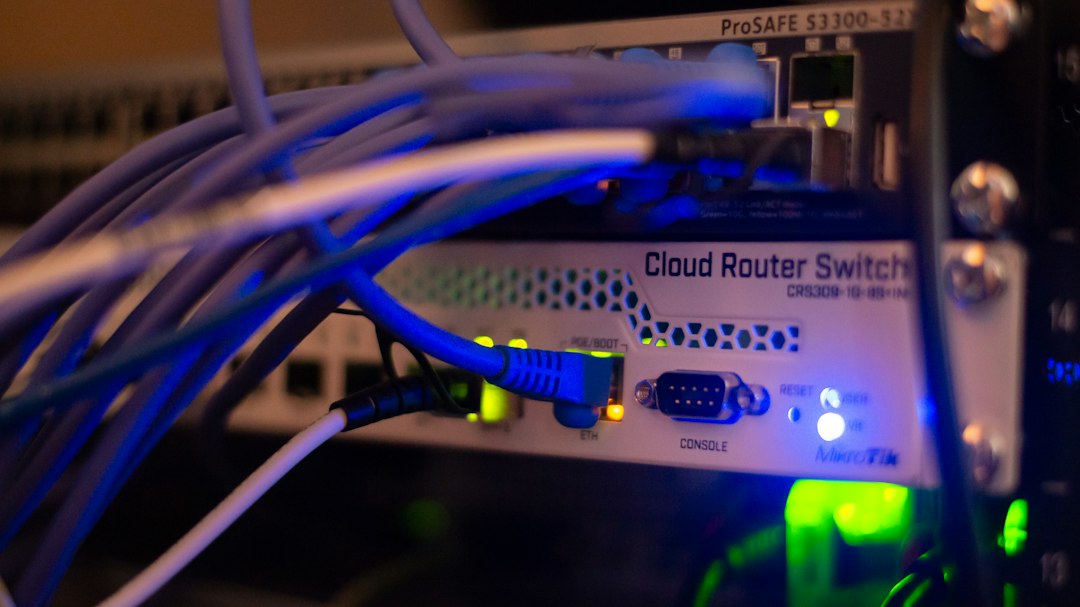
Final Verdict
Ubiquiti is best for small businesses that want an efficient, polished firewall deployment with minimal fuss. It is especially strong when paired with UniFi Wi Fi and switches. It keeps the network visible and manageable.
pfSense is best for businesses that need deeper control and do not mind a steeper learning curve. It gives skilled administrators more power, more routing options, and better inspection tools.
The practical rule is simple. If the business needs a clean firewall that staff can understand, Ubiquiti is usually the right pick. If the business needs a firewall that can be shaped to exact technical requirements, pfSense is the better long-term platform.
FAQ
Is Ubiquiti a real firewall for small business use?
Yes. Ubiquiti gateways provide firewall rules, VLAN support, threat detection, VPN features, and remote management. They suit many small offices with standard security needs.
Is pfSense more secure than Ubiquiti?
pfSense can be more secure when configured by an experienced administrator. It allows deeper inspection, stricter rules, and more detailed logging. Poor configuration, though, can weaken any firewall.
Which is easier to manage?
Ubiquiti is easier for most small business users. The UniFi interface is cleaner and better for quick checks. pfSense is more technical and needs more network knowledge.
Which option is better for VPN access?
pfSense is stronger for advanced VPN use. It supports several VPN methods and gives more control. Ubiquiti works well for simpler remote access and site links.
Does either option require subscriptions?
Core Ubiquiti firewall management does not require a typical firewall license. pfSense Community Edition is free, while Netgate hardware and support may add costs. Paid support should be considered for critical offices.
Which should a 25-person office choose?
If the office has basic needs and UniFi Wi Fi, Ubiquiti is the practical choice. If it has strict compliance rules, multiple locations, or complex VPN needs, pfSense is likely better.

How to Use Rufus and Ventoy to Install Windows 10 or Windows 11 from an ISO File
Rufus is best for one Windows ISO, while Ventoy is best when a user wants several ISOs on one USB…