
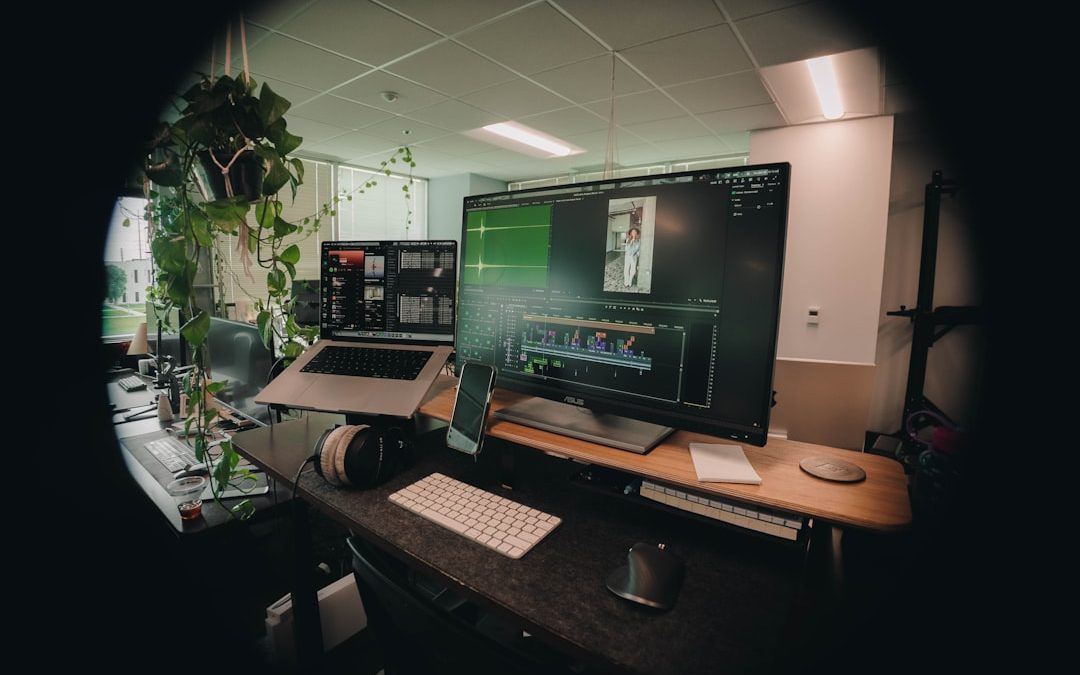

Video transcripts are no longer a secondary accessory to video publishing. For content creators, they are a practical asset that improves accessibility, search visibility, audience trust, and content repurposing. A clear transcript helps viewers follow complex ideas, quote material accurately, and engage with content even when they cannot watch or listen.
TLDR: A video transcript is a written version of spoken content, often supported by timestamps, speaker labels, and descriptions of important sounds. Strong transcripts make videos more accessible, easier to search, and simpler to reuse as blogs, social posts, newsletters, or captions. The best format depends on the type of video, but every professional transcript should be accurate, readable, and consistent.
Why Video Transcripts Matter
For creators who publish tutorials, interviews, podcasts, webinars, product videos, or educational content, transcripts provide a reliable record of what was said. They support viewers who are deaf or hard of hearing, non-native speakers, people watching in silent environments, and users who prefer reading over video.
Transcripts also help with content discoverability. Search engines cannot fully interpret every spoken word in a video, but they can read text. A transcript gives search platforms more context about your content, which may help your videos and related pages appear for relevant queries. Just as importantly, transcripts allow creators to turn one video into multiple content formats without starting from scratch.

What a Good Video Transcript Should Include
A useful transcript is not just a rough dump of speech-to-text output. While automated transcription tools can save time, creators should always review the final version for accuracy, clarity, and formatting. A professional transcript usually includes several core elements:
- Accurate spoken words: The transcript should reflect what was said without changing the meaning.
- Speaker labels: These are essential for interviews, panel discussions, podcasts, and webinars.
- Timestamps: Time markers help readers jump to specific parts of the video.
- Readable formatting: Short paragraphs and clear spacing make transcripts easier to scan.
- Relevant non-speech cues: Notes such as [music], [laughter], or [screen changes] can be useful when they affect meaning.
Example 1: Tutorial Video Transcript
Tutorial videos benefit from transcripts because viewers often return to specific steps. In this format, timestamps and clear action descriptions are especially important.
Video type: Software tutorial
Topic: How to organize a content calendar
[00:00] Speaker: In this tutorial, I’ll show you how to organize a simple content calendar using a spreadsheet.
[00:08] First, create columns for the publishing date, content title, platform, status, and assigned owner.
[00:21] Next, use color labels to separate content that is planned, in progress, approved, and published.
[00:34] This makes it easier to identify delays and keep your team aligned.
This example is concise and practical. It avoids unnecessary filler and makes each step easy to follow. For instructional videos, creators may also add headings such as Step 1, Step 2, or Common Mistakes to make the transcript more usable as a reference document.
Example 2: Interview Transcript
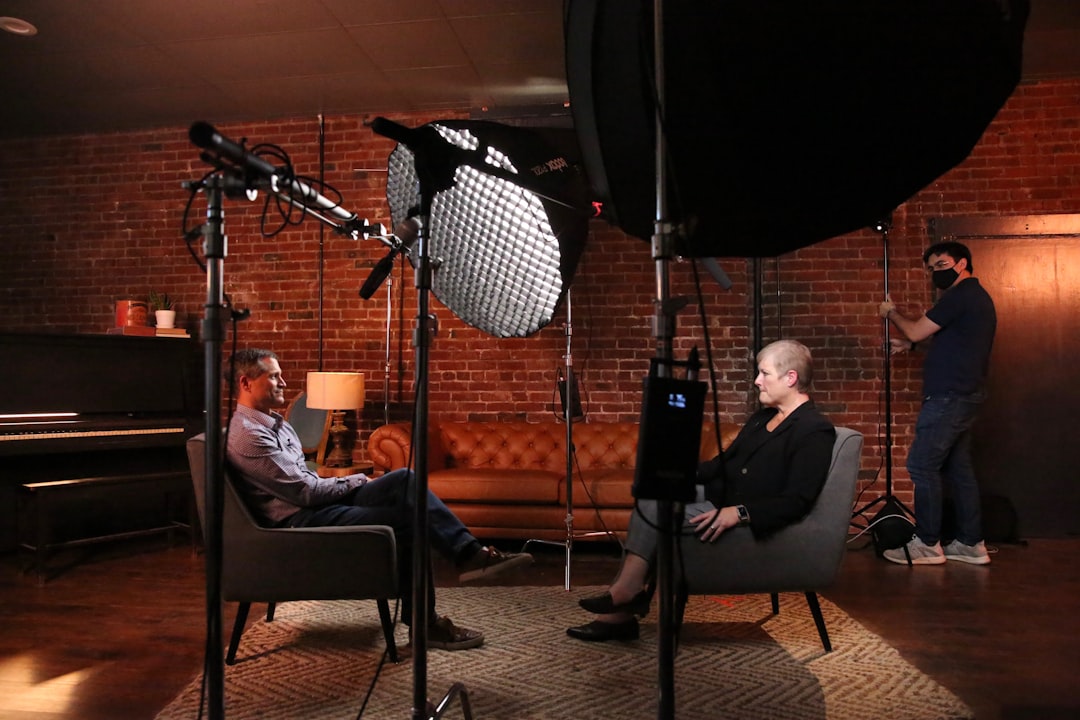
Interview transcripts require a different structure. Because multiple people are speaking, speaker identification is critical. Without speaker labels, the transcript becomes confusing and less credible.
Video type: Creator interview
Topic: Building an audience on long-form video platforms
[00:00] Host: Welcome, and thank you for joining us. To start, what helped you grow your audience consistently?
[00:09] Guest: The biggest factor was publishing on a clear schedule. Viewers knew when to expect new content, and that helped build trust.
[00:22] Host: Did you focus more on production quality or topic selection?
[00:27] Guest: Topic selection came first. Good lighting and sound matter, but a relevant topic is what earns the first click.
For interviews, it is acceptable to lightly edit false starts, repeated words, and verbal fillers if the transcript is intended for reading. However, creators should avoid changing the speaker’s meaning. If the transcript is for legal, academic, or journalistic use, a more verbatim approach may be appropriate.
Example 3: Podcast Video Transcript
Video podcasts often include long conversations, so structure matters. A transcript with section breaks can make a one-hour discussion much easier to navigate.
Video type: Video podcast
Topic: Monetization for independent creators
[00:00] Host: Today we’re discussing how independent creators can build sustainable revenue without relying on a single platform.
[02:15] Guest: I usually recommend starting with one primary income stream, such as sponsorships, digital products, or memberships.
[05:42] Host: What should creators consider before accepting sponsorships?
[05:48] Guest: Audience fit is the most important factor. A sponsorship that damages trust can cost more than it pays.
For podcast transcripts, creators should consider adding a short summary before the full transcript. This helps readers decide whether they want to read the entire conversation or jump to a section that interests them.
Example 4: Webinar Transcript
Webinars often include presentations, audience questions, and visual references. A transcript should reflect not only the spoken words but also important moments that depend on slides or demonstrations.
Video type: Educational webinar
Topic: Improving video content performance
[00:00] Presenter: Welcome to today’s webinar on improving video content performance. We’ll cover audience retention, titles, thumbnails, and transcript optimization.
[03:10] Presenter: On this slide, you can see that most viewer drop-off happens in the first thirty seconds.
[14:26] Audience Question: How often should we update older video descriptions?
[14:33] Presenter: Review them at least once per quarter, especially if the video still attracts search traffic.
When visuals are important, include brief descriptions such as [slide shows retention graph] or [demo begins]. These notes help readers understand references that would otherwise be unclear.
Clean Read vs. Verbatim Transcript
Creators should choose between a clean read transcript and a verbatim transcript. A clean read transcript removes distracting fillers such as “um,” “you know,” and repeated phrases. It is best for blogs, educational resources, and general audience use.
A verbatim transcript captures speech exactly as delivered, including pauses, incomplete thoughts, and filler words. This format is useful when accuracy of expression is more important than readability, such as in research interviews, legal contexts, or certain journalistic situations.
- Use clean read for tutorials, marketing videos, course lessons, and repurposed articles.
- Use verbatim for legal documentation, formal interviews, research, and sensitive public statements.
- Use a hybrid approach when you need readability but still want to preserve the speaker’s tone.

Best Practices for Content Creators
To produce transcripts that look professional, establish a consistent style before publishing. Use the same timestamp format across your videos, decide how you will label speakers, and create rules for editing filler words. Consistency strengthens your brand and makes your content library easier to manage.
Creators should also proofread names, product terms, technical phrases, and industry-specific vocabulary. Automated tools often misinterpret these details, and small errors can reduce credibility. If your video includes medical, financial, legal, or technical information, extra review is essential.
Finally, publish transcripts in places where they are useful. Add them below embedded videos, include them in course materials, attach them to webinar replays, or convert them into blog posts. A transcript should not sit unused in a folder; it should become part of your content strategy.
Conclusion
Video transcript examples show that there is no single format that fits every creator. A tutorial transcript should guide users through steps, an interview transcript should clearly identify speakers, and a webinar transcript should account for slides and audience questions. The strongest transcripts are accurate, structured, and designed with the reader’s needs in mind.
For serious content creators, transcripts are an investment in accessibility, professionalism, and long-term content value. They make videos easier to understand, easier to find, and easier to repurpose. Whether you publish short educational clips or extended expert conversations, a well-prepared transcript can make your content more useful and more trusted.

Virtual Browser Explained: Features and Advantages
A virtual browser is a safer way to open websites because the risky part happens away from your device. Instead…