
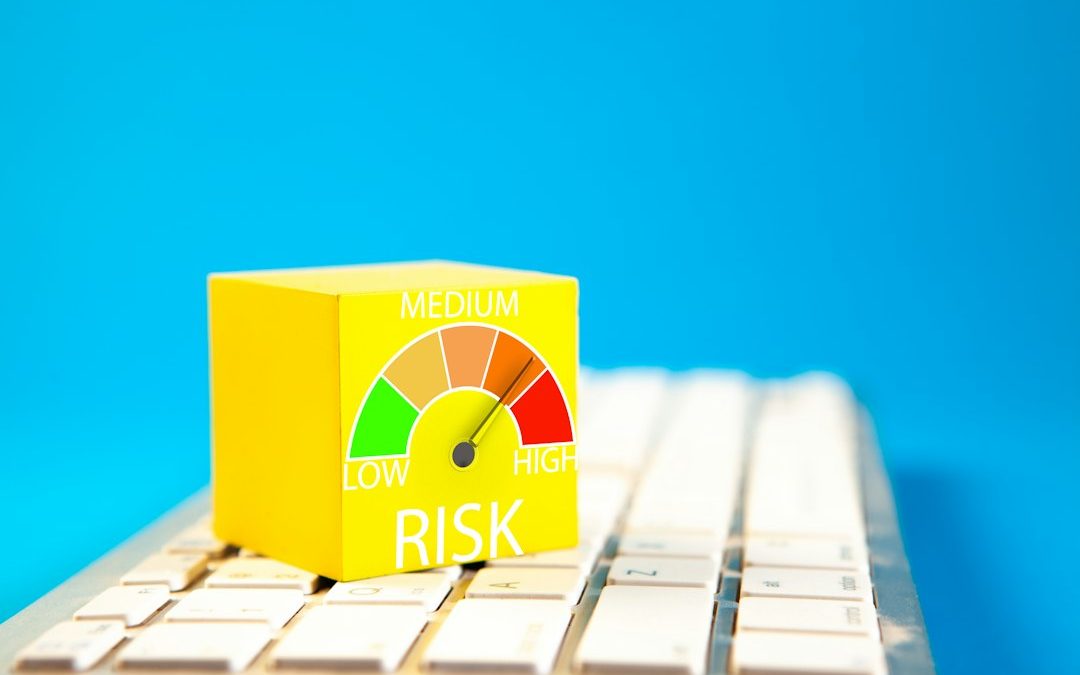

Use Sift or SEON when suspicious activity starts costing real money. Fraud is not “just a few weird orders.” Consumers reported losing more than $10 billion to fraud in 2023 [source: FTC]. That is a lot of stolen cards, fake accounts, refund tricks, and “Oops, that was not me” chargebacks.
TLDR: Sift and SEON help spot risky users before they hurt your business. They check signals like email, phone, device, IP address, behavior, and payment patterns. For example, if 1,000 new accounts join in a day and 4% look fake, these tools can help your team review about 40 risky signups instead of guessing. Sift is strong for larger fraud teams, while SEON is easier to start with and great for fast checks.
What do fraud detection tools actually do?
Think of fraud detection tools like a very picky bouncer.
They ask simple questions.
- Is this email new and strange?
- Has this phone number shown up in scams before?
- Is the device hiding behind a proxy?
- Did this user create five accounts in ten minutes?
- Is the billing country different from the IP country?
One odd signal may mean nothing. Five odd signals? Now we have a problem.
That is where Sift and SEON come in. They score users and events. Then they tell your team what looks safe, risky, or very suspicious.
Sift: best for bigger fraud fights
Sift is built for teams that deal with lots of transactions. Think marketplaces, fintech apps, subscription businesses, and online stores with high order volume.
It uses machine learning to study behavior. That sounds fancy. But the idea is simple. Good users act one way. Fraudsters act another way. Sift looks for the gap.
Sift can help with:
- Payment fraud, like stolen card use.
- Account takeover, where someone steals a login.
- Fake accounts, often used for promo abuse.
- Content abuse, like spam and fake listings.
- Chargeback fights, with better evidence.
The strong part is depth. Sift can connect many tiny clues. A risky device. A strange login. A shipping address used by many accounts. A card linked to past abuse.
The annoying part? It can feel like a serious setup. You may need time to tune rules, workflows, and review queues. Honestly, it feels like buying a race car when all you needed at first was a strong bike.
Sift says its network analyzes huge volumes of events across many customers [source: Sift]. That shared pattern data is one reason larger companies like it.
SEON: fast checks without the headache
SEON is popular because it feels quick. You can check an email, phone, IP address, or device and get useful signals fast.
It is especially handy for teams that want answers without waiting weeks for a big setup.
SEON can check:
- Email age and whether it links to social accounts.
- Phone number type, carrier, and country.
- IP address, VPN, proxy, or Tor use.
- Device fingerprint, so repeat users are easier to spot.
- Velocity rules, like too many signups from one place.
This is great for fraud teams that need fast “yes, no, maybe” checks.
Say someone signs up with a brand new email. No social profiles. A risky IP. A phone number from another country. Then they try to buy a high value item. SEON can flag that before the order ships.
If phone risk is a big issue for your team, it also helps to understand how to investigate unknown phone numbers. Fraud often starts with one small clue.

Sift vs SEON: simple comparison
| Feature | Sift | SEON |
|---|---|---|
| Best for | Large fraud programs | Fast risk checks |
| Setup | More involved | Usually quicker |
| Strength | Deep behavior analysis | Email, phone, IP, and device checks |
| Good fit | Marketplaces, fintech, big ecommerce | Startups, online stores, lending, gaming |
Common suspicious activity they can catch
Fraud does not always look dramatic. Sometimes it looks boring. That is what makes it painful.
- Promo abuse: One person makes 20 accounts for discounts.
- Stolen cards: A buyer rushes checkout and ships to a strange address.
- Account takeover: A login comes from a new device and country.
- Refund fraud: A customer keeps claiming orders never arrived.
- Fake signups: Bots flood your form with garbage accounts.
Expect to waste time on manual reviews if you have no scoring system. One extra review might take three minutes. Multiply that by 200 orders. There goes your afternoon.
How to use these tools without making customers angry
Do not block everyone who looks a little odd. Good customers travel. Good customers use VPNs. Good customers forget passwords.
Use layers instead.
- Low risk: Let the user pass.
- Medium risk: Ask for extra proof.
- High risk: Hold the order or block the action.
This keeps things fair. It also cuts false alarms.
Email checks can be very useful here. If you want another option to compare, read this Emailage review for more on email risk signals.
Image not found in postmeta
Which one should you choose?
Pick Sift if fraud is already a big problem. It suits teams with many orders, many user events, and enough staff to tune the system.
Pick SEON if you want fast results. It is strong for checking emails, phones, devices, and IPs before a user causes trouble.
The best choice depends on your pain.
- Too many chargebacks? Try Sift.
- Too many fake accounts? Try SEON.
- Need deep case reviews? Sift may fit better.
- Need quick risk signals? SEON may feel easier.
Fraud tools do not replace human judgment. They make it sharper. They turn messy clues into clear risk scores. And that means fewer bad orders, fewer fake users, and fewer “How did we miss that?” meetings.
Fraud Detection Tools: Sift and SEON for Identifying Suspicious Activity

Fraud Detection Tools: Sift and SEON for Identifying Suspicious Activity
Use Sift or SEON when suspicious activity starts costing real money. Fraud is not “just a few weird orders.” Consumers…