

A production schedule is like a GPS for getting work done. It shows what needs to happen, who will do it, and when it should be finished. Without one, teams guess. With one, teams move with confidence. And yes, it can save your project from becoming a tiny office circus.
TLDR: A production schedule helps teams plan tasks, track deadlines, and avoid last-minute chaos. For example, a bakery making 500 cupcakes for Friday can schedule batter prep on Wednesday, baking on Thursday, and decorating on Friday morning. A small team that plans work in advance can reduce delays by 20% to 30%. Use a simple template, update it often, and keep every task clear.
What Is a Production Schedule?
A production schedule is a plan for making something. That “something” could be a product, a video, a blog post, a meal kit, a T-shirt order, or a software release.
It answers four simple questions:
- What needs to be made?
- When does each step happen?
- Who is responsible?
- What resources are needed?
Think of it as a calendar with muscles. It does not just show dates. It shows action.

Why Production Schedules Matter
Production schedules keep teams from running around like confused squirrels. They make work visible. They help people see what is done, what is late, and what is coming next.
A good schedule can help you:
- Meet deadlines with less stress.
- Use people, machines, and materials wisely.
- Spot problems before they explode.
- Improve teamwork.
- Keep customers happy.
Let’s say a small furniture shop has 10 custom tables due this month. Without a schedule, workers may cut wood before the design is approved. Or they may paint before sanding is done. Oops. With a schedule, every step has a clear order. Less waste. Less rework. Fewer grumpy faces.
Basic Production Schedule Template
You do not need fancy software to start. A spreadsheet works fine. Even a whiteboard can do the job.
Here is a simple production schedule template:
| Task | Owner | Start Date | Due Date | Status | Notes |
|---|---|---|---|---|---|
| Order materials | Ana | April 1 | April 2 | Done | Supplier confirmed |
| Build prototype | Leo | April 3 | April 5 | In progress | Needs review |
| Final production | Team | April 6 | April 10 | Not started | Start after approval |
This template is simple. That is the magic. If people understand it fast, they will use it.
Popular Production Schedule Templates
Different work needs different styles. Here are a few useful templates.
1. Daily Production Schedule
This is great for fast-moving work. Use it for restaurants, warehouses, factories, or content teams with daily deadlines.
- Best for short cycles.
- Tracks work hour by hour.
- Helps managers react quickly.
Example: A sandwich shop plans bread prep at 7:00, meat slicing at 8:00, packaging at 9:00, and delivery at 10:00.
2. Weekly Production Schedule
This gives a wider view. It is popular for small businesses and creative teams.
- Best for projects with several steps.
- Shows workload across the week.
- Makes team planning easier.
Example: A marketing team writes blog drafts on Monday, edits on Tuesday, designs graphics on Wednesday, schedules posts on Thursday, and reviews results on Friday.
3. Monthly Production Schedule
This is useful for bigger goals. It helps managers plan people, supplies, and budgets.
- Best for larger production runs.
- Helps forecast demand.
- Shows long-term capacity.
Example: A candle company plans to produce 2,000 vanilla candles, 1,500 lavender candles, and 1,000 citrus candles in May.
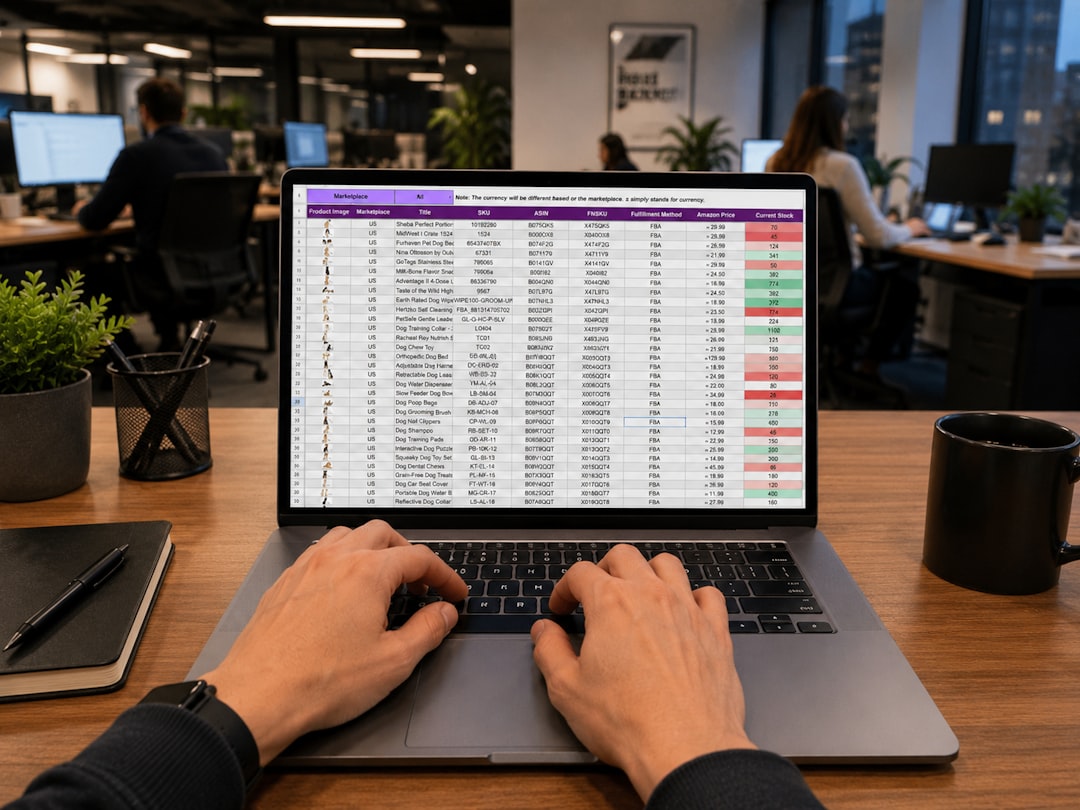
Example: Production Schedule for a Small Bakery
Let’s make this tasty. Imagine a bakery gets an order for 300 wedding cookies due Saturday at noon.
| Day | Task | Owner | Status |
|---|---|---|---|
| Tuesday | Confirm design and flavors | Owner | Done |
| Wednesday | Buy ingredients and prep dough | Assistant | Done |
| Thursday | Bake cookies | Baker | In progress |
| Friday | Decorate and package | Team | Not started |
| Saturday | Final check and delivery | Driver | Not started |
This schedule keeps the bakery calm. Nobody is decorating cookies at 3 a.m. while crying into the frosting. That is a win.
What to Include in a Production Schedule
A strong schedule has the right details. Not too many. Not too few. Like a good sandwich.
Include these items:
- Product or project name: What are you making?
- Task list: What steps are needed?
- Task owners: Who is responsible?
- Start and end dates: When does each task happen?
- Materials: What supplies are needed?
- Equipment: What tools or machines are required?
- Status: Is it planned, active, done, or delayed?
- Notes: What special details matter?
Keep your status labels simple. Use words like Not started, In progress, Blocked, and Done. Everyone understands them.
Best Practices for Better Production Scheduling
Now let’s make your schedule shine. Maybe not disco-ball shine. But close.
1. Start with the deadline
Work backward from the final due date. If delivery is on Friday, ask what must be done by Thursday. Then Wednesday. Then Tuesday. This method helps you avoid magical thinking. Sadly, “we’ll figure it out” is not a plan.
2. Break big work into small tasks
“Make 1,000 mugs” is too big. Break it down. Order clay. Shape mugs. Dry mugs. Fire mugs. Glaze mugs. Fire again. Pack. Ship. Small steps are easier to track.
3. Add buffer time
Things go wrong. A supplier is late. A machine acts dramatic. A file disappears. Add extra time for surprises. A 10% to 15% buffer is a smart starting point.
4. Check capacity
Do not schedule 40 hours of work for one person in one day. Unless that person is a robot. And even robots need charging. Match tasks to real availability.
5. Update the schedule often
A schedule is not a museum piece. It should change when real life changes. Review it daily for fast work. Review it weekly for longer projects.
6. Make it visible
Put the schedule where the team can see it. Use a shared spreadsheet, project board, wall chart, or planning app. Hidden schedules are about as useful as invisible maps.

Common Production Schedule Mistakes
Even smart teams make silly schedule mistakes. Watch out for these:
- Skipping dependencies: You cannot package a product before it exists.
- Forgetting material lead times: Supplies may take days or weeks to arrive.
- Overloading the team: Burnout is not a productivity strategy.
- Ignoring quality checks: Fast work still needs good work.
- Not tracking delays: Small delays can become giant snowballs.
Quick Tips for Choosing a Template
Pick a template based on your work style.
- Use a daily template for fast, repeated work.
- Use a weekly template for team projects.
- Use a monthly template for big planning.
- Use a Gantt chart when tasks depend on each other.
- Use a Kanban board when work moves through stages.
If your team is new to scheduling, start simple. You can always add more detail later. A schedule that people use is better than a perfect one they ignore.
Final Thoughts
A production schedule does not need to be scary. It is just a clear plan with dates, tasks, owners, and updates. Start with a simple template. Add buffer time. Keep it visible. Review it often.
When done well, a production schedule turns chaos into order. It helps teams work faster, waste less, and smile more. And if it saves you from one emergency meeting, it has already earned its place.


Photography Newsletter: Substack vs beehiiv for Publishing Photography Newsletters
Pick Substack if you want to publish fast. Pick beehiiv if you want to grow a serious photography newsletter with…