
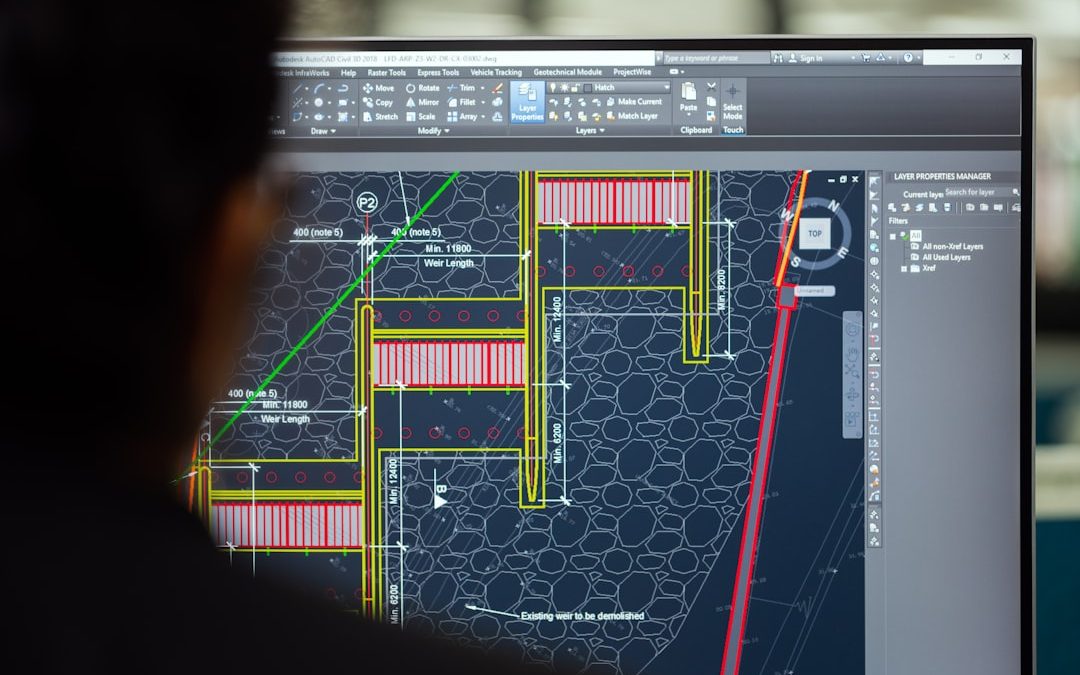

Facilities management is not just about fixing broken things. It’s about keeping entire buildings alive and working. Lights must turn on. Elevators must run smoothly. Air must stay cool in summer and warm in winter. That’s a lot to handle. The good news? Modern facilities management platforms make asset maintenance much easier.
TLDR: Asset maintenance is easier with the right software. Platforms like FMX, UpKeep, and eMaint CMMS help teams track equipment, schedule repairs, and prevent costly breakdowns. They save time, reduce stress, and extend asset life. If you manage facilities, these tools are worth exploring.
Let’s look at three facilities management platforms that stand out. They are simple to use. They are powerful. And they help teams stay ahead of problems instead of chasing them.
1. FMX – Simple, Visual, and Team-Friendly
FMX is known for being clean and easy to use. The dashboard is colorful. The layout is clear. You don’t need a technical background to understand it.
This platform is perfect for schools, offices, and mid-sized facilities. It focuses on making maintenance requests and preventive care simple.
Here’s what makes FMX shine:
- Work order management: Staff can submit requests in seconds.
- Preventive maintenance scheduling: Plan tasks before things break.
- Asset tracking: Know where your equipment is and how it’s performing.
- Reporting tools: See trends and problem areas quickly.
Imagine this. A teacher notices the classroom AC is making noise. Instead of sending emails, she fills out a quick request form. The maintenance team gets notified instantly. The issue is logged. It gets assigned. It gets fixed. All tracked in the system.
That means less confusion. Fewer missed repairs. Faster solutions.
FMX also helps managers move from reactive work to preventive work. This is huge. Preventive maintenance keeps small problems from turning into large ones. It also helps equipment last longer.
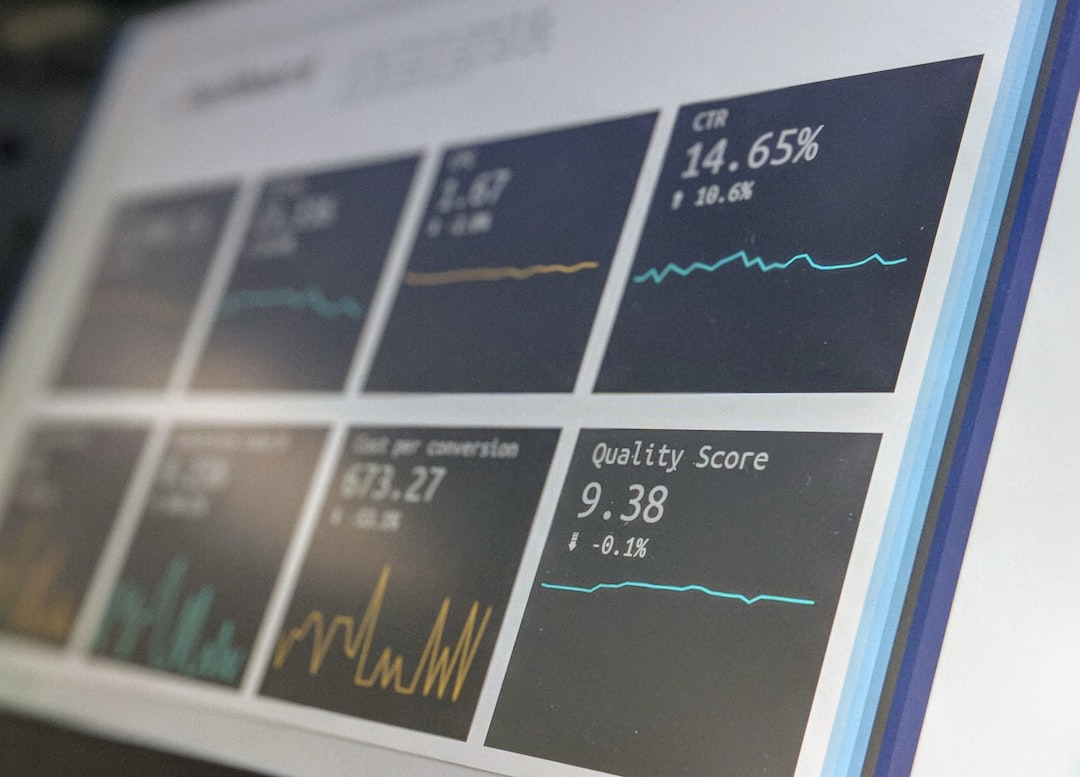
The software is cloud-based. So you can access it anywhere. On a laptop. On a tablet. Even on your phone.
Best for: Schools, office buildings, churches, and organizations that want simple but powerful tools.
Why it’s fun to use: The interface feels friendly. Not overwhelming. That matters when you log in every day.
2. UpKeep – Mobile-First and Built for Speed
UpKeep is designed with mobile teams in mind. It started as a mobile app. That tells you something.
Many maintenance technicians do not sit at desks. They move around all day. UpKeep fits that lifestyle perfectly.
Here’s what makes UpKeep powerful:
- Mobile work orders: Update tasks from the field.
- Barcode and QR scanning: Instantly pull up asset details.
- Inventory tracking: Know what spare parts you have.
- Real-time notifications: Stay updated without emails.
Picture this scenario. A technician walks up to a generator. He scans a QR code. Instantly, he sees its full maintenance history. Past repairs. Installed parts. Upcoming service schedule.
No paperwork. No guessing.
This speed saves serious time. And time equals money.
UpKeep also provides strong analytics. You can see patterns. Maybe one type of machine fails more often. Maybe one building has higher repair costs. With data, you can decide smarter.
Another major advantage is predictive maintenance support. The system helps you see warning signs before a breakdown happens. This reduces downtime. It reduces emergency repairs. Emergencies are expensive. Prevention is cheaper.
Best for: Industrial facilities, manufacturing plants, property management companies, and field-heavy teams.
Why it’s fun to use: It feels fast and modern. Like using your favorite mobile app.
3. eMaint CMMS – Powerful and Data-Driven
eMaint CMMS is for teams that want depth. It is more advanced. But still user-friendly.
CMMS stands for Computerized Maintenance Management System. That sounds complex. But think of it as a super-organized digital brain for your assets.
eMaint is strong in customization. Every facility is different. A hospital has different needs than a warehouse. eMaint lets you adapt workflows to match reality.
Key features include:
- Advanced asset management: Track lifecycle from purchase to retirement.
- Detailed reporting dashboards: Deep insights into performance.
- Compliance tracking: Stay aligned with regulations.
- Multi-site management: Oversee multiple buildings with ease.
If you manage several properties, this platform shines. You can compare sites. You can measure technician productivity. You can monitor budget usage.
This level of visibility is powerful.
Another big plus? Asset lifecycle tracking.
Let’s say you install a new HVAC unit. eMaint tracks:
- Installation date
- Warranty details
- Maintenance history
- Total repair costs
After years of data, you can decide if it’s time to replace it. Not guess. Decide based on numbers.
This prevents spending too much money on aging equipment that should be retired.
Best for: Large enterprises, healthcare systems, manufacturing operations, and multi-location organizations.
Why it’s fun to use: If you love dashboards and charts, this one delivers.
Why Asset Maintenance Platforms Matter
Let’s step back for a moment.
Why even use these systems?
Because unmanaged maintenance is chaotic.
Without software, teams rely on:
- Sticky notes
- Spreadsheets
- Email threads
- Memory
That approach leads to:
- Missed inspections
- Unplanned downtime
- Higher repair costs
- Shorter asset lifespan
Now compare that to a structured digital platform. Everything is logged. Everything is searchable. Everything is scheduled.
It turns maintenance from reactive chaos into proactive strategy.
How to Choose the Right Platform
Not every tool fits every facility. Choosing wisely matters.
Ask yourself a few simple questions:
- How many assets do we manage?
- How big is our team?
- Do technicians work mostly in the field?
- Do we manage multiple locations?
- How important is detailed reporting?
If your team is small and wants simplicity, FMX could be perfect.
If mobility is critical, UpKeep might win.
If you need analytics and enterprise depth, eMaint CMMS is powerful.
Also consider training time. The easier the system, the faster adoption happens. Even the best software fails if no one uses it properly.
The Real Benefit: Peace of Mind
At the end of the day, facilities management is about reliability.
People depend on buildings. Employees. Customers. Students. Patients.
When systems fail, trust drops.
Maintenance platforms reduce that risk. They help you stay organized. They highlight issues early. They document everything.
That creates confidence.
And confidence lets managers sleep better at night.
Final Thoughts
Asset maintenance does not have to feel overwhelming. With the right platform, it becomes structured and predictable.
FMX keeps things simple and friendly.
UpKeep empowers mobile teams with speed.
eMaint CMMS delivers deep insights and control.
Each one helps you move from reacting to planning.
And that shift changes everything.
Because when your assets are maintained properly, your entire facility performs better. Costs go down. Downtime shrinks. Equipment lasts longer.
That’s smart management.
And honestly, it makes the job a whole lot easier.


Photography Newsletter: Substack vs beehiiv for Publishing Photography Newsletters
Pick Substack if you want to publish fast. Pick beehiiv if you want to grow a serious photography newsletter with…