

Creating a distinctive brand identity no longer requires hiring a full design agency. Modern logo makers offer powerful template systems that allow businesses to craft professional designs with precision and strategic intent. However, simply selecting a pre-made template is not enough to stand out. True branding impact comes from purposeful customization—adjusting visual elements so the final logo reflects your company’s values, tone, and long-term vision.
TLDR: Logo maker templates are starting points, not finished products. To create unique branding, you must customize typography, colors, layouts, icons, and spacing with clear strategic intent. Use brand guidelines, ensure scalability, and refine details to avoid a generic look. Smart customization transforms a template into a memorable and trustworthy brand asset.
Below, we explore how to customize templates in logo makers effectively, ensuring your final design supports credibility, memorability, and long-term brand recognition.
1. Start With Strategic Clarity
Before adjusting any visual elements, define your brand fundamentals. Templates are flexible, but they should serve your identity—not dictate it. Ask yourself:
- What are my brand values?
- Who is my ideal customer?
- Should my brand feel corporate, playful, minimalist, or luxurious?
- Where will this logo be used (print, digital, packaging, signage)?
Without strategic clarity, customization becomes random decoration. With it, every change becomes purposeful alignment.
Pro Tip: Write a brief one-paragraph brand statement before you begin editing. Refer back to it during design decisions.
2. Replace Default Typography Thoughtfully
Typography is one of the most overlooked aspects of template customization. Many users leave the default font untouched, which makes logos feel generic.
When adjusting typography, consider:
- Serif fonts – convey tradition, trust, and professionalism.
- Sans-serif fonts – communicate modernity and clarity.
- Script fonts – suggest creativity, elegance, or craftsmanship.
- Display fonts – create bold, attention-grabbing impressions.
Beyond choosing a different font, refine the details:
- Adjust letter spacing (kerning) for balance.
- Modify line height in stacked layouts.
- Experiment with uppercase, lowercase, or small caps.
- Use varying font weights for hierarchy.
Important: Avoid combining too many fonts. In most cases, two complementary typefaces are sufficient.
3. Customize Color With Brand Psychology in Mind
Color is not decoration; it is communication. Templates often use trendy palettes that may not align with your industry or audience. Adjusting colors strategically can dramatically elevate uniqueness.
Consider basic color associations:
- Blue – trust, stability, security.
- Green – growth, sustainability, health.
- Red – energy, urgency, passion.
- Black – luxury, authority, sophistication.
- Orange – creativity, friendliness, enthusiasm.
When customizing:
- Create a primary brand color.
- Select one or two complementary secondary colors.
- Ensure the logo works in black and white.
- Test contrast for readability.
Consistency matters. Use the same color codes across your website, social media, and printed materials to build recognition.
4. Modify Icons Instead of Keeping Them Generic
Icons are often the most recognizable element of a logo. Many templates reuse common symbols, which can dilute uniqueness if left unchanged.
To make icons distinctive:
- Change proportions or orientation.
- Combine two symbols subtly.
- Adjust line thickness for consistency with typography.
- Simplify excessive details.
- Experiment with negative space.
If your logo maker allows partial editing, try modifying shapes rather than replacing them entirely. Even small adjustments can prevent your logo from looking identical to competitors’ designs.
5. Refine Layout and Spacing
Templates provide pre-set layouts, but these are starting points. Adjusting structure can significantly personalize your design.
Common layout customizations include:
- Switching from horizontal to stacked alignment.
- Repositioning the icon above, beside, or integrated within text.
- Increasing white space for a premium feel.
- Aligning text precisely for visual harmony.
White space, in particular, is often underestimated. Removing clutter increases clarity and professionalism.
6. Incorporate Subtle Brand Elements
Advanced customization involves integrating subtle brand references that make the logo conceptually rich.
For example:
- A tech company might subtly integrate circuit-like lines.
- A wellness brand might soften edges and use rounded typography.
- An eco-focused brand may incorporate organic curves.
These details should enhance—not complicate—the design. Overdesigning reduces clarity, especially at small sizes.
7. Compare Popular Logo Makers and Customization Capabilities
Not all logo makers offer the same level of control. Below is a comparison of widely used platforms and their customization depth:
| Logo Maker | Typography Control | Icon Editing | Color Customization | Export Options |
|---|---|---|---|---|
| Canva | High – letter spacing, size, style | Moderate – replace and recolor | High – full color picker | PNG, JPG, SVG (Pro) |
| Looka | Moderate – font switching | Limited – icon swap | Moderate – preset palettes | PNG, SVG, brand kit |
| Wix Logo Maker | Moderate – scaling and alignment | Moderate – adjustment options | High – custom palette | PNG, SVG |
| Tailor Brands | Basic – limited spacing control | Limited – template-based | Preset combinations | PNG, vector files (plan-based) |
If deep customization is your priority, choose platforms offering spacing adjustments, vector export, and editable layers.
8. Ensure Scalability and Versatility
A well-customized logo must function across multiple formats:
- Website headers
- Social media avatars
- Business cards
- Packaging
- Large-format signage
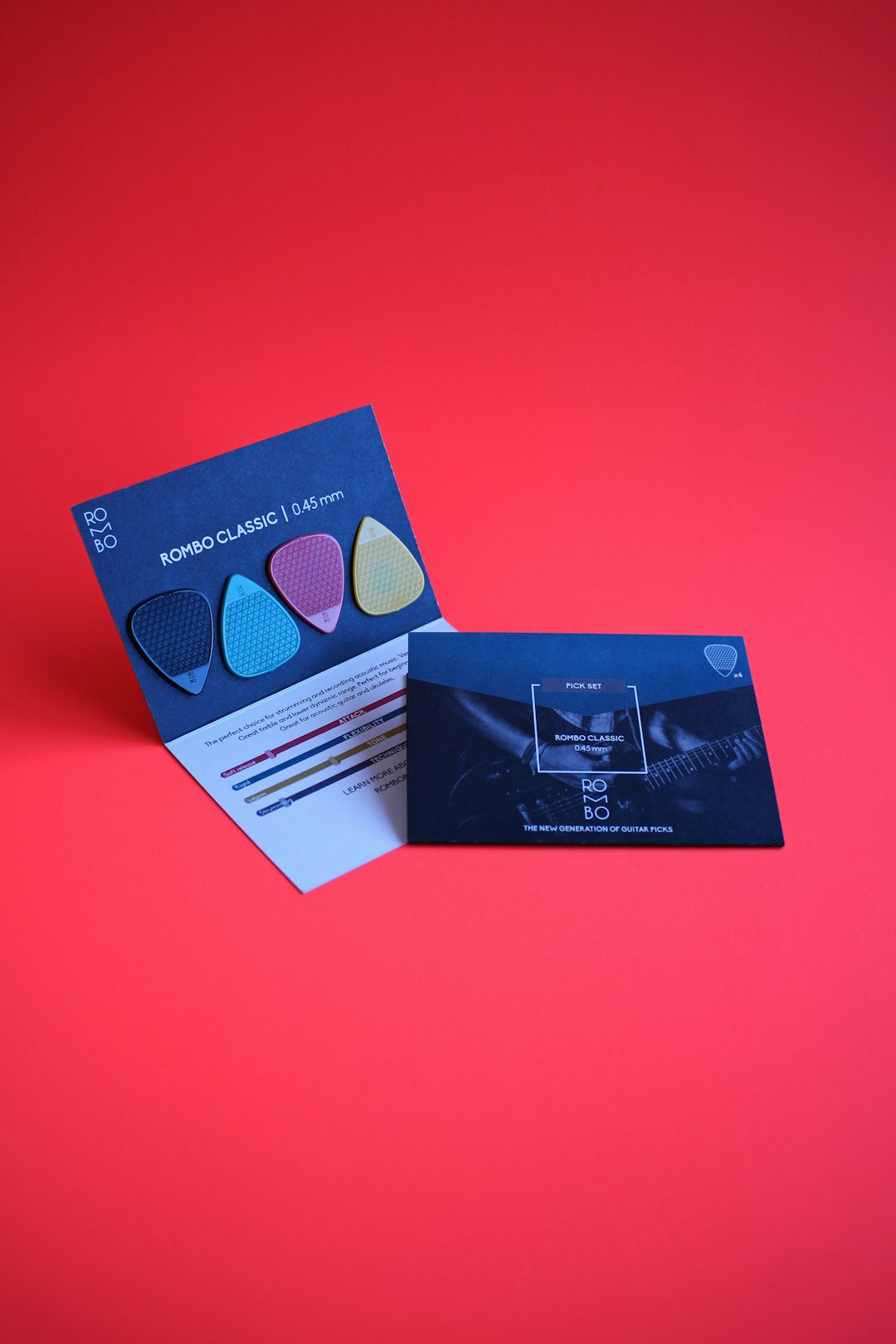
After customization:
- Scale the logo down to favicon size.
- Print it in black and white.
- Test visibility on dark and light backgrounds.
If important details disappear at small sizes, simplify further.
9. Avoid Common Customization Mistakes
Effective branding customization requires restraint. Frequent errors include:
- Overcrowding elements.
- Using too many colors.
- Choosing trendy fonts without long-term appeal.
- Ignoring alignment inconsistencies.
- Copying competitor visuals.
Remember, strong branding values clarity over decoration.
10. Develop a Mini Brand Guide After Customizing
Once your logo is finalized, document essential specifications:
- Primary and secondary color codes (HEX, RGB, CMYK).
- Font names and weights.
- Clear space rules.
- Minimum size requirements.
- Approved background variations.
This guide ensures consistent implementation across future materials. Even small businesses benefit from this discipline.
Final Thoughts
Logo maker templates are powerful tools, but they must be treated as flexible frameworks—not finished identities. Customization is where branding truly begins. By refining typography, altering colors strategically, adjusting icons, optimizing layout, and ensuring scalability, you transform a common template into a distinctive asset.
A serious approach to customization demonstrates professionalism. Customers often judge businesses within seconds of seeing their logo. When your design reflects thoughtful structure, balanced color, and consistent branding decisions, it communicates reliability and credibility.
In a competitive marketplace, uniqueness does not require complexity. It requires deliberate refinement. Treat your template as raw material. Shape it with strategic precision. And ensure every visual element aligns with the story your brand intends to tell.


Sales Performance Coaching: Gong vs Jiminny and Other Conversation Intelligence Tools for Improving Rep Performance
Pick Gong if you need deep revenue coaching at scale. Pick Jiminny if you want a simpler coaching tool that…