
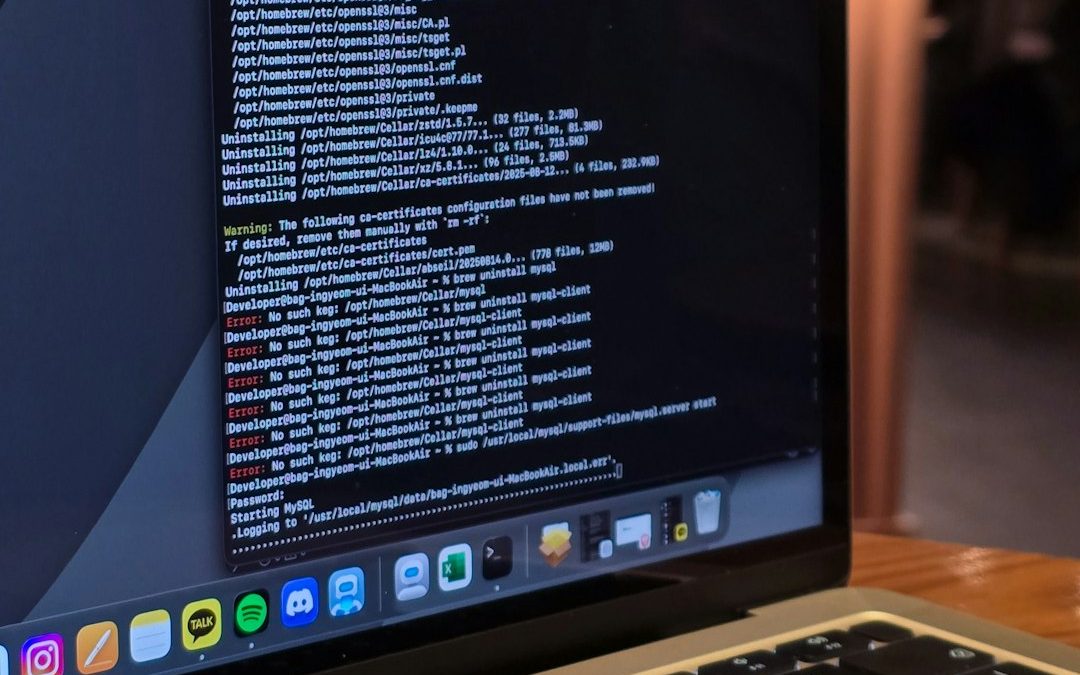

Imagine you are building a tiny pizza shop on the internet. You want to test the menu. You want to click the buttons. You want to see if the “Order Now” page works. But you do not want real customers to see it yet. That is where localhost comes in. It is like a private playground for developers.
TLDR: Localhost means “this computer.” Developers use it to run websites and APIs on their own machine before putting them online. It is safe, fast, and private. When you see an address like http://localhost:3000, it usually means a project is running locally for testing.
What Is Localhost?
Localhost is a special name for your own computer.
Yes. That is it.
When a developer types localhost into a browser, the computer is not going out to the big internet. It is looking at itself. It is saying, “Hey me, do you have a website running here?”
This sounds strange at first. But it is very useful.
Think of your computer like a small restaurant kitchen. Before serving food to customers, the chef tests the recipe. The chef tastes the sauce. The chef checks the oven. Localhost is that kitchen. It lets developers test things before the world sees them.

Why Do Developers Use Localhost?
Developers use localhost because building websites can be messy.
Buttons break. Images vanish. Forms refuse to submit. APIs get grumpy. A page may look perfect one minute and explode the next.
It is better for these problems to happen on a private computer than on a live website.
Localhost helps developers:
- Test safely before real users visit.
- Work faster because files are on the same computer.
- Fix bugs without public embarrassment.
- Build offline in many cases.
- Try wild ideas without risk.
It is like a rehearsal stage. The actors can forget lines. The lights can break. The dragon costume can fall over. No audience has to know.
What Does 127.0.0.1 Mean?
You may see this number: 127.0.0.1.
It looks like a secret robot code. But it is simple.
127.0.0.1 is the most common numeric address for localhost. It points back to your own computer.
So these two addresses often mean the same thing:
- http://localhost
- http://127.0.0.1
Both tell your computer, “Please talk to yourself.”
Computers are very good at this. Humans doing it in public may seem odd. Computers get a pass.
What Is a Port?
Now let us add one more small idea.
You may see addresses like these:
- http://localhost:3000
- http://localhost:5000
- http://127.0.0.1:8000
The number after the colon is called a port.
A port is like a door on your computer. Different apps can use different doors.
For example:
- A website project might use port 3000.
- An API might use port 5000.
- A database tool might use port 8080.
Your computer can run many things at once. Ports help keep them separate.
Imagine an apartment building. The building is your computer. Each apartment number is a port. Localhost gets you to the building. The port gets you to the right apartment.

How Does a Local Website Work?
A website needs files. These can include HTML, CSS, JavaScript, images, and more.
But for many modern websites, the browser also needs a small program called a local server.
A server is just a program that listens for requests and sends responses.
On the real internet, servers often live in giant data centers. They sit in racks. They blink. They hum. They have important jobs.
On localhost, the server lives on your own computer.
Here is the simple flow:
- A developer starts a local server.
- The server runs on a port, like 3000.
- The developer opens http://localhost:3000.
- The browser asks the local server for a page.
- The server sends the page back.
- The developer tests the website.
That is the magic. It is not spooky magic. It is more like a toaster. You press a button. Something happens. Great.
What About APIs?
Websites are not the only things developers test on localhost.
They also test APIs.
An API is a way for programs to talk to each other. It is like a waiter in a restaurant.
You ask for something. The waiter takes the request to the kitchen. The kitchen sends back food. The waiter brings it to you.
An API works in a similar way.
A website might ask an API:
- “Can I have a list of products?”
- “Can you save this new user?”
- “Is this password correct?”
- “What is the weather today?”
The API sends back data. Often, that data is in a format called JSON. JSON looks like neat little labels and values.
For example:
{
  "name": "Milo",
  "favoriteSnack": "cookies",
  "isHappy": true
}
Developers can run APIs on localhost too. One API might live at http://localhost:5000. A website might live at http://localhost:3000. Then the website can talk to the API.
This is very common. It lets developers build the front end and back end together.
Front End and Back End, Without the Headache
You may hear developers say front end and back end.
The front end is what users see. Buttons. Text. Images. Menus. Forms. Fancy animations. Maybe a dancing cat, if the team is brave.
The back end is the part behind the scenes. It handles data, accounts, payments, permissions, and other serious stuff.
Localhost helps both sides.
- The front end can run in the browser.
- The back end can run as a local API.
- A local database can store test data.
- Everything can be tested before launch.
This is like building a theme park model on a table. You can test the roller coaster before people ride it. Very wise. Very good for everyone’s eyebrows.
Is Localhost on the Internet?
Usually, no.
Localhost is private to your own computer. Other people cannot normally visit your localhost from their own computer.
If you run a site at http://localhost:3000, your friend cannot open that address on their laptop and see your site. Their laptop will look at itself. It will ask, “Do I have something on port 3000?”
If the answer is no, nothing loads.
This is because localhost always means the current machine.
To share your work, you need to deploy it to a real server, use a hosting service, or use a special sharing tool. But for daily development, localhost is perfect.
Common Localhost Tools
Different projects use different tools. But the idea is the same.
Here are some common examples:
- Node.js can run JavaScript servers.
- React, Vue, and Angular often use local dev servers.
- Python can run simple local web servers and APIs.
- PHP tools can run local websites.
- Docker can run local containers for apps, APIs, and databases.
A developer might type a command like:
npm run devThen the terminal may say:
Local: http://localhost:3000That is an invitation. The developer opens the link and starts testing.

What Can Go Wrong?
Localhost is friendly. But it can still be annoying.
Here are common problems:
- The server is not running. The browser has nothing to connect to.
- The wrong port is used. The app may be on 3000, not 5000.
- Another app is using the port. Two apps may fight over the same door.
- A firewall blocks something. Security tools can get cautious.
- The API address is wrong. One tiny typo can ruin the party.
The error messages can look scary. But the fix is often simple. Start the server. Check the port. Read the terminal. Take a deep breath. Maybe have a snack.
Localhost Is Not the Same as Live
A site can work on localhost and still break online.
Why? Because the live world is different.
On a live server, there may be different settings. Different file paths. Different security rules. Different database passwords. Different weather. Well, maybe not weather. But you get the idea.
That is why developers test in stages.
- Localhost for early building.
- Staging for a more realistic test site.
- Production for the real public website.
Production is the big stage. Localhost is the practice room.
Is Localhost Safe?
In general, yes. Localhost is one of the safest places to test code.
But developers still need good habits.
- Do not use real customer data if you do not need it.
- Do not store secret keys in public code.
- Do not assume local code is perfect.
- Do not ignore security just because it is “only local.”
Localhost is private. But mistakes can travel when code is published. A tiny local shortcut can become a big live problem later.
A Tiny Example
Let us say Mia is building a cupcake website.
She starts her project. Her computer runs a local server. The terminal says:
http://localhost:3000Mia opens it. She sees her homepage. There is a cupcake button. She clicks it. The button asks a local API for cupcake flavors.
The API runs here:
http://localhost:5000The API sends back:
["vanilla", "chocolate", "strawberry"]Mia smiles. Then she notices “strawberry” is spelled wrong in the design. She fixes it. She refreshes the page. It works.
No customers saw the mistake. No one cried. The cupcakes are safe.
Why Beginners Should Love Localhost
Localhost may sound technical. But it is really just a helpful idea.
It gives you a private place to learn. You can break things. You can fix them. You can try again.
That is how coding works.
No developer writes perfect code every time. Not even the ones with fancy keyboards and three monitors. Everyone tests. Everyone refreshes. Everyone mutters at their screen sometimes.
Localhost is where many skills are built.
Final Thought
Localhost means your own computer. It lets developers run websites, APIs, and tools without putting them on the public internet.
It is private. It is fast. It is great for testing.
When you see localhost, do not panic. Just imagine your computer wearing a tiny hard hat, building a website in its own little workshop.
And if something breaks, that is okay. You are only on localhost. The audience has not arrived yet.


Data Enrichment Best Practices: Clay vs. Apollo.io for Improving CRM Accuracy
Clay is usually the better choice for CRM accuracy when a team needs flexible enrichment, custom workflows, and cleaner account…