


Use Uizard when you need a believable product concept today, and use Figma when the design must survive real production. That is the cleanest split. AI UI generators are great at turning vague ideas into screens fast. Traditional UI design tools are better when teams need control, consistency, accessibility, and developer-ready specs.
TLDR: Uizard is stronger for quick concepting, founder demos, early user tests, and wireframes made from prompts or sketches. Figma is stronger for polished product design, design systems, collaboration, and handoff to engineering. For example, a startup team could use Uizard to create a five-screen onboarding flow in 20 minutes, then rebuild the winning version in Figma for a launch-ready prototype. In many early workshops, that can cut first-draft design time by 50% or more, but final refinement still takes human design judgment.
AI UI generators versus traditional UI design
AI UI generators like Uizard promise speed. You type a prompt, upload a sketch, or describe an app idea, and the tool produces screens. The result is not magic, but it is useful. It gets rid of the cold-start problem.
Traditional tools like Figma work differently. They give designers a blank canvas, precise controls, reusable components, auto layout, shared libraries, and collaboration tools. The output depends more on the designer’s skill than on the prompt.
That difference matters. Uizard helps you answer, “What could this product look like?” Figma helps you answer, “How should this product actually work, scale, and ship?”
Where Uizard wins
Uizard shines when speed matters more than precision. It is useful for founders, product managers, marketers, students, and non-designers who need to explain an interface idea quickly.
You can create app screens from text prompts such as, “Create a mobile budgeting app dashboard with spending categories and a savings goal card.” Uizard will generate a rough interface with sections, buttons, placeholder copy, and visual style. Is it perfect? No. Is it better than a meeting full of people waving their hands and saying “something like Airbnb but for tutors”? Absolutely.
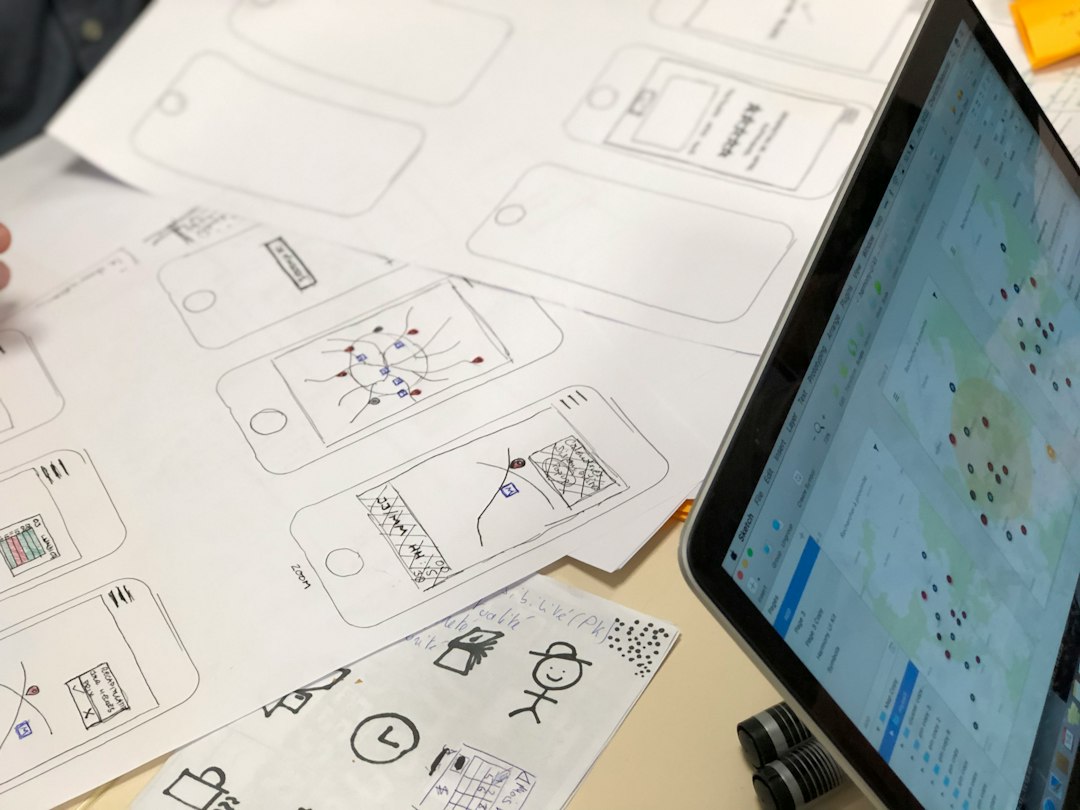
Uizard also supports sketch-to-design workflows. Draw a rough login page on paper, upload it, and the tool turns it into a digital wireframe. This is handy in workshops where ideas move faster than anyone can polish them.
- Best for: first drafts, workshops, MVP concepts, pitch decks, low-fidelity prototypes.
- Main strength: speed from idea to screen.
- Main weakness: limited control over fine details.
The catch is that AI-generated screens often feel slightly generic. Buttons may look fine, but spacing can feel off. Copy may be bland. Layouts may copy safe patterns without understanding the product’s real business goal. Expect to spend time cleaning up strange hierarchy choices, such as a secondary button that looks more important than the primary action.
Where Figma wins
Figma is still the stronger tool for serious product design. It gives teams granular control over spacing, typography, color, interactions, variants, constraints, and responsive behavior. If Uizard is a sketch assistant, Figma is the production studio.
Designers use Figma to build systems, not just screens. A button is not just a rectangle with text. It has states, sizes, variants, accessibility rules, and usage guidelines. A navigation bar is not just a component. It must work across pages, devices, and product updates.
Figma also handles collaboration well. Designers, product managers, developers, writers, and stakeholders can comment in one place. Teams can inspect specs, export assets, test prototypes, and maintain shared libraries. That matters when ten people need to agree on one checkout flow.
- Best for: high-fidelity design, design systems, product teams, developer handoff.
- Main strength: control and team collaboration.
- Main weakness: slower start if you do not already know design basics.
Honestly, it feels like Figma can punish messy thinking. If your product flow is unclear, the canvas will show it. But that is also the point. Figma forces better decisions because every state, screen, and interaction has to be shaped with intent.
Rapid product design: a practical comparison
For rapid design, the winner depends on what “rapid” means. If rapid means getting a rough idea on screen, Uizard wins. If rapid means getting a reliable interface ready for engineering, Figma wins.
| Category | Uizard | Figma |
|---|---|---|
| Speed to first draft | Very fast | Moderate |
| Visual control | Limited | High |
| Best user | Founder, PM, non-designer | Designer, product team |
| Design system support | Basic | Strong |
| Developer handoff | Light | Strong |
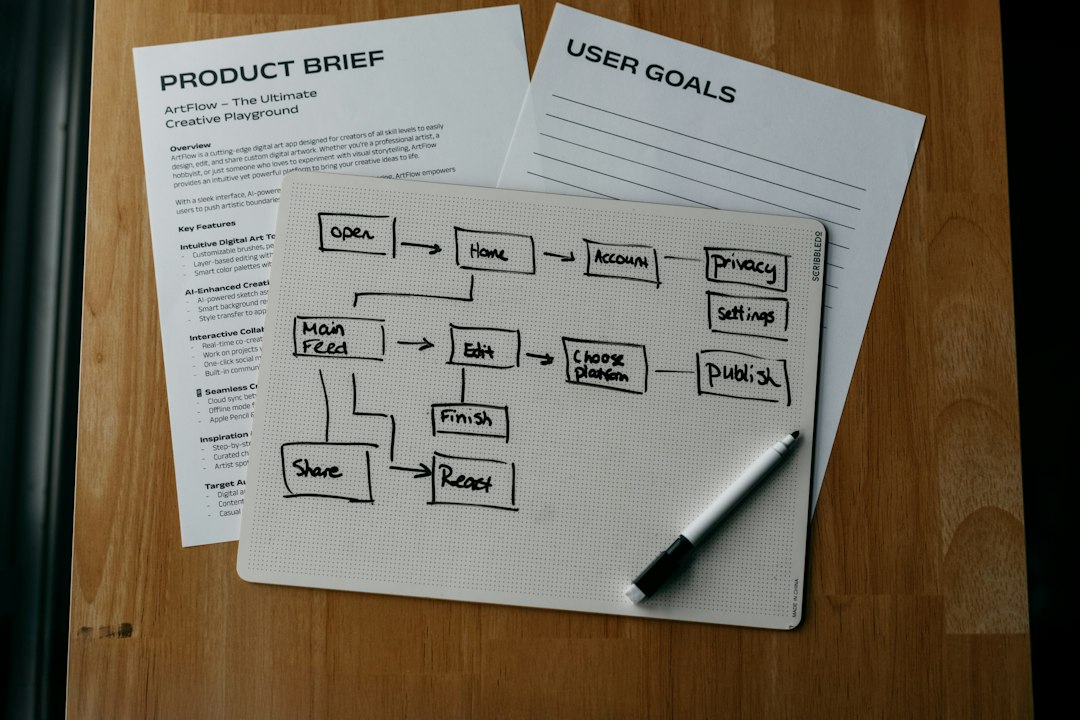
A common workflow works like this: start in Uizard, test the idea, then move to Figma. That gives you speed without sacrificing quality. For example, a product manager can generate three dashboard concepts in Uizard before lunch. The team can pick one direction, then a designer can rebuild it in Figma with proper components, spacing, and interaction states.
Quality: why AI still needs a designer
AI UI generators are improving quickly, but they still struggle with product logic. They can make a screen that looks plausible. They do not always know why one action matters more than another.
Consider a healthcare appointment app. An AI tool may generate a neat home screen with appointment cards, doctor photos, and a search bar. Looks good. But a designer will ask sharper questions. What if the appointment is urgent? What if the user has vision issues? What if cancellation has a fee? What if the user needs language support?
Those details change the interface. They affect trust. They affect conversion. They affect safety.
Figma does not solve those questions by itself either. But it gives designers the room to work through them properly. Uizard can give you a starting point. Figma helps you turn that starting point into a product experience that feels considered.
When to choose Uizard
Choose Uizard if your goal is speed, clarity, or early validation. It is especially useful before you have a full design team. It helps teams stop debating abstract ideas and react to something visible.
- You need a quick prototype for a pitch.
- You want to test three app concepts with users.
- You are a founder without design skills.
- You need workshop output within one session.
- You want to convert rough sketches into editable screens.
Uizard is less ideal when you need pixel-level control, strong brand expression, or complex interaction design. It can get you close, but “close” is not always enough for a real product launch.
When to choose Figma
Choose Figma when the design must scale. If your team has engineers, brand rules, accessibility needs, and product states to manage, Figma is the safer choice.
- You need a high-fidelity prototype.
- You are building a design system.
- You need reusable components and variants.
- You need clean developer handoff.
- You care about responsive layouts and edge cases.
Figma also becomes more valuable as the product grows. A simple app may start with ten screens. Six months later, it may have fifty screens, five user roles, and multiple settings pages. Without structure, design files become a mess. Figma gives teams better tools to keep order.
The smartest workflow is not either or
The best rapid product design workflow often uses both tools. Use Uizard for exploration. Use Figma for execution.
A lean team might run this process:
- Prompt in Uizard: generate two or three interface directions.
- Review fast: pick the strongest structure, not the prettiest colors.
- Test early: show users a clickable rough flow.
- Rebuild in Figma: apply brand, components, accessibility, and real content.
- Hand off: prepare specs, states, and notes for developers.
This keeps the messy early phase cheap. It also keeps the final product from looking like an AI template with a logo pasted on top.
Final verdict
Uizard is faster at the start. Figma is stronger at the finish. That is the practical answer for rapid product design.
If you are exploring an idea, pitching an MVP, or trying to align a team in one afternoon, Uizard can save serious time. If you are designing a real product that users will depend on, Figma gives you the control and structure needed to ship with confidence.
AI UI generators are not replacing traditional UI design. They are changing where design begins. The blank canvas is no longer the only starting point. But the final product still needs taste, judgment, and craft.


WP Clone: Duplicator vs WPvivid for Cloning WordPress Websites
Pick Duplicator for a clean one-off move, and pick WPvivid if you want regular cloning, backups, and staging. That is…