
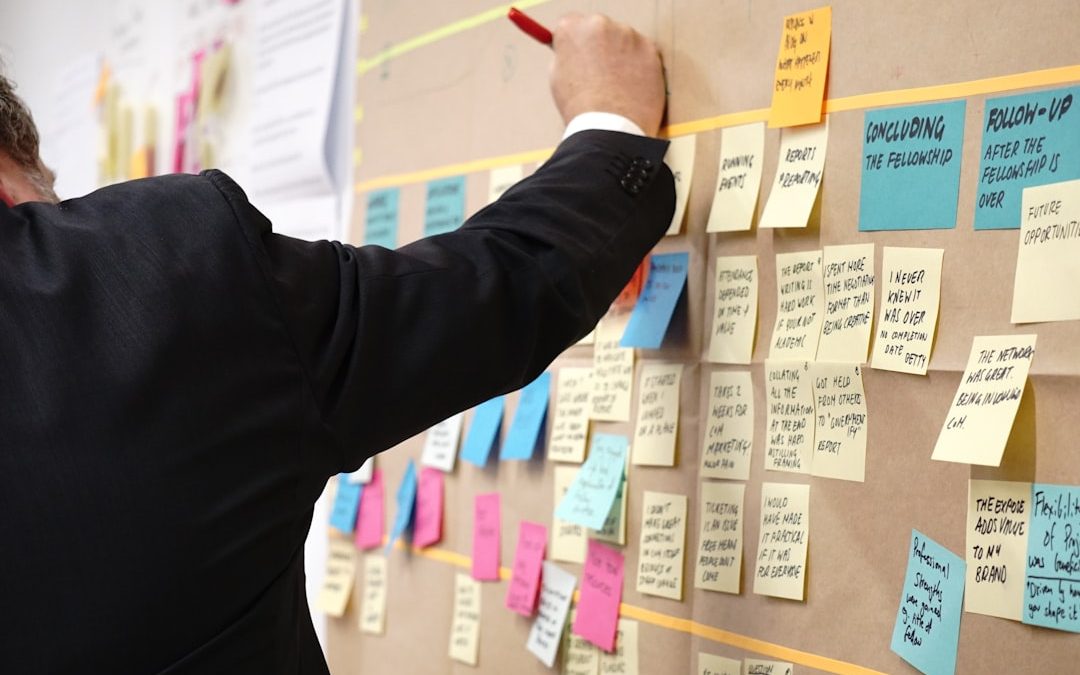

Figma fits collaborative product design better for most teams, while Paper works best for early thinking, rough sketches, and lightweight alignment. Product teams that need shared components, clickable prototypes, comments, handoff, and version history usually get more value from Figma. Paper still earns its place when a team needs speed, messy ideas, and zero setup before anyone worries about pixels.
TLDR: A product team should use Paper for quick concept work and Figma for shared interface design, prototyping, and developer handoff. For example, a five-person startup might spend 30 minutes sketching three onboarding flows on Paper, then move the winning flow into Figma for testing. In many teams, rough sketching can cut early meeting time by 20% to 30%, while Figma can reduce design handoff confusion because comments, specs, and components live in one file. The best setup is not Paper or Figma, but Paper before Figma.
What Paper Does Well
Paper is fast because it asks for almost nothing. A designer can draw a screen, cross it out, and redraw it in seconds. A product manager can sketch a user journey during a call. An engineer can mark edge cases in the margin without opening a design system file.
This low friction matters. Early product work is often vague. The team may not know the user goal, the core flow, or even the right feature shape. Paper helps people stay loose. Nobody gets too attached to a polished button or a perfect card layout.
Paper also creates better conversations in some meetings. When a sketch looks rough, people feel allowed to challenge it. They ask, “Why does this step exist?” or “Can this screen be removed?” That is harder when a design already looks finished.
- Best for: brainstorming, early flows, workshop notes, rough wireframes, story mapping.
- Weak for: exact spacing, reusable UI, async feedback, responsive layouts, developer handoff.
- Biggest strength: speed and low pressure.
Where Paper Starts to Break
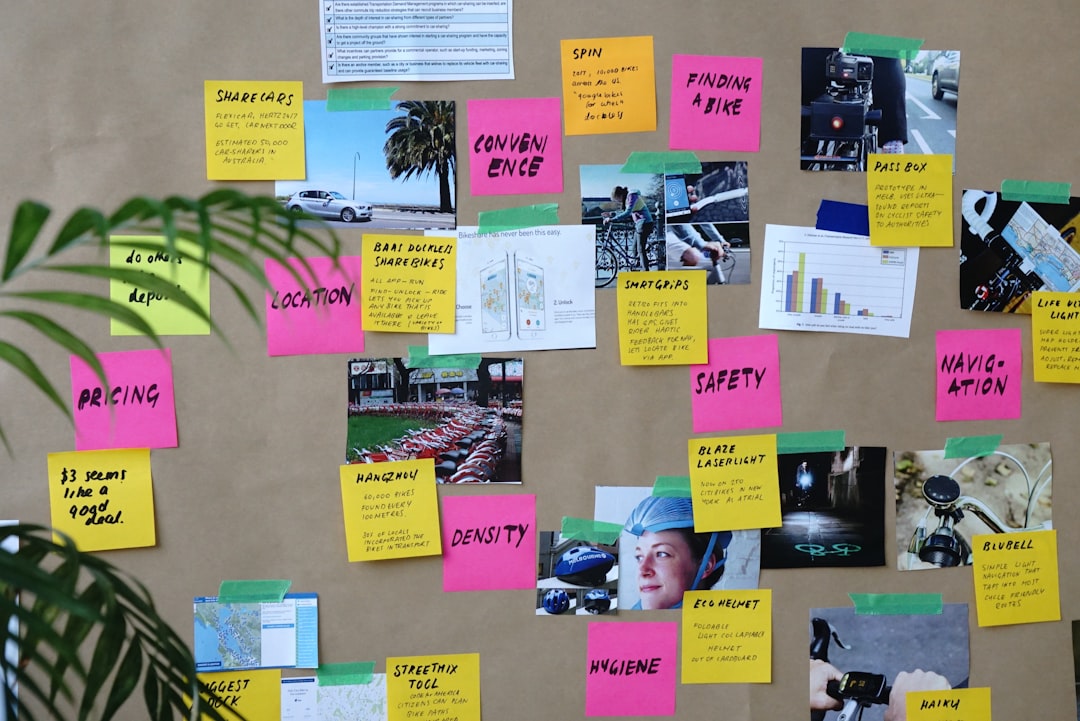
Paper gets messy once the team grows or the work becomes detailed. Photos of sketches end up in chat threads. Comments get split across email, task tools, and meeting notes. Someone redraws an older version by mistake. Honestly, it feels like the design is hiding in five places at once.
Remote work makes this worse. A whiteboard sketch may be clear to the people in the room, but useless to someone who joins later. A photographed notebook page can miss tiny labels. A quick arrow can mean three different things.
Paper also fails when teams need precision. Product design often reaches a point where spacing, states, error messages, accessibility, and responsive behavior matter. Paper can suggest those things, but it cannot manage them well. It cannot show a real hover state. It cannot test a clickable prototype with users. It cannot keep a button style consistent across 60 screens.
What Figma Does Well
Figma is built for collaborative interface design. Multiple people can work in the same file at the same time. Designers can build with shared components. Product managers can comment directly on a screen. Engineers can inspect spacing, colors, and assets without asking for a separate export.
This is where Figma starts to pull away from Paper. It keeps the work visible. A team can see the latest version, compare changes, and connect designs to user flows. Prototypes can be shared with stakeholders or test participants through a single link.
Figma also supports design systems. A team can create buttons, inputs, modals, tabs, navigation bars, and tokens that stay consistent across a product. When a component changes, it can update across many screens. That saves time and reduces visual drift.
- Best for: UI design, clickable prototypes, design systems, async collaboration, design reviews, handoff.
- Weak for: totally raw thinking, quick throwaway ideas, teams that over-polish too early.
- Biggest strength: one shared space for design work.

Where Figma Can Annoy Teams
Figma is powerful, but it is not magic. New users can lose time just trying to select the right nested layer. A simple text edit can take 20 seconds longer than expected when auto layout, variants, and component rules get involved. That sounds small, until it happens all day.
Figma can also make rough ideas look too final. A clean frame with polished type can trick stakeholders into debating colors instead of user needs. Teams may spend an hour adjusting spacing before proving that the workflow makes sense. That is expensive polish.
File clutter is another common pain. Large product files can become hard to scan. Pages multiply. Components get duplicated. Old flows sit beside current flows with vague labels like “Final,” “Final 2,” and “New final.” It drives people a bit mad when the team needs ten minutes just to find the approved checkout screen.
Collaboration: Paper vs Figma
Paper favors live collaboration. It shines in workshops, kickoff sessions, and quick problem framing. People talk, sketch, react, and move on. It is social and immediate.
Figma favors both live and async collaboration. Someone can leave comments across time zones. A designer can resolve feedback. A developer can inspect specs later. A product lead can review a prototype before a meeting. This makes Figma stronger for distributed teams.
The main difference is memory. Paper needs someone to capture and organize the outcome. Figma stores the outcome inside the design file. That helps teams avoid repeated debates.
Speed: Which One Is Faster?
Paper is faster at the start. Figma is faster later.
For a new idea, Paper wins. It takes seconds to sketch five variations. No frames. No grids. No component library. No naming rules.
For a real product flow, Figma catches up quickly. Once a team has components, styles, and templates, it can build screens with speed and consistency. A checkout flow, settings panel, or dashboard can be assembled faster than it can be redrawn from scratch.
Best Workflow: Use Paper First, Then Figma
The strongest product teams often pair both tools. They start with Paper to clarify the problem. Then they move into Figma to test, refine, and ship the interface.
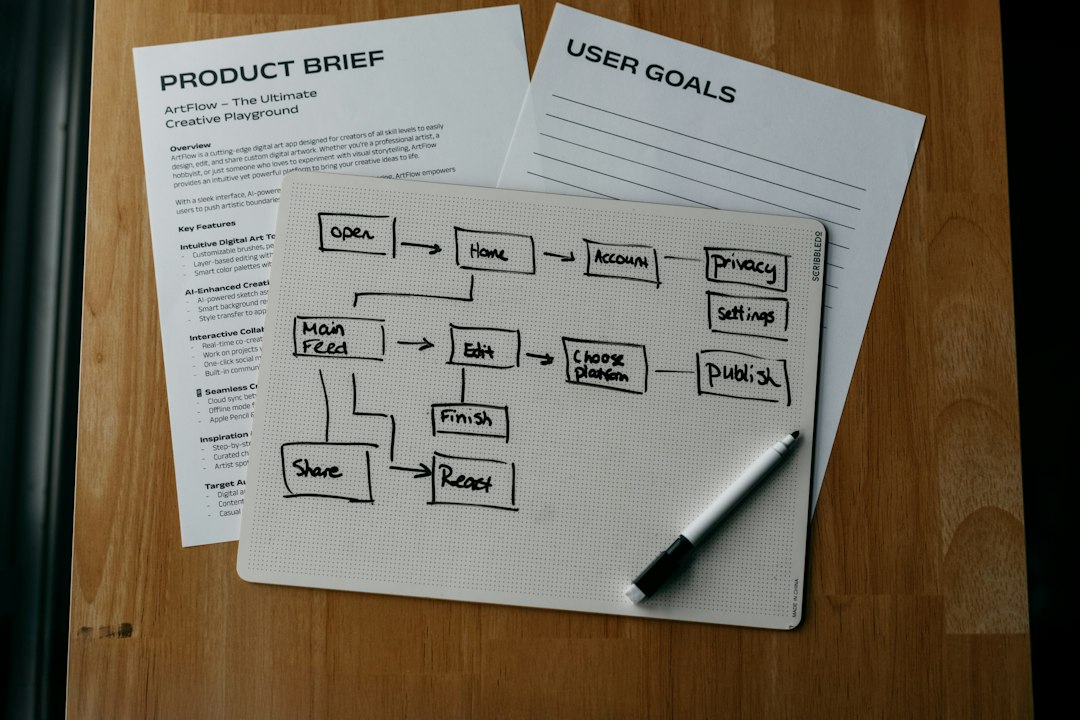
- Frame the problem on Paper: user goal, pain point, core job, constraints.
- Sketch three to five rough options: avoid judging too early.
- Pick one or two promising flows: remove weak ideas fast.
- Rebuild in Figma: use components and realistic content.
- Prototype and test: collect feedback on the actual flow.
- Prepare handoff: clean specs, comments, and states for engineering.
Which Tool Fits Which Team?
Small teams should use Paper to move fast during discovery, then Figma for anything users or developers need to see. This keeps planning cheap and design execution clear.
Remote teams should rely more on Figma. Comments, version history, prototypes, and shared files matter more when people are not in the same room.
Enterprise teams usually need Figma for governance. Design systems, permissions, libraries, and handoff workflows become critical at scale.
Early-stage founders can begin with Paper if no designer is involved yet. Once the product needs user testing or investor-ready flows, Figma becomes the better choice.
Final Verdict
Paper is best for thinking. Figma is best for building shared product design. Paper helps a team avoid premature polish. Figma helps a team turn ideas into prototypes, systems, and production-ready screens.
The practical answer is simple. A team should start with Paper when the idea is unclear, then shift to Figma when the flow needs feedback, testing, or handoff. Used together, they reduce waste and keep collaboration clear.
FAQ
Is Paper better than Figma for brainstorming?
Yes. Paper is usually better for quick brainstorming because it is faster, looser, and less formal. It helps teams explore ideas without getting stuck on visual details.
Is Figma better for remote product teams?
Yes. Figma is stronger for remote teams because it supports comments, shared files, prototypes, and design review in one place.
Can Paper replace Figma?
No, not for full product design. Paper can support early ideation, but it cannot replace Figma for UI systems, clickable prototypes, precise layouts, and developer handoff.
When should a team move from Paper to Figma?
A team should move to Figma once the core flow is agreed upon and the design needs structure, testing, or feedback from people outside the initial workshop.
What is the best choice for startups?
Startups should use both. Paper helps them test ideas cheaply. Figma helps them create prototypes, align stakeholders, and prepare designs for development.

WP Clone: Duplicator vs WPvivid for Cloning WordPress Websites
Pick Duplicator for a clean one-off move, and pick WPvivid if you want regular cloning, backups, and staging. That is…