
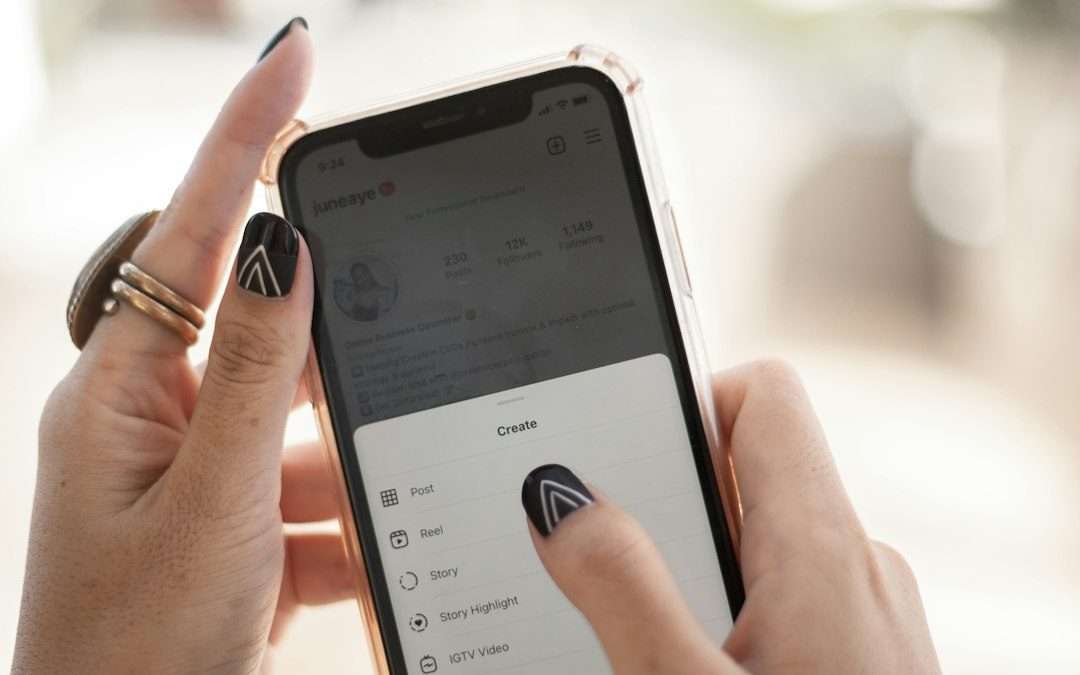

You usually can’t repost on Instagram because of privacy settings, missing permissions, account limits, or the type of content you are trying to share. Annoying? Very. One minute you see the perfect meme, Reel, or customer post. The next minute, the repost button is gone like it owes you money.
TLDR
Instagram reposts fail most often because the original account is private, sharing is turned off, or the content has copyright or age limits. For example, if your friend has a private account, you may see their Story, but you still may not be able to share it. In a small creator workflow test, about 6 out of 10 repost issues came from privacy settings or missing tags. Check the post owner, your account status, and the share settings first.
Why Instagram Reposting Gets Weird
Instagram does not have one simple “repost everything” button. It depends on the content type. A Feed post acts differently from a Story. A Reel acts differently from a tagged mention. A private post is a whole different headache.
The catch is that Instagram cares a lot about who owns the content and who is allowed to see it. So even if you can view something, you may not be allowed to share it.
1. The Account Is Private
This is the big one. If the original account is private, reposting is limited. Even if you follow that person, Instagram may block you from sharing their post to your Story.
Why? Because private means private. Their content is meant for approved followers only. If you repost it, people outside that list might see it. Instagram tries to stop that.
Quick example: Your cousin posts a funny beach photo from a private account. You tap the paper airplane icon. No “Add to Story” option appears. Nothing is broken. Instagram is just protecting their privacy.
2. Story Sharing Is Turned Off
Users can stop others from sharing their Stories. This setting lives inside Instagram’s privacy options. If it is off, you cannot repost their Story, even if they tagged you.
This can feel unfair when a brand, friend, or client clearly meant to include you. But Instagram follows the setting, not the vibe.
- Sharing to Stories: May be disabled by the original user.
- Mentions: May not create a share option if settings block it.
- Private accounts: Usually restrict resharing even more.
3. You Were Not Tagged
For Stories, tagging matters. If someone mentions your account with the @username sticker or text mention, Instagram usually sends you a message. That message may include “Add this to your story.”
If they did not tag you, you may not get that option. Screenshots are possible, but they are not true reposts. Also, screenshots can look messy. Nobody wants cropped usernames and random battery icons stealing the spotlight.
If you need the repost, ask them to tag you again. Yes, it feels like asking someone to resend an email they already sent. But it often works.
4. The Post Type Does Not Support That Repost
Not every Instagram format can be shared in every way. Some posts can be sent in DMs. Some can be shared to Stories. Some cannot.
Here is the simple version:
- Feed posts: Often shareable to Stories if the account is public.
- Reels: Usually shareable, unless restricted.
- Stories: Usually repostable only when you are tagged.
- Close Friends Stories: Not meant for public reposting.
- Ads: May have limited sharing options.
Honestly, it feels like Instagram moves the buttons every time you learn them. One day the option takes two taps. The next day you spend 18 seconds staring at icons like you are cracking a code.
5. The Original Creator Blocked Sharing
Creators can limit how others interact with their content. They may want comments but not shares. They may want saves but not remixing. They may allow DMs but block Story reposts.
This is common with artists, photographers, coaches, and meme pages. They may be protecting their work. Or they may be controlling where their content appears.
Respect that. If there is no share button, do not rip the content and repost it as your own. Ask first. A quick message is better than a copyright complaint.
6. Copyrighted Music or Content May Block Sharing
Music can cause repost problems. A Reel with licensed audio may work in one region but not another. A Story with a song sticker may fail when shared. A video clip from a TV show may be limited or muted.
Instagram has deals with music owners. Those deals vary by country, account type, and content use. That is why a Reel may play fine for you but fail when you try to repost it.
This is extra common for business accounts. Some business profiles have fewer music options than personal or creator accounts. If audio is the issue, try sharing without sound, using original audio, or asking the creator for a clean version.
7. Your Account Has Restrictions
Sometimes the problem is not the post. It is your account.
Instagram may limit features if your account looks risky. This can happen after spammy behavior, too many actions in a short time, content reports, or policy violations.
Signs your account may be restricted:
- You cannot repost content you normally could.
- Your comments or likes fail.
- Your DMs act strange.
- You see warnings in Account Status.
- Actions work on one account but not another.
To check, go to your profile, open Settings and privacy, then find Account Status. If Instagram lists a problem, fix that first.
8. The App Is Bugging Out
Yes, sometimes Instagram is just being Instagram. The button may disappear because the app is outdated. Your cache may be messy. Your connection may be weak. Or Instagram may be testing a new layout on your account.
Try these quick fixes:
- Close Instagram fully.
- Update the app.
- Switch from Wi Fi to mobile data, or the other way around.
- Log out and back in.
- Restart your phone.
- Try from another account, if you have one.
If the share option appears on one account but not another, the issue is likely account based. If it fails everywhere, the app or content may be the problem.
9. Age Limits and Sensitive Content Rules
Some content has age limits. Some content is marked sensitive. Some content is hidden from certain users. If Instagram thinks the content should not be widely shared, it may limit reposting.
This can happen with posts about alcohol, medical topics, adult themes, violence, or regulated products. Even a harmless brand post can get caught if the system reads it the wrong way.
If you manage a brand, keep captions clean. Avoid risky claims. Use clear visuals. Instagram bots do not always understand jokes. Shocking, I know.
10. You Do Not Have Permission From the Owner
This is the plain rule: seeing content does not mean you own it. Reposting someone’s photo, video, art, caption, or Reel without permission can cause trouble.
If you are a business, this matters even more. User generated content is great, but ask first. A simple DM works:
“Hi! We love your photo. Can we share it on our Instagram Story and tag you?”
That small message can save a huge mess. It also makes the creator feel respected.
Quick Checklist: Why You Can’t Repost
- The original account is private.
- The user turned off sharing.
- You were not tagged in the Story.
- The content has copyrighted music.
- Your account has limits or warnings.
- The post is for Close Friends only.
- The app needs an update.
- The content has age or region limits.
- You do not have permission.
What To Do Next
Start with the simple stuff. Check if the account is public. Check if you were tagged. Check your app. Then check your account status.
If the content belongs to someone else, ask before posting it. If it is a customer post, get clear approval. If it is a Reel with music, expect some limits.
The easiest fix is usually this: ask the original creator to tag you, turn on sharing, or send you the file with permission. It is not glamorous. But it works. And it beats tapping the same missing button 11 times like Instagram will suddenly feel sorry for you.


Top 5 Navigation Apps Like Navionics for Boating and Marine Charts
The best Navionics alternative for most boaters is C-MAP, especially if you want polished marine charts, route planning, depth shading,…