
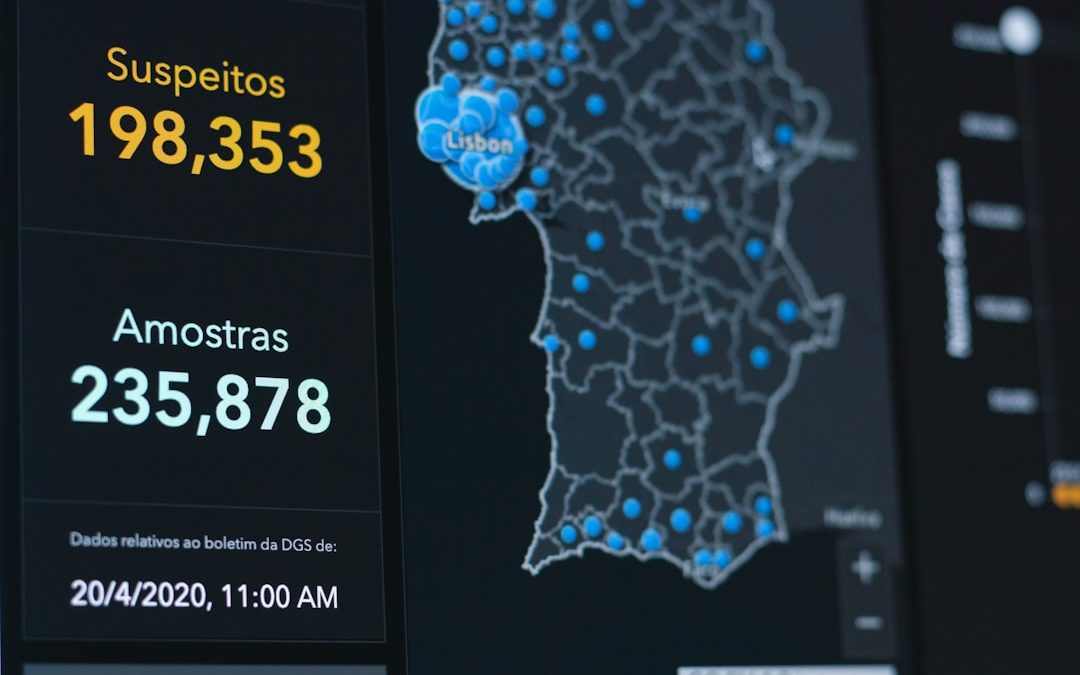

Tasq.ai is built for teams that need clean data for AI projects. Think image labeling, text review, data validation, and human feedback. It helps companies manage tricky tasks without turning the whole process into a spreadsheet jungle.
TLDR: Tasq.ai is a human-in-the-loop platform for data labeling, AI model evaluation, and task operations. Its dashboards help teams track quality, speed, and project progress in one place. For example, a team labeling 50,000 product images could use Tasq.ai to monitor completion rates, reviewer accuracy, and error trends by category. If you want clear reporting and scalable task management, it is worth a close look.
What Is Tasq.ai?
Tasq.ai is a platform that supports AI data work. It connects businesses with tools and managed workforce options for labeling, reviewing, and improving datasets.
In simple words, it helps humans teach machines.
AI models need examples. Lots of them. A self-driving car model needs labeled road images. A shopping search model needs product data. A chatbot needs reviewed answers. Tasq.ai helps organize this work so it does not become chaos.
The platform is useful for teams that need:
- Data annotation for images, text, audio, or video.
- Quality control for AI training data.
- Human feedback for model outputs.
- Project tracking across large task volumes.
- Worker management and performance visibility.
It is not just a labeling tool. It is more like a command center for AI data operations.

Platform Overview
Tasq.ai focuses on making AI data projects easier to run. The platform usually includes task setup, workforce assignment, quality checks, and reporting. That means teams can create a workflow, send tasks to workers, review the results, and measure performance.
The main idea is simple. You define the job. The platform helps get it done.
A typical flow may look like this:
- Upload data, such as images, text, videos, or records.
- Create task rules, including labels, instructions, and examples.
- Assign work to trained reviewers or annotators.
- Check quality with audits, consensus, or expert review.
- Export results for model training or analysis.
This is helpful because AI projects can get messy fast. One small mistake in instructions can create thousands of bad labels. Tasq.ai aims to catch those issues early with better visibility and controls.
Reporting: The Good Stuff
Reporting is one of the most important parts of any data labeling platform. Why? Because no one wants to ask, “Are we done yet?” every five minutes.
Tasq.ai reporting helps teams understand what is happening inside a project. You can look at progress, quality, throughput, and possible bottlenecks. This matters when deadlines are tight and data quality must stay high.
Useful reporting areas may include:
- Task completion rate: How much work is finished.
- Accuracy rate: How often labels pass review.
- Worker performance: Who is fast, careful, or needs support.
- Error types: Where mistakes happen most often.
- Project velocity: How fast the team is moving.
Here is a simple example. Imagine a retail company uses Tasq.ai to label 100,000 fashion images. The dashboard shows that 72% are complete. It also shows that “shoe type” labels have a 94% approval rate, while “fabric type” labels only have 81%. That tells the team exactly where to improve instructions.
That is the magic of reporting. It turns confusion into action.
Dashboards: Simple Control for Busy Teams
A good dashboard should feel like a car dashboard. You do not need every detail at once. You need the speed, fuel, warnings, and direction.
Tasq.ai dashboards are designed to give managers a quick view of project health. Instead of hunting through files, teams can see progress from one screen. This is especially useful for AI teams that manage multiple datasets or labeling projects at the same time.
Dashboards may show:
- Total tasks created
- Tasks completed
- Tasks pending review
- Quality scores
- Average handling time
- Reviewer agreement
The best part is that dashboards help non-technical users too. Product managers, operations leads, and business teams can understand the numbers without needing a data science degree. That is a big win.
Simple dashboards save meetings. And fewer meetings are always a beautiful thing.
Key Features
Tasq.ai has several features that make it useful for AI data projects. The exact setup can depend on the use case, but the core value is clear. It helps teams collect, label, validate, and improve data.
1. Data Annotation
The platform supports structured task work. This can include labeling images, classifying text, reviewing search results, or checking model responses. For computer vision teams, this may mean drawing boxes around objects. For language teams, it may mean ranking chatbot replies.
2. Quality Control
Bad data makes bad AI. Tasq.ai helps reduce this risk with review workflows and quality checks. Teams can use sampling, multiple reviewers, or expert validation. This helps catch mistakes before they reach the model.
3. Workforce Management
Data tasks need people. Tasq.ai helps manage those people. Project owners can track productivity, review accuracy, and spot training needs. If one task type has a high error rate, managers can adjust instructions or retrain workers.
4. Custom Workflows
Not every project is the same. A medical AI project needs different checks than an e-commerce project. Tasq.ai can support custom task flows, rules, and review steps. This makes it flexible for different industries.
5. Human Feedback for AI
Modern AI systems often need human judgment. Was the answer helpful? Was it safe? Did it follow instructions? Tasq.ai can support feedback loops where humans score or rank model outputs. This is useful for improving chatbots, recommendation systems, and generative AI tools.
Who Should Use Tasq.ai?
Tasq.ai is a good fit for teams that care about AI data quality. It is especially useful when projects are too large for manual spreadsheet tracking.
Good users include:
- AI startups building their first training datasets.
- Enterprise AI teams managing complex workflows.
- E-commerce companies cleaning product catalogs.
- Autonomous tech teams labeling visual data.
- Generative AI teams reviewing model outputs.
It may be less useful for very tiny projects. If you only need to label 200 images once, a simpler tool might work. But if you need scale, quality tracking, and reporting, Tasq.ai becomes more interesting.
Pros and Cons
No platform is perfect. Even good tools have trade-offs. Here is a simple view.
Pros
- Clear project visibility through dashboards and reports.
- Strong quality control for AI data work.
- Useful for large datasets and ongoing projects.
- Supports human-in-the-loop workflows.
- Can help reduce manual operations.
Cons
- May be more than needed for small one-time tasks.
- Setup requires planning for instructions and review rules.
- Pricing may depend on project size and service needs.
- Quality still depends on good task design.
That last point matters. A platform can help a lot, but it cannot magically fix unclear instructions. If the task rules are fuzzy, the output will be fuzzy too.

Final Verdict
Tasq.ai is a strong option for teams that need organized, scalable AI data operations. Its reporting and dashboards bring welcome clarity to messy projects. Its features support annotation, quality control, workforce tracking, and human feedback.
The platform is best for teams that want more than basic labeling. It is for teams that need to know what is happening, why it is happening, and how to improve it.
If your AI project feels like a giant puzzle with missing pieces, Tasq.ai can help sort the pieces by color, shape, and quality. That is useful. That is practical. And yes, it may even make data labeling feel a little less boring.
Bottom line: Tasq.ai is worth considering if you need reliable data workflows, clear dashboards, and better reporting for AI training projects.

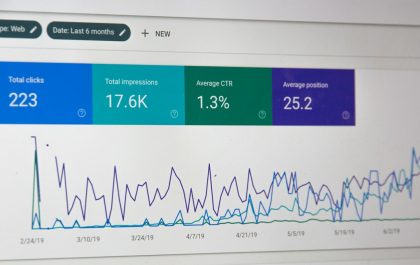
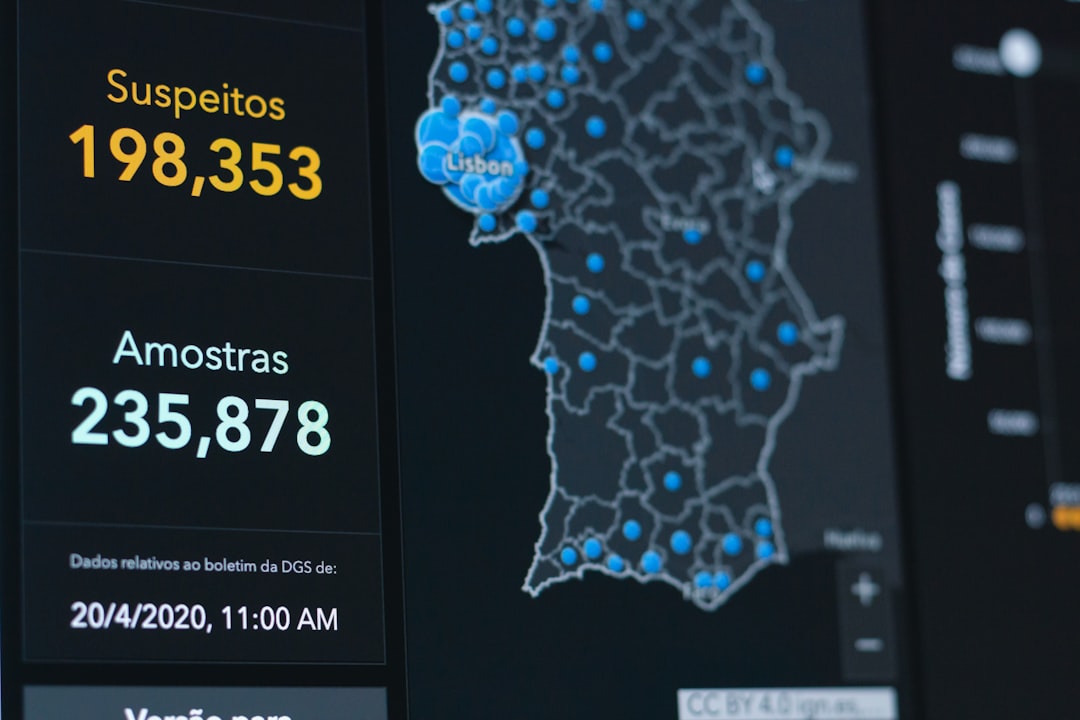
7 SEO News and Update Tracking Tools to Keep Up With Search Algorithm Changes
The safest way to keep up with search algorithm changes is to track official announcements, SERP volatility, rank shifts, and…